
AppRecs review analysis
AppRecs rating 2.5. Trustworthiness 65 out of 100. Review manipulation risk 24 out of 100. Based on a review sample analyzed.
★★☆☆☆
2.5
AppRecs Rating
Ratings breakdown
5 star
59%
4 star
18%
3 star
18%
2 star
0%
1 star
5%
What to know
✓
Low review manipulation risk
24% review manipulation risk
⚠
Mixed user feedback
Average 2.5★ rating suggests room for improvement
About Hangul 10 Key
- To dismiss the keyboard activation guide in launch of Hangul 10 Key, just follow the guide and activate the keyboard.
- To play keyboard sound and cherish additional functions Hangul 10 Key offer, 'Allow Open Access' option should be turned on. Hangul 10 Key NEVER collect users' privacy information with extended authority.
- To remove underline in keyboard characters, open 'Settings' app and navigate to 'General' → 'Accessibility' and turn off 'Button Shapes' option.
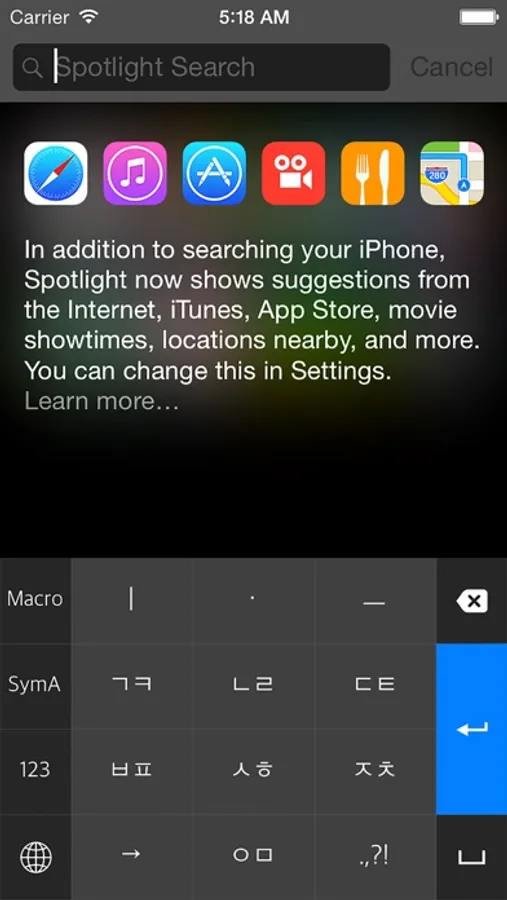
Hangul 10 Key App is a Hangul-typing keyboard that provides easy-to-learn layouts of Hangul language, ChunJiIn, Naratgul, and VEGA, which are widely used in Korea for users. If QWERTY keyboard layout is too hard for you to type Hangul language, then Hangul 10 Key App is right here for you!
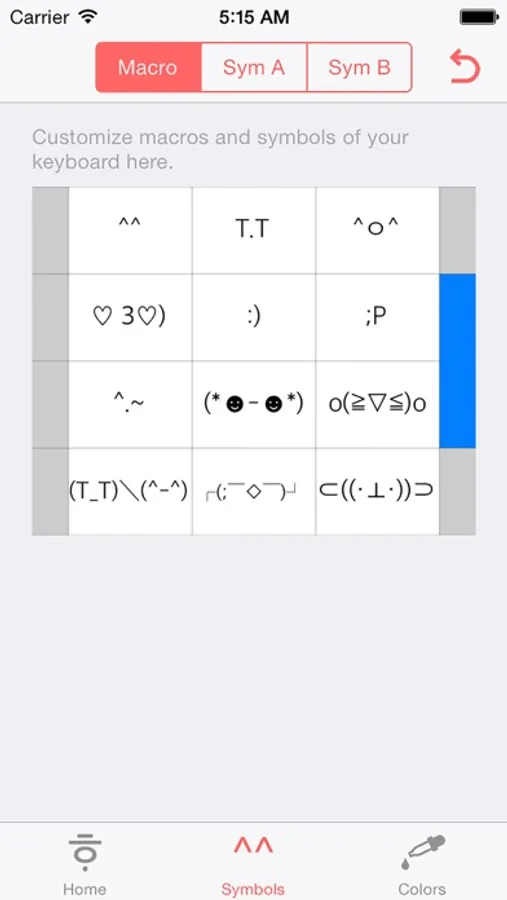
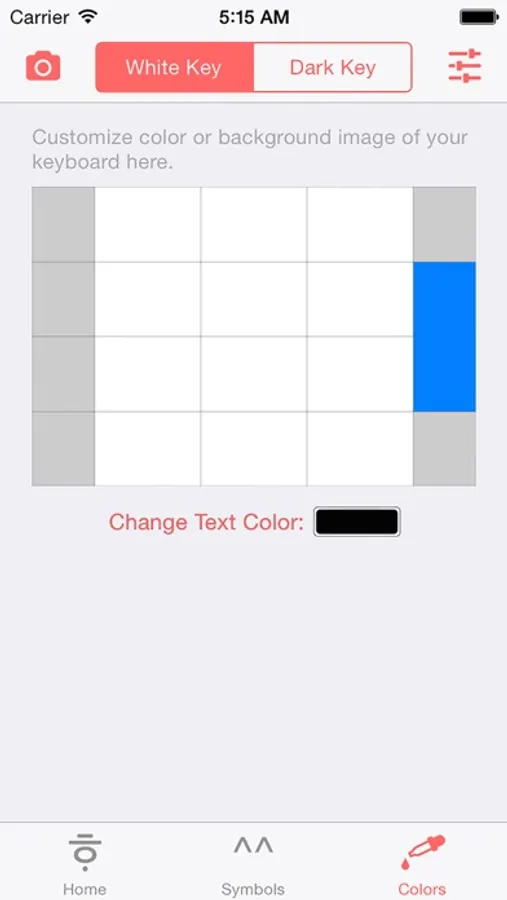
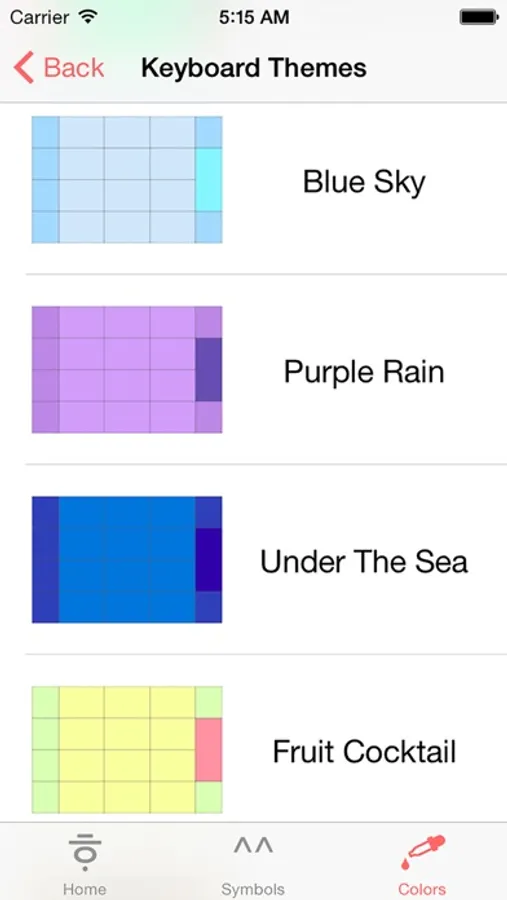
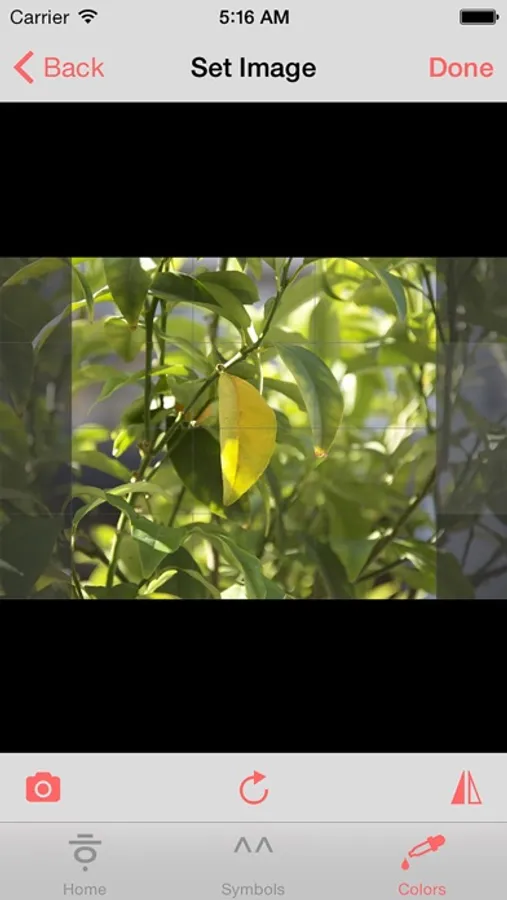
Use Hangul 10 Key App not only for easy-typing, but for user-friendly settings of macros and symbols. You can set any symbols you like, and insert them super fast. You can also change fonts and colors of Hangul 10 Key keyboard, or pick your best photos in your library and set it to background of Hangul 10 Key keyboard!
Privacy Policy: Any private information or any key stroke user has typed are NOT slipped out of iPhone and iPad and transferred to developer. 'Allow All Access' option is essential ONLY for extended features such as customizing keyboard.
- To play keyboard sound and cherish additional functions Hangul 10 Key offer, 'Allow Open Access' option should be turned on. Hangul 10 Key NEVER collect users' privacy information with extended authority.
- To remove underline in keyboard characters, open 'Settings' app and navigate to 'General' → 'Accessibility' and turn off 'Button Shapes' option.
Hangul 10 Key App is a Hangul-typing keyboard that provides easy-to-learn layouts of Hangul language, ChunJiIn, Naratgul, and VEGA, which are widely used in Korea for users. If QWERTY keyboard layout is too hard for you to type Hangul language, then Hangul 10 Key App is right here for you!
Use Hangul 10 Key App not only for easy-typing, but for user-friendly settings of macros and symbols. You can set any symbols you like, and insert them super fast. You can also change fonts and colors of Hangul 10 Key keyboard, or pick your best photos in your library and set it to background of Hangul 10 Key keyboard!
Privacy Policy: Any private information or any key stroke user has typed are NOT slipped out of iPhone and iPad and transferred to developer. 'Allow All Access' option is essential ONLY for extended features such as customizing keyboard.
Hangul 10 Key Screenshots
Tap to Rate:
Reviews for Hangul 10 Key
BlenderBeetle
Works fine
The app works as expected. It lost a star for the directions of installation being broken. To install: Install the app Go to your keyboard settings Add a new language The keyboard should show up as an option near the top.
xxxwalkerxxx
'How to setup' shows nothing.
So how to install this keyboard?






![[돋보기] icon](https://apprecs.org/ios/img/icons/webp/150/6451011017/byVYAgmYSj6ppEjYu72hH9bPKMyCtRNJDhY5vHdpZpU-icon)