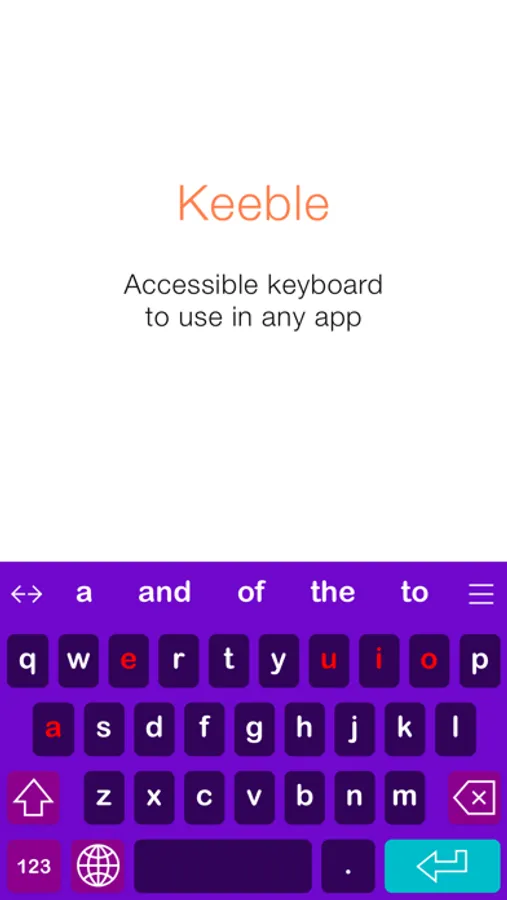
With this iOS keyboard, you can type in nearly any app using features like word prediction and auditory feedback. Includes customizable layouts, language support, and accessibility options for motor and vision challenges.
AppRecs review analysis
AppRecs rating 3.9. Trustworthiness 77 out of 100. Review manipulation risk 22 out of 100. Based on a review sample analyzed.
★★★☆☆
3.9
AppRecs Rating
Ratings breakdown
5 star
38%
4 star
8%
3 star
31%
2 star
0%
1 star
23%
What to know
✓
Low review manipulation risk
22% review manipulation risk
✓
Credible reviews
77% trustworthiness score from analyzed reviews
About Keeble
Keeble is currently available in English, French, Spanish, Dutch, German, Italian, Swedish, Norwegian, Danish, Czech and Polish. The keyboard also offers optimized layouts for simplified, advanced and scanning keyboards.
Alternative access
- Prevent accidental selections with Timing options
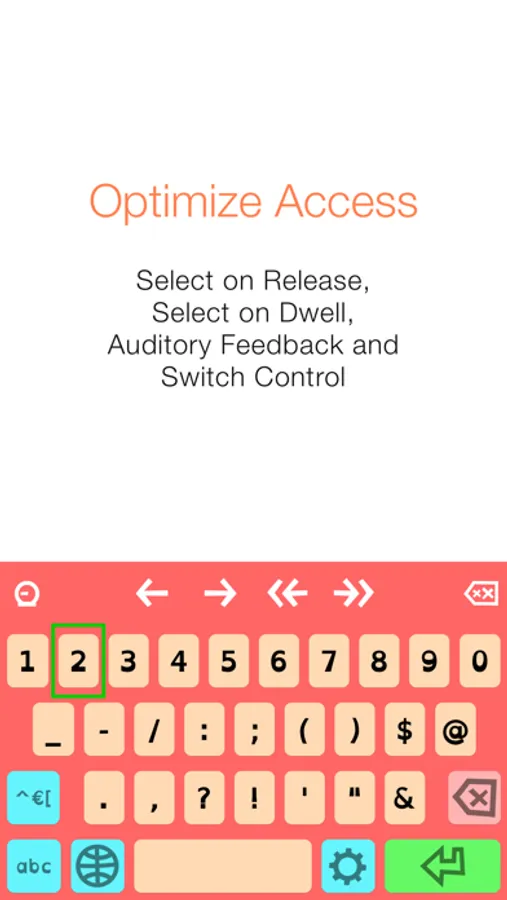
- Compensate for motor challenges with Select on Release or Select on Dwell
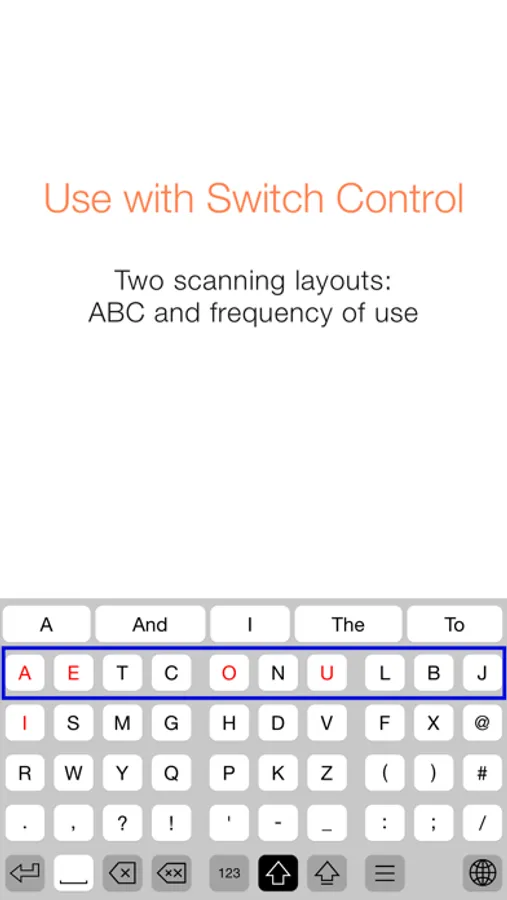
- Use scanning-optimized keyboards with Switch Control: ABC and frequency of use
Auditory feedback
- Turn on keyboard clicks
- Use spoken cues as you move your finger across the keyboard
- Hear each key, word or sentence you type with Speak as you Type
Self-learning word prediction
- Choose between word completion, next-word prediction or multi-word prediction
- Configure the number of suggestions and suggestion order
- Adjust the size of the prediction bar to your needs
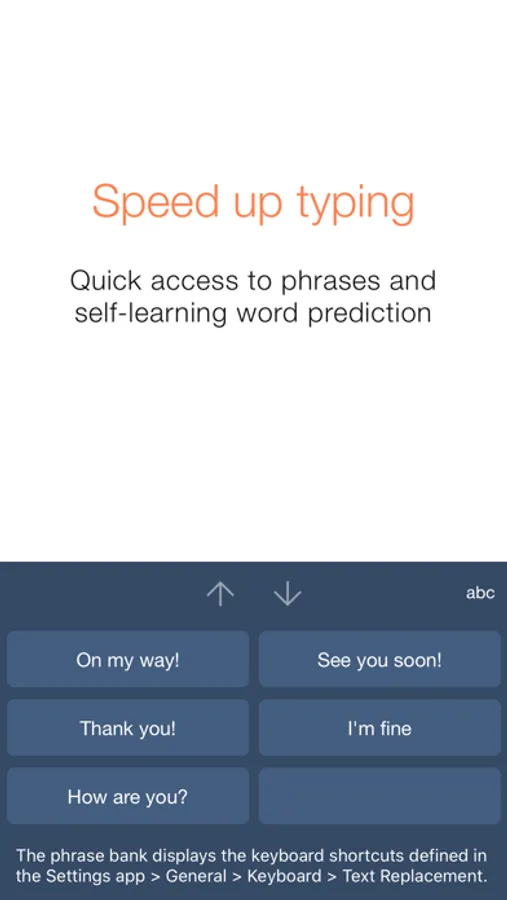
Speed up typing
- Benefit from the phrase bank providing quick access to your iOS keyboard shortcuts
- Use the cursor keys to navigate through text quickly
- Turn Auto-Capitalization and Auto-Spacing ON or OFF
Optimize for different users
- Use with beginning readers and select lowercase key labels, ABC layout and colored vowels
- Customize for adults by allowing access to all characters and selecting QWERTY layout
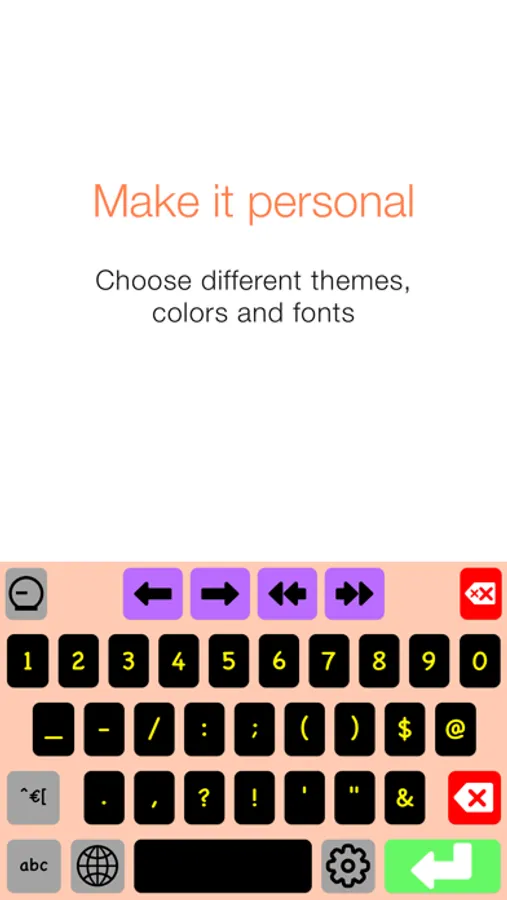
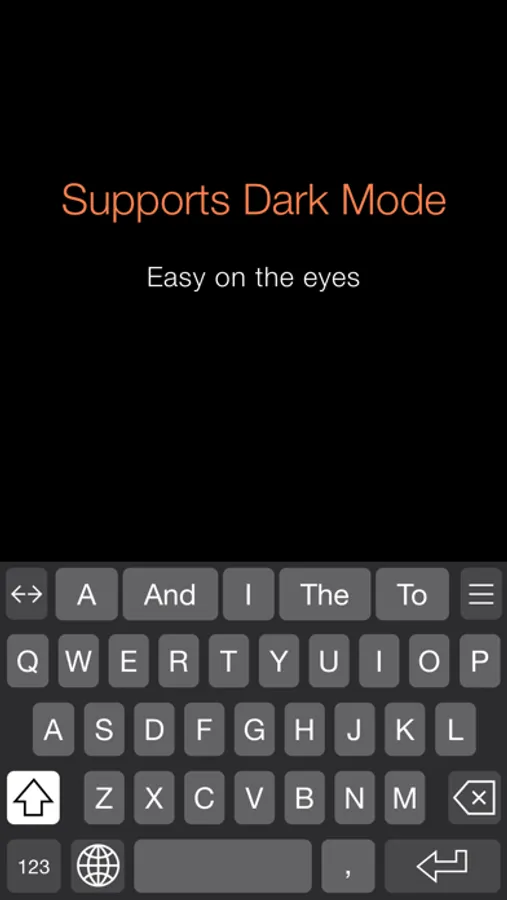
- Choose from 5 different themes or create a custom theme
User comfort
- Use Keeble on iPad, iPhone and iPod touch
- Select one of the 11 available languages, including regional keyboard layouts
- Choose your preferred font, including dyslexic and school-friendly fonts
Keeble Screenshots
Tap to Rate:
Reviews for Keeble
JDavidO
Keeble keyboard
I have recently installed the Keeble keyboard on my iPad, nand found it to be a perfect fit for my accessibility problem (advanced ARMD). I am particularly impressed with the 'test' function of the App that allowed me to easily check out the various settings without committing to it. That allowed me to quickly decide what worked best for me (Purple Rain with simplified querty layout). Another great feature I like is the ability to use it in conjunction with Apples's Smart Typing feature. Having the ability to have a full-size keyboard with expanded text field is marvelous! The Phrase Bank originally displayed a 'hodge-podge of unrelated shortcuts, but after discovering that the order was determined by alphabetical order of the shortcut abbreviations I was able to re-order. Now on the first page of Phrase Bank I have my name, address, phone, Email address, etc. On the second, common phrases - and on the third, IP addresses. Dave Ow Lakeland, FL
disabled.fox
No autocorrect
Keeble is great except for the fact that there is absolutely co autocorrect and I can't change the colours of the symbols. It's annyoing because I have a high contrast keyboard I really need auto correct. Also wish you could pick custom colours.