
MSU Guide
Michigan State University Resource Center for Persons with Disabilities
4.4 ★
15 ratings
Free
With this guide, users can explore Michigan State University campus landmarks using real-time location features. Includes location-aware tools, accessibility options, and navigation assistance.
AppRecs review analysis
AppRecs rating 4.4. Trustworthiness 79 out of 100. Review manipulation risk 21 out of 100. Based on a review sample analyzed.
★★★★☆
4.4
AppRecs Rating
Ratings breakdown
5 star
73%
4 star
13%
3 star
0%
2 star
7%
1 star
7%
What to know
✓
Low review manipulation risk
21% review manipulation risk
✓
Credible reviews
79% trustworthiness score from analyzed reviews
✓
High user satisfaction
87% of sampled ratings are 4+ stars (4.4★ average)
About MSU Guide
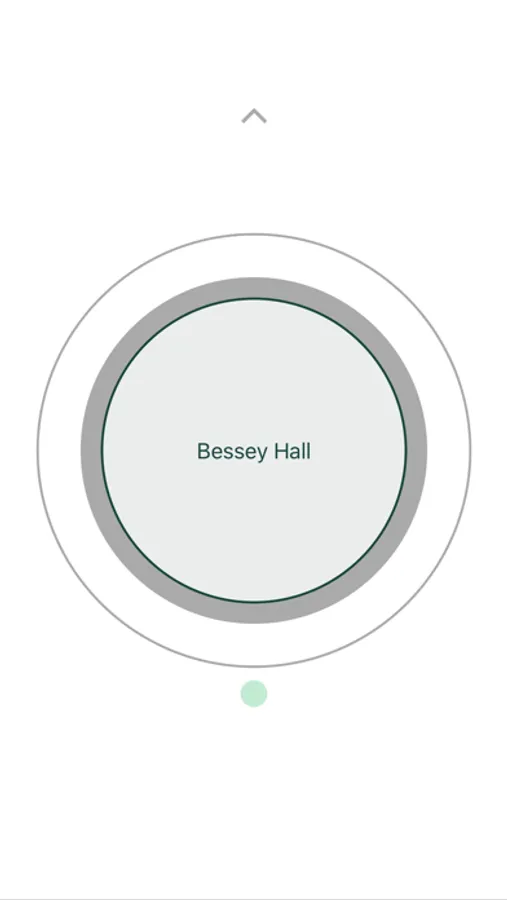
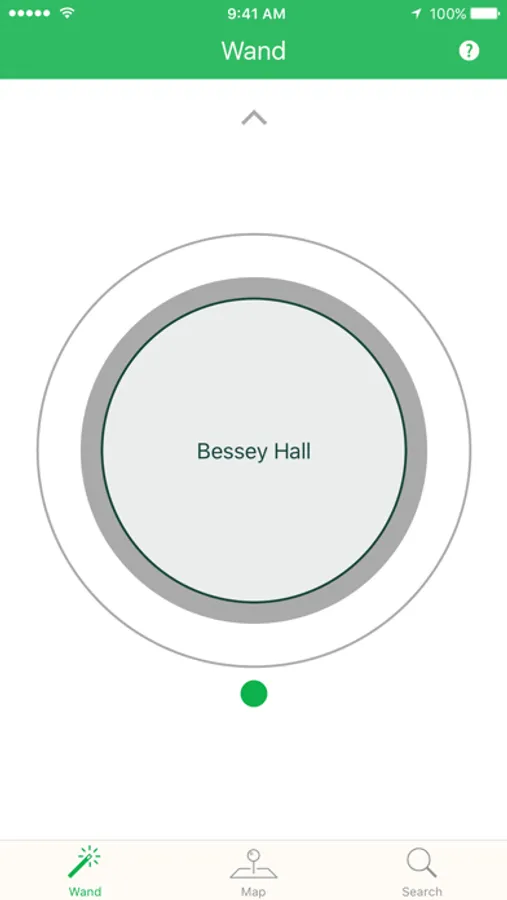
● WAND - Point your phone at any building on campus to discover its name and more information including wheelchair accessible entrances.
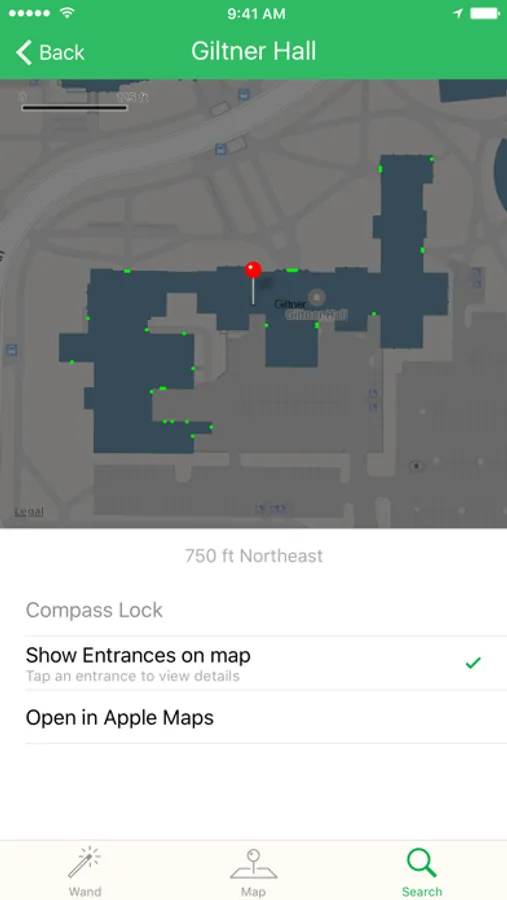
● MAP - A map that lets you view campus landmarks. Tap to drop a pin, then click on it to view a compass that locks on to the closest landmark under the pin.
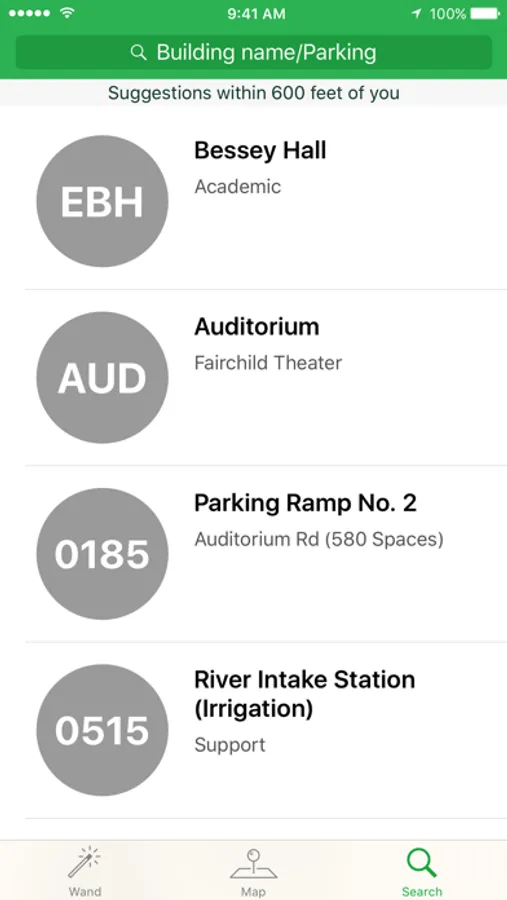
● SEARCH - Use the iOS home screen search function(Spotlight) to locate any campus building by name. Once you search and identify your building, simply select it and we'll lock onto it so you can always check where it is relative to where you are without needing a map. You can even use navigation from Spotlight results to view detailed directions to a landmark.
We are only getting started and have a ton of new features in the works to help you navigate campus. Stay tuned!
We welcome feedback, suggestions and any issues you may be having with the app at
guide@rcpd.msu.edu
MSU Guide Screenshots
Tap to Rate:
Reviews for MSU Guide
Rahbanc
Great app!
This app was great for finding the locations of everything on campus!
KMan2019
Good app with limitations
One major drawback to the app is that when searching for a location, you are not able to move the map from that point. The search feature locks you into a, tightly zoomed, static view of the location. Some parking lots should also be added to the search feature so they can be searched by #. “Spartan Village XXXX” also flood the search results when searching with a number. The most useful feature is probably the ability to see the entrances to buildings. The app is still lacking in iPhone X display support which is disappointing. I hope support will be added soon.
![munch [ at MSU ] icon](https://apprecs.org/ios/img/icons/webp/150/1476879847/ZcDyPjOXwEx0v7ChB-aVVA3jXmbx3gBI2zShCGbK4jI-icon)