
AppRecs review analysis
AppRecs rating 2.3. Trustworthiness 84 out of 100. Review manipulation risk 23 out of 100. Based on a review sample analyzed.
★★☆☆☆
2.3
AppRecs Rating
Ratings breakdown
5 star
33%
4 star
5%
3 star
0%
2 star
2%
1 star
60%
What to know
✓
Low review manipulation risk
23% review manipulation risk
✓
Credible reviews
84% trustworthiness score from analyzed reviews
⚠
Mixed user feedback
Average 2.5★ rating suggests room for improvement
About Entourage Link
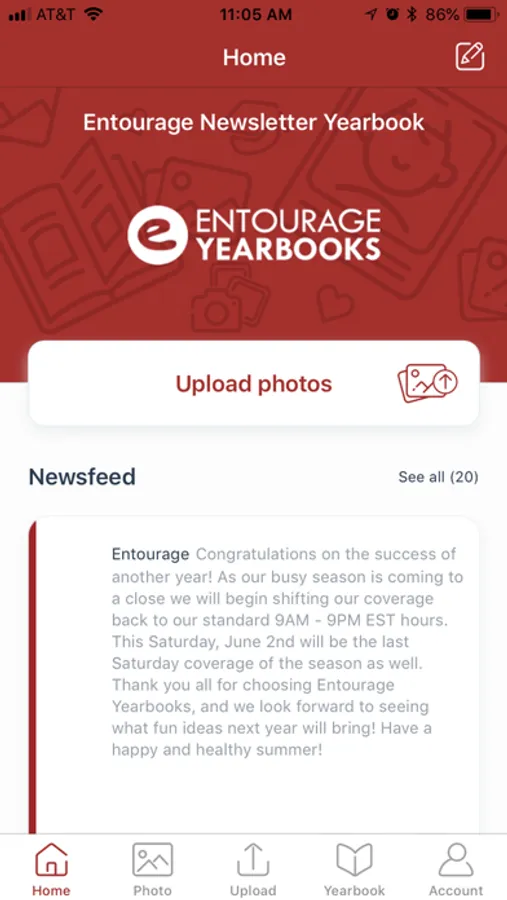
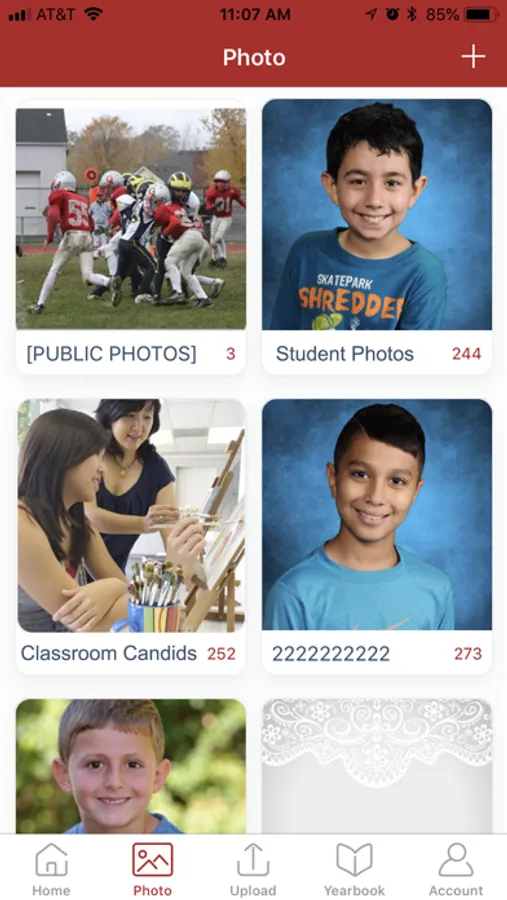
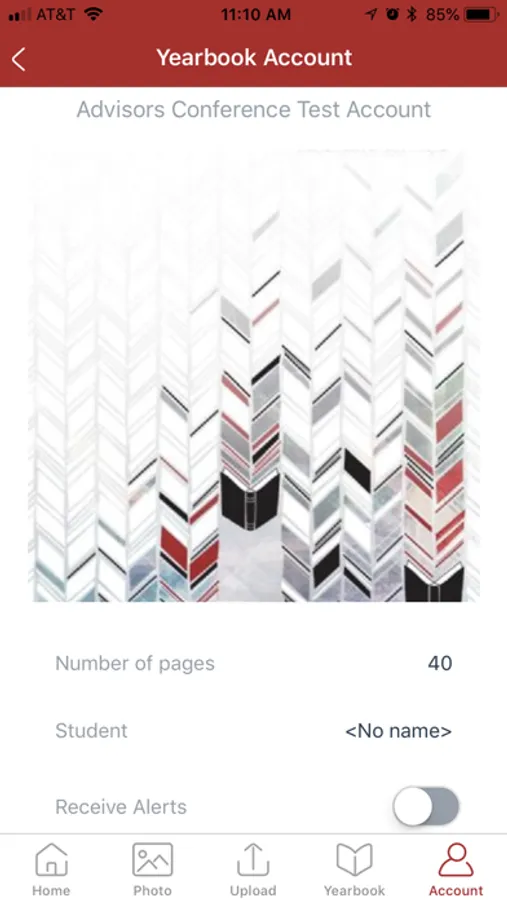
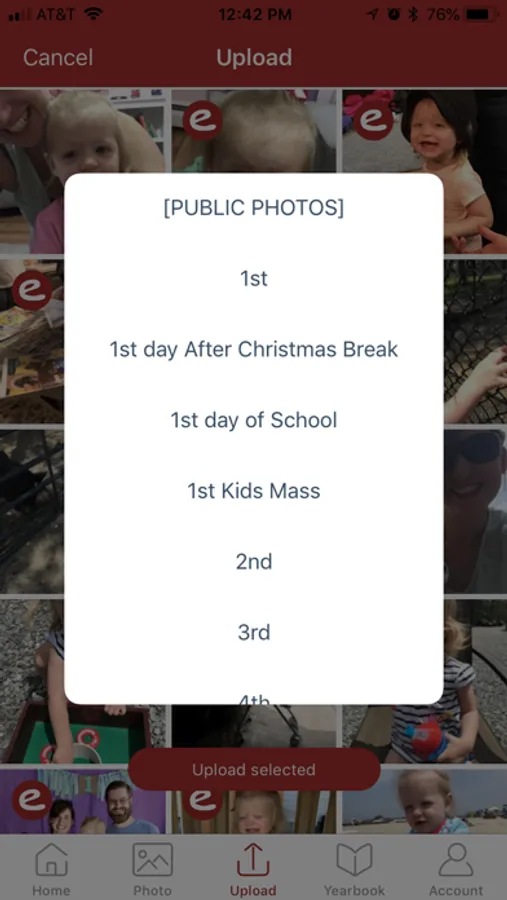
Use the Entourage Link application to submit photos to the yearbook, review status, add comments, and get more of the community involved in the yearbook creation process. After submitting your content, log onto Link by Entourage Yearbooks (http://link.entourageyearbooks.com) to see updates from the school, view content, and get status of how the creation of the yearbook is progressing. Entourage provides the most advanced system to compile, create, and publish yearbooks.
Entourage Link Screenshots
Tap to Rate:
Reviews for Entourage Link
George Sine
Works well. Easy to upload.
Works well. Easy to upload and organize photos.
Yearbook Admin
It’s Not Hard to Use, Just Be Sure…
you have all your permissions in order. The following must be updated by Admin: 1. Manage Permissions is selected to allow certain users (staff and/or editors) to upload photos 2. Manage Link - Mobile App tab. Check the “Allow Link users” boxes under Link and Mobile App permissions list and Allow Photo Upload and Content Submission list. Specifically, without selecting the box, “allow link users to upload photos that can be used in the yearbook”, you won’t be allowed to upload a photo in the app. Be sure to click the blue “confirm link changes” button to submit your updates. Hope this helps someone! I learned the hard way.