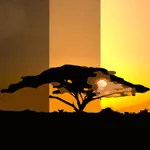
In this camera app, you can capture three photos at different exposures and merge them into an HDR image. Includes exposure control, histogram display, and sharing options.
About AutoBracket HDR
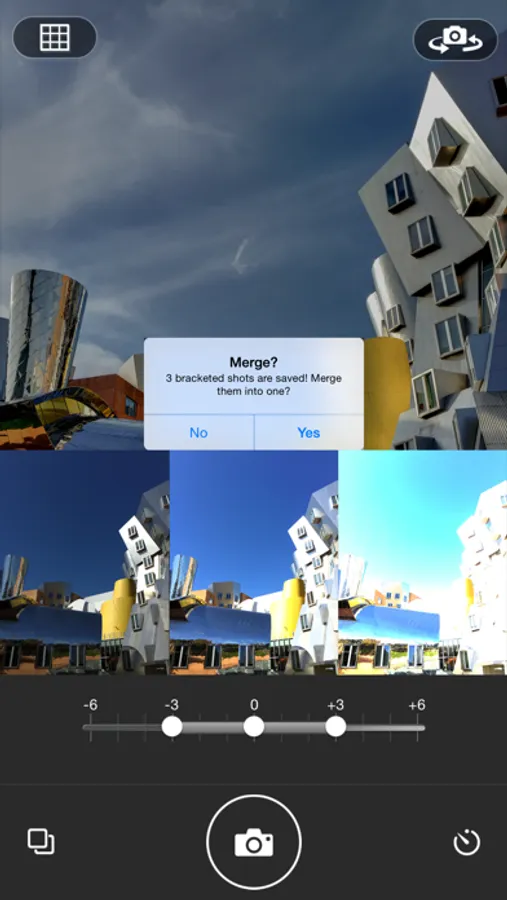
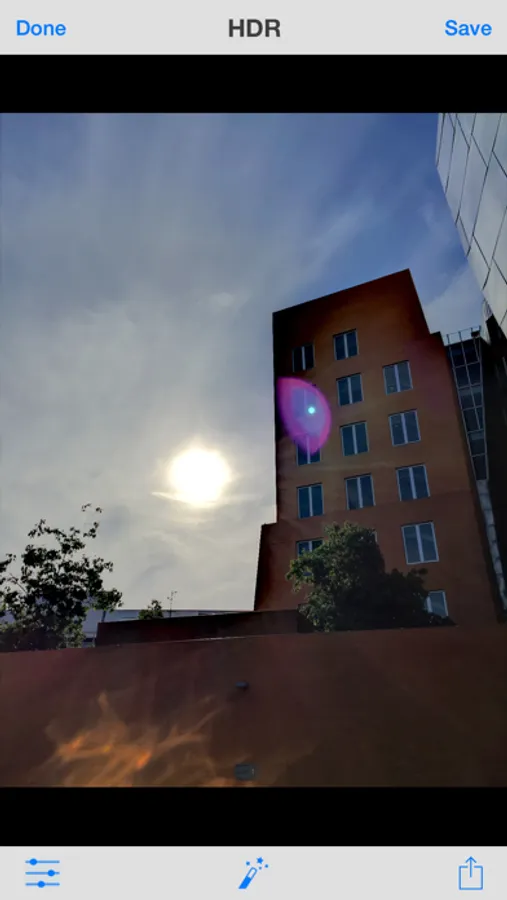
AutoBracket brings to iPhone/iPad the “auto-bracketing” feature previously only seen in high-end DSLR cameras! You can shoot 3 photos in rapid succession, each at a different exposure compensation. This allows you to shoot now and choose the best exposure later, or to merge the 3 photos into one HDR photo.
- Features on newer devices (iPhone 5, 5S, 6, 6+, retina iPad) -
* Merge 3 exposures to capture much higher dynamic range
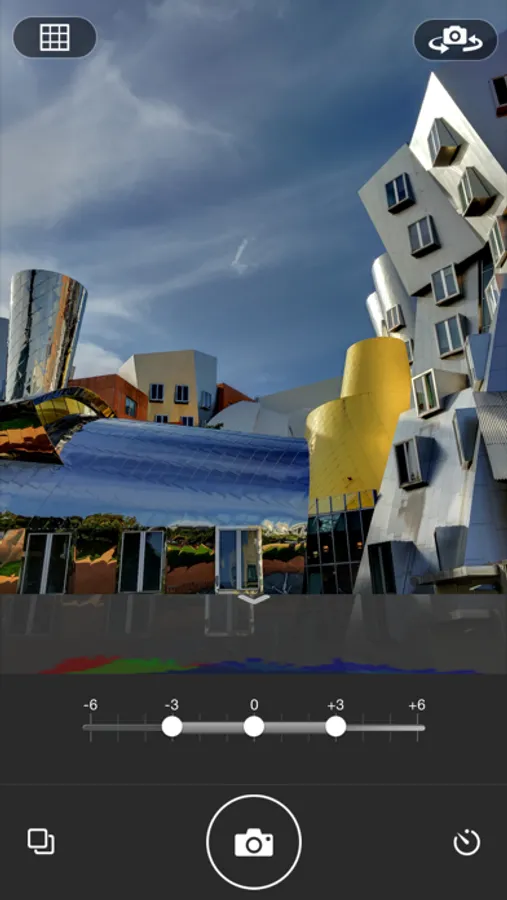
* Precisely control the 3 exposures via a bracket slider
* View color coded histogram for optimal choice of center exposure
* Control focus and exposure independently
* Speed - capture and merging is fast
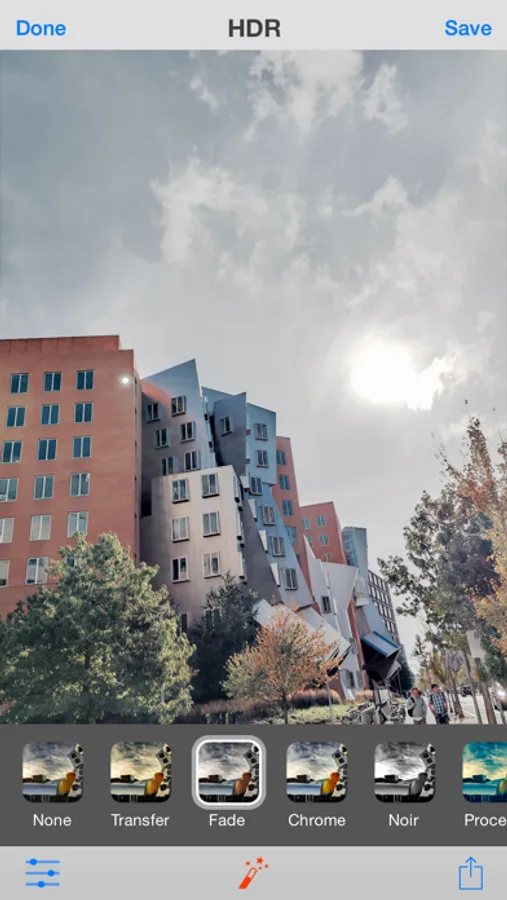
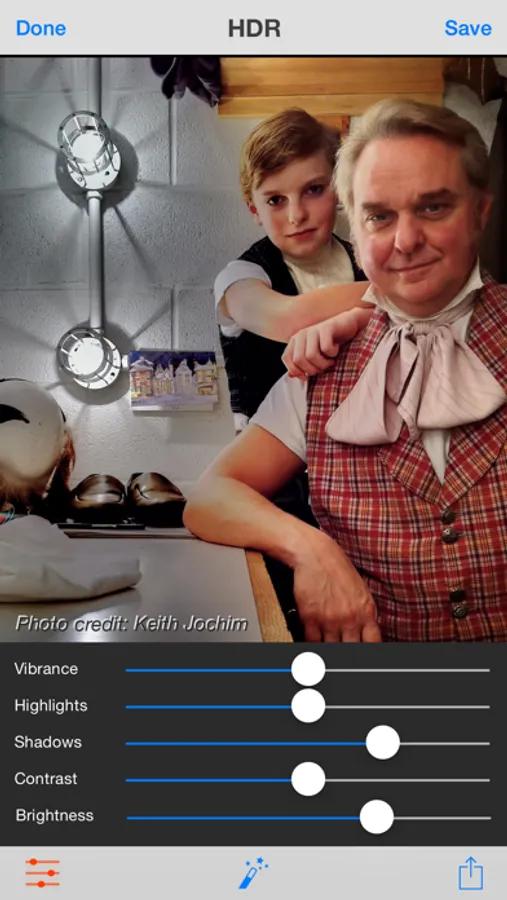
* Fine tune highlights, shadows, and vibrance using sliders
* Timed capture, thirds grid to guide composition, effect filters
* Full support for front and back facing camera
* Convenient sharing features (Facebook, Twitter, email, Instagram)
- Features on older or lower-memory devices (iPhone 4S & below, iPod Touch, non-retina iPad) are reduced because of device constraints -
* Precisely control the 3 exposures via a bracket slider
* View color coded histogram for optimal choice of center exposure
* Control focus and exposure independently
* Timed capture, thirds grid to guide composition
* Support for front and back facing camera
- Features on newer devices (iPhone 5, 5S, 6, 6+, retina iPad) -
* Merge 3 exposures to capture much higher dynamic range
* Precisely control the 3 exposures via a bracket slider
* View color coded histogram for optimal choice of center exposure
* Control focus and exposure independently
* Speed - capture and merging is fast
* Fine tune highlights, shadows, and vibrance using sliders
* Timed capture, thirds grid to guide composition, effect filters
* Full support for front and back facing camera
* Convenient sharing features (Facebook, Twitter, email, Instagram)
- Features on older or lower-memory devices (iPhone 4S & below, iPod Touch, non-retina iPad) are reduced because of device constraints -
* Precisely control the 3 exposures via a bracket slider
* View color coded histogram for optimal choice of center exposure
* Control focus and exposure independently
* Timed capture, thirds grid to guide composition
* Support for front and back facing camera
AutoBracket HDR Screenshots
Tap to Rate: