AppRecs review analysis
AppRecs rating 4.4. Trustworthiness 76 out of 100. Review manipulation risk 21 out of 100. Based on a review sample analyzed.
★★★★☆
4.4
AppRecs Rating
Ratings breakdown
5 star
75%
4 star
13%
3 star
0%
2 star
0%
1 star
13%
What to know
✓
Low review manipulation risk
21% review manipulation risk
✓
Credible reviews
76% trustworthiness score from analyzed reviews
✓
High user satisfaction
88% of sampled ratings are 4+ stars (4.4★ average)
About Minimalistic Reminder
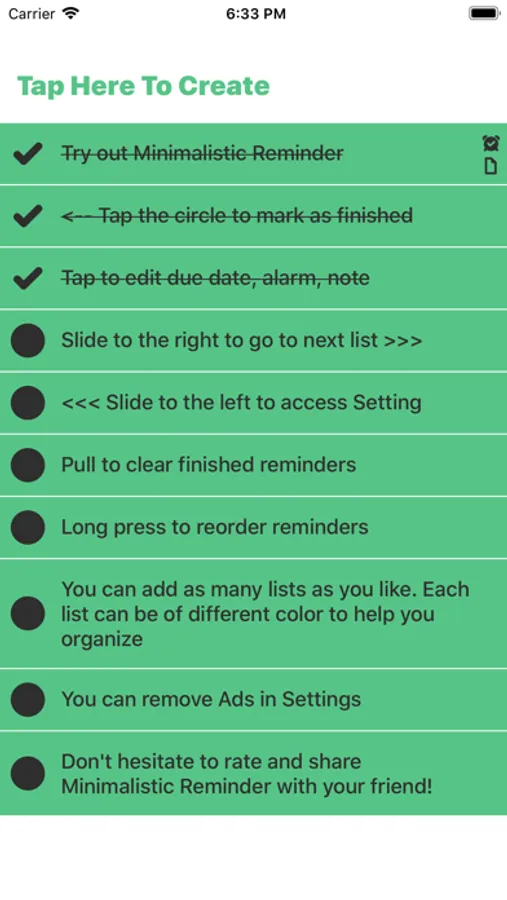
Minimalistic Reminder is probably the most easy to use reminder and todo list app you can find. The design as well as functionality is incredibly well thought through to make sure you can create and navigate reminders as easy as you can. Every single detail is considered carefully to help enhance the total experience
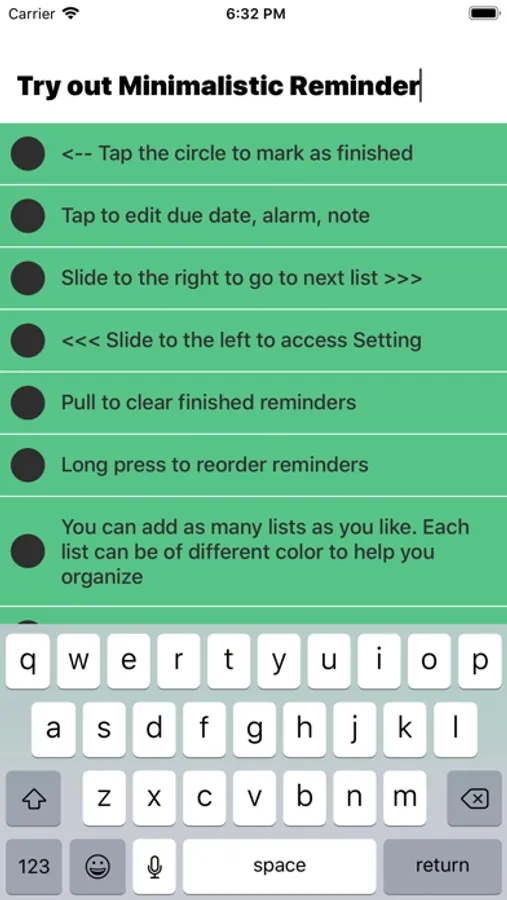
Of course, a minimalistic reminder app must come with minimalistic gestures:
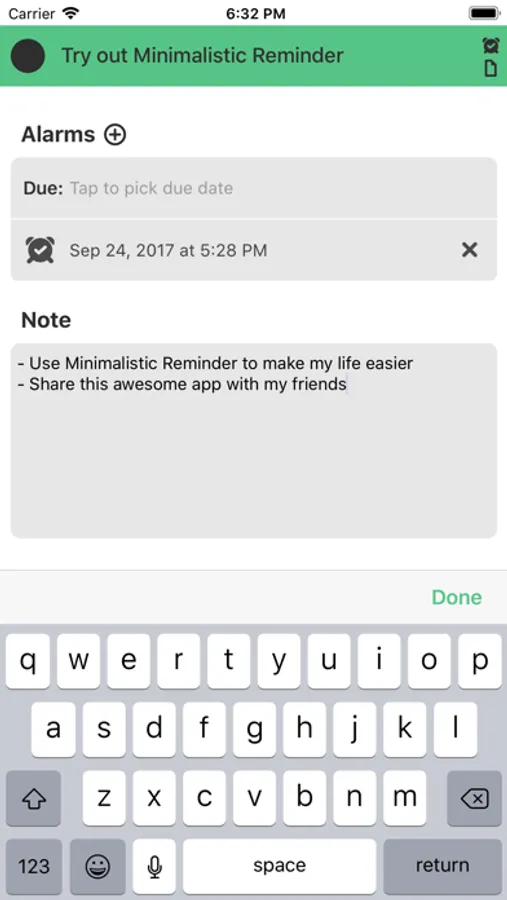
- Tap any reminder to start edit it (currently you can add due date, tons of alarms and note)
- Swipe down when in editing a reminder to close that reminder
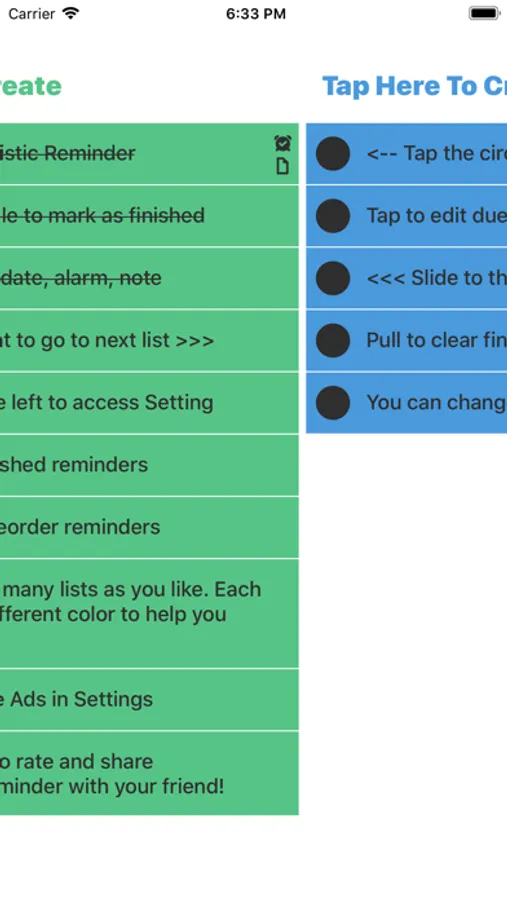
- Swipe left or right to access other lists
- Swipe to the left-most to access Settings
- Swipe down in a list to clear finished reminders of that list
Of course, a minimalistic reminder app must come with minimalistic gestures:
- Tap any reminder to start edit it (currently you can add due date, tons of alarms and note)
- Swipe down when in editing a reminder to close that reminder
- Swipe left or right to access other lists
- Swipe to the left-most to access Settings
- Swipe down in a list to clear finished reminders of that list
Minimalistic Reminder Screenshots
Tap to Rate:
Reviews for Minimalistic Reminder
jdh3000
No Clue How To Use It
No place to set reminders, time, alarm, nothing.
Chunji
No list titles?
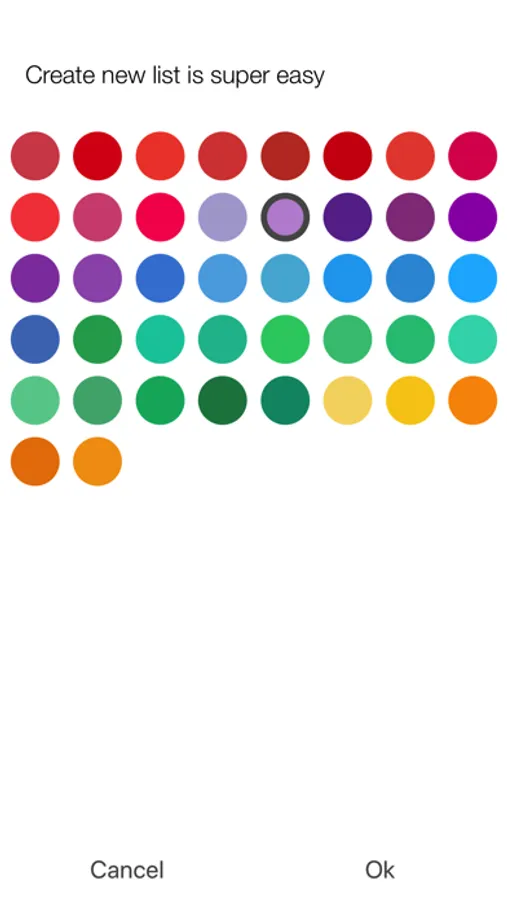
When I create new lists in settings, the title of the list does not appear on the actual list. It only says “tap here to create.” That’s not helpful since I can’t tell lists apart unless I memorize all the colors of my lists.