
In this music player app, users can control playback with large buttons, enable crossfading, and edit playlists during playback. Includes features such as playlist management, crossfade adjustment, and support for downloaded iCloud songs.
AppRecs review analysis
AppRecs rating 4.3. Trustworthiness 80 out of 100. Review manipulation risk 24 out of 100. Based on a review sample analyzed.
★★★★☆
4.3
AppRecs Rating
Ratings breakdown
5 star
69%
4 star
21%
3 star
4%
2 star
3%
1 star
2%
What to know
✓
Low review manipulation risk
24% review manipulation risk
✓
Credible reviews
80% trustworthiness score from analyzed reviews
✓
High user satisfaction
69% of sampled ratings are 5 stars
About Stop&Go+ Music Player
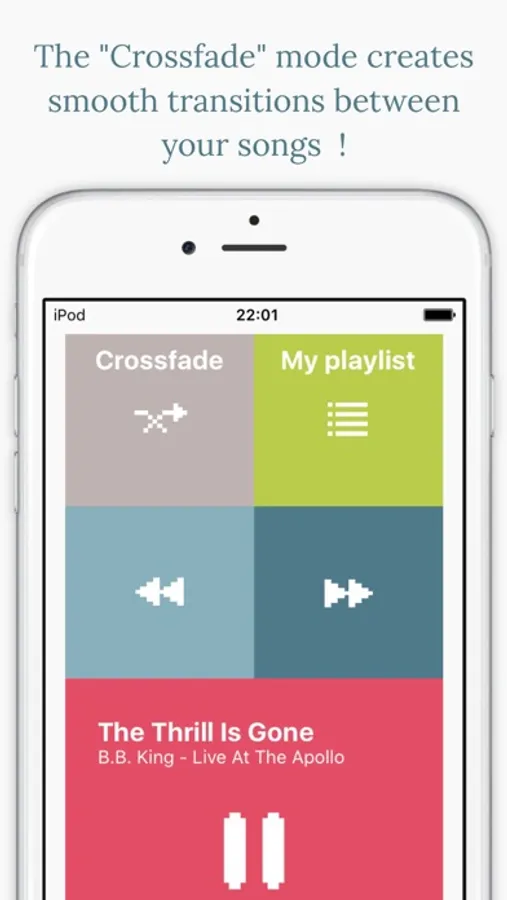
- Crossfade songs
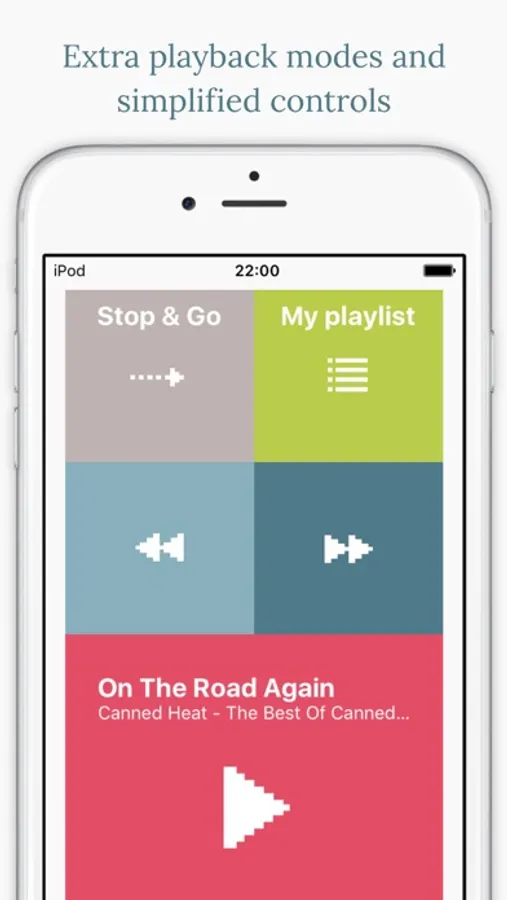
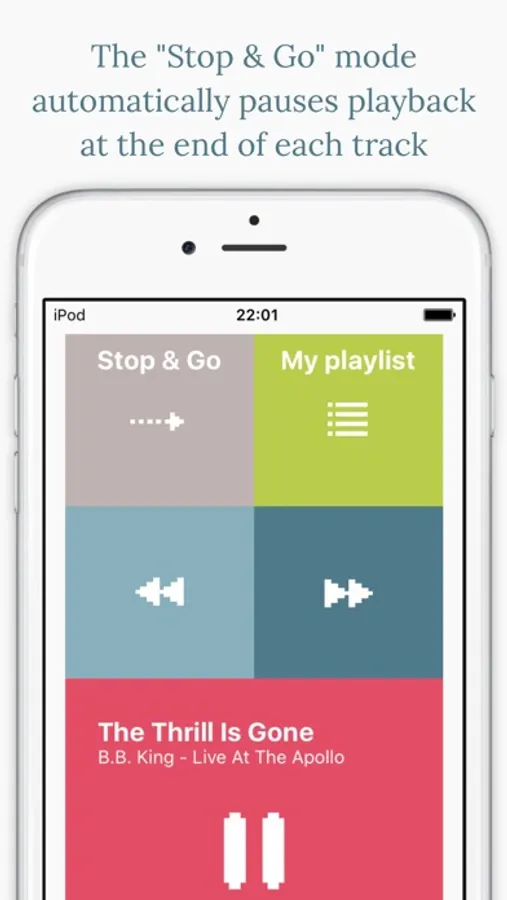
- Cue songs with the Stop&Go mode (auto pause)
- Use VERY large buttons to control playback
- Disable automatic locking of the screen
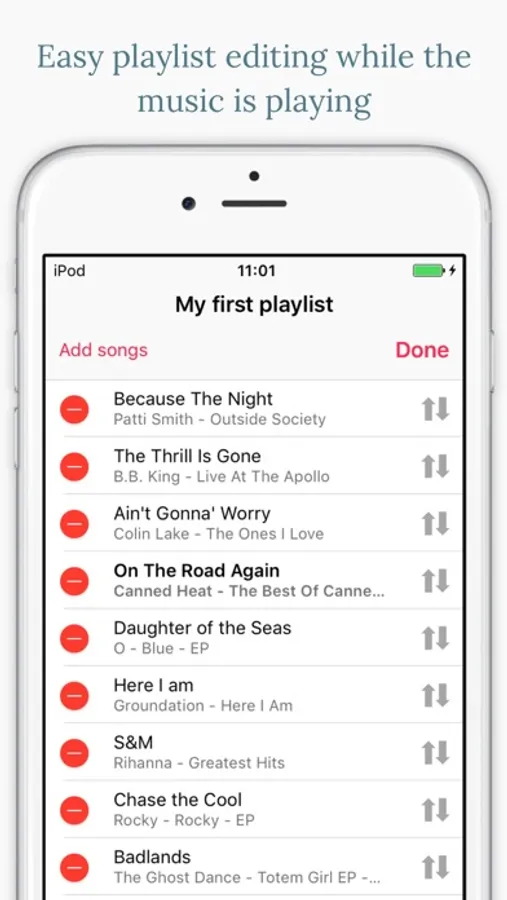
- Quickly edit playlist during playback
"Plus" version exclusives :
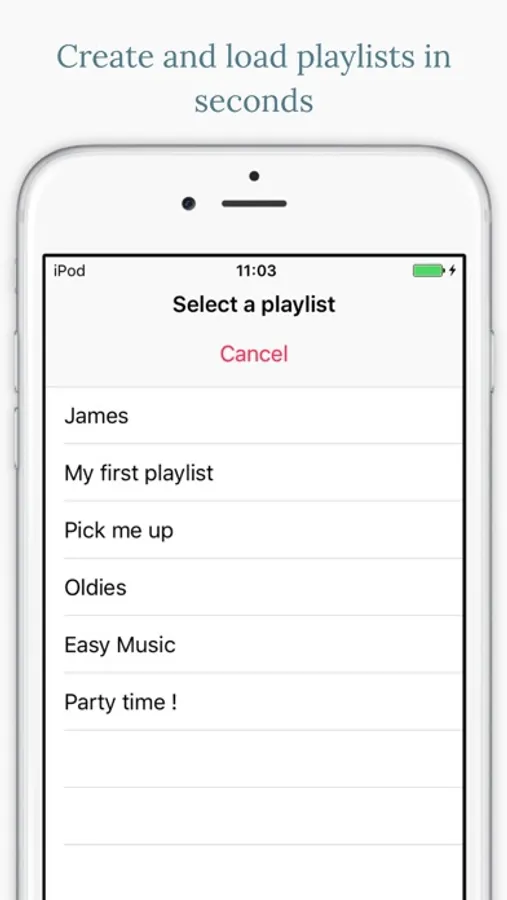
- Save multiple playlists
- Shuffle songs (with crossfading)
- Adjust the crossfade duration (Crossfade and Shuffle modes)
- Switch to a darker appearance
- Choose whether to disable automatic locking or not
- Choose whether to repeat playlists or not
- Get the "Repeat 1" mode
- Open audiobooks and podcasts
You still get a bunch of cool features like smoother music pausing (using crossfade mode), "play next" or "prepare song" options, and straightforward playlist reordering.
The "Stop & Go playback mode" pauses playback between each track of the playlist, because sometimes you don't want your device to automatically play the next song.
New playlists are created empty, and any modification you make to them (adding or removing songs etc...) are automatically saved. You can then select any playlist you have created through the playlist selection menu.
You can load a standard playlist made with the iPhone music player by creating a new playlist in Stop&Go+ and adding all songs from that standard playlist through the playlist tab of the Add song menu.
Stop&Go can play iCloud songs when they have been downloaded on the device through the Music app. Apple Music songs can't be played as they are DRM protected.
I welcome your feedback, feel free to leave a comment in the App Store.
Please report issues to :
yves.software@gmail.com
as I can't get back in touch with you through the comment section of the App Store.
Stop&Go+ Music Player Screenshots
Tap to Rate:
Reviews for Stop&Go+ Music Player
GGGewGaw
Best App for accompaniment
I’m a music teacher and I’ve tried plenty of other apps and this one beats them all for easiest to use and edit! Thank you for creating it!
jparkercom
Pay & lose search? Ouch! (I paid, then went back to free)
Tried free version - for free how can you complain? Though no doubt someone would .. Super simple - that’s a good thing when you need to just get the job done.. With both paid & free you can load songs from Music.app playlists - that’s great. With free app you can SEARCH - BUT WITH PAID APP YOU CAN NOT! (Whoops) Missing (for my use) features: - be able search both music AND the app’s playlist. Otherwise finding songs in created playlist means possibly LOTS of scrolling! (Ie; down time - Unfortunately that kills it’s usefulness for live performances that need to go from track to track spontaneously and quickly using long playlists that might be played in different orders different occasions. - touch a song in playlist should make it “prepared” (ready to play next) without having to then press “prepare” (needlessly redundant for me) - To be able to create playlist with ALL songs from Music.app playlist easily (currently you’d have to select all 100 songs to load a complete 100 song playlist 😳) It’s so close but not quite for me.. really hope it will be further improved. Happy to pay just hope it keeps going!