
AppRecs review analysis
AppRecs rating 1.4. Trustworthiness 63 out of 100. Review manipulation risk 22 out of 100. Based on a review sample analyzed.
★☆☆☆☆
1.4
AppRecs Rating
Ratings breakdown
5 star
0%
4 star
0%
3 star
14%
2 star
14%
1 star
71%
What to know
✓
Low review manipulation risk
22% review manipulation risk
⚠
Mixed user feedback
Average 1.4★ rating suggests room for improvement
About SecurePIM
***
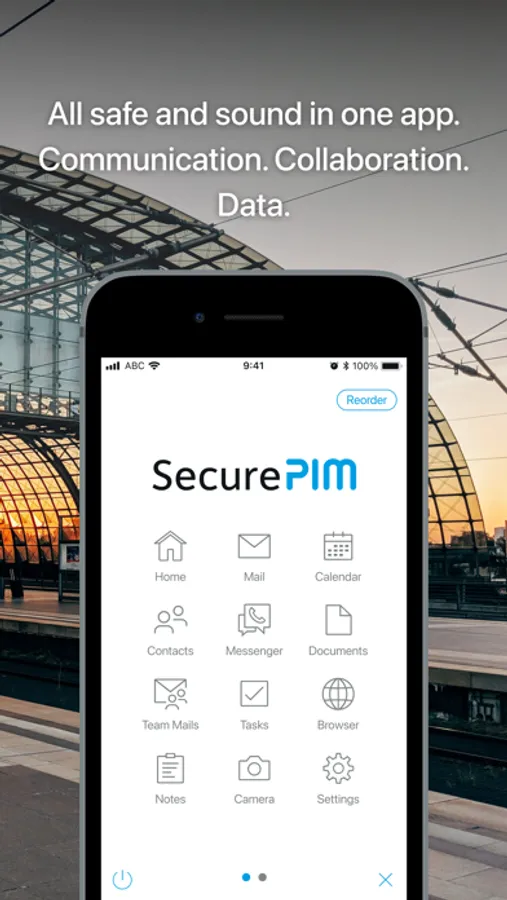
The ideal corporate security solution for COPE and BYOD:
With SecurePIM, employees can use their mobile devices in both business and private environments. All corporate data is encrypted and stored in the so-called secure container separated from private data.
With SecurePIM, you meet all the requirements of the EU’s General Data Protection Regulation (GDPR) with regard to mobile working.
Infrastructure:
- Central app configuration and administration with SecurePIM Management Portal, e.g., allowed and blocked domain lists, file upload, Touch ID/Face ID
- Administration also possible via MDM solutions (e.g., MobileIron, Workspace ONE)
- MS Exchange (Outlook), HCL Domino (Notes), and HCL Traveler support (Notes)
- Integration of existing public key infrastructures (PKI) and document management systems (e.g., SharePoint) as well as Active Directory (AD) integration
- Full-screen mode for external displays with Stage Manager
***
Home:
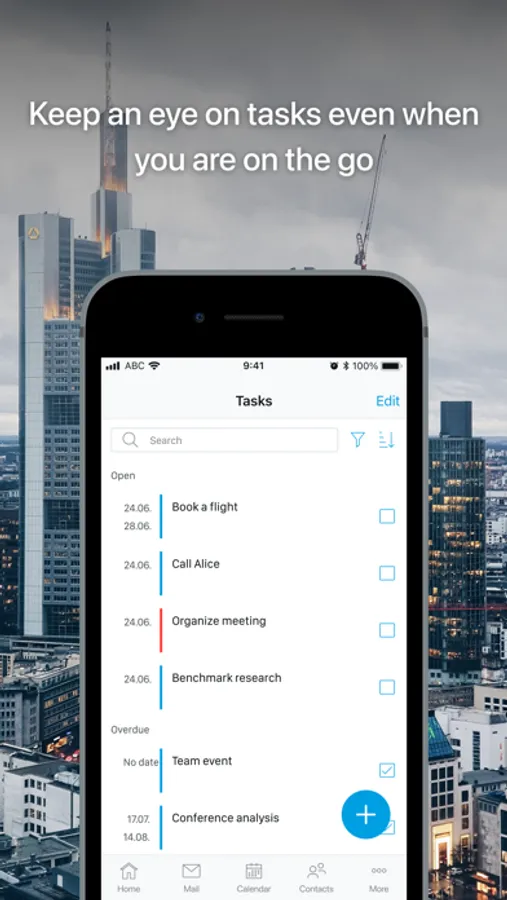
- Always stay up to date: plan and organize your day with the Home module
- Choose yourself which information you’d like to see immediately when starting the app, e.g., unread emails, upcoming events and the time left until the next meeting
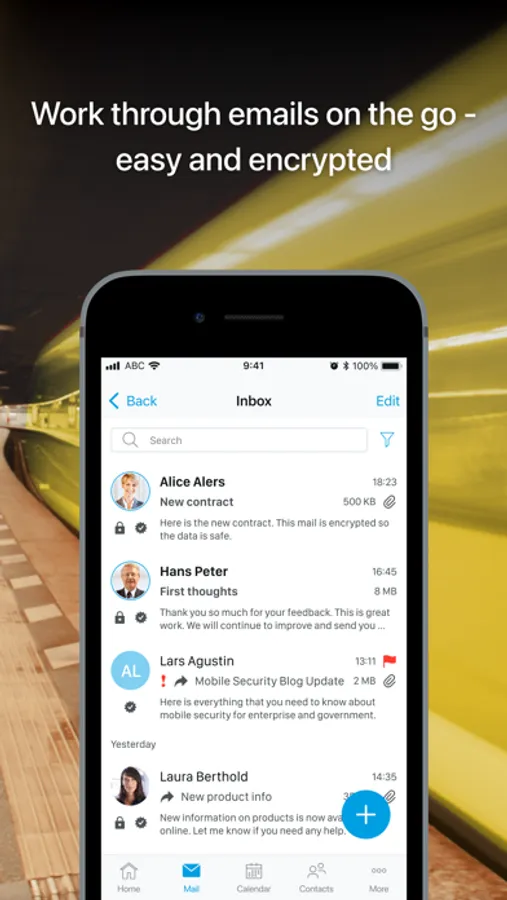
Email:
- Automatically sign and encrypt sent and received emails according to the S/MIME encryption standard
- Make full use of all common email features
- Manage up to 3 email accounts with S/MIME encryption in one single app
- Scan documents and add them directly to an email
Team Mails:
- Add Team Mailboxes as well as Delegate Mailboxes
- Use public folders to access information
- Write and manage emails securely in SecurePIM
- Navigate in the folder structure
- Use filter and search options
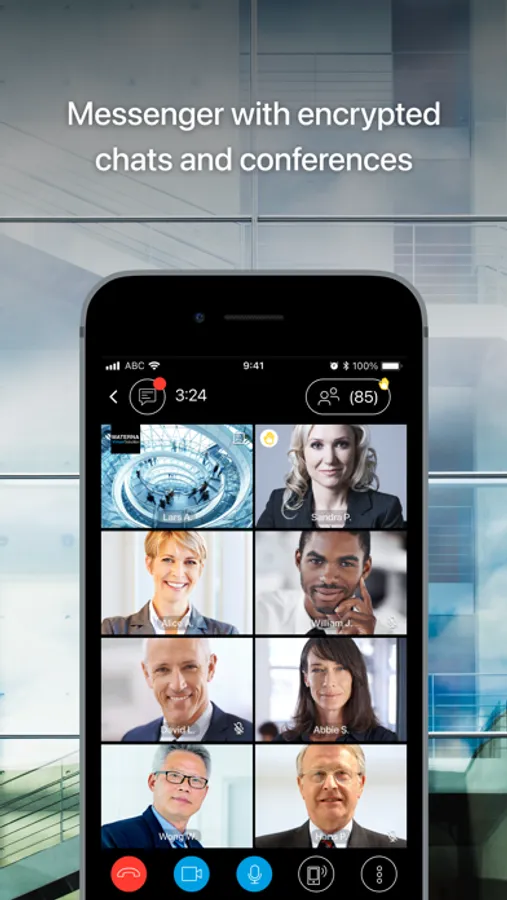
Messenger:
- Securely share and exchange information in single and group chats
- Have audio and video conferences via channels
- Mention someone in a chat
- Send voice messages
- Make audio and video calls
- Share your (live) location
- Share pictures and documents
- Create a backup to transfer your contents to another device
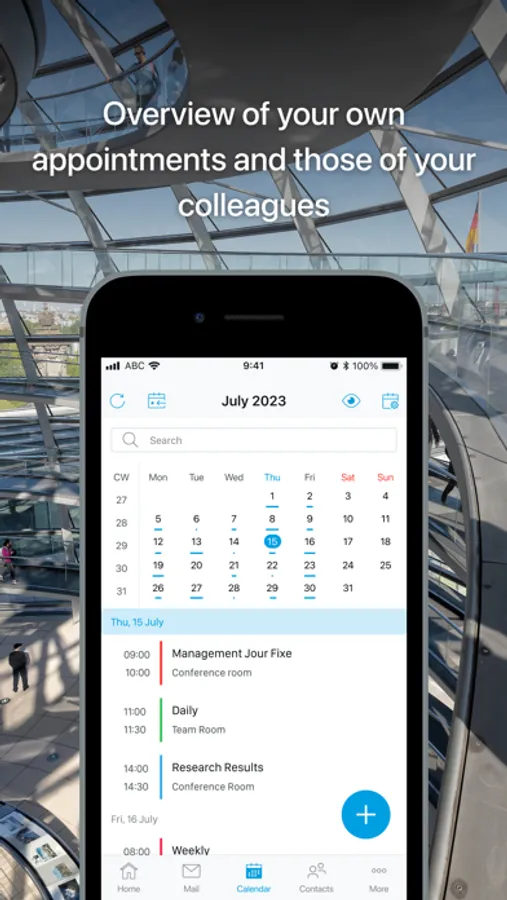
Calendar:
- Easily manage your appointments
- Schedule meetings and invite participants
- Display your private appointments from your device's calendar and other email accounts
- Add public folder calendars with read-only access
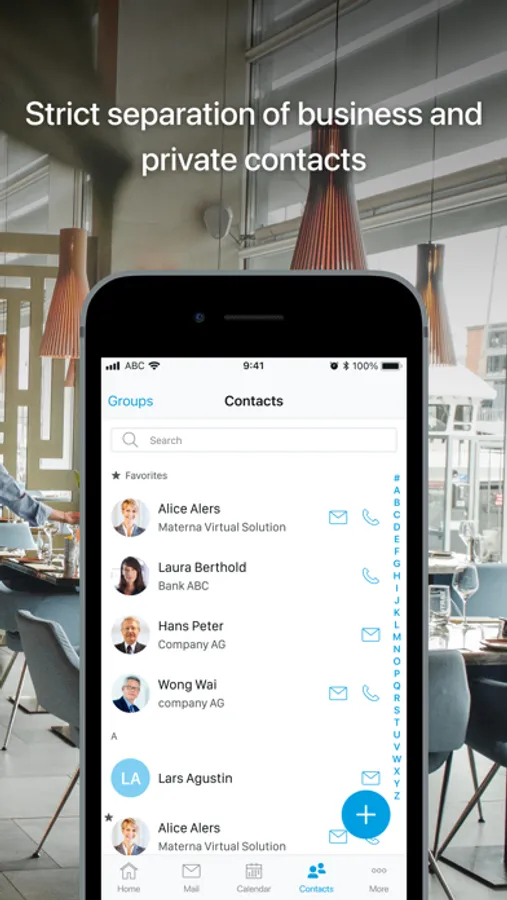
Contacts:
- Easily manage your business contacts
- Access your global address book
- Create, edit and delete shared contacts and contacts
for public folders
- Benefit from caller identification – thanks to CallKit integration without having to export contacts
- Stay on the safe side: other messenger apps (WhatsApp, Facebook, etc.) can’t access contact details in SecurePIM
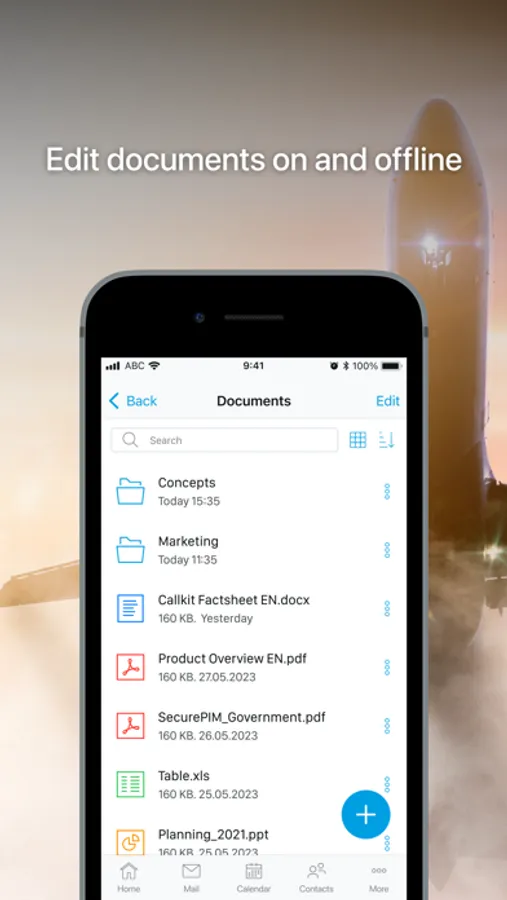
Documents:
- Securely access data on your fileshare (e.g., via MS SharePoint)
- Securely store confidential documents and attachments (like contracts and reports)
- Open and edit documents
- Send documents encrypted
- Add notes and comments to PDF documents
- Edit MS Office documents as you would on the desktop
- Scan printed or handwritten documents with up to 30 pages
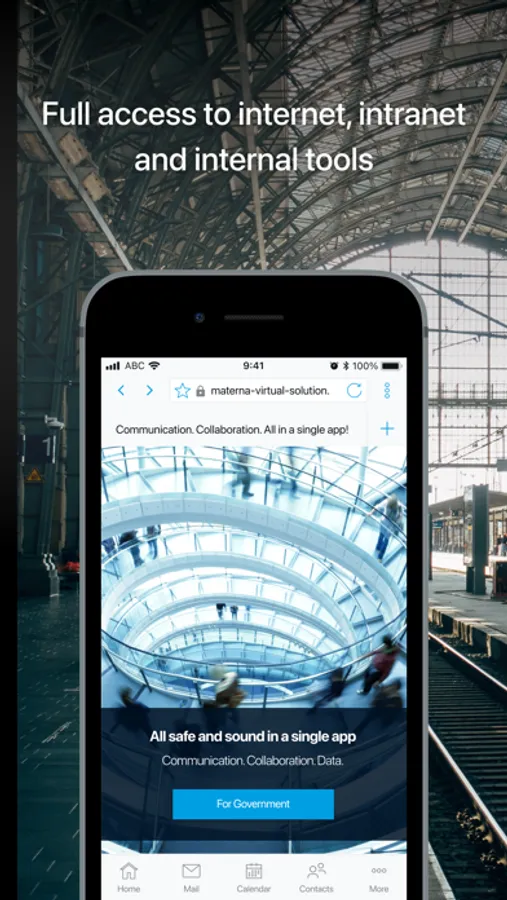
Browser:
- Surf securely in SecurePIM Browser
- Access intranet sites
- Use common browser features, such as opening multiple tabs, (corporate) bookmarks, desktop mode
- Use VDI access (e.g. via Citrix) on iPads
Camera:
- Take photos and store them encrypted in the Documents module
- Send photos encrypted with the SecurePIM Email module
***
Curious about SecurePIM? Visit our website to learn more.
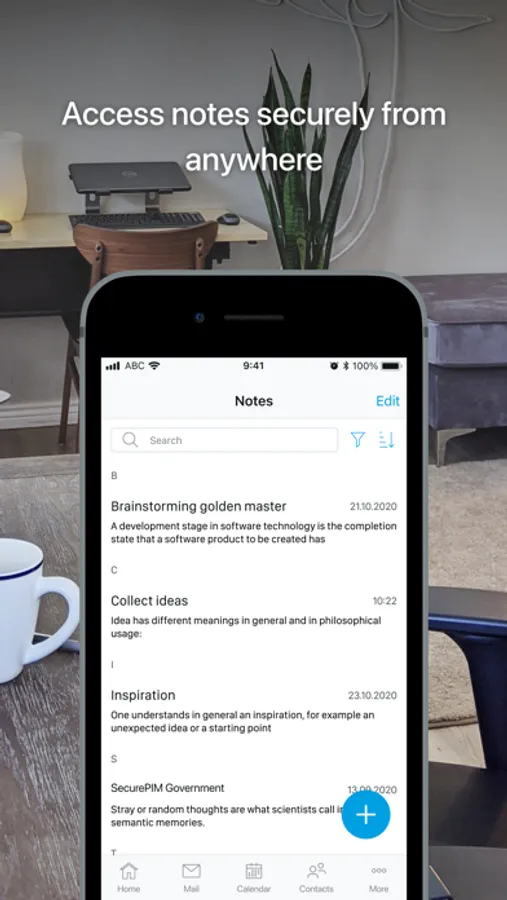
SecurePIM Screenshots

Tap to Rate:
Reviews for SecurePIM
pivotaldigital
Bad...
Company uses this. It’s cumbersome. It’s slow. It locks you out.
pierceisfierce
Absolutely terrible
My company has forced us to use this as our only source for everything and it is the most frustratingly difficult app I’ve ever dealt with. It makes my job 1,000 times more difficult as I have to renter contact information 3 separate times now because it won’t sync with the contacts on your phone. Contacts also won’t sync addresses which causes many issues as I’m a traveling sales rep and rely on those to get me to my customers. There is a Touch ID verification option to get into the app, which would be great.. if it worked more than 15% of the time. This app makes me want to throw my phone across the room every time I use it. If you have a say, I would not recommend this app.