
In this app, you can set timers for focused work and breaks, customize durations, and control via notifications. Includes configurable timers, notifications, and Siri shortcuts.
AppRecs review analysis
AppRecs rating 4.6. Trustworthiness 79 out of 100. Review manipulation risk 22 out of 100. Based on a review sample analyzed.
★★★★☆
4.6
AppRecs Rating
Ratings breakdown
5 star
80%
4 star
7%
3 star
5%
2 star
2%
1 star
6%
What to know
✓
Low review manipulation risk
22% review manipulation risk
✓
Credible reviews
79% trustworthiness score from analyzed reviews
✓
High user satisfaction
80% of sampled ratings are 5 stars
About Pommie - Pomodoro Timer
Features:
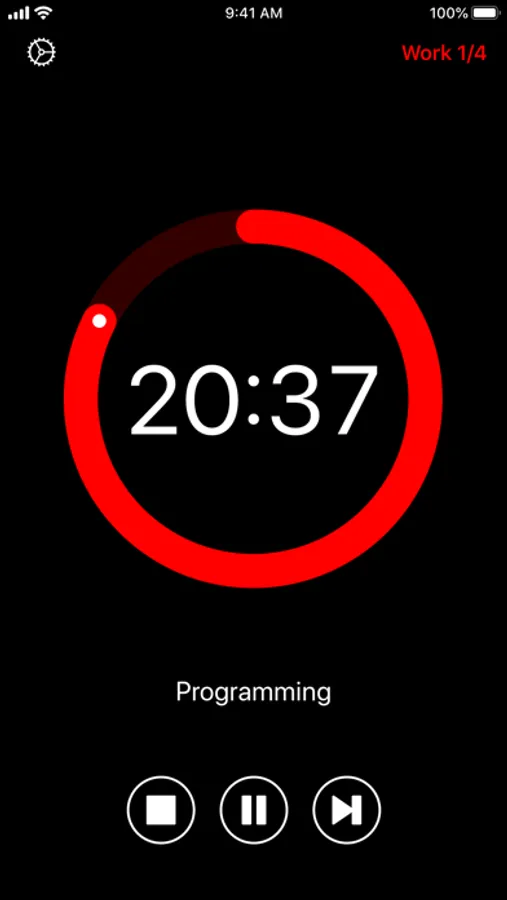
• Simple, distraction-free and intuitive interface.
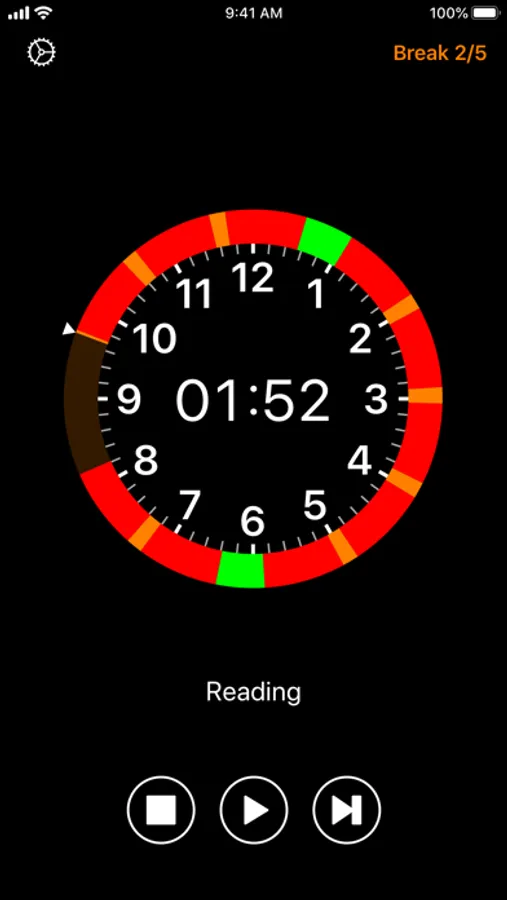
• Audio and visual alerts when the next period starts. Over 35 sounds available.
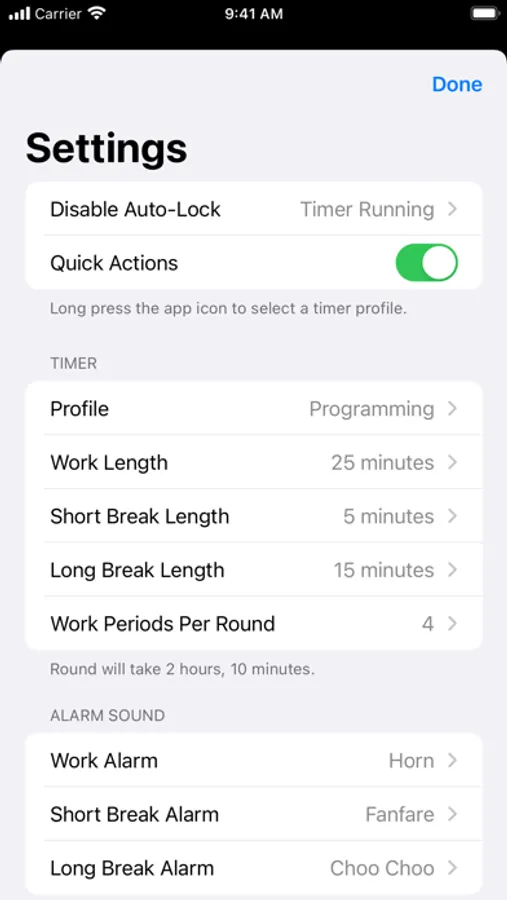
• Configurable work and break durations.
• Open, pause or stop the timer directly from notifications.
• Interactive iOS notifications to view and control the timer.
• Planner View shows when Work and Break periods will occur for the next 10 hours.
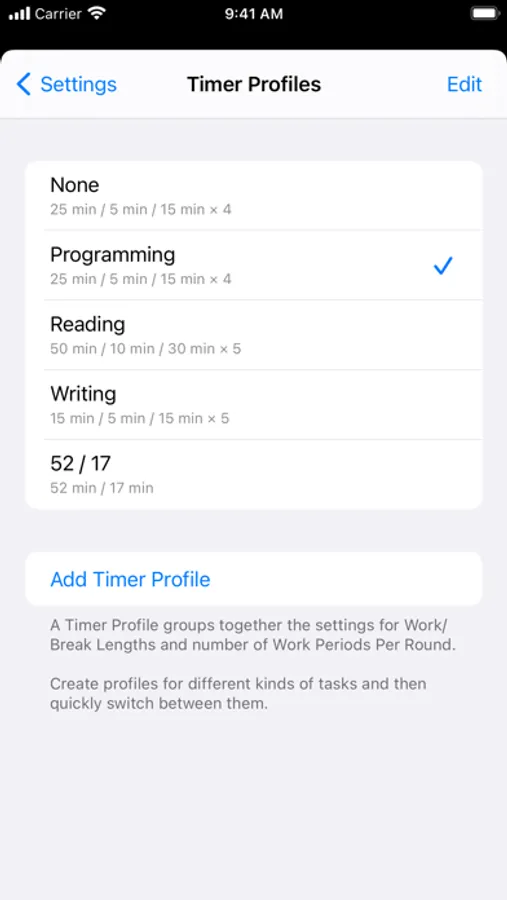
• Use Timer Profiles to configure timer settings for different kinds of task.
• Timer Profiles appear in iOS search results. Tap a result to automatically launch the app and change the timer settings.
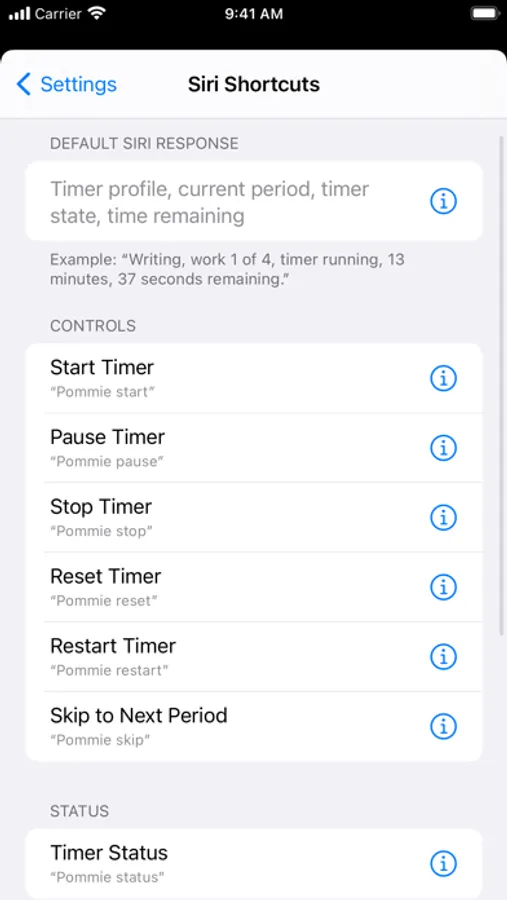
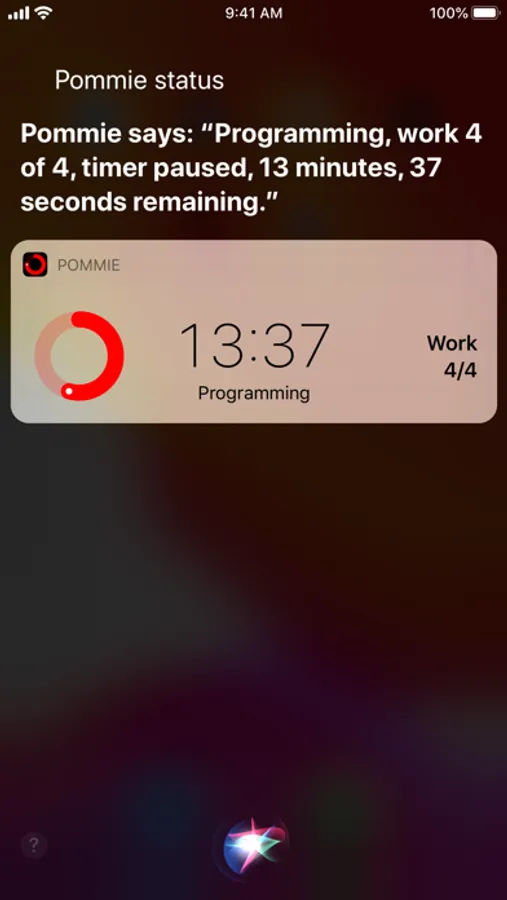
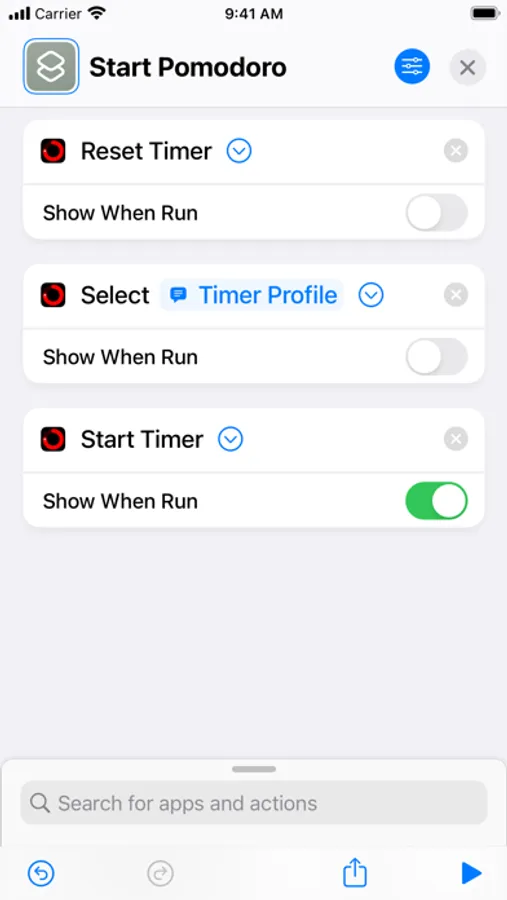
• Siri shortcuts for controlling the timer, getting its status and selecting a Timer Profile.
• Shortcuts run in the background without opening the app. A custom, animated, response view shows the current timer status.
• Customise which timer status information is included in the response displayed/spoken by Siri.
• Use Pommie shortcuts in Apple's Shortcuts app to control Pommie. Background execution is supported.
• Manage shortcuts in Pommie's settings screen, the Shortcuts app, or in the Siri & Search section of Apple's Settings app.
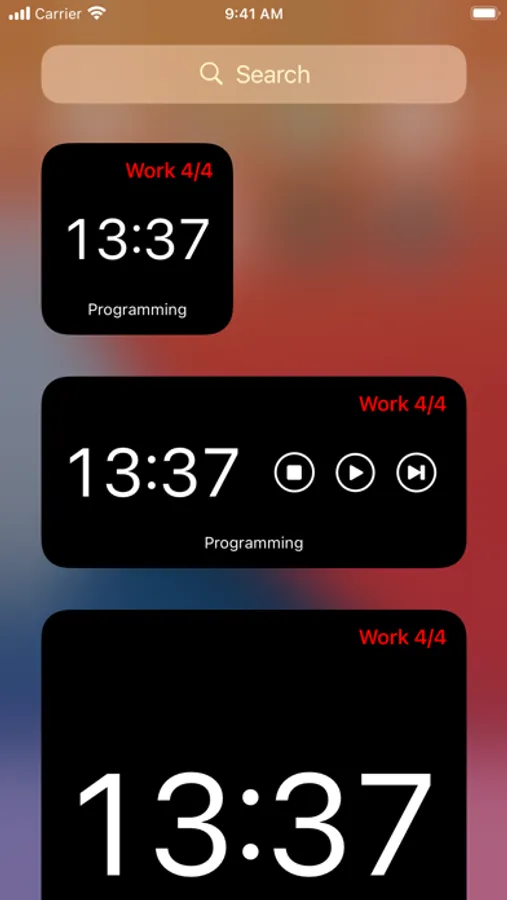
• Home Screen Widgets to quickly view and control the timer.
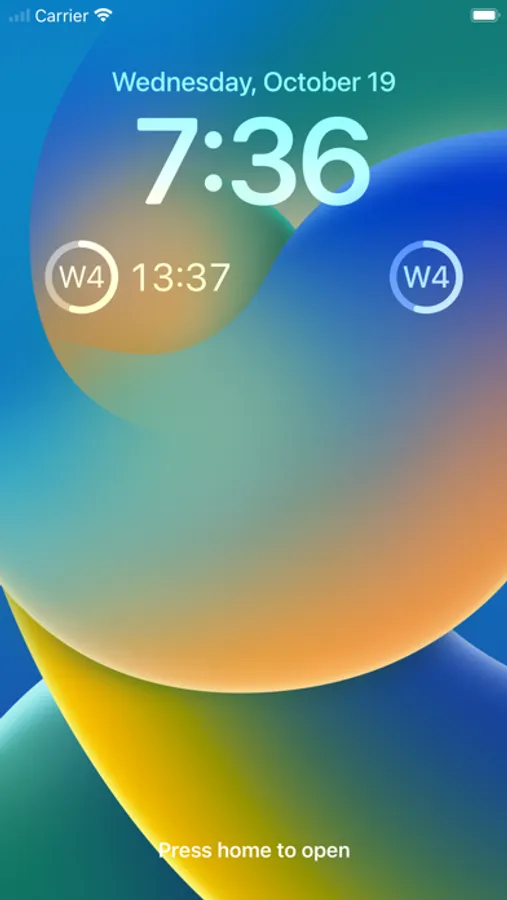
• Lock Screen Widgets to quickly view the timer.
• External display support showing a custom screen-filling view of the timer.
• iPad multitasking.
• iPad external keyboard shortcuts to control the timer.
• Dynamic Text and VoiceOver for the visually impaired.
• Handoff the timer to or from Pommie running on another iOS or Mac device.
• Independent Apple Watch app, including complications, with its own timer.
For more information see https://hacknicity.com/pommie
The Pomodoro Technique® is a registered trademark by Francesco Cirillo. Pommie is not affiliated with, associated with, or endorsed by the Pomodoro Technique® or Francesco Cirillo.
Pommie - Pomodoro Timer Screenshots
Tap to Rate:
Reviews for Pommie - Pomodoro Timer
Jadms256
Simple and effective on Apple Watch or phone
Great app that works. Buy it once and buy it for life. No data gathering, no subscriptions, basically the Paleo diet of Pomodoro timer apps. Would be nice if the watch and phone kept the timer in realtime sync (maybe they do and I’m missing it), but if that is my worst problem, then really I have no problems.
LeVous
Apple Watch Notifications
I’ve used numerous Pomodoro Apps for years. I just got a new watch and having my wrist buzz after a 25 work sesh is literally all I need it for. Why don’t they all buzz my wrist? I don’t get it. This one appears to do that. Totally worth the small purchase price!