In this productivity app, you can set repeating timers with customizable intervals and modes. Includes vibration alerts, background operation, and notification controls.
AppRecs review analysis
AppRecs rating 3.9. Trustworthiness 81 out of 100. Review manipulation risk 22 out of 100. Based on a review sample analyzed.
★★★☆☆
3.9
AppRecs Rating
Ratings breakdown
5 star
65%
4 star
10%
3 star
6%
2 star
9%
1 star
9%
What to know
✓
Low review manipulation risk
22% review manipulation risk
✓
Credible reviews
81% trustworthiness score from analyzed reviews
⚠
Pricing complaints
Many low ratings mention paywalls or pricing
About Periodic Timer
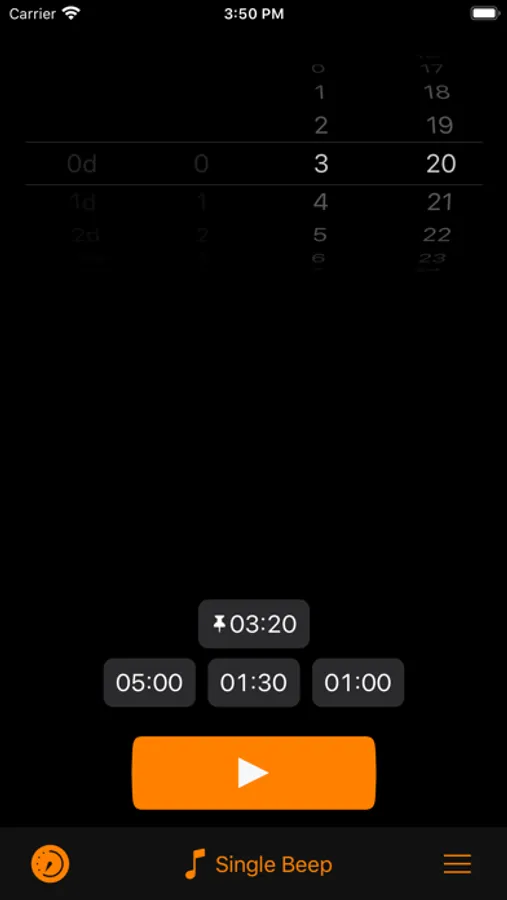
Keep track of time without being distracted by the device!
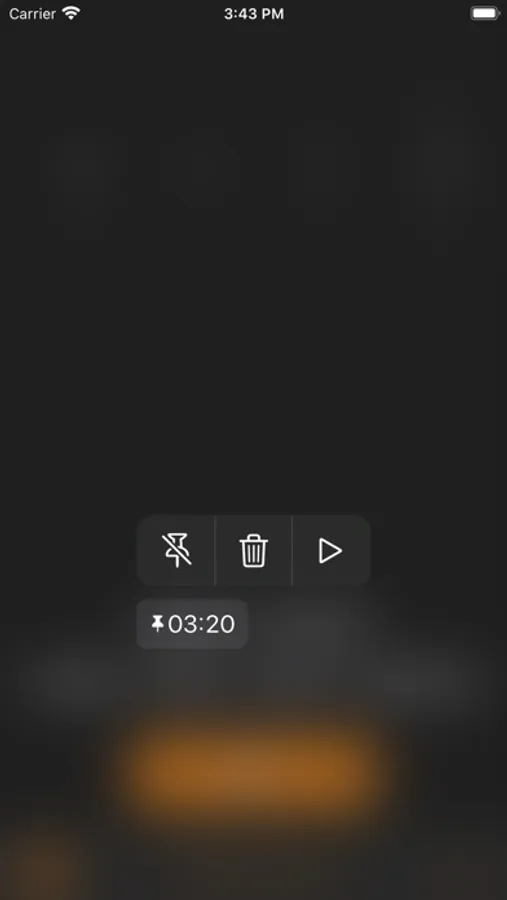
Simple and easy timer that repeats at your chosen interval.
FEATURES
- Vibration, if sound is off.
- Works in the background.
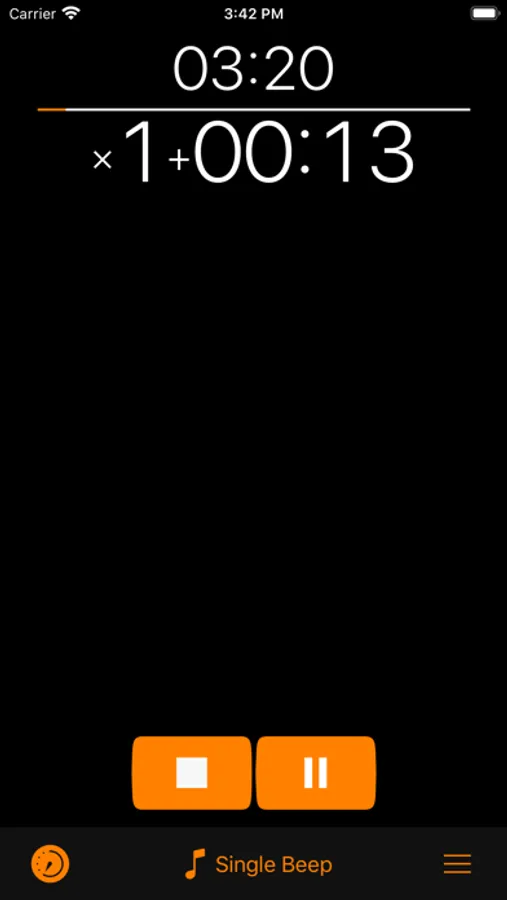
- 3 timer output modes: intervals, total time, countdown.
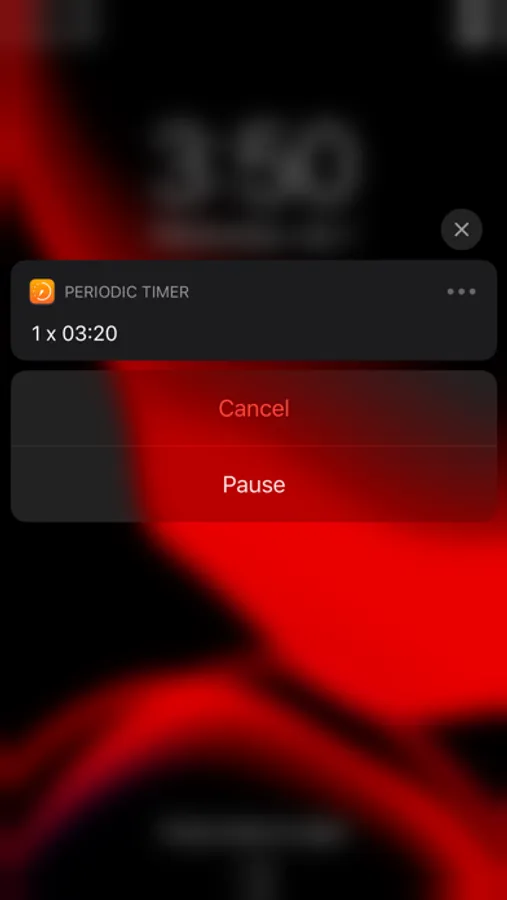
- You can cancel or pause the timer with help of a notification.
- Quick Start from icon.
- Shake To Start - can be enabled in settings.
- Prevent Lockscreen - another useful setting, the screen will not lock, while the timer is running.
USE CASES
Here is a list of known use cases based on the real feedback:
Fitness and health:
- Stretching
- Stationary bicycle (interval training)
- On a treadmill
- For HIIT
- Jogging
- Timed medication
- Boxing
Cooking
- While frying potatoes
- Roasting steaks
- Checking an over or a grill to prevent burning
Learning & science
- Foreign language learning
- As a lab timer
- Periodic data collection
- Speech training
- Presentation timing
Other
- Mindfulness
- Communication
- To have a sense of time flying away :)
HELP
Q: Why the timer doesn't work in the background?
A: You should allow notifications.
Q: How to turn off the sound and turn on the vibration?
A: On the device, turn the Silent Mode on. (Side Switch)
Q: Alert is limited for 5 seconds!
A: Go to Settings app, then Periodic Timer > Notifications > Banner Style > Persistent.
Q: How to switch the Timer Output Mode?
A: To switch the Output Mode touch the timer display at the top of the screen.
Q: What is Shake To Start for?
A: Shake To Start setting allows to start/cancel the timer by shaking the device. Thus, you don't touch the screen, what can be useful while cooking, for example. In order for this mode to work, the app should be open.
If you still have questions or suggestions, you can visit the support page (https://goo.gl/forms/pggVBcaBxdW85EGE3), the Facebook group (http://www.facebook.com/groups/PeriodicTimer/) or you can email me (periodictimer.sup@gmail.com).
If you like the app - please, rate it!
Simple and easy timer that repeats at your chosen interval.
FEATURES
- Vibration, if sound is off.
- Works in the background.
- 3 timer output modes: intervals, total time, countdown.
- You can cancel or pause the timer with help of a notification.
- Quick Start from icon.
- Shake To Start - can be enabled in settings.
- Prevent Lockscreen - another useful setting, the screen will not lock, while the timer is running.
USE CASES
Here is a list of known use cases based on the real feedback:
Fitness and health:
- Stretching
- Stationary bicycle (interval training)
- On a treadmill
- For HIIT
- Jogging
- Timed medication
- Boxing
Cooking
- While frying potatoes
- Roasting steaks
- Checking an over or a grill to prevent burning
Learning & science
- Foreign language learning
- As a lab timer
- Periodic data collection
- Speech training
- Presentation timing
Other
- Mindfulness
- Communication
- To have a sense of time flying away :)
HELP
Q: Why the timer doesn't work in the background?
A: You should allow notifications.
Q: How to turn off the sound and turn on the vibration?
A: On the device, turn the Silent Mode on. (Side Switch)
Q: Alert is limited for 5 seconds!
A: Go to Settings app, then Periodic Timer > Notifications > Banner Style > Persistent.
Q: How to switch the Timer Output Mode?
A: To switch the Output Mode touch the timer display at the top of the screen.
Q: What is Shake To Start for?
A: Shake To Start setting allows to start/cancel the timer by shaking the device. Thus, you don't touch the screen, what can be useful while cooking, for example. In order for this mode to work, the app should be open.
If you still have questions or suggestions, you can visit the support page (https://goo.gl/forms/pggVBcaBxdW85EGE3), the Facebook group (http://www.facebook.com/groups/PeriodicTimer/) or you can email me (periodictimer.sup@gmail.com).
If you like the app - please, rate it!
Periodic Timer Screenshots
Tap to Rate:
Reviews for Periodic Timer
Fellysmarts
Simple effective timer
Easy to use and configure
Anonymous10634!3
works as expected
so far so good after a few hours of use