
In this workforce app, users can manage shifts, request time off, and view schedules. Includes features for clocking in, employee requests, and schedule adjustments.
AppRecs review analysis
AppRecs rating 2.2. Trustworthiness 65 out of 100. Review manipulation risk 30 out of 100. Based on a review sample analyzed.
★★☆☆☆
2.2
AppRecs Rating
Ratings breakdown
5 star
22%
4 star
6%
3 star
8%
2 star
13%
1 star
51%
What to know
✓
Low review manipulation risk
30% review manipulation risk
⚠
Mixed user feedback
Average 2.3★ rating suggests room for improvement
⚠
High negative review ratio
65% of sampled ratings are 1–2 stars
About symplr Workforce
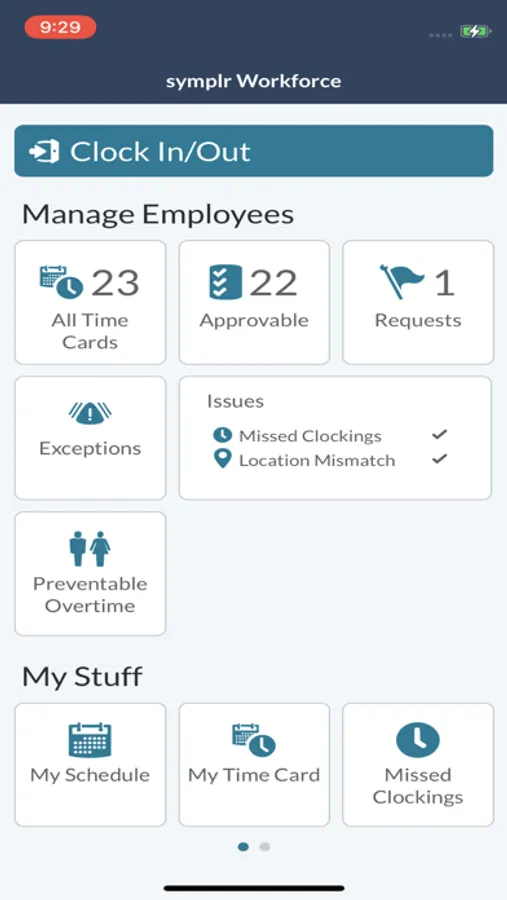
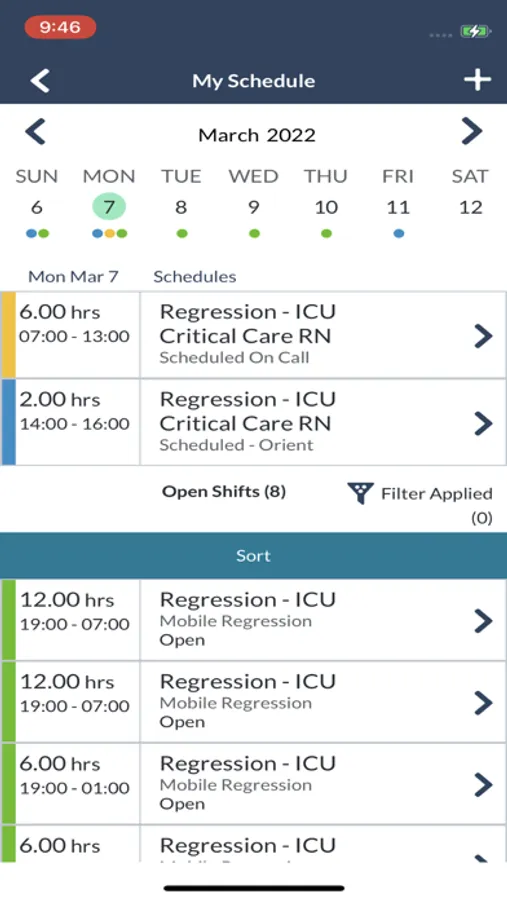
The Workforce app streamlines key features from Time and Attendance, Staffing and Scheduling, and ShiftSelect®. Note: Available features differ based on your solution.
FEATURES
As an employee:
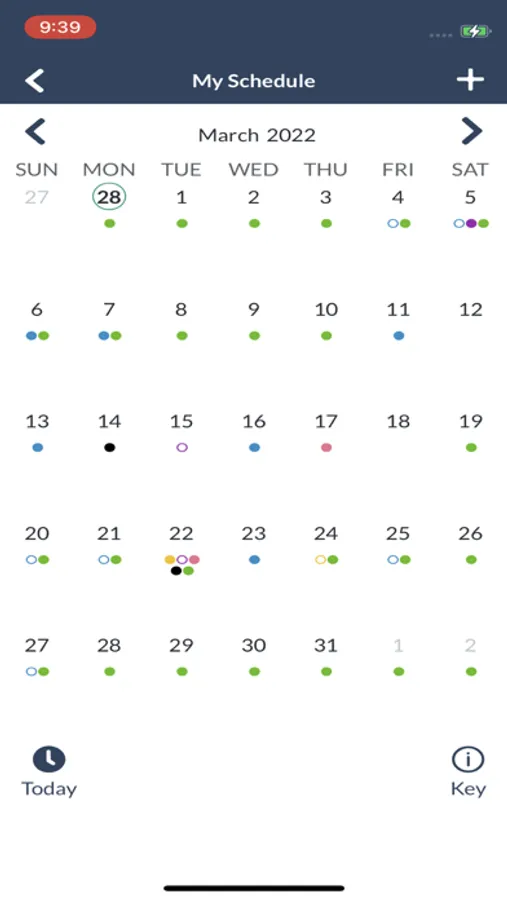
• Add shifts during self-scheduling periods.
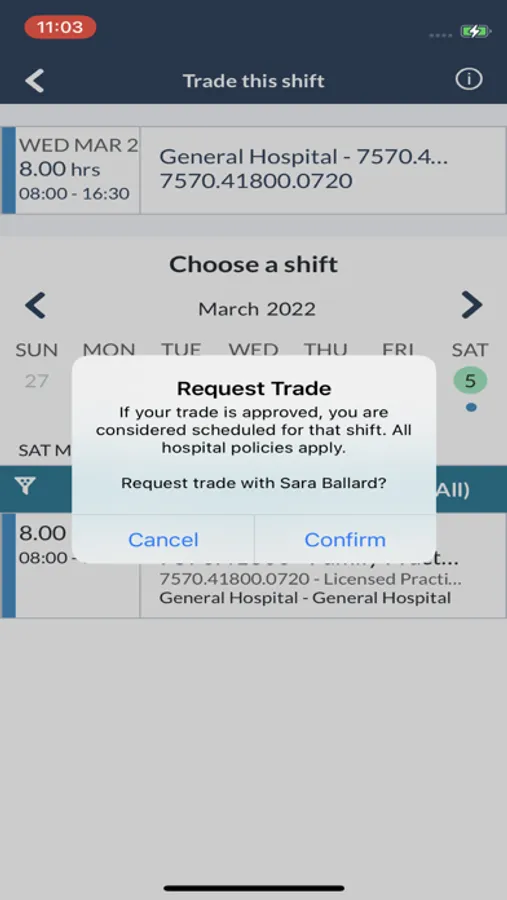
• Request open shifts and trade.
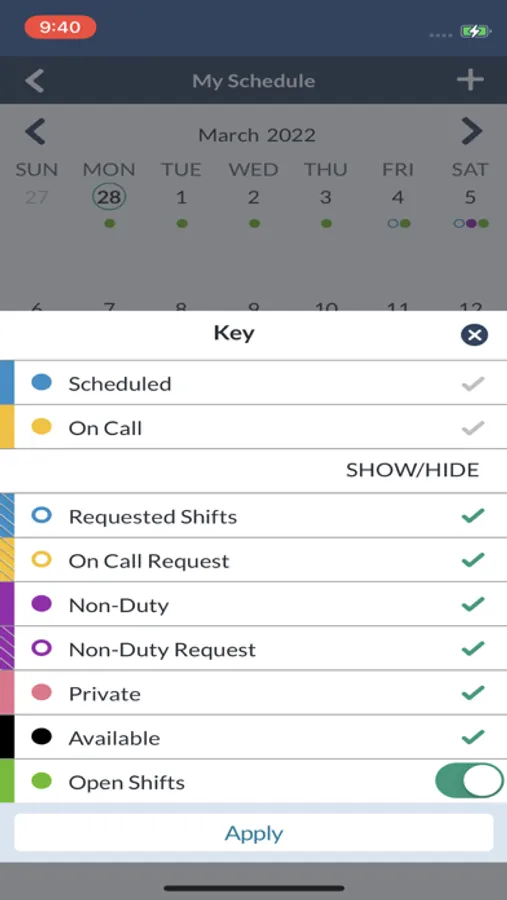
• View your schedule and request time off.
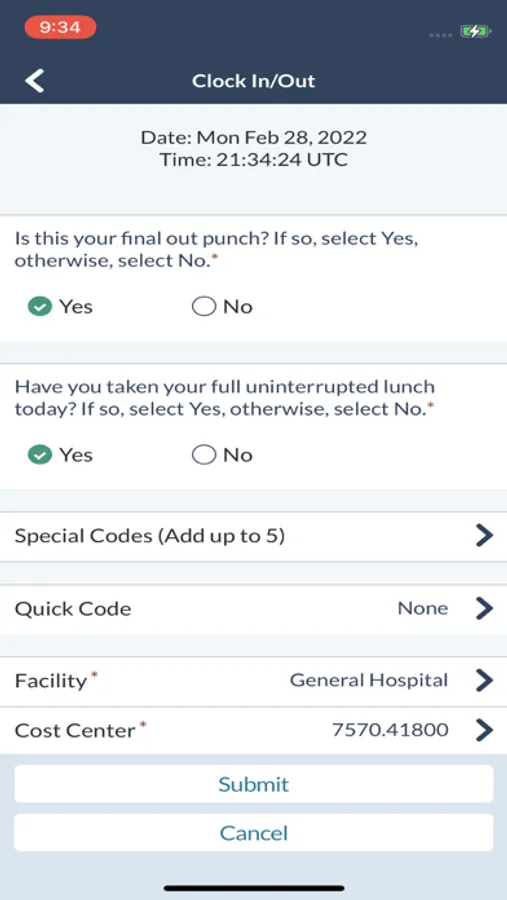
• Clock in based on your location and get notified when there is a mismatch with your location.
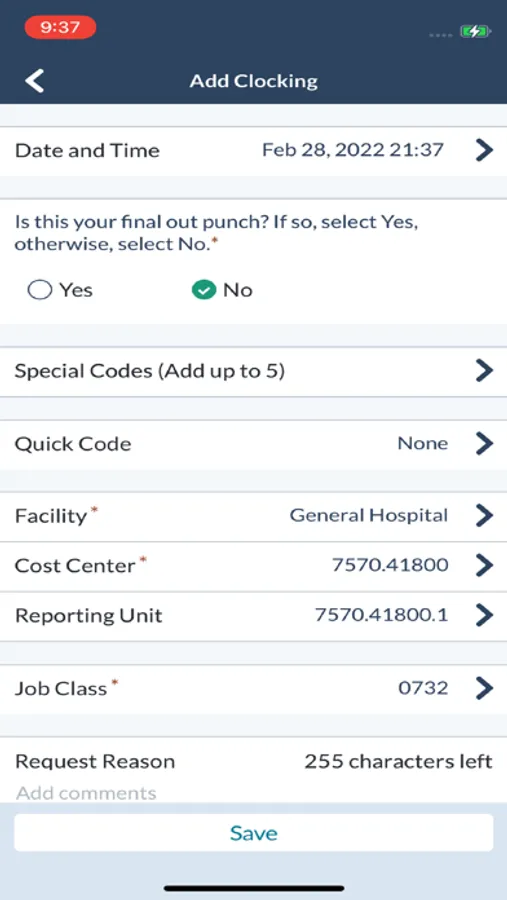
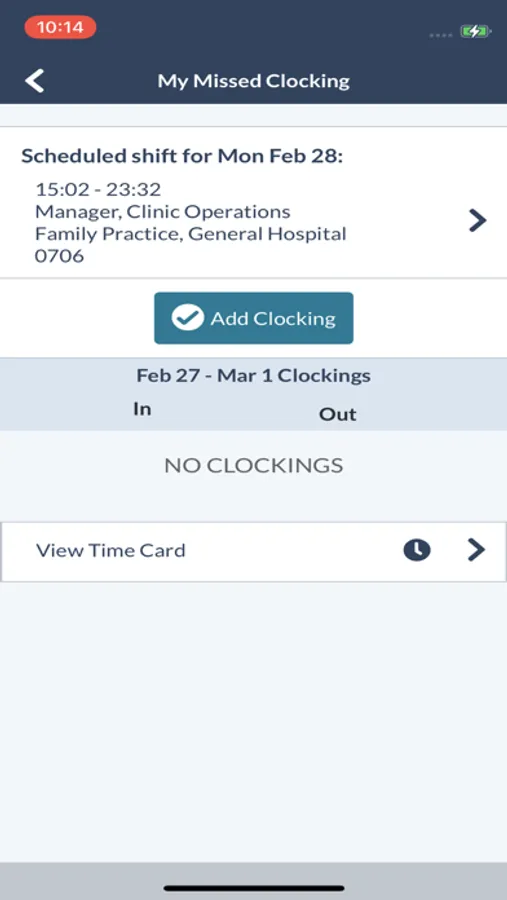
• View missed clocking alerts, clock in/out, sign off your timecard, and add/edit/delete clockings and calendars.
As a manager:
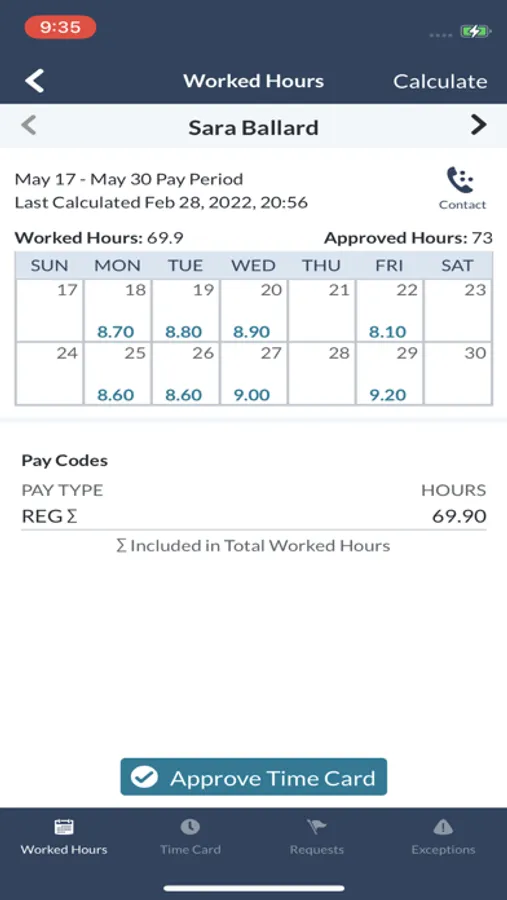
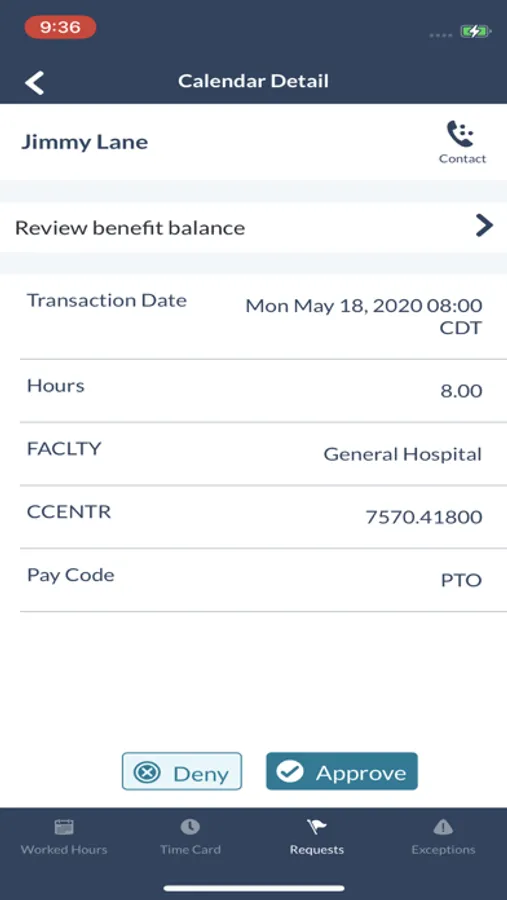
• View your employees' timecards, requests, exceptions, and contact information.
• Correct a clocking or location mismatch by editing the schedule or clocking.
• View missed clocking alerts and preventable overtime, approve employee clockings, calendars, and timecards, and add, edit, or delete employee clockings and calendars.
• View hourly staffing levels to show situations that need immediate attention such as over or understaffing.
FEATURES
As an employee:
• Add shifts during self-scheduling periods.
• Request open shifts and trade.
• View your schedule and request time off.
• Clock in based on your location and get notified when there is a mismatch with your location.
• View missed clocking alerts, clock in/out, sign off your timecard, and add/edit/delete clockings and calendars.
As a manager:
• View your employees' timecards, requests, exceptions, and contact information.
• Correct a clocking or location mismatch by editing the schedule or clocking.
• View missed clocking alerts and preventable overtime, approve employee clockings, calendars, and timecards, and add, edit, or delete employee clockings and calendars.
• View hourly staffing levels to show situations that need immediate attention such as over or understaffing.
symplr Workforce Screenshots
Tap to Rate:
Reviews for symplr Workforce
Zach22220
Terrible
I’ve never seen an app fail so miserably at updating their software to improve user experience.
bpg12345
Update is horrible
Since the last update, it takes too long to clock in. You have to log in multiple times to punch in once