
Use this app to access live and recorded video feeds, receive alerts, and control cameras remotely. Includes real-time notifications, event timelines, cloud clip storage, and PTZ controls.
AppRecs review analysis
AppRecs rating 2.9. Trustworthiness 81 out of 100. Review manipulation risk 20 out of 100. Based on a review sample analyzed.
★★☆☆☆
2.9
AppRecs Rating
Ratings breakdown
5 star
40%
4 star
5%
3 star
3%
2 star
15%
1 star
37%
What to know
✓
Low review manipulation risk
20% review manipulation risk
⚠
Mixed user feedback
Average 3.0★ rating suggests room for improvement
⚠
High negative review ratio
52% of sampled ratings are 1–2 stars
About OpenEye Mobile
Key Features:
• Virtual Location Arming and Disarming
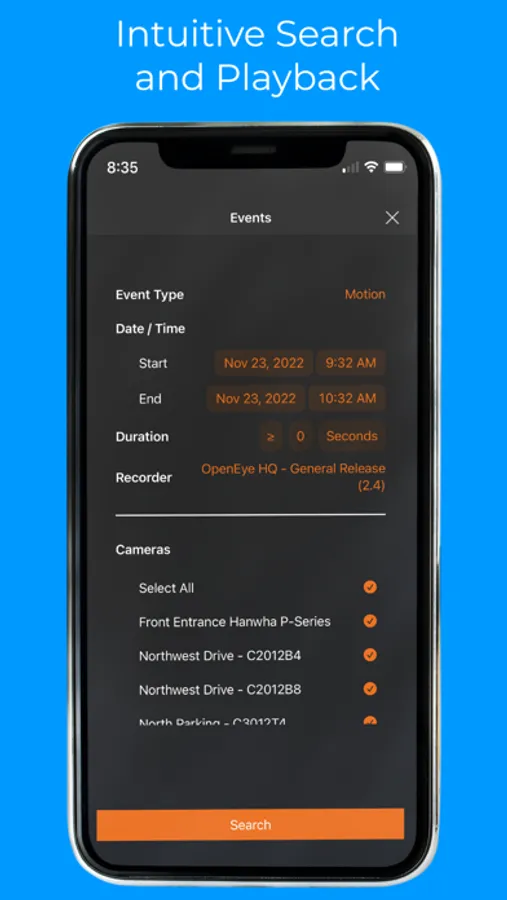
• Alert History Search
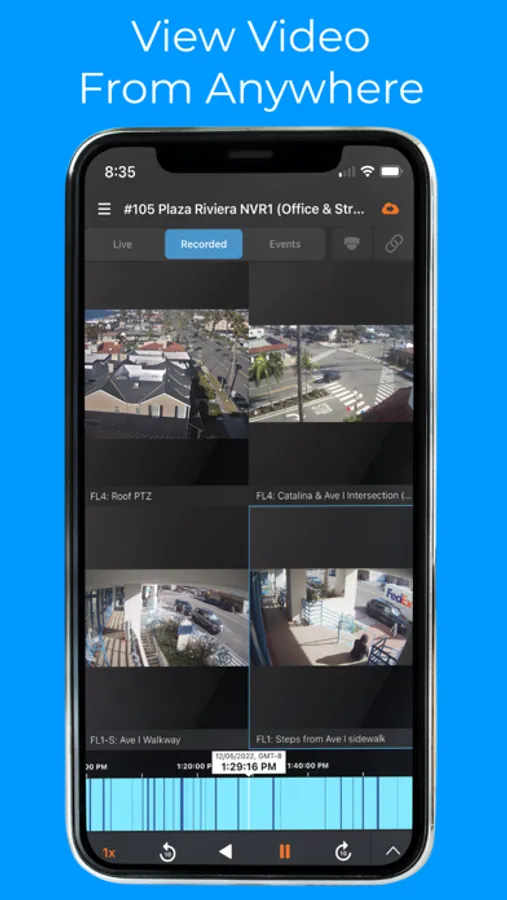
• Color Coded Event Timeline Bar
• Centralized Video Management on Mobile with Diverse Event Types
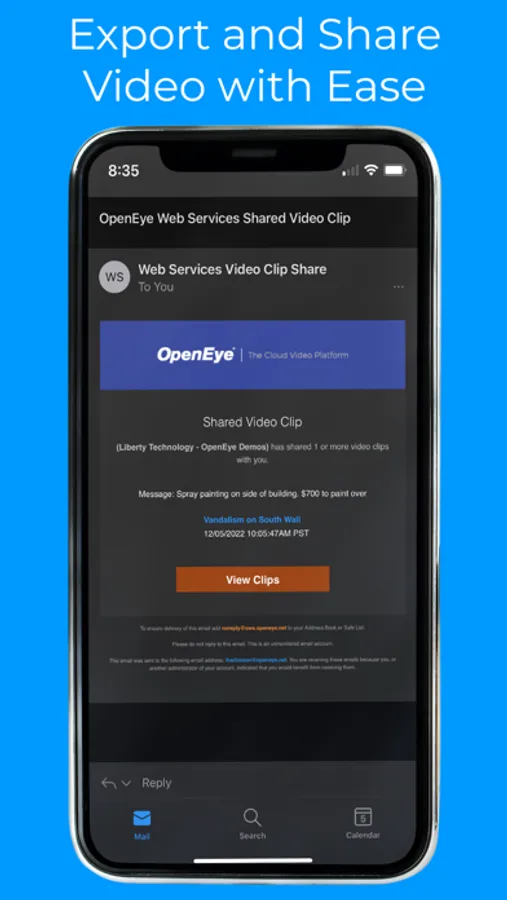
• Intuitive Video Export and Sharing
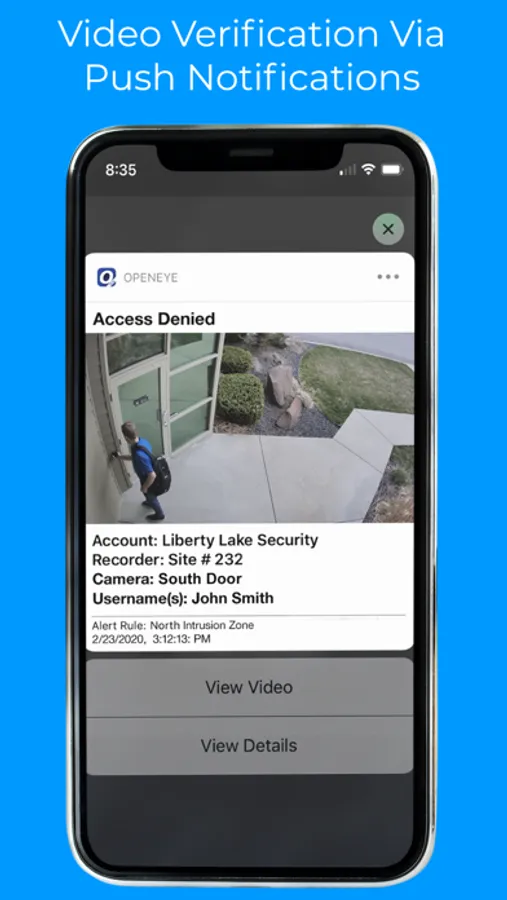
• Real-Time Push notifications
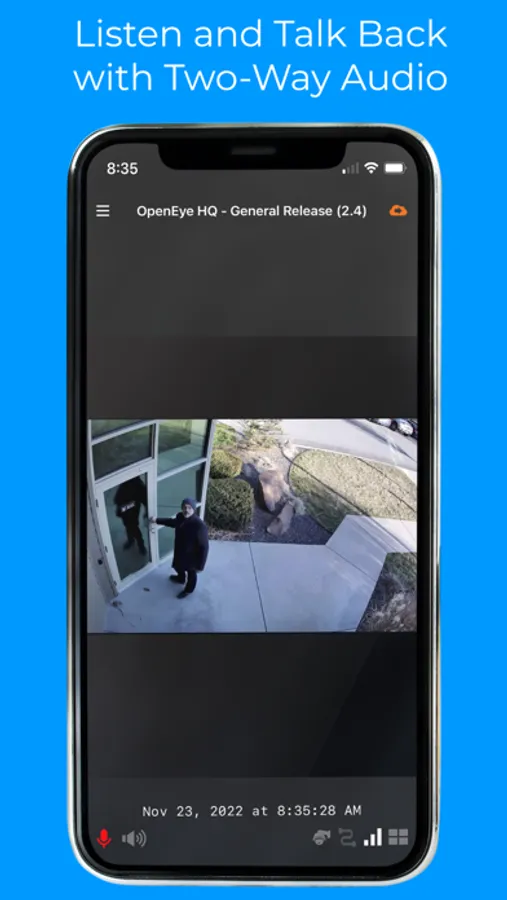
• Two-way Talk Down
• Customizable Grid Support
• Live Video Streaming and Recorded Playback
• Save Clips to the Cloud
• View 360° cameras with dewarping and PTZ controls
• Apple TV Support
Best Practices:
For optimal performance, OpenEye recommends using this app on a secure Wi-Fi network. Streaming high-definition video over cellular networks may significantly increase data usage and impact battery life.
An active subscription to the OpenEye Web Services cloud-managed video platform for one or more cameras is required to use the OpenEye iOS mobile app.
With over 1 million devices connected, the OpenEye Web Services cloud-managed video platform provides actionable intelligence and improves operational efficiency so that you can stay focused on what matters most—and see the next opportunity to protect and grow your business.
OpenEye Mobile Screenshots
Tap to Rate:
Reviews for OpenEye Mobile
CNCBROS
CNC
I gave it 2 stars because when it works (about 30% of the time), I’m able to view and zoom in on the camera image. Unfortunately, most of the time it does not work at all. We were told the phone/web version was problematic, but I didn’t expect it to be this bad. We’ve had the system for a little over a year, and it feels like the app is getting worse, not better. I’ve been trying all day to access my cameras and the app won’t load. Amateur system at best.
lish_suzanne
Works 50%
This app is great when it works. Problem is it actually loading