In this home automation app, you can manage connected devices, create scenes, and monitor your home environment. Includes device control, scene editing, and support for multiple systems.
AppRecs review analysis
AppRecs rating 4.3. Trustworthiness 65 out of 100. Review manipulation risk 22 out of 100. Based on a review sample analyzed.
★★★★☆
4.3
AppRecs Rating
Ratings breakdown
5 star
77%
4 star
6%
3 star
3%
2 star
1%
1 star
13%
What to know
✓
Low review manipulation risk
22% review manipulation risk
✓
High user satisfaction
83% of sampled ratings are 4+ stars (4.3★ average)
✓
Authentic reviews
No red flags detected
About HomeSense
Please note that device control and editing for scenes and schedules requires a purchase.
Common Features
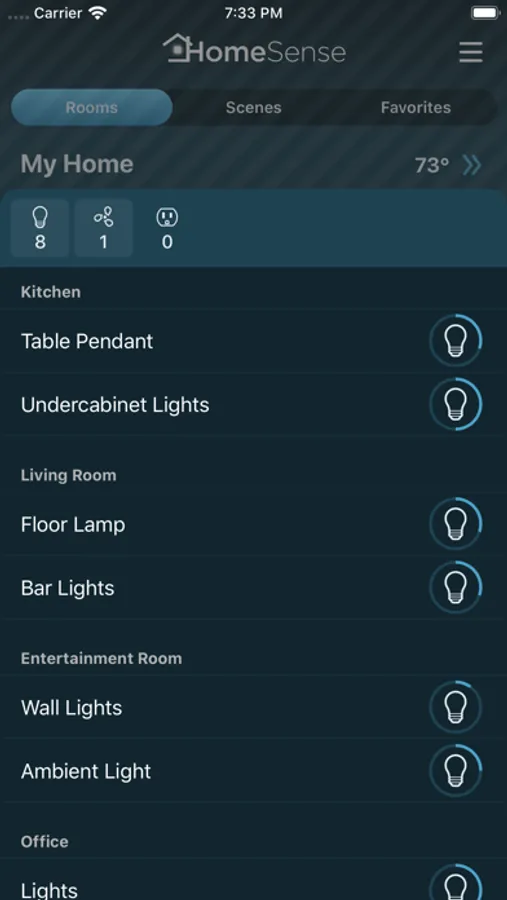
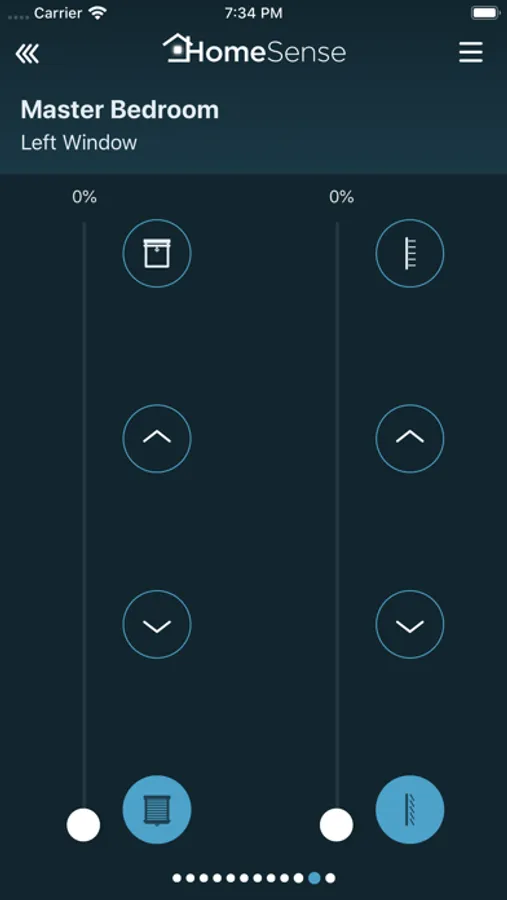
- See and control lights, ceiling fans, shades, blinds and thermostats from the application.
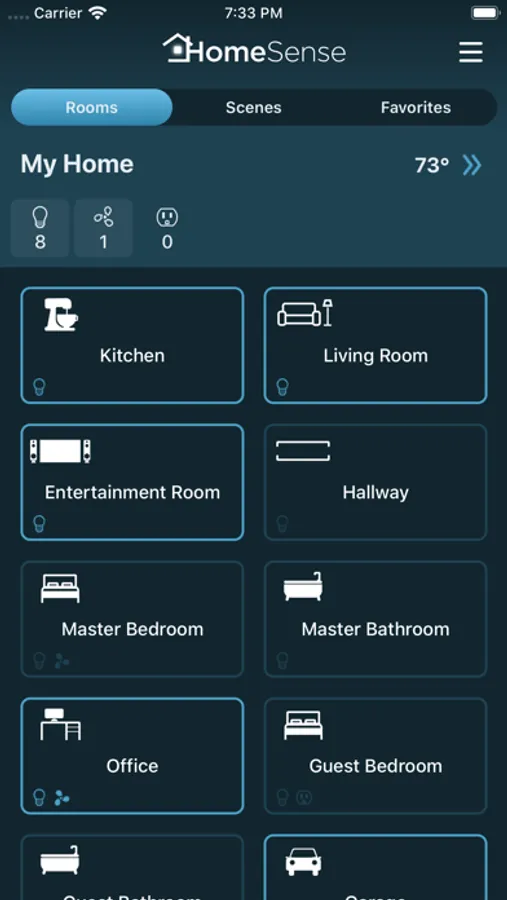
- Home overview shows the state of every room and makes it easy to see what rooms have lights or fans on.
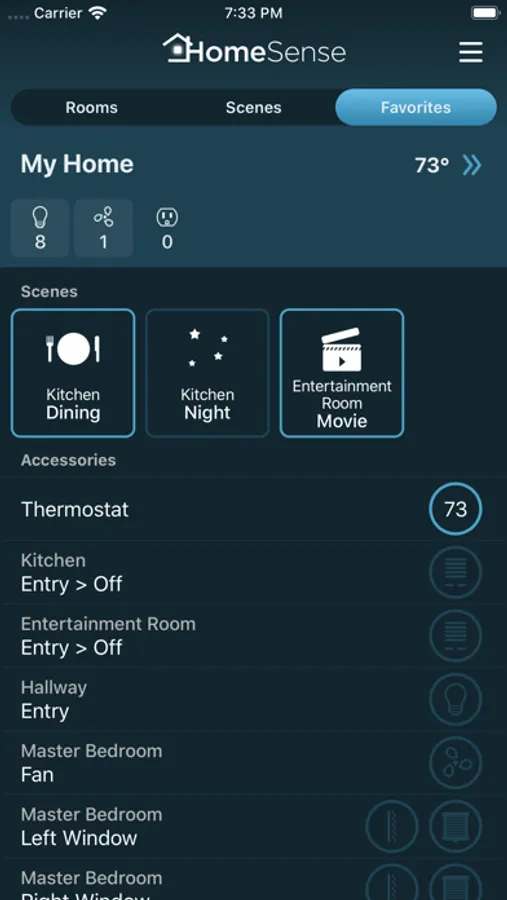
- Add often used controls or scenes to the Favorites. Any light, fan, shade, or even individual keypad button can be added to Favorites to appear on a separate screen. Tap to toggle, or tap and hold to open the detail view.
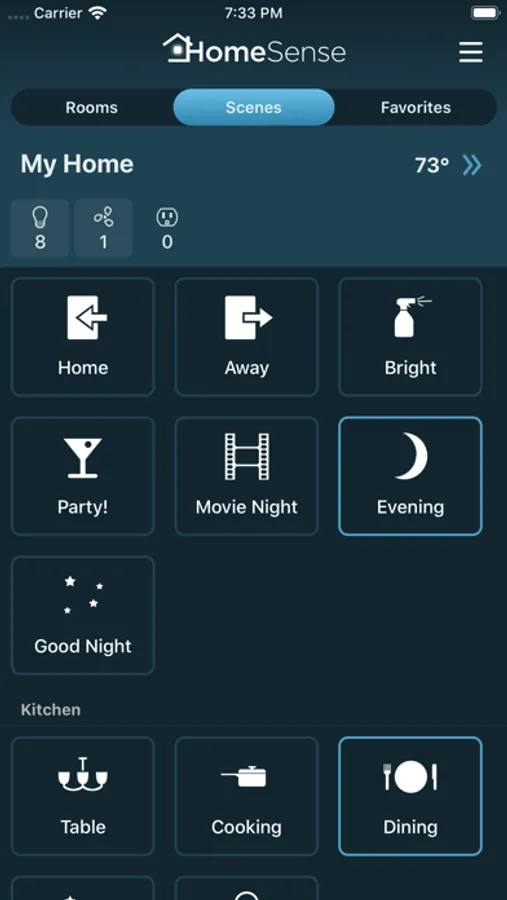
- Create your own home and room scenes that can combine devices from different systems.
- Turn off all lights and fans in a room with a single gesture - just choose “All Off” action on the room.
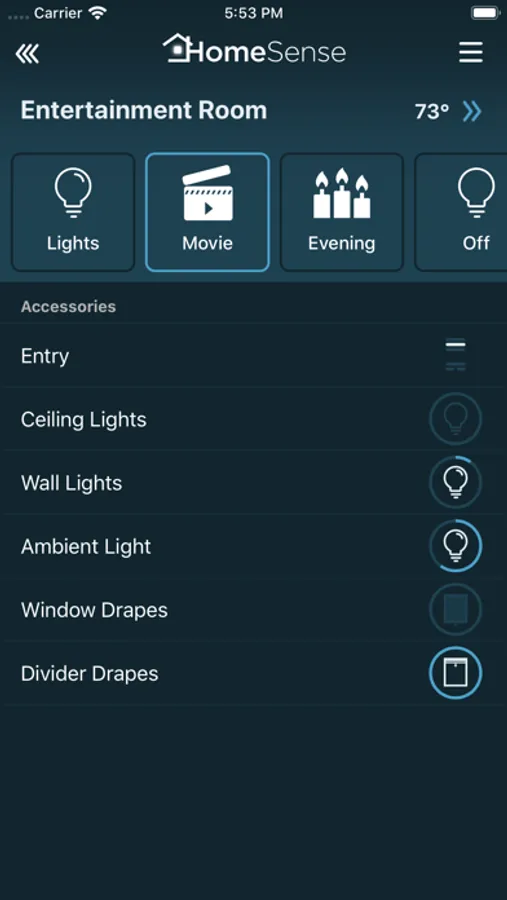
- Set up additional actions for a room to be recalled quickly from actions menu.
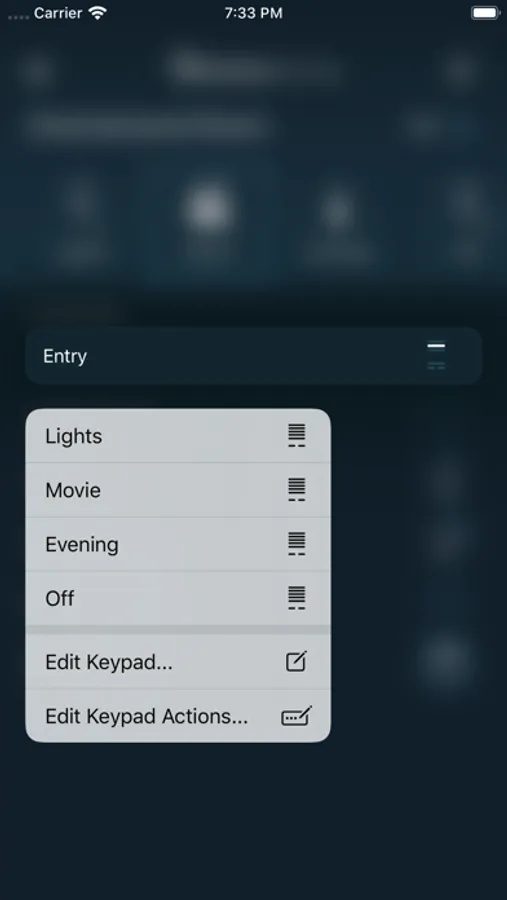
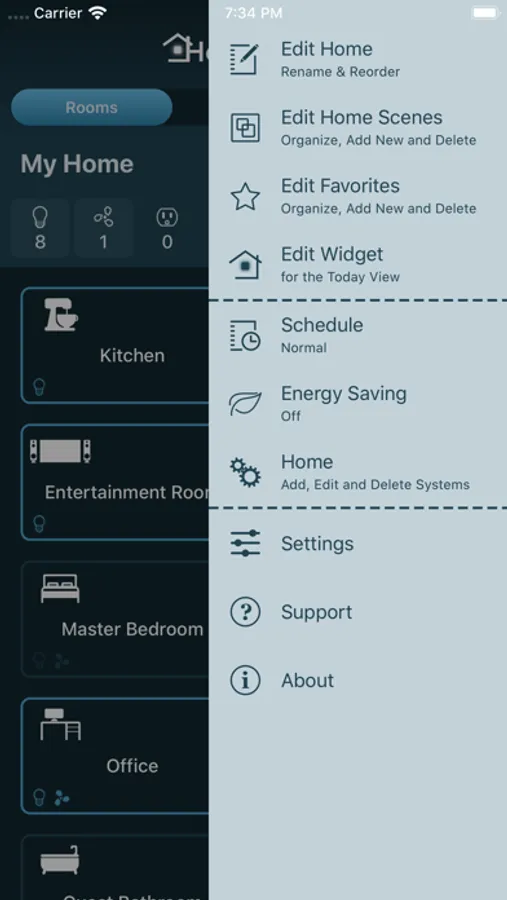
- Organize your home: manage rooms, rename controls and keypad buttons, hide unwanted devices.
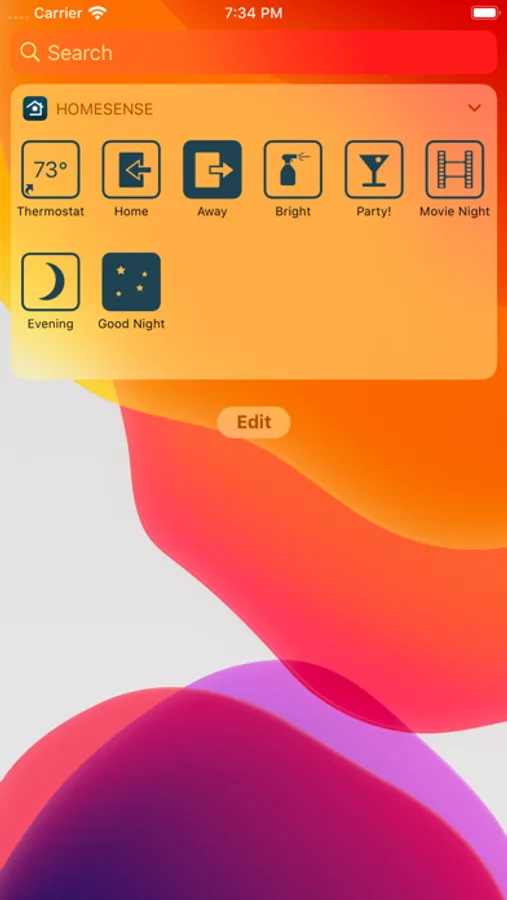
- Today widget lets you access selected controls or scenes without launching the app.
- Change switch type - choose if switch controls an outlet, light or fan.
- Adjust device defaults - set default brightness, fade-in and fade-out time for dimmers, set default speed for fans.
- iCloud sync keeps your home configuration up-to-date on all of your devices.
Caséta Wireless Features
- View and edit Pico button programming and scheduled events.
Lutron RadioRA 2 and HomeWorks QS Features
- View and edit keypad button programming, scheduled events and thermostat schedules.
- Change schedule and energy saving (“Green”) mode.
Philips Hue Features
- View and edit scheduled events, including events relative to sunrise or sunset.
HomeKit Features
- Supported devices include outlets, switches, lights, fans, shades, blinds, thermostats, door locks, garage door openers, faucets, and sensors.
- Scheduled events support both weekly events, as well as time triggers with repeat intervals, from 5 minutes up to one month.
Sonos Features
- Play, pause, and control volume.
- Select a playlist or a station to play from your Sonos favorites.
- Group speakers to play music to more than one rooms.
Requirements
- For Caséta Wireless, Smart Bridge or Smart Bridge Pro connected to home WiFi network.
- For Lutron, professionally installed system connected to home WiFi network.
- For Philips Hue, Philips Hue lights with bridge connected to home WiFi network.
- For Lyric, Lyric Round Wi-Fi Thermostat, Lyric T5 or Lyric T6 Pro Wi-Fi Thermostat with working Internet connection.
Trademarks
Lutron, HomeWorks, RadioRA are trademarks of Lutron Electronics Co., Inc registered in the US and other countries.
Caséta, RadioRA 2, RadioRA 3, GRAFIK RA are trademarks of Lutron Electronics Co., Inc.
Lyric, Lyric Round are trademarks of Honeywell International Inc.
PHILIPS is a registered trademark of Koninklijke Philips N.V.
Sonos and Sonos product names are either trademarks or registered trademarks of Sonos, Inc.
HomeSense Screenshots
Tap to Rate:
Reviews for HomeSense
lbljeffmo
Works great and super attentive developer
Have been using this with my Lutron RRA2 setup for a few months now. It works perfectly pretty much every time. Home screen widget is a game changer for me. I also have to mention the quick and attentive support I got. My wife downloaded the app and hit a weird bug on her phone where she wasn’t able to get the app to open without crashing (everything worked fine on my phone). I went to the support section on my phone and emailed asking if there’s any way to fix the issue. After about a day they responded and after a couple more emails exchanging details they found the bug and have already submitted a fix to the App Store. Good stuff!