In this educational app, users can read and send messages, view schedules, and check lesson notes. Includes notifications, absence reporting, and offline access.
AppRecs review analysis
AppRecs rating 2.4. Trustworthiness 73 out of 100. Review manipulation risk 26 out of 100. Based on a review sample analyzed.
★★☆☆☆
2.4
AppRecs Rating
Ratings breakdown
5 star
29%
4 star
3%
3 star
6%
2 star
5%
1 star
57%
What to know
✓
Low review manipulation risk
26% review manipulation risk
⚠
Mixed user feedback
Average 2.4★ rating suggests room for improvement
⚠
High negative review ratio
62% of sampled ratings are 1–2 stars
About Wilma
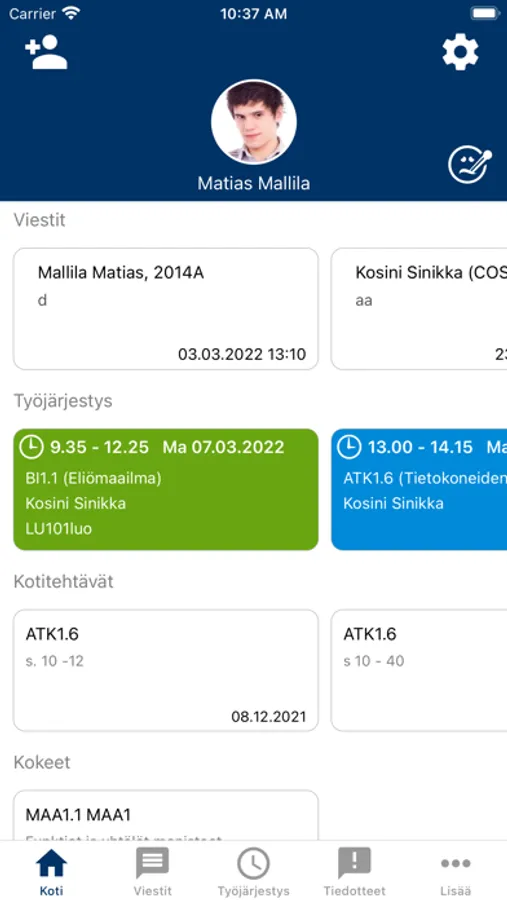
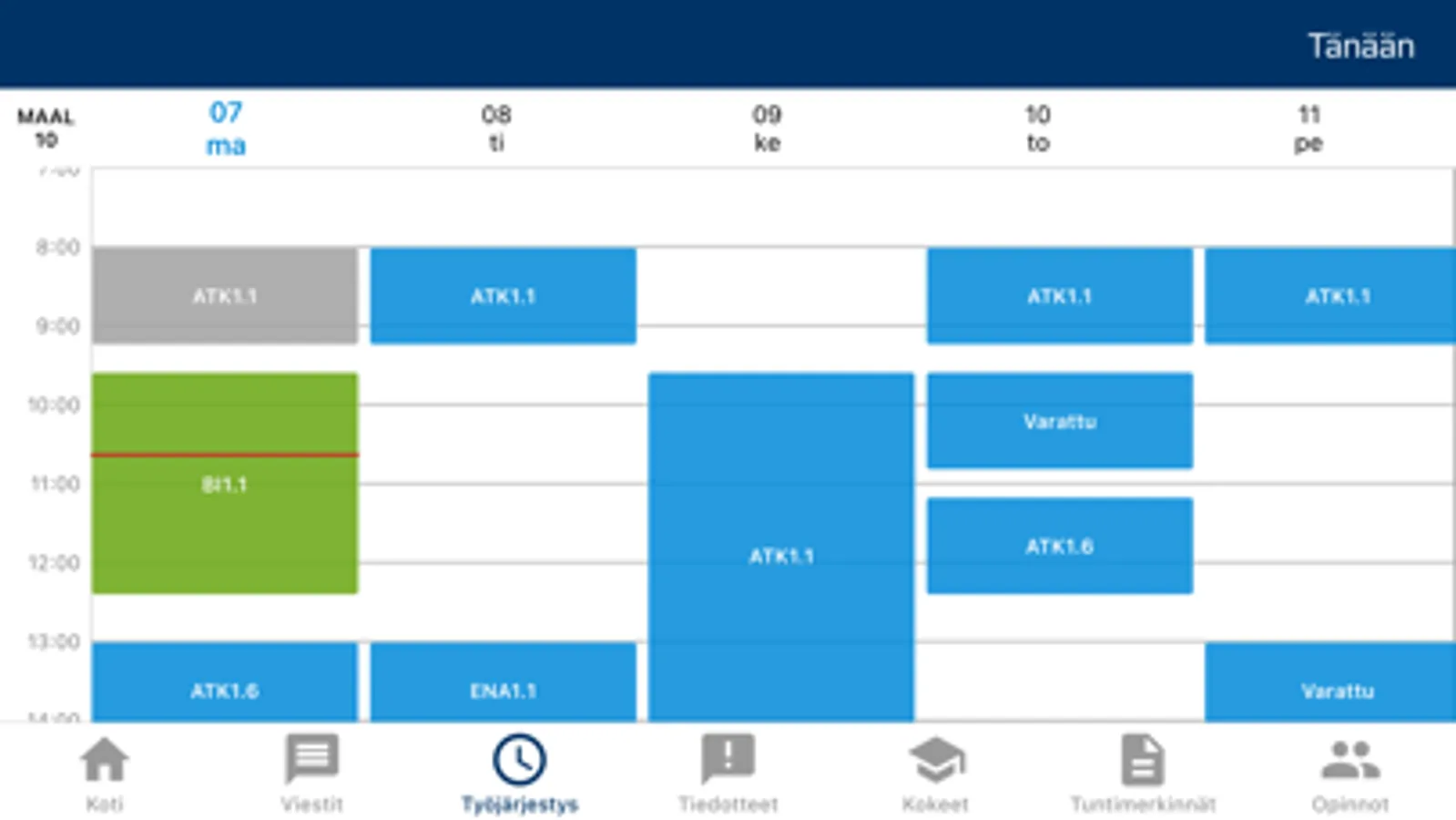
The Wilma app lets you read and write messages and view the schedule, homework, exams, lesson notes, and announcements. Guardians can verify absences and notify of their child's absences in advance.
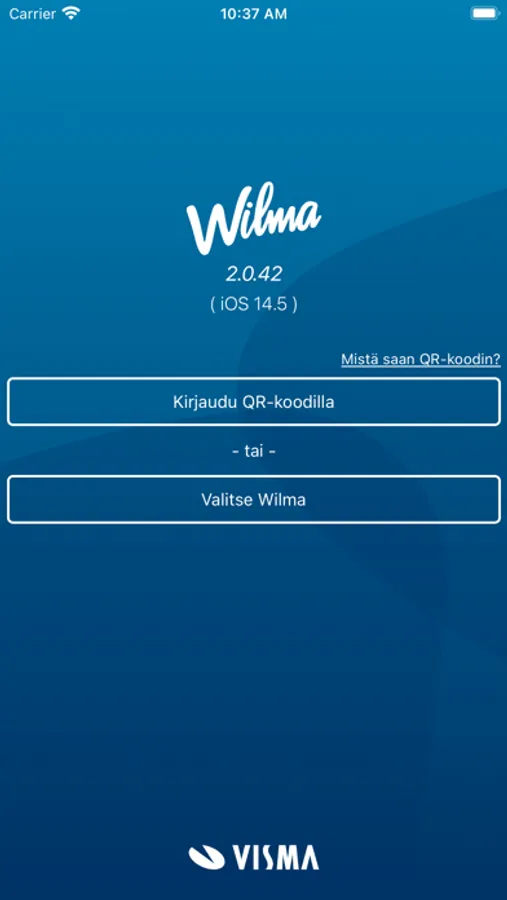
The app works without a separate login once you have added a user account.
- The easiest way to add a user account is by logging into Wilma with a computer browser, scanning the QR code with your phone in the app, and entering your Wilma password.
- Alternatively, you can add a user account manually by selecting your municipality's or school's Wilma in the app and entering your username and password.
If you have multiple Wilma accounts, you can add them all to the app — you get all the information conveniently in one place, even if you have Wilma accounts from different municipalities or educational institutions.
Features:
- Get notified about new messages and lesson notes
- Read and write messages
- Read announcements
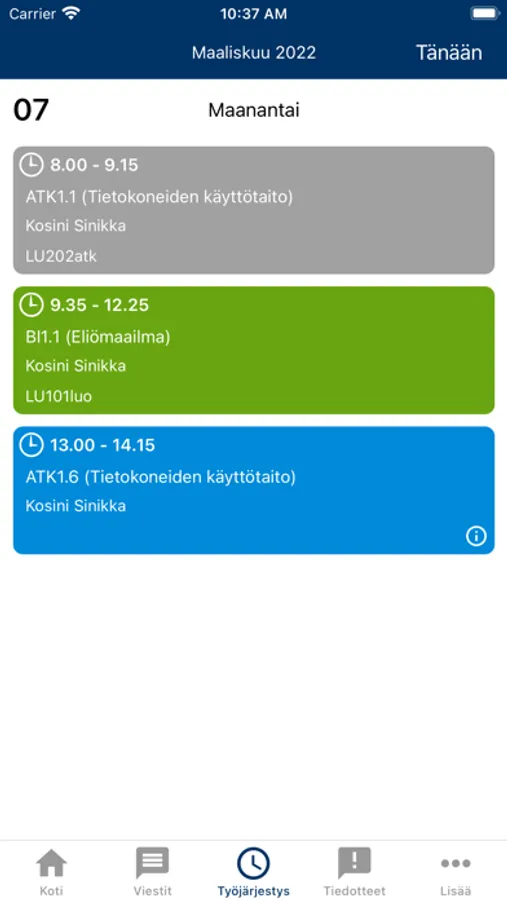
- View your schedule
- See course information: homework, exam dates, and lesson notes
- Handle absences individually and in bulk
- Report absences in advance
- Book care times in early childhood education (in municipalities that have purchased this service)
- Support for offline mode: if a network connection is unavailable, you can still check your schedule, read messages, and more.
The app does not include all the functions featured in the web browser version of Wilma.
Wilma Screenshots
Tap to Rate:
Reviews for Wilma
dear music app
amazing stability
theres always a different type of a problem every single time i open this app most notorious is the one that just flat out refuses to access YOUR account and thinks its offline and even tough they have a offline feature it refuses that too
rasmussb
Pahaa mieltä aiheuttava sovellus
Sovellus suunniteltu oppilaitten mielenterveyden kuormittamiseksi jatkuvilla ”negatiivisillä” merkinnöillä (3min myöhässä) ja koearvosanoilla. Lagaa jatkuvasti näyttää väärät lukujärjestykset, viestit eivät näy, heittää ulos yms. Mobiiliversio erittäin suppea, monet ominaisuudet puuttuvat. Ulkoasu ruma.