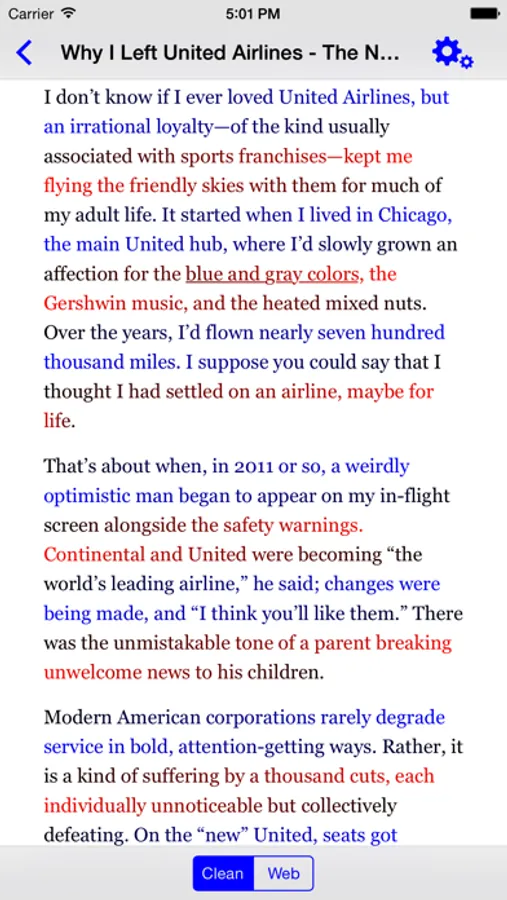
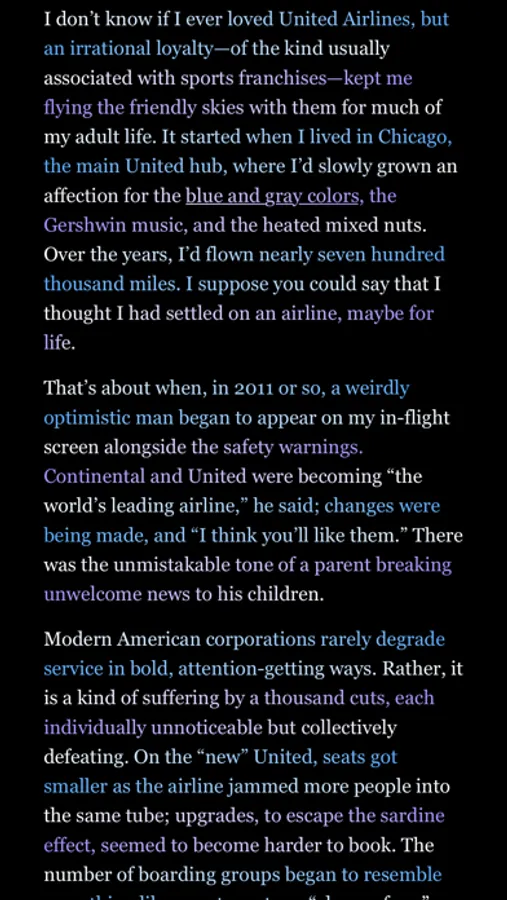
In this app, you can customize your reading experience by applying eye-guiding color gradients and saving articles for later. Includes extensions for Safari, website browsing, and options to add premium content and read EPUB files.
AppRecs review analysis
AppRecs rating 2.4. Trustworthiness 82 out of 100. Review manipulation risk 27 out of 100. Based on a review sample analyzed.
★★☆☆☆
2.4
AppRecs Rating
Ratings breakdown
5 star
20%
4 star
5%
3 star
10%
2 star
15%
1 star
50%
What to know
✓
Low review manipulation risk
27% review manipulation risk
⚠
Pricing complaints
Many low ratings mention paywalls or pricing
⚠
Mixed user feedback
Average 2.3★ rating suggests room for improvement
About BeeLine Reader
Here's how it works: instead of using plain black text, we display text using eye-guiding color gradients. These gradients flow from the end of one line to the beginning of the next, so that when you move your eyes from right to left, they're automatically drawn to the appropriate line.
Vision, literacy, and medical experts agree that BeeLine Reader improves reading speed and reading ability for readers of all ages and skill levels. It is particularly helpful for readers with dyslexia, ADD, or vision impairments—some readers are able to read over 50% faster with BeeLine. Find out how much it will help you by taking the BeeLine Reading Challenge on our website: www.BeeLineReader.com.
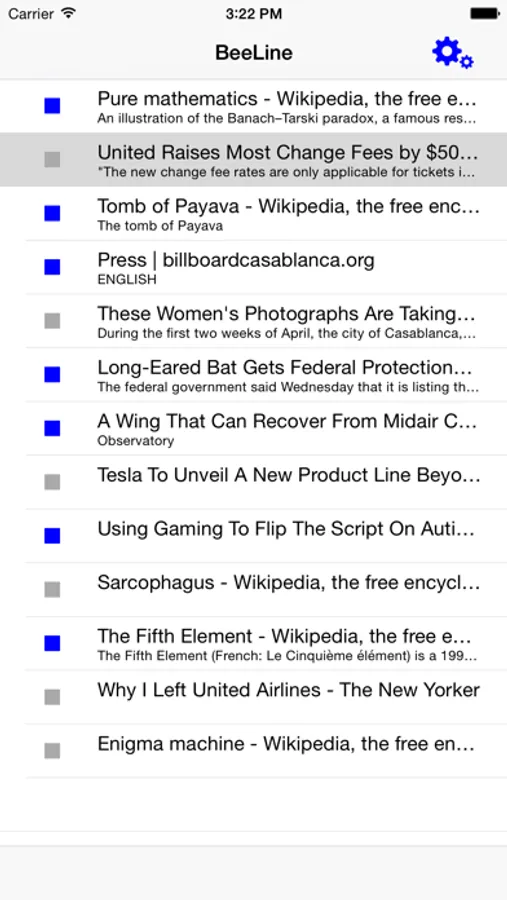
Included app functionality: Read with BeeLine in Safari using our BeeLine Action Extension; save articles for later using the BeeLine Share Extension; and browse the web with BeeLine on select popular websites (AP News, Reuters, and Medium.com) within the BeeLine app. Never used an extension before? Find out how: http://bit.ly/1vaQaOf
IAP: Add premium news sites to your reading list and read Kindle books with BeeLine (iPad only).
Have epub files you want to read with BeeLine? Grab the ReadMe! app, which supports DRM-free EPUB files.
BeeLine Reader Screenshots
Tap to Rate:
Reviews for BeeLine Reader
Top Hat Eh
Love it
I read all my news with this app, mostly by using the share extension to save articles to my read-later list. Love all the text formatting options, especially the BeeLine colors that help me read faster.
arawr7
Waste of money
I paid $5 for the app thinking I could at least read PDF’s…no, when you click to read a PDF you are asked to pay another $10! I reluctantly paid the $10 and still, it will not work! I’m very frustrated , as I was excited to be able to read more easily.