In this lighting control app, you can adjust colors, activate light effects, and manage multiple servers. Includes color wheel, selected effects, widget, Apple Watch support, and image-based lighting.
AppRecs review analysis
AppRecs rating 3.5. Trustworthiness 79 out of 100. Review manipulation risk 20 out of 100. Based on a review sample analyzed.
★★★☆☆
3.5
AppRecs Rating
Ratings breakdown
5 star
51%
4 star
17%
3 star
0%
2 star
4%
1 star
28%
What to know
✓
Low review manipulation risk
20% review manipulation risk
✓
Credible reviews
79% trustworthiness score from analyzed reviews
⚠
High negative review ratio
32% of sampled ratings are 1–2 stars
About Hyperion Remote
Features
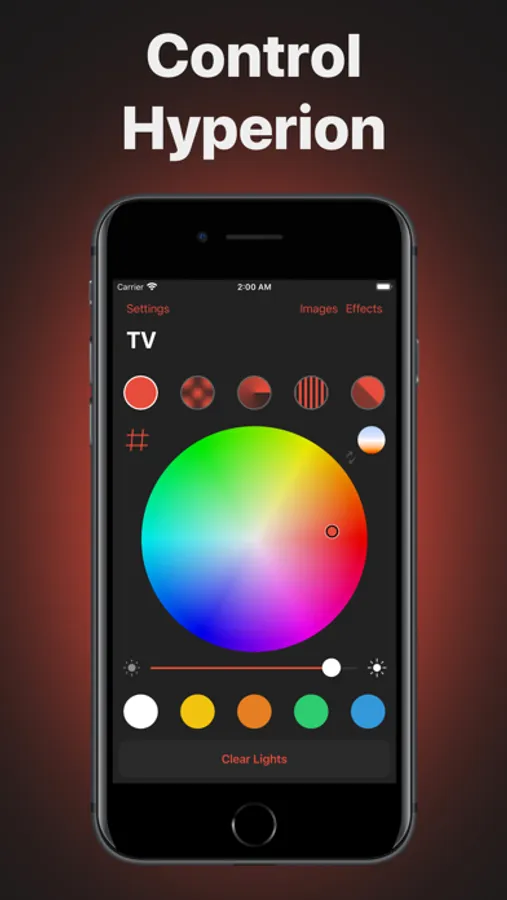
• Use the intuitive color wheel to set your favorite colors
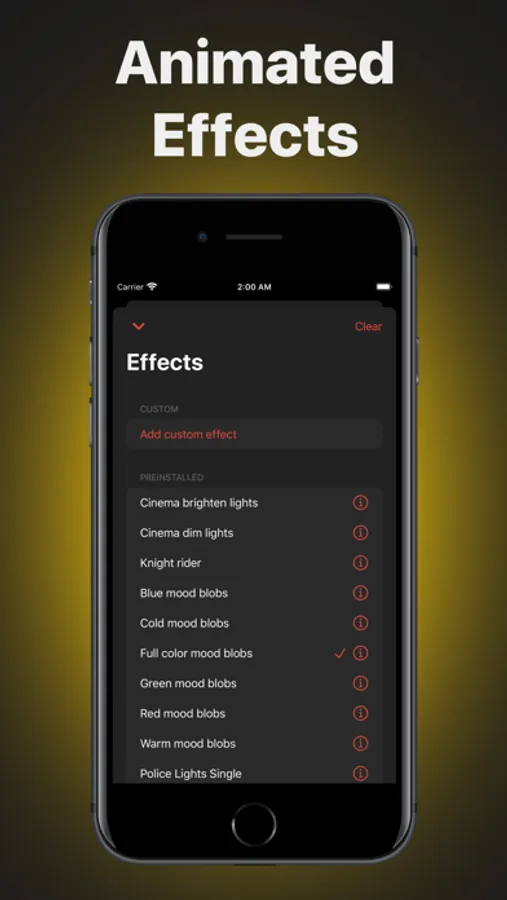
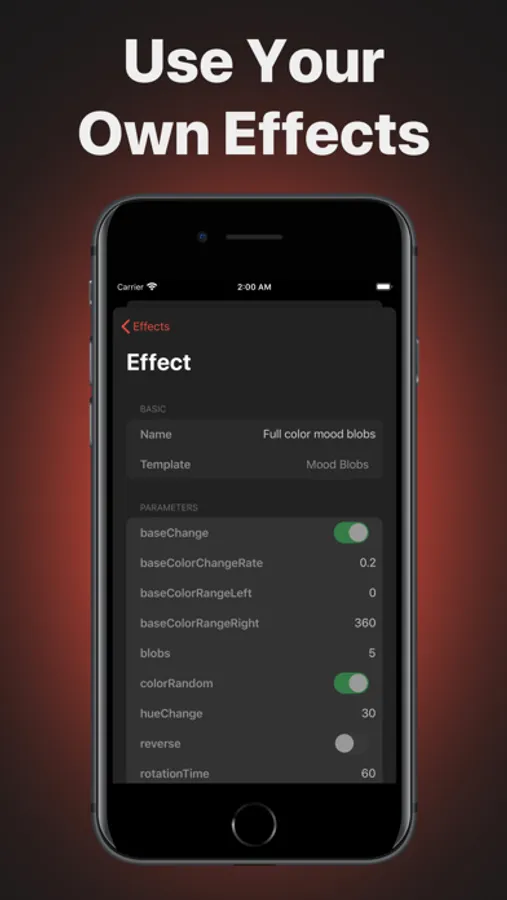
• Control beautiful light effects with ease
• Use the time saving and handy widget
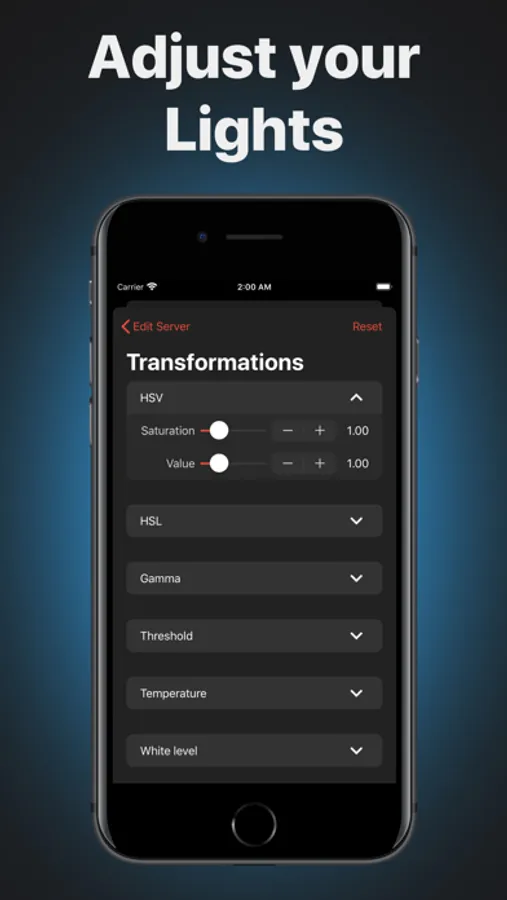
• Adjust color transformations through this app
• Save your favorite colors for quick usage
• Start your effects with your settings
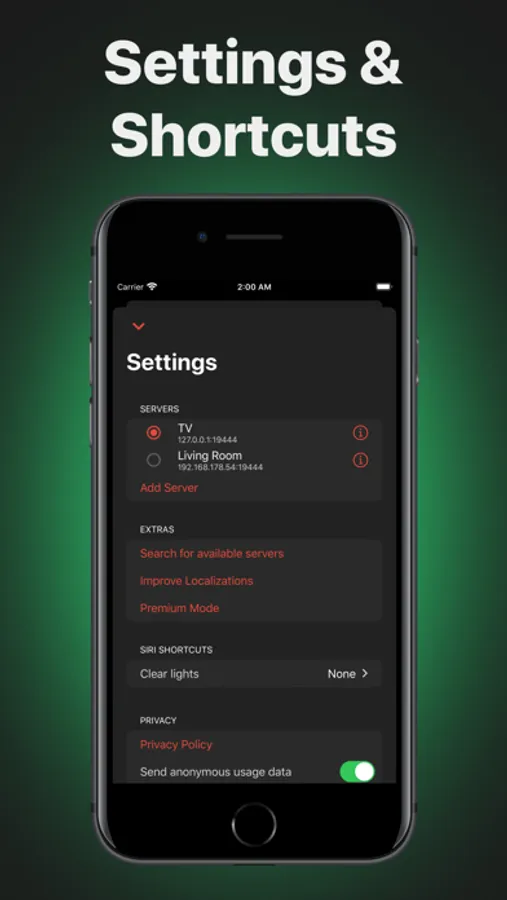
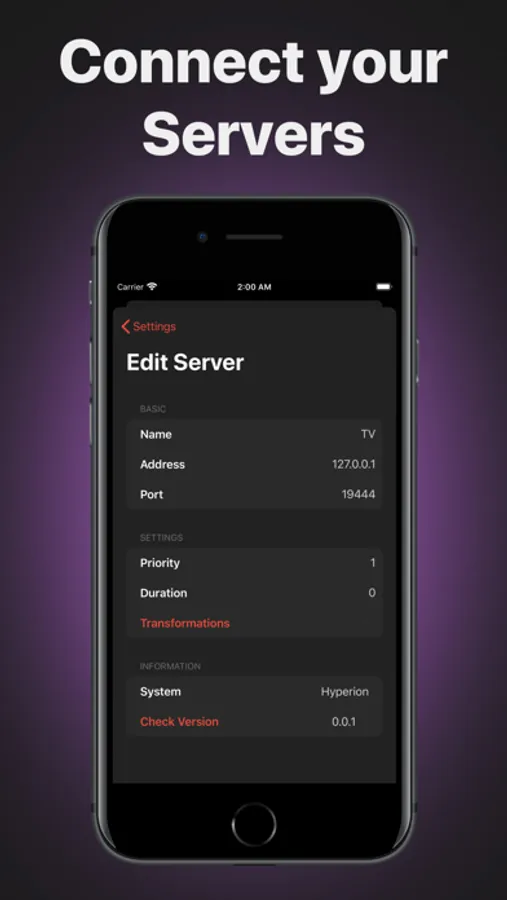
• Hyperion detects your servers automatically
• Add multiple Hyperion servers
• Illuminate your room using your Apple Watch
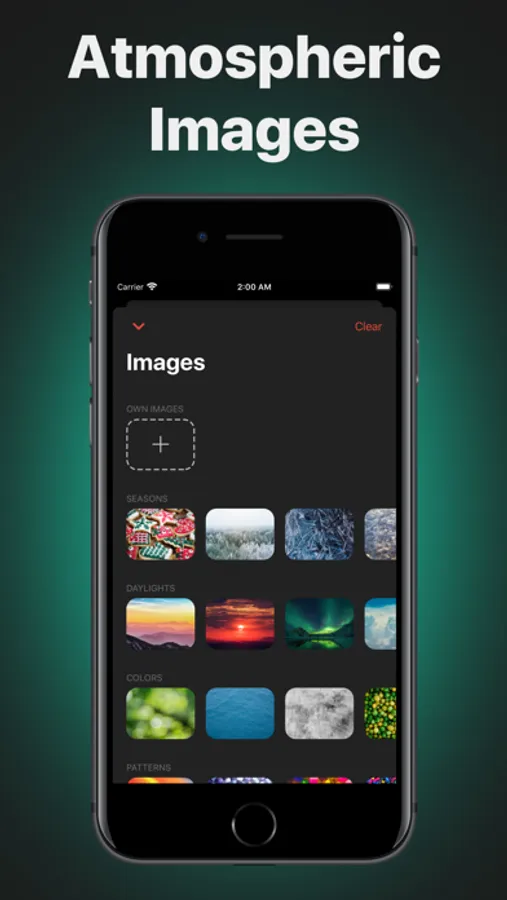
• Use images to color your lights
Light Effects
Hyperion comes with plenty of preinstalled effects which can be used with Hyperion Remote. These include colorful mood blobs, strobe, rainbow swirl, and others. Additionally, you can customize all effects and create new ones with this app.
Quick Access Widget
Use the today widget or Apple Watch app to change the light in your room in seconds without opening the app. Gain quick access to your last-used color or effect and clear the light with ease.
Vibrant Images
Use stunning images to light your room with beautiful gradients and rich colors. You can even use images from your library for maximum creativity.
Hyperion Server
Hyperion Remote works with Hyperion and Hyperion.NG installed on a Raspberry Pi, Arduino, Windows, Mac, or Linux and various devices like Lightberry, AdaLight, Lightpack, Paintpack, Atmolight, AmbiLED, and many more. The app supports all lights Hyperion works with. Connect the app to the same network (Wi-Fi) Hyperion is on and Hyperion Remote finds it automatically.
Hyperion Remote offers a Premium Mode as a subscription. If you choose to purchase the Premium Mode to gain access to various additional features, payment will be charged to your iTunes account, and your account will be charged for renewal 24 hours before the end of the current period. Auto-renewal may be turned off at any time by going to your settings in the iTunes Store after purchase. By purchasing the Premium Mode any unused portion of the free trial period will be forfeited. The current price for the Premium Mode is $4.99 per year and may vary from country to country.
Terms of Use: https://hyperionremote.com/terms
Hyperion Remote Screenshots
Tap to Rate:
Reviews for Hyperion Remote
speed4mee
Paid for nothing
A few years ago i paid for this app and could manage all custom modes. But now i coudnt.
DiamondGeezerAudio
Love this! Use daily.
I can understand how children might be confused by the setup, but this app is fantastic once connected it finds your server. It’s been a daily driver for me going on 4 years now. The Widget is super handy to have access to on your Lock Screen.