
AppRecs review analysis
AppRecs rating 5.0. Trustworthiness 90 out of 100. Review manipulation risk 26 out of 100. Based on a review sample analyzed.
★★★★★
5.0
AppRecs Rating
Ratings breakdown
5 star
50%
4 star
0%
3 star
0%
2 star
0%
1 star
50%
What to know
✓
Low review manipulation risk
26% review manipulation risk
✓
Credible reviews
90% trustworthiness score from analyzed reviews
About Chapters
ePub is the most widely adopted file format for ebooks. ePub files reflow their content for comfortable reading on screen of any size from smartphones to desktops. Each document's content zipped into a single file for maximum portability. It is an open and vendor-independent file format based on popular web standards, such as HTML and CSS.
With Chapters, you can
▪ Open existing files and create new ePub documents
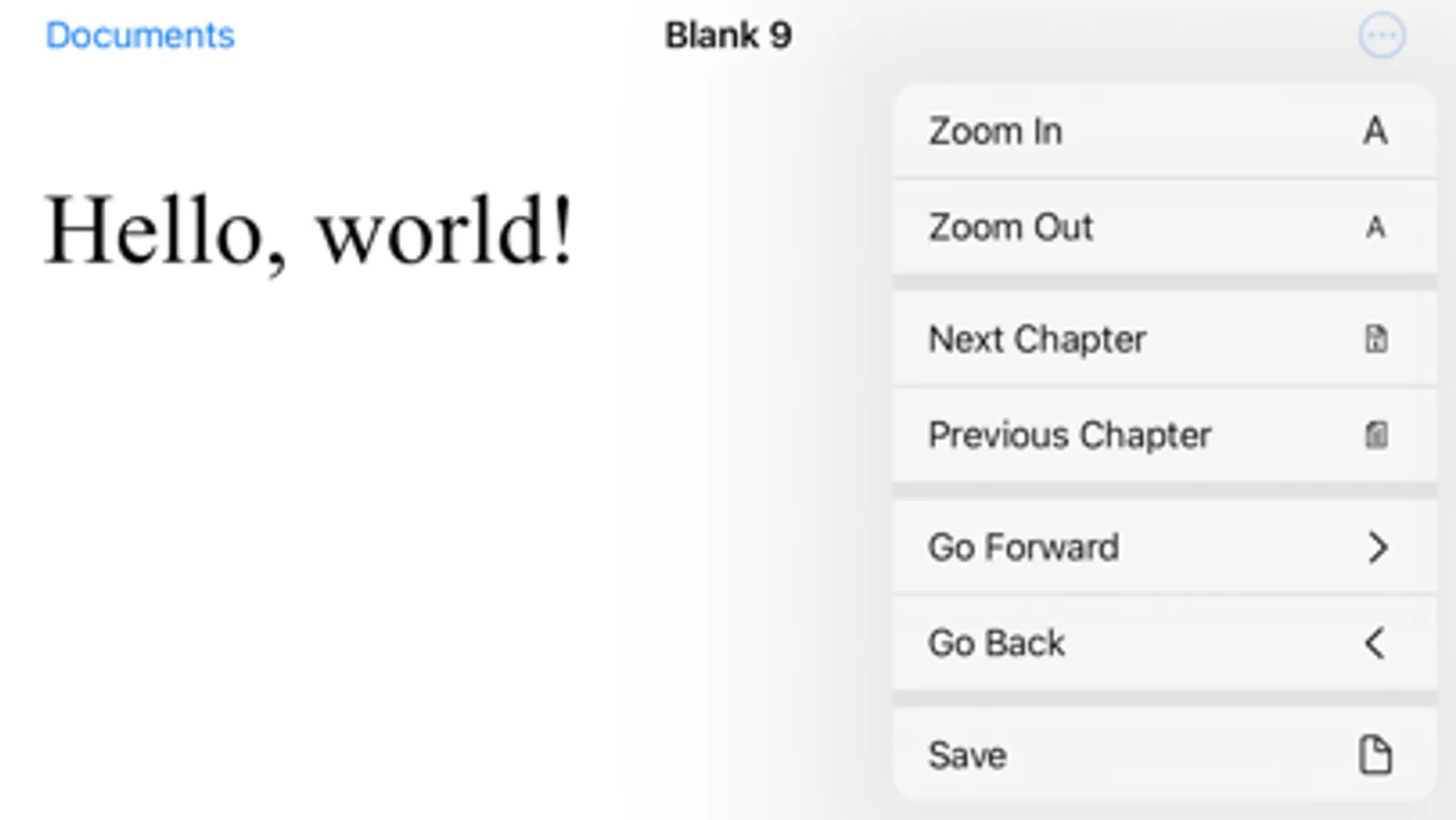
▪ View an entire document in vertical scroll view
▪ Pinch to zoom and smart zoom with double-tap
▪ Edit and format document’s text
▪ Save your changes back to the file
▪ Use Table of Contents to jump ahead (on Mac only at the moment)
▪ Print and export to PDF (on Mac only at the moment)
▪ Add cover image and modify metadata (on Mac only at the moment)
Chapters also supports
▪ iCloud Drive for keeping documents in sync on all your devices
▪ Autosaving automatically saves changes in background while you are editing
▪ Unlimited undo and redo as you edit
▪ Browsing previous changes and restoring them
▪ Resume your work right where you left off once app launches
▪ Side by side multitasking with another app in full screen split view on Mac and iPad
▪ Sharing documents with others via Messages, Mail and AirDrop
If you encounter a bug or app crashing, please contact app’s support at chapters@shaw.ca Thank you!
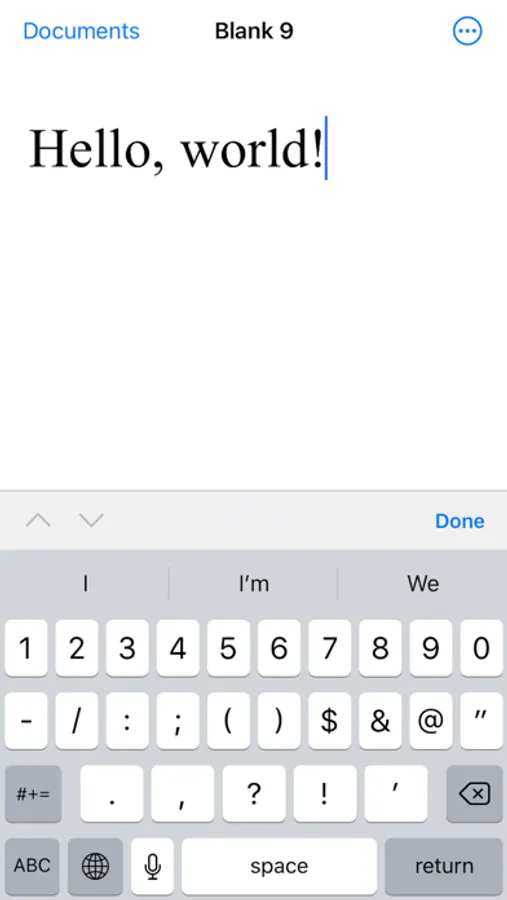
Chapters Screenshots
Tap to Rate:
Reviews for Chapters
Kibblepoo
It seems to work if you know how to open it
I am correcting my previous review. This app does not like books shared to it from the context menu in Files. But if you open an epub from within Chapters, then it works. You also scroll downwards to advance through the book—not sideways. That wasn’t apparent at first. Anyway, it’s kind of nice.
RobbyButler
Simple graphic insertion corrupts other formatting
I’m wanting to put a jpeg in place of the png in an epub generated by Pages. (Everything else looks great on the Kindle upload of the epub straight out of Pages.) Sigil enabled me to change the graphic, but then it threw a blank line after every paragraph in the whole book! Chapters worked “better”: deleting the placeholder png image and inserting the jpeg JUST inserts a blank line between every paragraph throughout the chapter I edited. Still, very disappointing for a paid App! Also, the save feature wouldn’t work to a volume other than the startup volume. If I could find a way to request my money back, I would do so. I also tried BlueGriffin (mentioned by another review), but that doesn’t edit epub documents natively.