In this music notation app, you can create and edit scores with an intuitive interface and multiple instrument options. Includes templates, MIDI connection, and playback features.
AppRecs review analysis
AppRecs rating 3.7. Trustworthiness 80 out of 100. Review manipulation risk 24 out of 100. Based on a review sample analyzed.
★★★☆☆
3.7
AppRecs Rating
Ratings breakdown
5 star
52%
4 star
12%
3 star
12%
2 star
7%
1 star
16%
What to know
✓
Low review manipulation risk
24% review manipulation risk
✓
Credible reviews
80% trustworthiness score from analyzed reviews
✓
Good user ratings
64% positive sampled reviews
About Staventabs: Compose & Notate
Create music
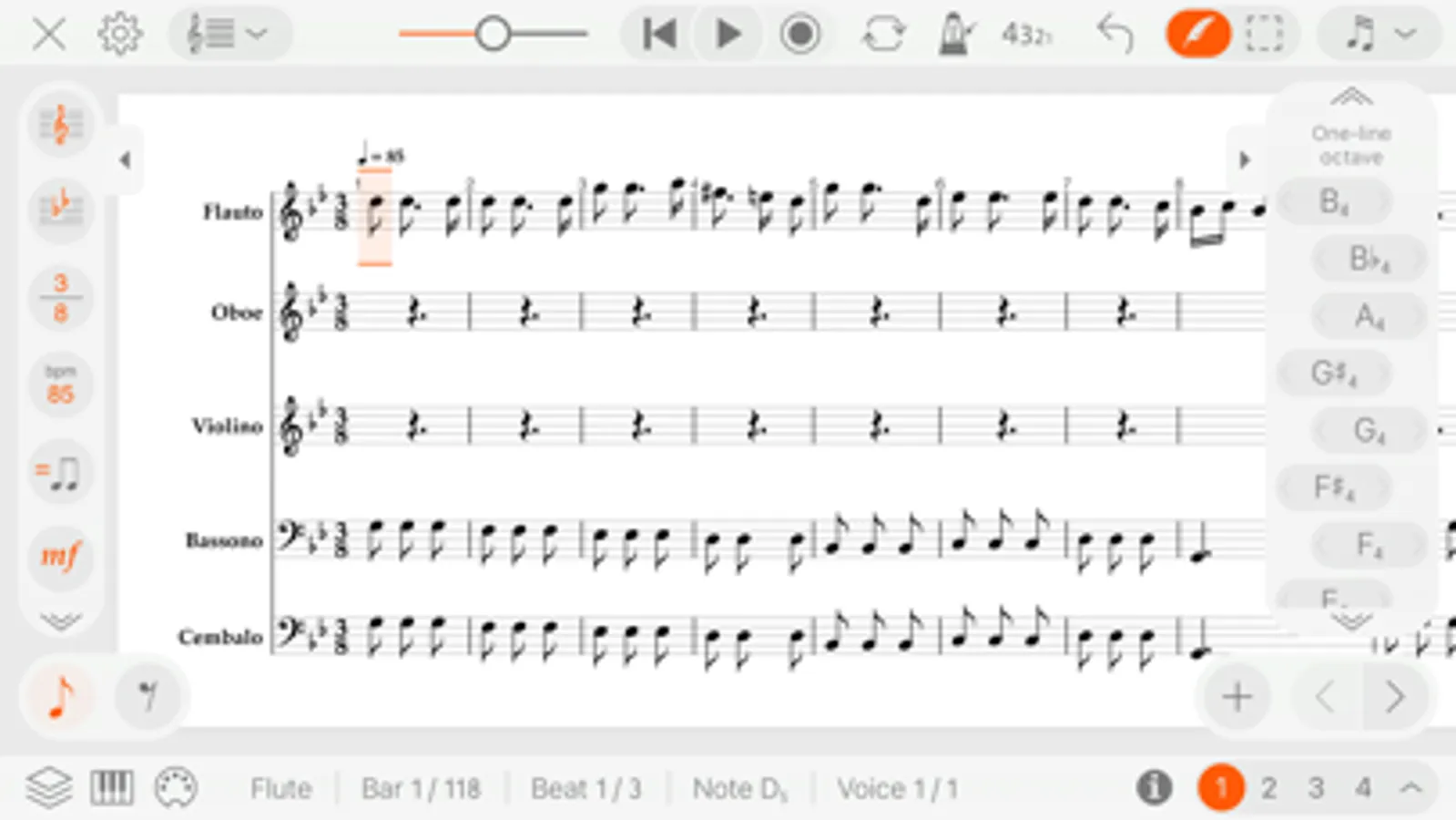
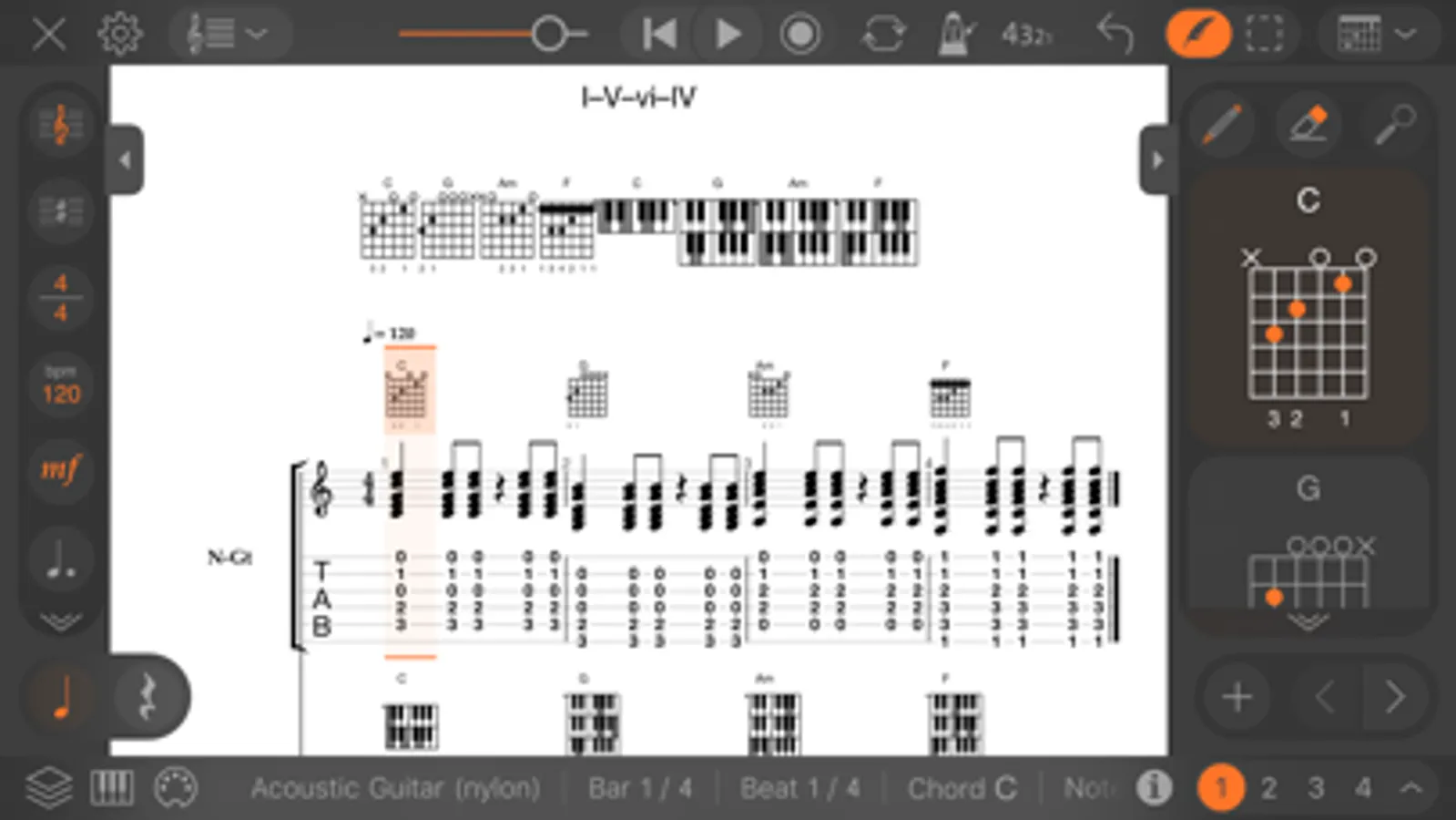
• Start your new score from the scratch or with one of the two dozen templates²
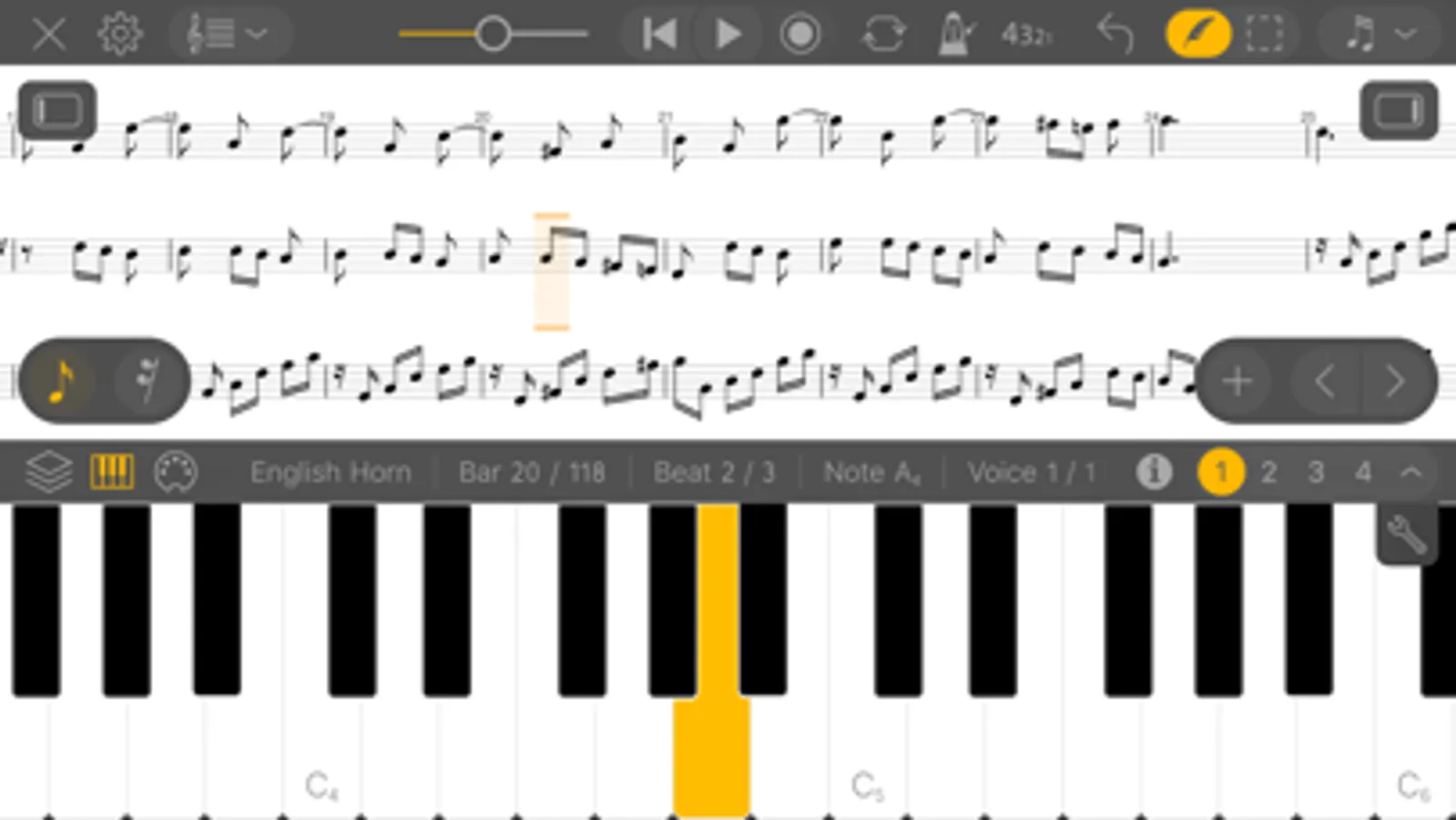
• Enter notes with intuitive instrument-independent interface or virtual Piano Keyboard
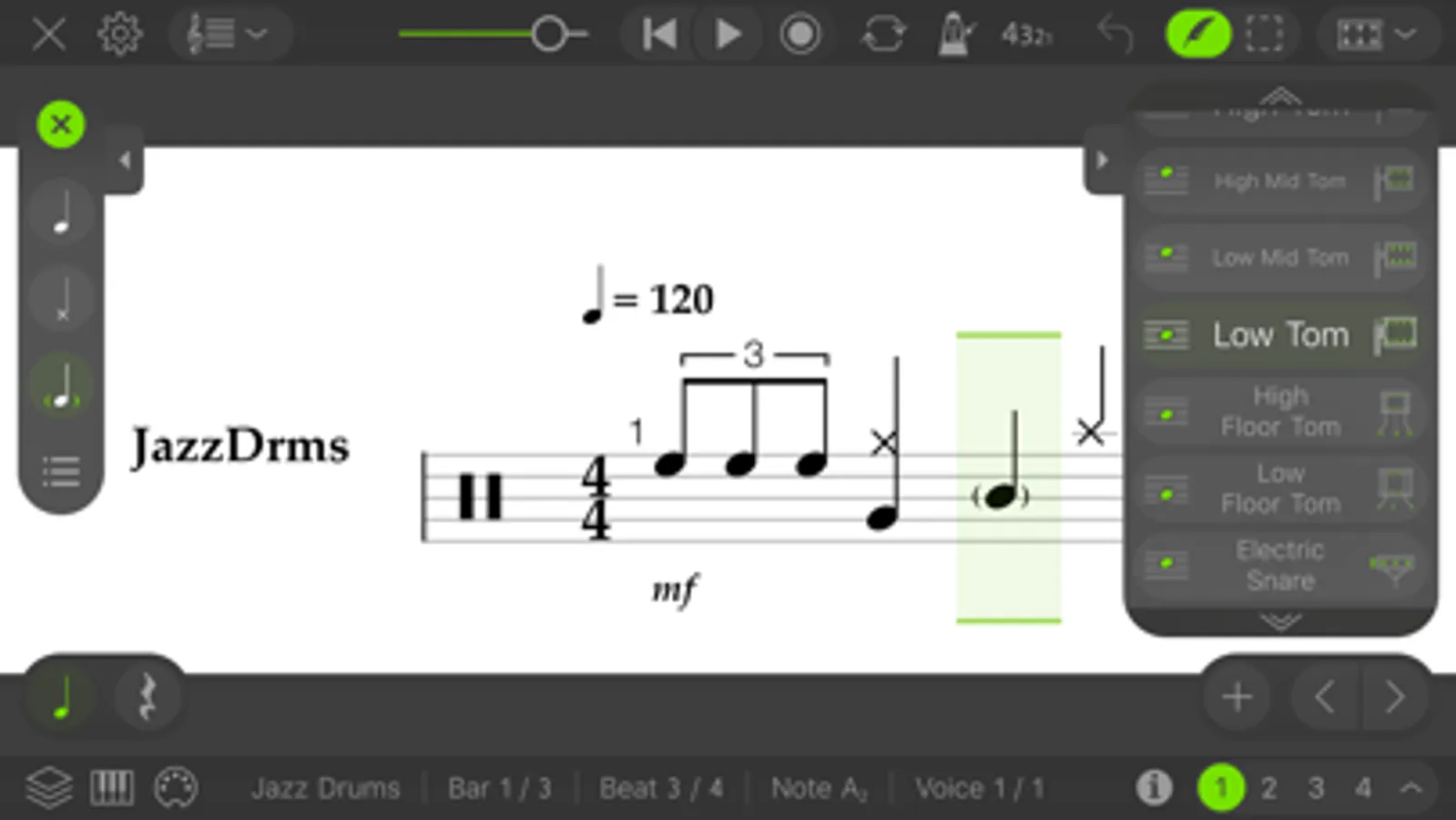
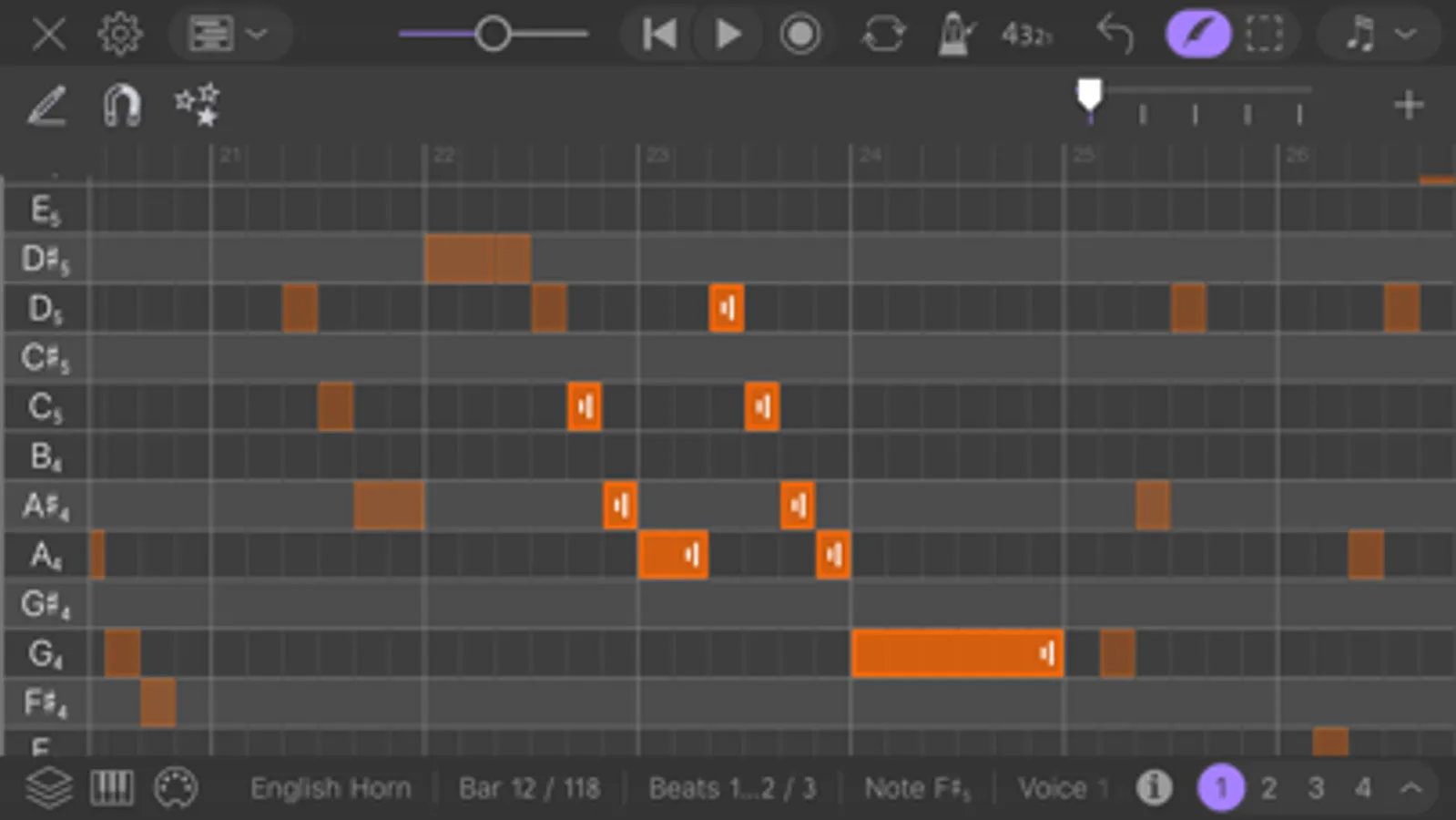
• Explore and edit your score with sophisticated Piano Roll and Drums Editor
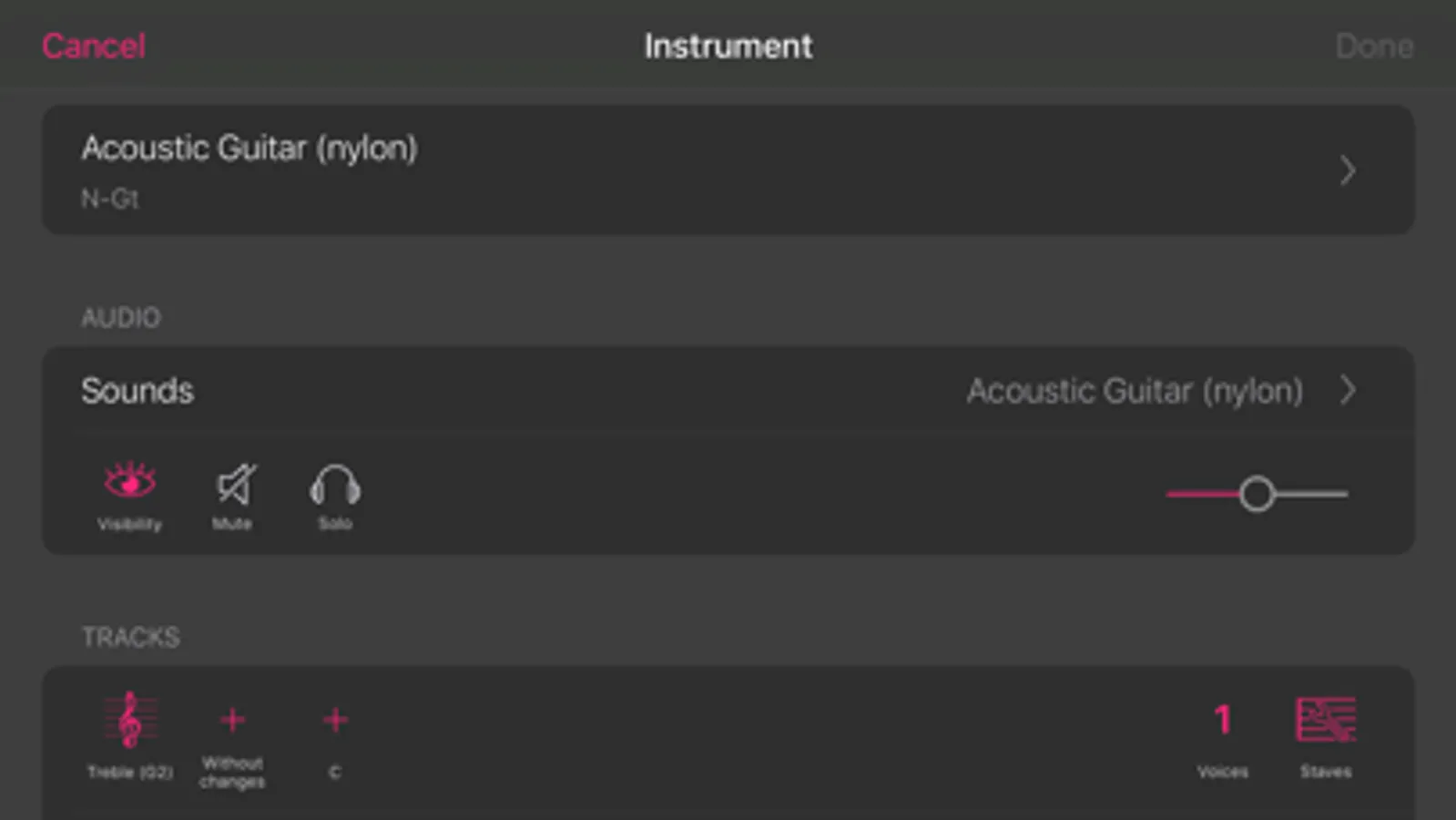
• Choose from 22 groups of the instruments (keyboards, guitars, strings, drums, percussions, etc.)² listening their preview fragments
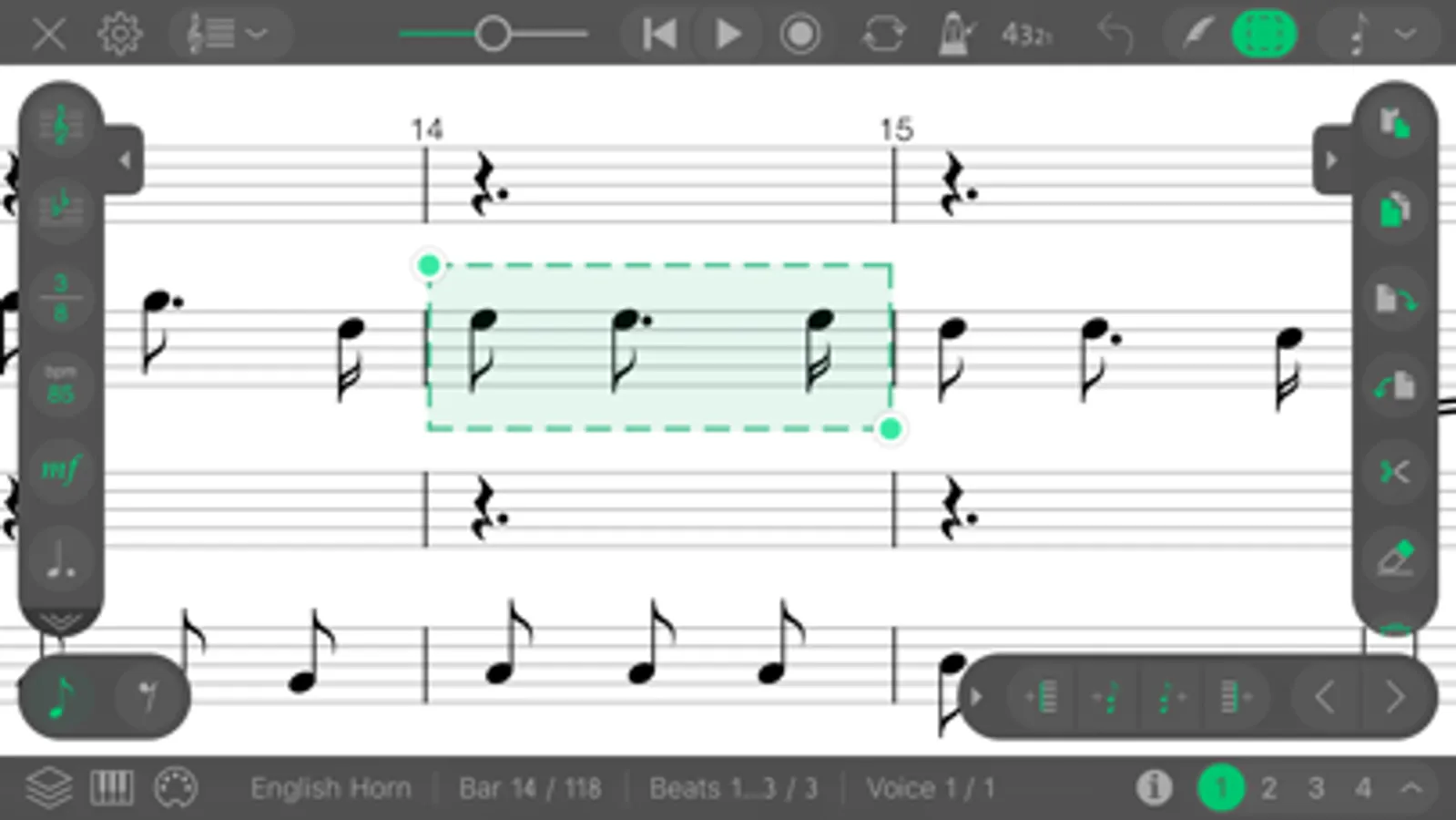
• Use context-sensitive selection for bars, chords and tracks
• Modify notes with dots, tuplets and ties
• Make your music alive with lyrics
• Customize clefs, key signatures and time signatures for bars
• Change dynamics
• Switch between enharmonic equivalents of the notes
• Use customizable voices
• Setup tunings with the large value of presets
• Navigate around the score with Tracks board
• Easily copy, paste and remove selected areas
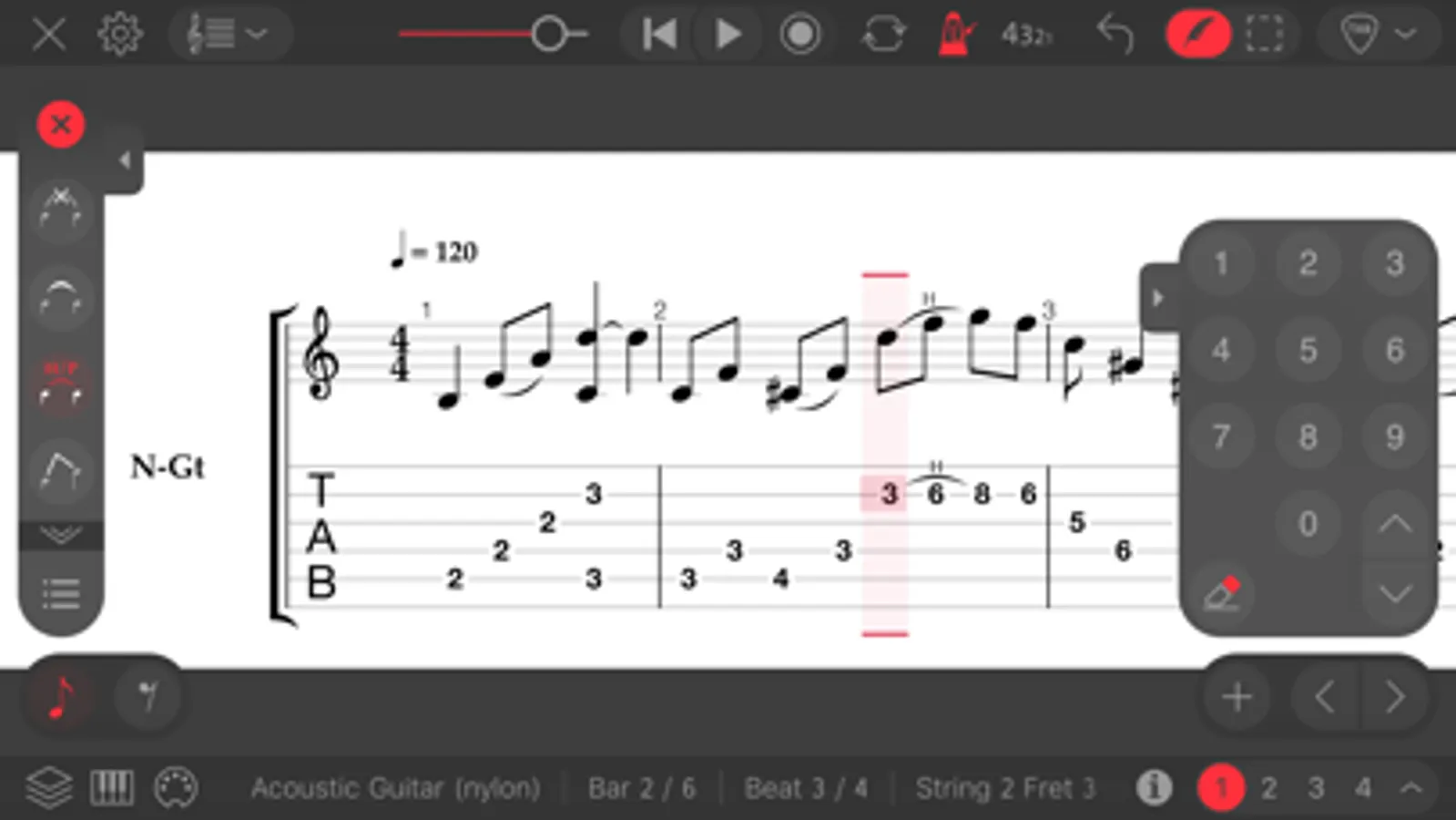
• Switch fast between tablature and stave inputs
• Edit tabs with easy-to-use numeric keypad or virtual Fingerboard
• Input notes by Staff Positions
• Set the visibility for instrument parts in the score
• Edit title and information about creators
• Select and customize horizontal, vertical or page layout for your score
• Use Scientific or Helmholtz pitch notation when entering notes
• Add repeat signs and volta brackets
• Don’t worry about losing data thanks to auto-saving
• Connect your MIDI devices to Staventabs
Practice your songs
• Play the whole composition or selected fragment
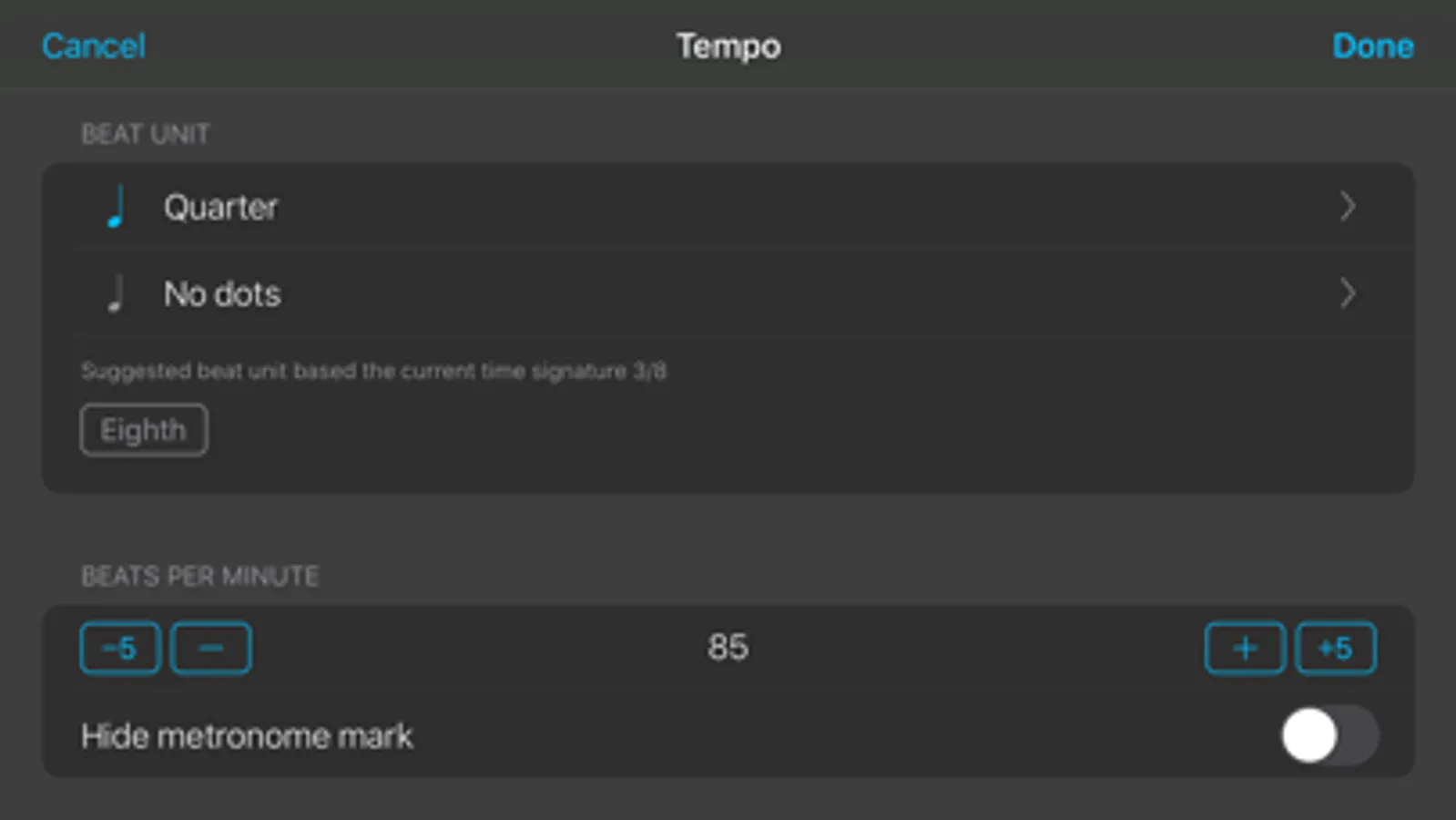
• Customize metronome clicking and countdown
• Change track’s audio properties on-the-fly
• Loop the playback of the desired part
Improve compositions
• Mark non-playable objects with "Highlight issues"
• Use the "Starred scales" AI to determine the chromatic scales most similar to the selected area
• Adjust the semitones of the selected area notes to the chromatic scale
• Customize the chromatic scale for adjustment³
• Diminish, augment and subdivide note values
• Transpose pitches by semitones
Manage projects
• Browse your projects with convenient file manager
• Store your compositions in iCloud Drive and keep them up-to-date across all your iOS devices
• Create new projects and duplicate existing (up to three editable projects in free version)¹
• Listen to preview fragments of the scores directly from the files menu
• Open SNT, MIDI, MusicXML, Compressed MusicXML (MXL), Guitar Pro (GPX, GP5, GP4, GP3) and Karaoke (KAR) files
• Edit MIDI, MusicXML, MXL, Guitar Pro and Karaoke files¹
• Organize your files from a desktop computer using iTunes or iCloud Drive
• Open files from Mail and other applications (Dropbox, Box, etc.)
• Convert files between supported formats¹
Share your brand-new hits with friends
• Email your scores and tabs right from Staventabs
• Print your score¹
• Export to PDF and MPEG-4 AAC¹
Features marked with superscript numbers are available via the corresponding in-app purchases:
¹ Unlimited Projects
² Additional Instruments
³ Advanced Composing
Staventabs: Compose & Notate Screenshots
Tap to Rate:
Reviews for Staventabs: Compose & Notate
Rip_Scramble
Cool app, ok? Just make trombone free.
Hey there. I really like the app, I'm a trombone player. But, this is the only thing that matters. Make trombone free please. The other composing apps are hard to use, and I've been wasting 20% of my storage just to look at apps, and so far, this app looks cool. Please make trombone free and I will rate this app a 4 or 5, and I will be able to use this app. Thank you!
s2bedoo
Not what it is advertised
I paid $9.99 for the ability to write bluegrass banjo tabs. There is no way to adjust the tuning on their “strings” and their “strings” have only 4 strings (a bluegrass banjo has 5 strings). Also, they wanted me to pay an additional $9.99 for the ability to have more than 3 projects. I look forward to a response from the developer telling me that I missed the documentation somewhere and I can do what I purchased it for. In that case I will change my review.