
In this video editing app, you can add zoom effects, crop, and cut parts of videos using intuitive gestures. Includes features for aspect ratio adjustment, video trimming, and support for photo extension and various output qualities.
AppRecs review analysis
AppRecs rating 4.5. Trustworthiness 77 out of 100. Review manipulation risk 21 out of 100. Based on a review sample analyzed.
★★★★☆
4.5
AppRecs Rating
Ratings breakdown
5 star
85%
4 star
7%
3 star
1%
2 star
1%
1 star
5%
What to know
✓
Low review manipulation risk
21% review manipulation risk
✓
Credible reviews
77% trustworthiness score from analyzed reviews
✓
High user satisfaction
85% of sampled ratings are 5 stars
About Video Zoom! - Apply Zoom, Crop
Do your videos look boring? Did you forget to use zoom during recording? Want to cut some parts? Use this app to add Zoom effects to existing videos, change aspect ratio, cut unwanted parts, or just crop a video. Use it as a normal app or Video Extension.
How to use it:
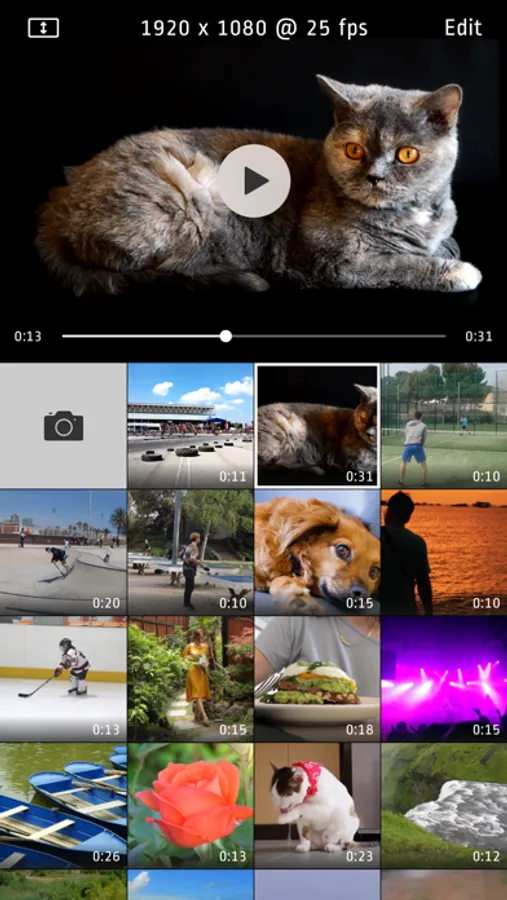
1. Tap video thumbnail to preview video
2. Tap Edit to open editor
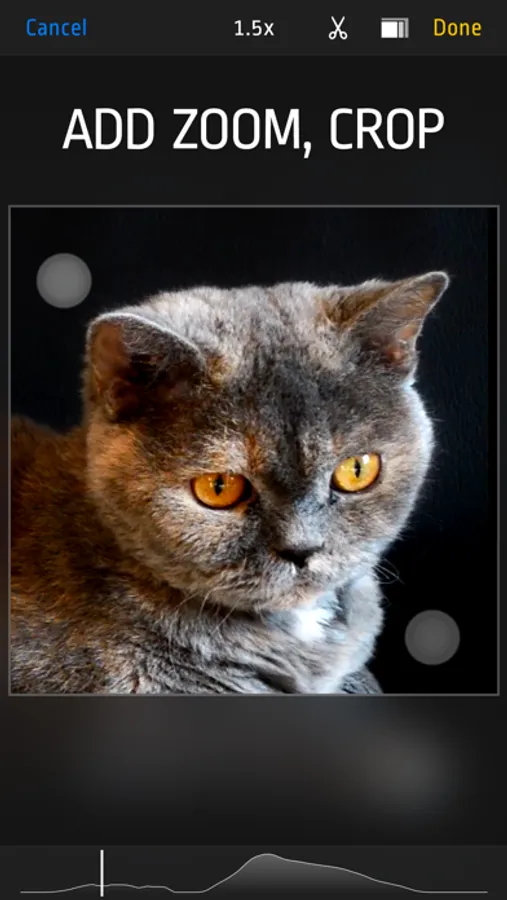
3. Use pinch/drag gestures to add zoom effect. You can do it when video is playing or paused.
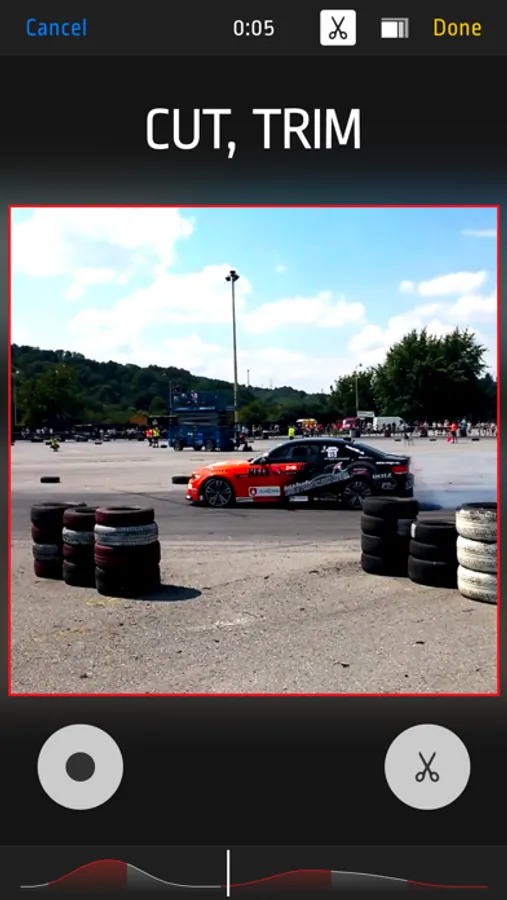
4. Tap ‘Scissors’ icon to show Cut and Uncut buttons. Hold ‘Cut’ pressed to cut unwanted scenes.
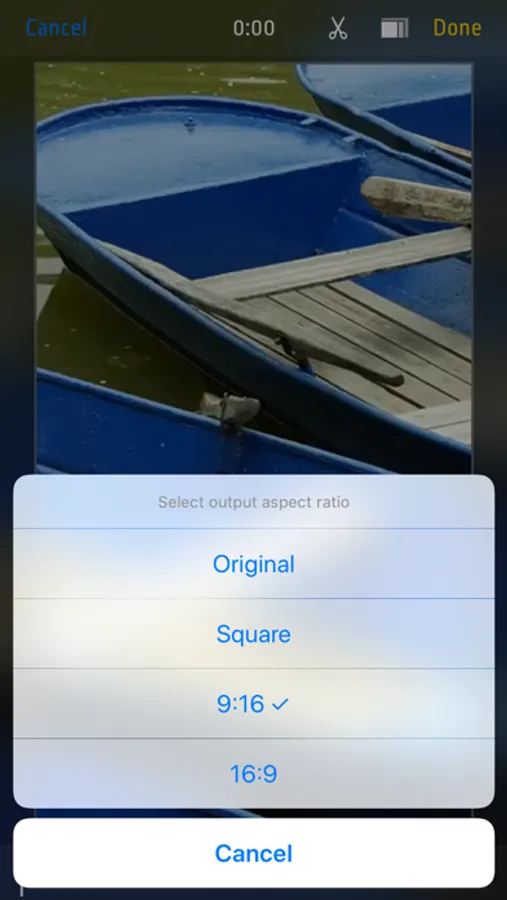
5. Tap ‘Rectangle’s icon to change aspect ratio
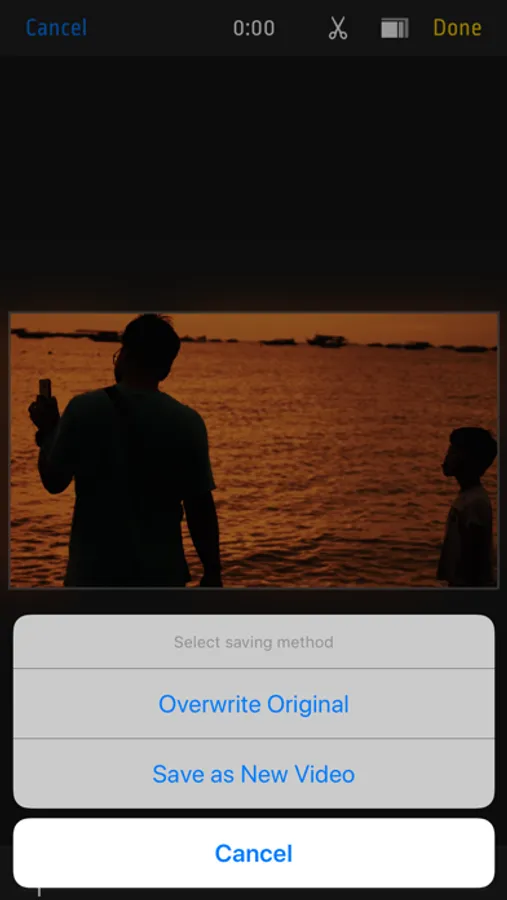
6. Finally tap "Done" and select "Overwrite Original” or "Save As New Video“ to start rendering. Even if you choose "Overwrite" you can revert to original anytime.
Features:
- Zoom/Pan/Crop existing videos
- cut as many unwanted parts as you need
- turn device to landscape orientation to open full screen preview in gallery view
- revert to original or delete videos by long pressing thumbnail in gallery
- select output quality lower or equal to original (4k/1080p/720p)
- iOS Photo Library support (no internal library)
- recording from Front or Back camera
- save zoomed video as a New Clip or Overwrite
- Photo Extension support allowing you to quickly launch Video Zoom app from system Photos
- interface optimized for all iPhones and iPads
How to use it:
1. Tap video thumbnail to preview video
2. Tap Edit to open editor
3. Use pinch/drag gestures to add zoom effect. You can do it when video is playing or paused.
4. Tap ‘Scissors’ icon to show Cut and Uncut buttons. Hold ‘Cut’ pressed to cut unwanted scenes.
5. Tap ‘Rectangle’s icon to change aspect ratio
6. Finally tap "Done" and select "Overwrite Original” or "Save As New Video“ to start rendering. Even if you choose "Overwrite" you can revert to original anytime.
Features:
- Zoom/Pan/Crop existing videos
- cut as many unwanted parts as you need
- turn device to landscape orientation to open full screen preview in gallery view
- revert to original or delete videos by long pressing thumbnail in gallery
- select output quality lower or equal to original (4k/1080p/720p)
- iOS Photo Library support (no internal library)
- recording from Front or Back camera
- save zoomed video as a New Clip or Overwrite
- Photo Extension support allowing you to quickly launch Video Zoom app from system Photos
- interface optimized for all iPhones and iPads
Video Zoom! - Apply Zoom, Crop Screenshots
Tap to Rate:
Reviews for Video Zoom! - Apply Zoom, Crop
your main problem
No off-line capability
After you download the app, you have to have a constant connection in order to save videos after you edit. Lame
Suckitysuckssucksuck
Need an update
App keeps crashing