QR Scanner - Barcode Manager
AppAspect Technologies Pvt. Ltd.
1.0 ★
rating
Free
AppRecs review analysis
AppRecs rating 1.0. Trustworthiness 65 out of 100. Review manipulation risk 28 out of 100. Based on a review sample analyzed.
★☆☆☆☆
1.0
AppRecs Rating
Ratings breakdown
5 star
0%
4 star
0%
3 star
0%
2 star
0%
1 star
100%
What to know
✓
Low review manipulation risk
28% review manipulation risk
⚠
Mixed user feedback
Average 1.0★ rating suggests room for improvement
About QR Scanner - Barcode Manager
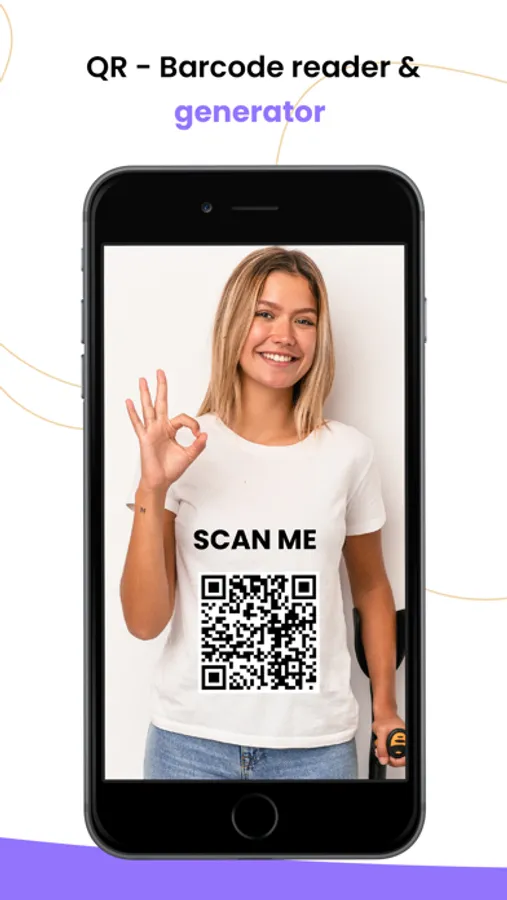
This is the easiest, simplest and fastest QR Code Scanner and Barcode reader app. Now scan unlimited QR codes and Barcodes using this app easily and also can create QR Code and Barcodes in one touch.
HOW THE APP WORKS?
- To scan a QR code or barcode simply open the app, point the camera at the code and app will scan it automatically. There is no need to press any button.
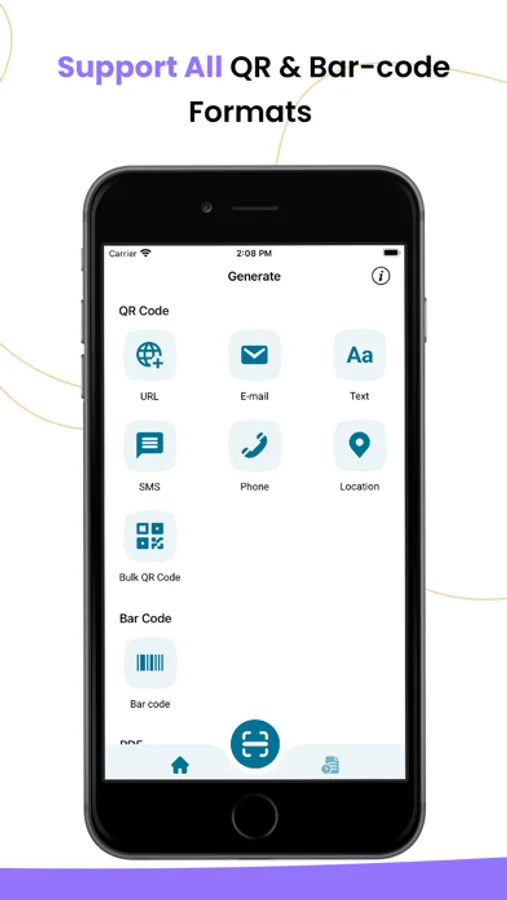
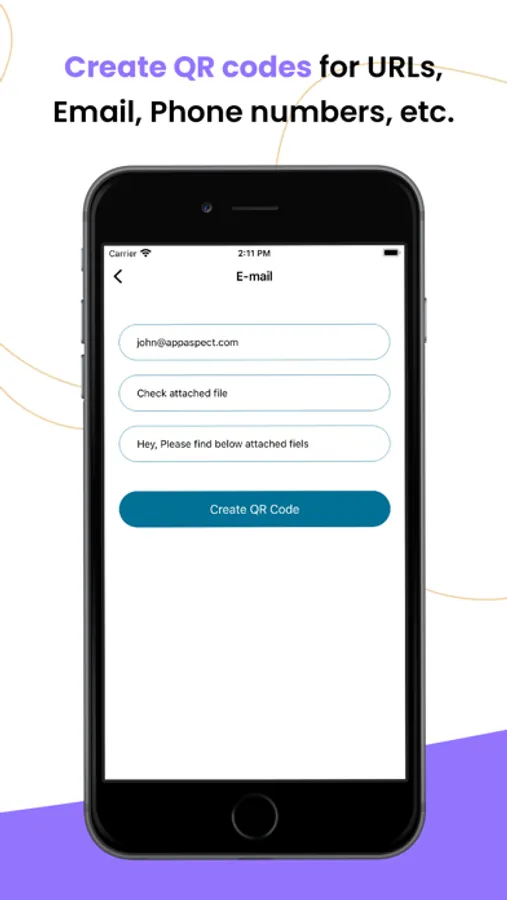
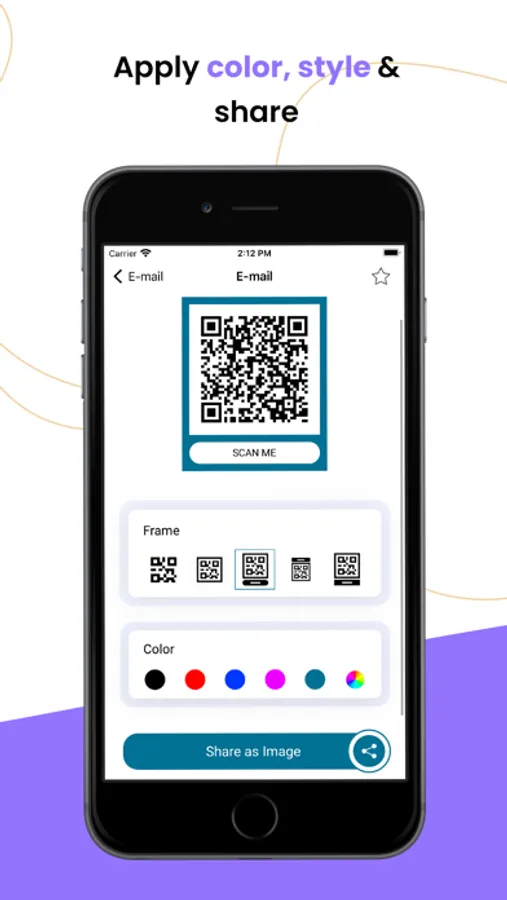
- QR Code Creator automatically saves the details of code with different format like URL, Text, E-mail, SMS, Phone, Location, WiFi etc.
- App recognises all of the popular barcode types like Codabar, Code 128, Code 39, Code 93, EAN-13, EAN-8 Interleaved 2 of 5, UPC-A, UPC-E etc.
When scanning a QR code, if the code contains a website URL, you will automatically be taken to the website. If the code just contains text, you will immediately see it. For other formats such as phone numbers, email addresses, or contact info, you will be prompted to take the appropriate action.
CREATE QRCODE:
You Can Create Following QR Codes.
- URL
- Text
- E-mail
- SMS
- Phone
- Location
- WiFi
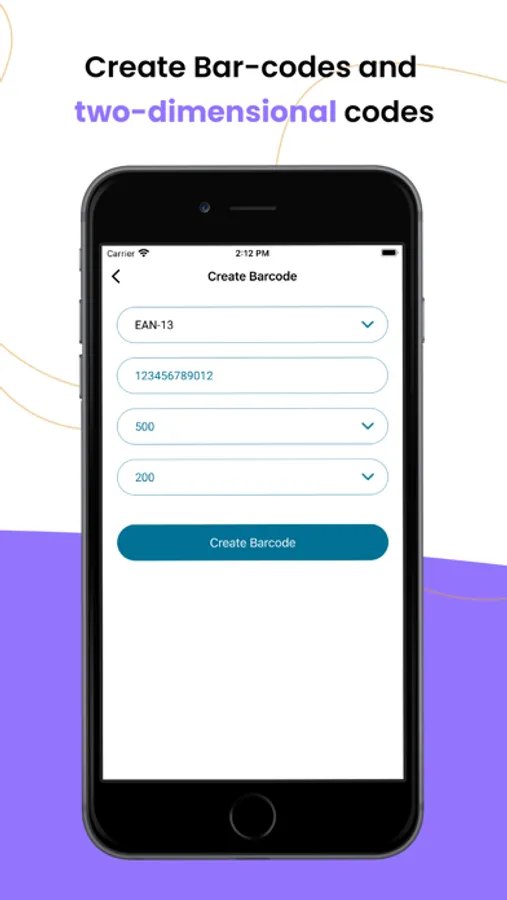
CREATE BARCODE”
You Can Create Following Barcodes.
- Codabar
- Code 128
- Code 39
- Code 93
- EAN-13
- EAN-8
- Interleaved 2 of 5
- UPC-A
- UPC-E
MAIN FEATURES:
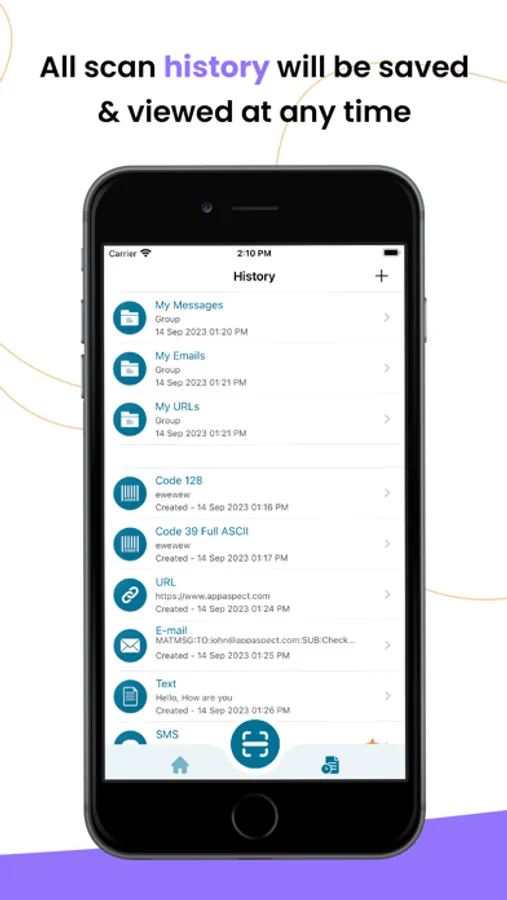
- View the history list of all past scanned codes and created codes
- Manage a favourites list of all of QR codes and Barcodes
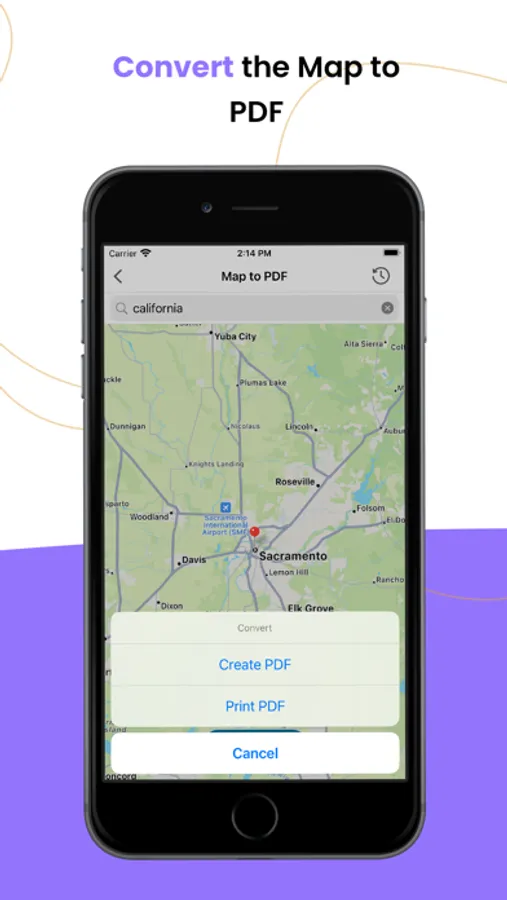
- Create Map to PDF in single touch
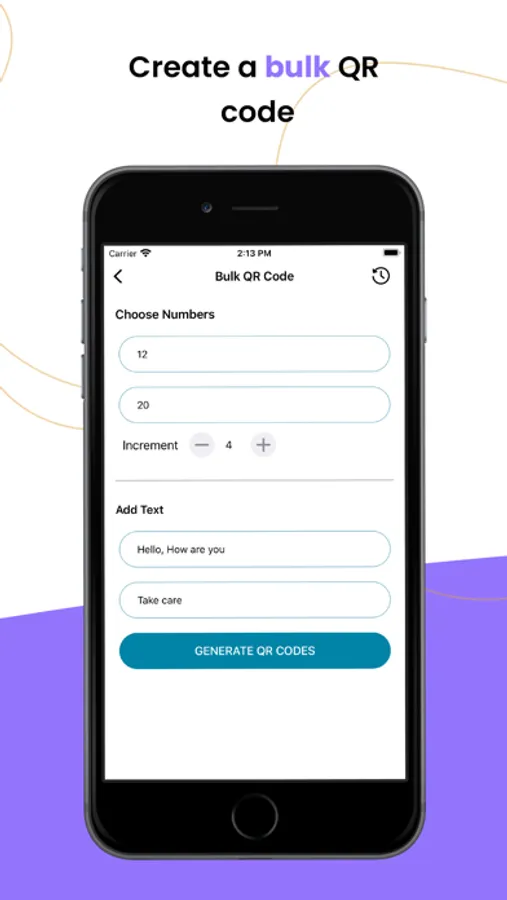
- Create Group of your QR codes and Barcodes.
- Create PDF file of your codes
- Scan, Decode QRCode and Barcode
- Open URL, Send Mail, Send Message, Call, Share Location directly from app
- Unlimited storage for History
- Simple and easy to use app
- Free to use
HOW THE APP WORKS?
- To scan a QR code or barcode simply open the app, point the camera at the code and app will scan it automatically. There is no need to press any button.
- QR Code Creator automatically saves the details of code with different format like URL, Text, E-mail, SMS, Phone, Location, WiFi etc.
- App recognises all of the popular barcode types like Codabar, Code 128, Code 39, Code 93, EAN-13, EAN-8 Interleaved 2 of 5, UPC-A, UPC-E etc.
When scanning a QR code, if the code contains a website URL, you will automatically be taken to the website. If the code just contains text, you will immediately see it. For other formats such as phone numbers, email addresses, or contact info, you will be prompted to take the appropriate action.
CREATE QRCODE:
You Can Create Following QR Codes.
- URL
- Text
- SMS
- Phone
- Location
- WiFi
CREATE BARCODE”
You Can Create Following Barcodes.
- Codabar
- Code 128
- Code 39
- Code 93
- EAN-13
- EAN-8
- Interleaved 2 of 5
- UPC-A
- UPC-E
MAIN FEATURES:
- View the history list of all past scanned codes and created codes
- Manage a favourites list of all of QR codes and Barcodes
- Create Map to PDF in single touch
- Create Group of your QR codes and Barcodes.
- Create PDF file of your codes
- Scan, Decode QRCode and Barcode
- Open URL, Send Mail, Send Message, Call, Share Location directly from app
- Unlimited storage for History
- Simple and easy to use app
- Free to use
QR Scanner - Barcode Manager Screenshots
Tap to Rate:
Reviews for QR Scanner - Barcode Manager
Carol2Cars
No Go
This app didn't work for me. I tried several times without success. Maybe I'm doing something wrong ?