
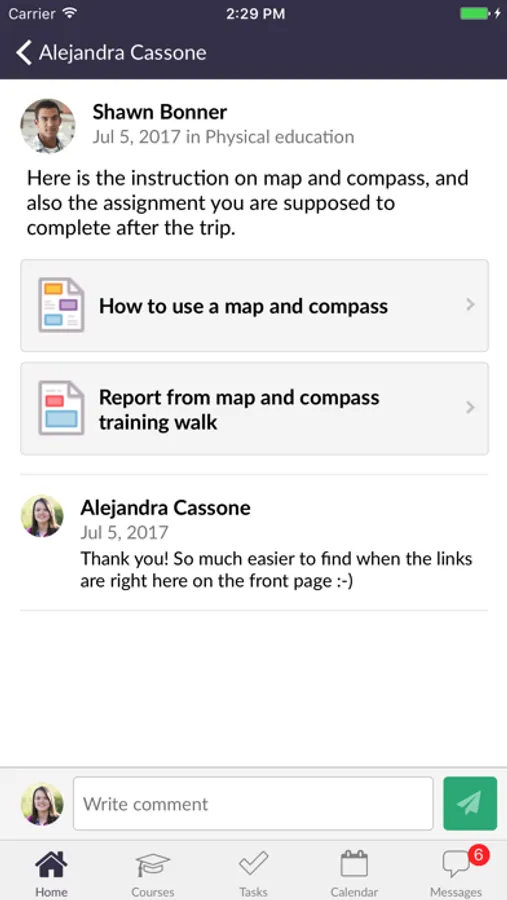
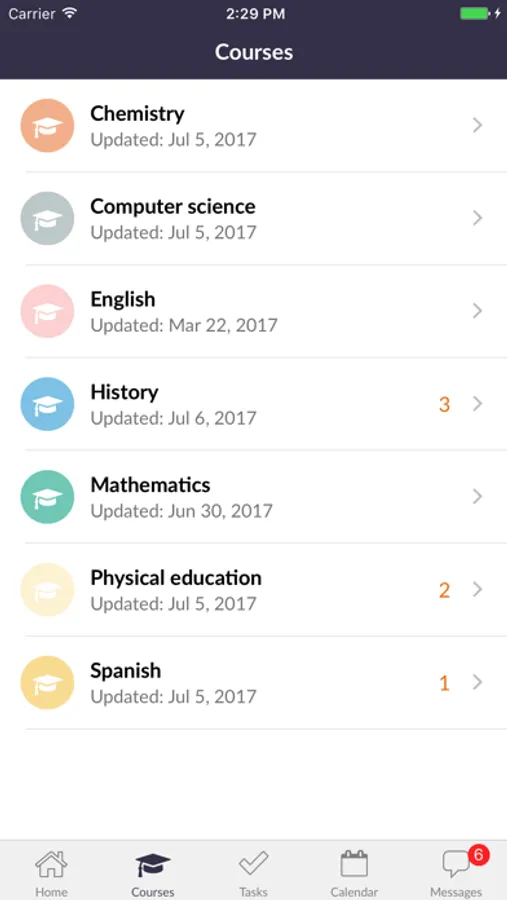
With this educational app, you can view course updates, send messages, and track tasks. Includes notifications, calendar access, and content management features.
AppRecs review analysis
AppRecs rating 3.1. Trustworthiness 75 out of 100. Review manipulation risk 23 out of 100. Based on a review sample analyzed.
★★★☆☆
3.1
AppRecs Rating
Ratings breakdown
5 star
44%
4 star
11%
3 star
3%
2 star
2%
1 star
40%
What to know
✓
Low review manipulation risk
23% review manipulation risk
✓
Credible reviews
75% trustworthiness score from analyzed reviews
⚠
High negative review ratio
42% of sampled ratings are 1–2 stars
About itslearning mobile
• Clear and simple overview of bulletins and latest changes from your courses
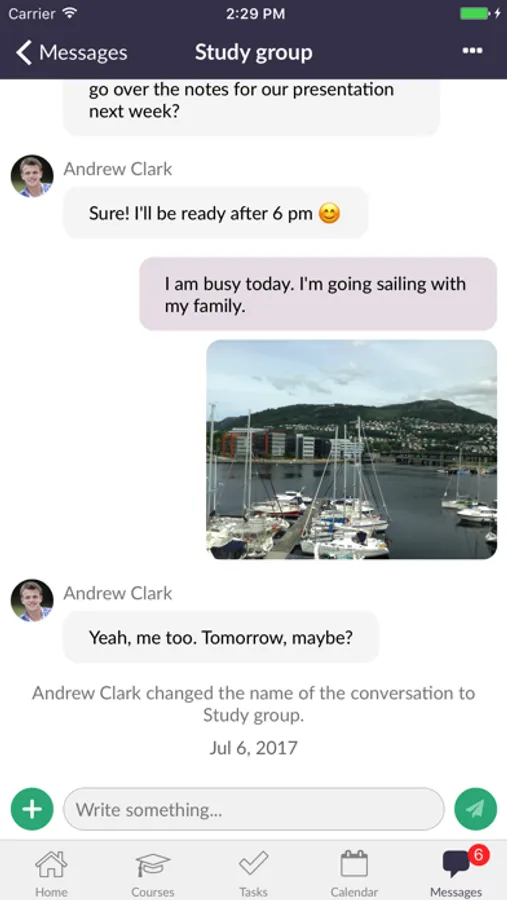
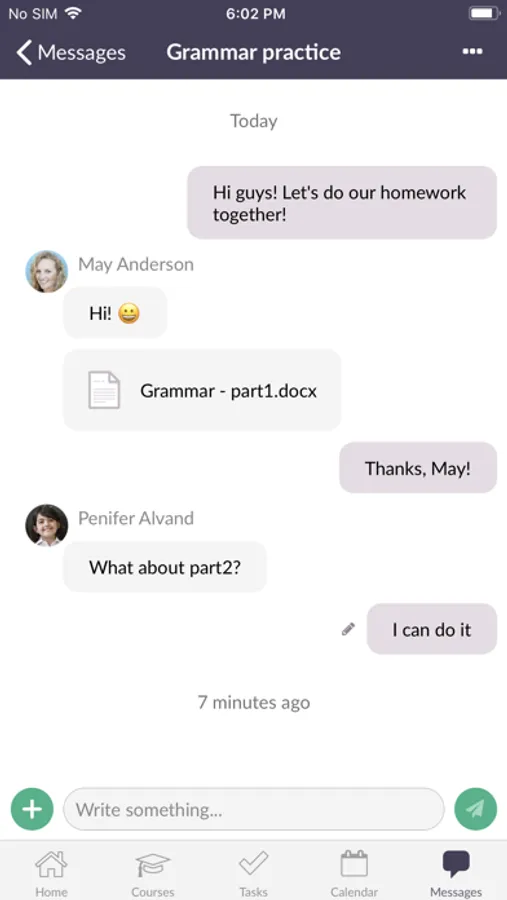
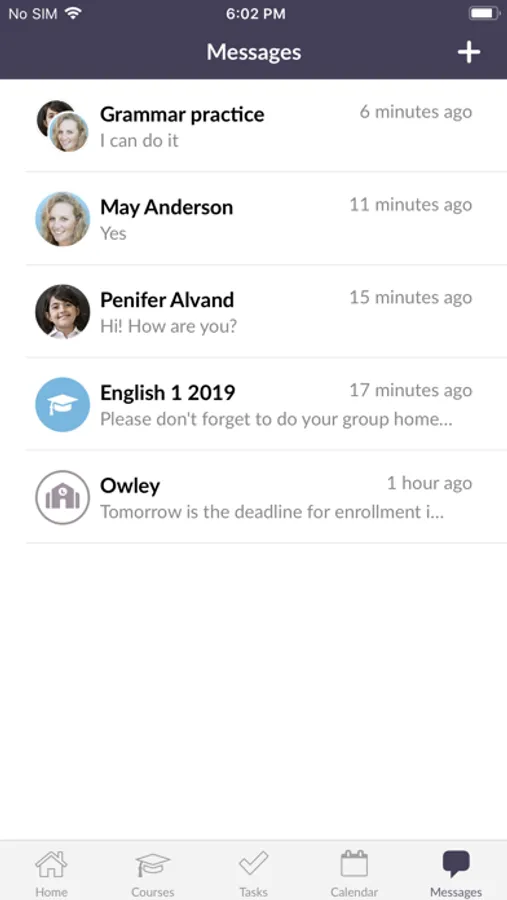
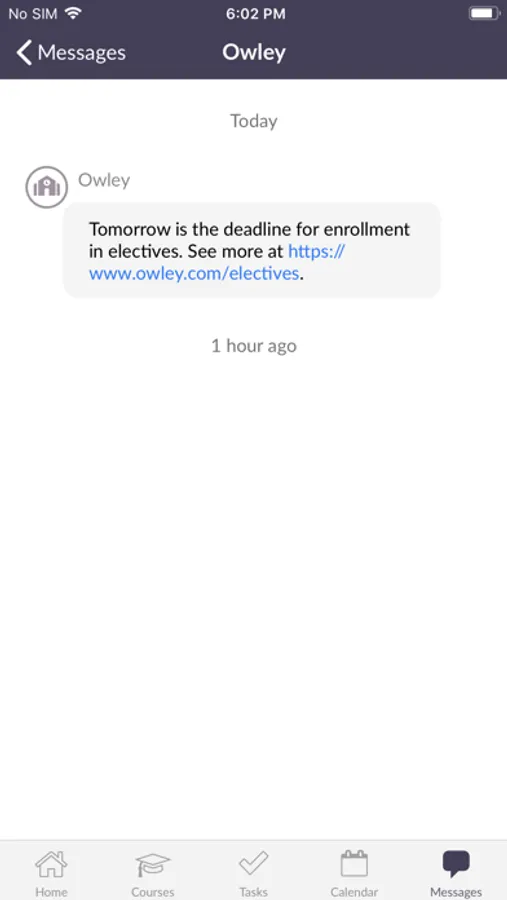
• Messaging function
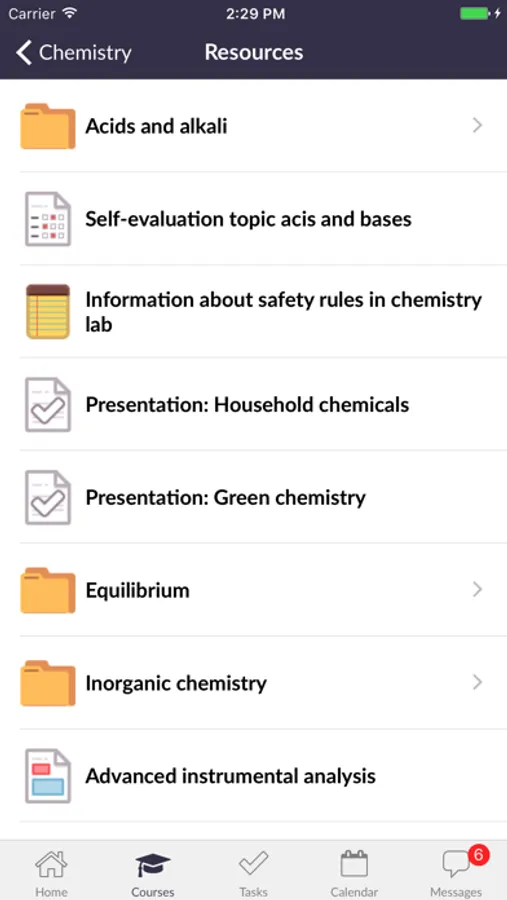
• Access to your favorite courses and all their content
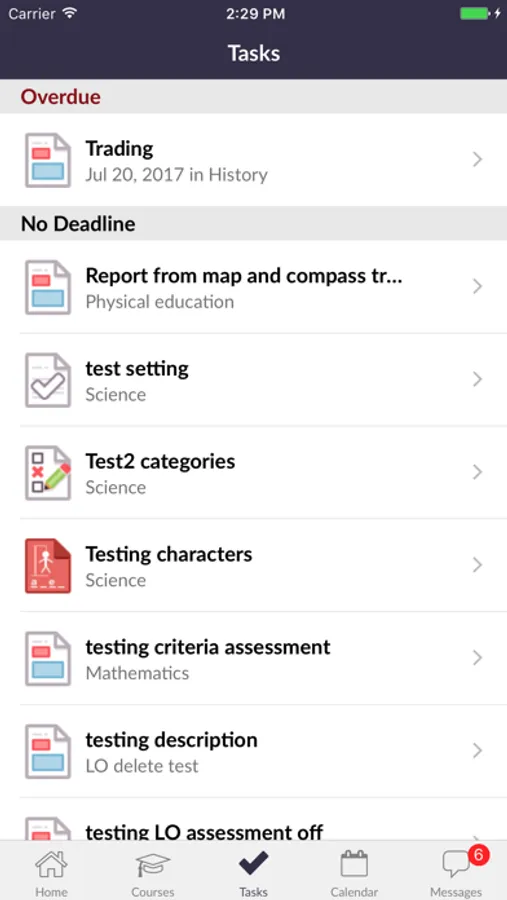
• Task list (including follow-up tasks for teachers)
• Easy access to the calendar
• Instant notifications about new assessments and other important actions
Logging in is easy: simply search for your school or site (district, municipality, institution…), and select your login method. Enter your username and password, and you're ready to go! No further steps required.
The app will ask for the following permissions:
• Camera and files (to change profile picture or attach images)
• Notifications (to receive push notifications)
• Calendar (to connect itslearning calendar to device calendar)
You need an itslearning account to use our app.
itslearning mobile Screenshots
Tap to Rate:
Reviews for itslearning mobile
Mohammadghosheh
this app is very buggy
i’m forced to use this app because my college asks us to but this app has so many performance issues it’s unbelievable constantly freezing never loading i have to restart the app atleast three times before i actually can get in it then when i go to see the message my professor sent me i have to restart another 4 times it’s ridiculous
food fighter64
Probably one of the worst apps
The mobile layout is extremely confusing to use and nothing like the computer layout. Often a link will be at the bottom of a page, but the user interface gets the way and you can’t click the link. Awful.