With this app, you can lock the screen orientation and prevent accidental touches or rotations. Includes options to freeze images, lock orientation, and maintain screen stability.
AppRecs review analysis
AppRecs rating 4.6. Trustworthiness 79 out of 100. Review manipulation risk 25 out of 100. Based on a review sample analyzed.
★★★★☆
4.6
AppRecs Rating
Ratings breakdown
5 star
80%
4 star
13%
3 star
2%
2 star
0%
1 star
5%
What to know
✓
Low review manipulation risk
25% review manipulation risk
✓
Credible reviews
79% trustworthiness score from analyzed reviews
✓
High user satisfaction
80% of sampled ratings are 5 stars
About Still Screen Pro
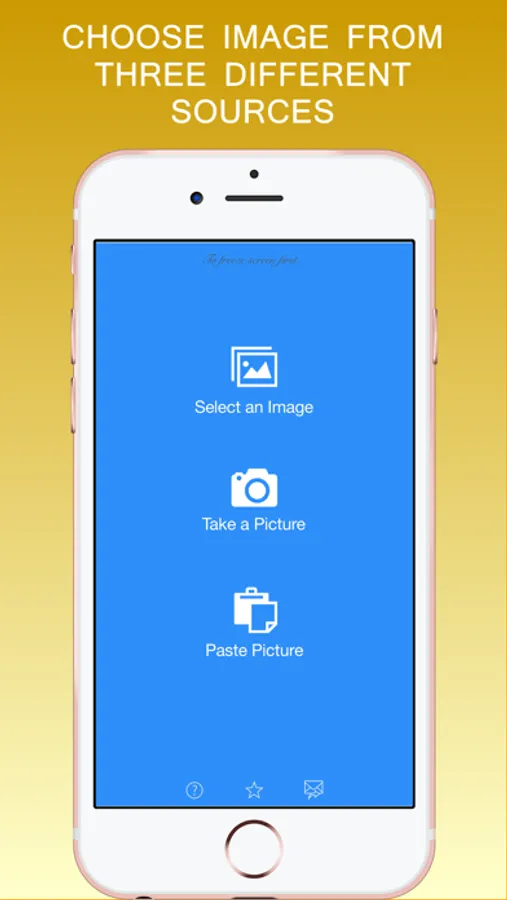
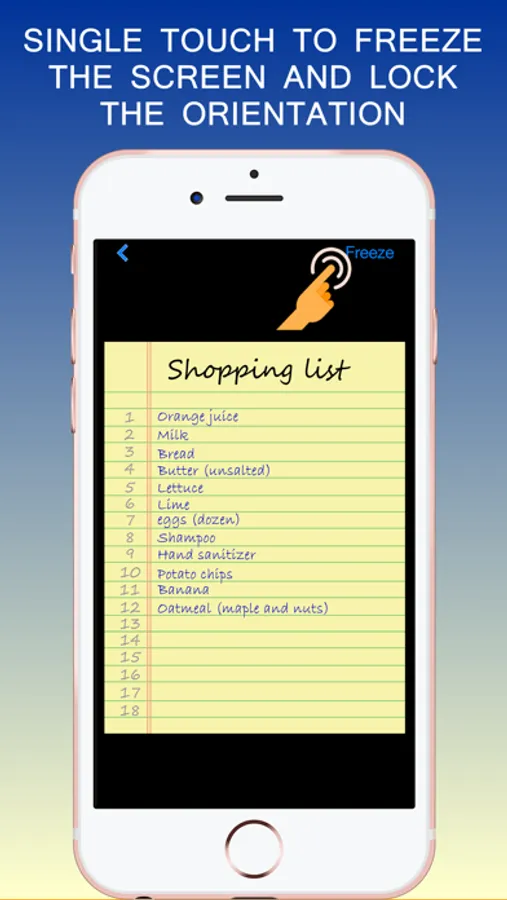
If you want to quickly freeze the image on the screen and avoid accidental touch or rotation, then this app is for you. You can hold your phone or tablet whatever way you like without worrying about touching the screen and image moving away. The image will remain on the screen with its orientation locked.
Below are a few situations that you will find Still Screen app extremely helpful:
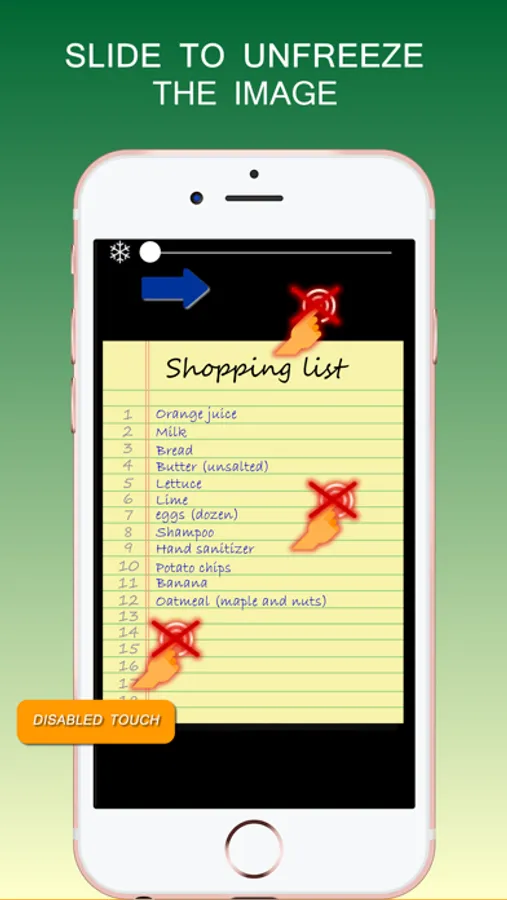
- Use it on your phone when viewing your shopping list image in the store. Hold your phone in whatever way you like and the shopping list stays on your screen.
- Freeze the screen when you are passing your phone to other people to see an image. You have surely experienced that people accidentally touched the screen and moved away from the intended image. Use Still Screen app to avoid similar situation in future.
- You want to give your phone to a cashier to scan a coupon bar code but don’t want him or her to accidentally touch the coupon image and move away from the screen. Again, use Still Screen app to freeze the image of coupon before giving it to cashier.
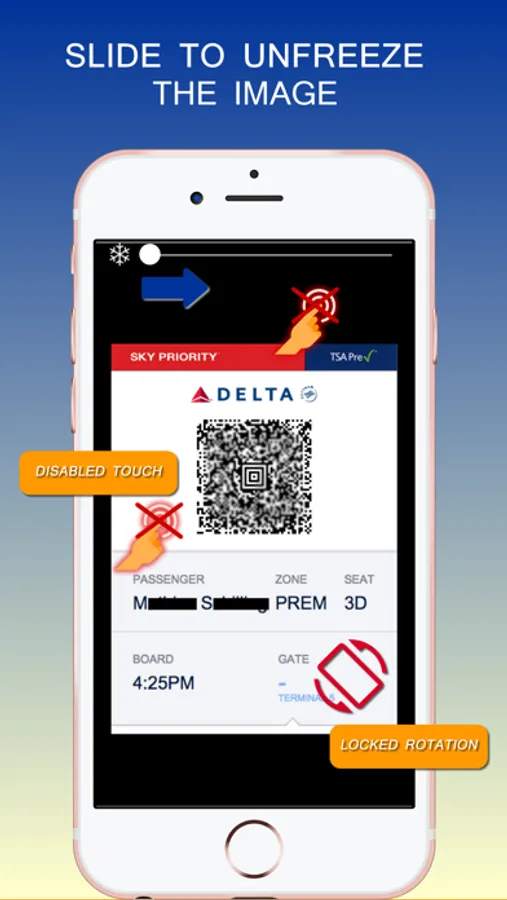
- Use it to freeze the image of your boarding pass before boarding the plane.
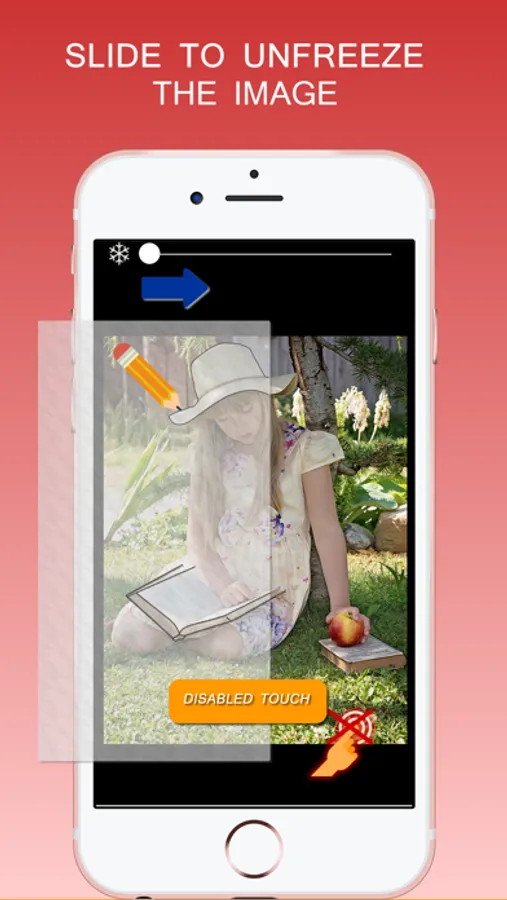
- You want to trace something from an image of your iPad. Use Still Screen to freeze the image temporarily during tracing.
Below are a few situations that you will find Still Screen app extremely helpful:
- Use it on your phone when viewing your shopping list image in the store. Hold your phone in whatever way you like and the shopping list stays on your screen.
- Freeze the screen when you are passing your phone to other people to see an image. You have surely experienced that people accidentally touched the screen and moved away from the intended image. Use Still Screen app to avoid similar situation in future.
- You want to give your phone to a cashier to scan a coupon bar code but don’t want him or her to accidentally touch the coupon image and move away from the screen. Again, use Still Screen app to freeze the image of coupon before giving it to cashier.
- Use it to freeze the image of your boarding pass before boarding the plane.
- You want to trace something from an image of your iPad. Use Still Screen to freeze the image temporarily during tracing.
Still Screen Pro Screenshots
Tap to Rate:
Reviews for Still Screen Pro
FunnyGA1ex
Good For Cuddles
Cuddles With Picture Of Your Lover On Lonely Nights
stukajoe
Suggestion
It would be awesome if the app had a clean HDMI feed that you could freeze and apply a cross dissolve between the frozen image and the unfrozen image. This way the app could be used for a “before-and-after” application.