With this educational app, you can follow video tutorials to learn Scratch programming and complete tasks to create activities and games. Includes interactive quizzes and comprehensive guides for novice to advanced users.
AppRecs review analysis
AppRecs rating 2.9. Trustworthiness 76 out of 100. Review manipulation risk 27 out of 100. Based on a review sample analyzed.
★★☆☆☆
2.9
AppRecs Rating
Ratings breakdown
5 star
38%
4 star
5%
3 star
8%
2 star
7%
1 star
42%
What to know
✓
Low review manipulation risk
27% review manipulation risk
⚠
Mixed user feedback
Average 2.9★ rating suggests room for improvement
⚠
High negative review ratio
49% of sampled ratings are 1–2 stars
About Tutorials for Scratch Lite
This app was developed independently of the MIT Scratch Team, which produces the Scratch programming language and online community. The Scratch name and Scratch cat are trademarks of MIT.
**NOW A TOP 20 EDUCATIONAL APP IN OVER 40 COUNTRIES****
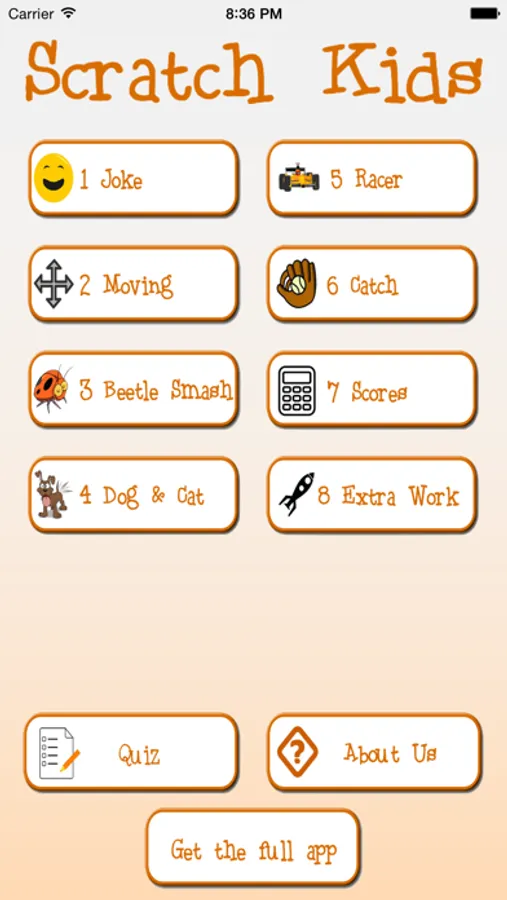
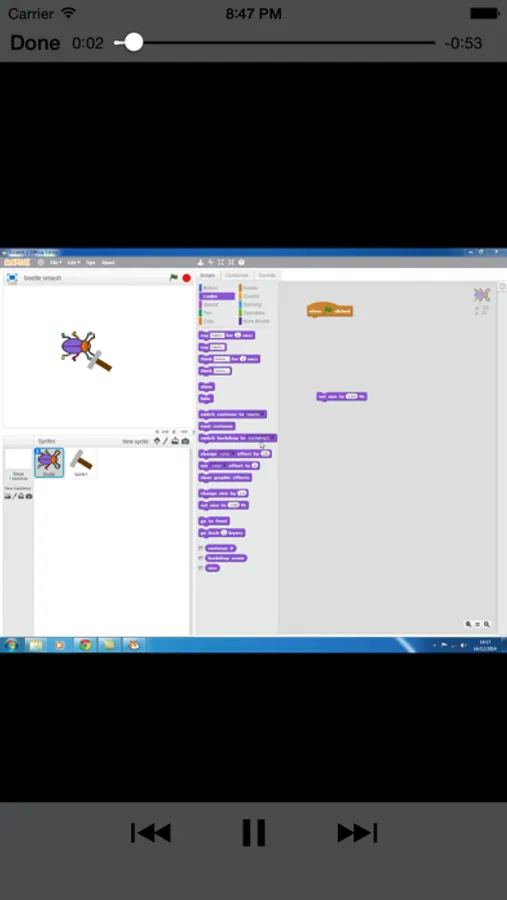
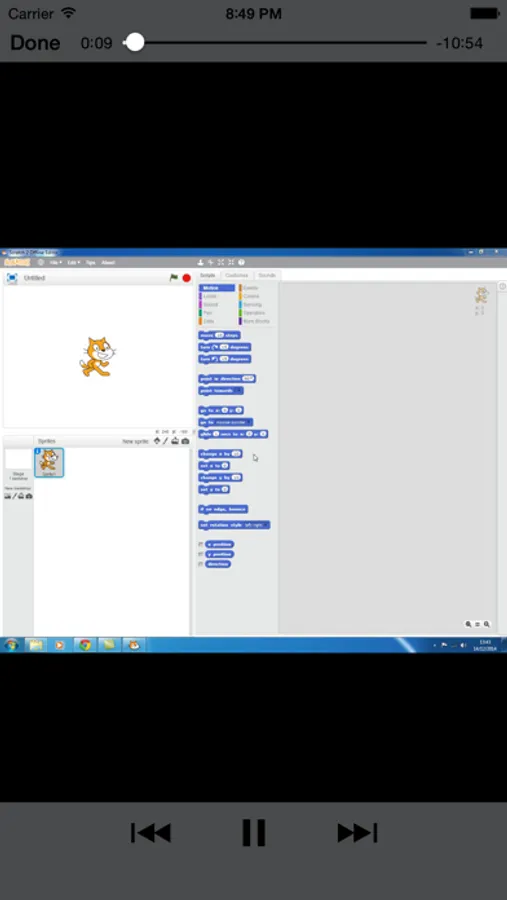
"Tutorials for Scratch Lite" brings you 3 sets of video tutorials to get you going making your very first activity and game in the new version of Scratch 2.0. However, these are not the sort of standard tutorials that you find on the web. During the videos you will be set tasks to do in scratch and hopefully you will be able to complete them on your own. However don't worry the next video in each project will show you how to complete the task!!
These videos are really targeted at primary/elementary students although the content of the full app will go on to stretch and challenge even the most able of them with variables, cloning, broadcasting and many other features of Scratch.
There's even a quiz in the app so you can test your scratch knowledge too!!
Scratch really is a fantastic way into learning programming and coding and this app hopefully will be a great asset to get you going with it.
This is a big app of just under 100Mb, because there is so much material in it, even for a "lite" version. You will need to be hooked into your WiFi connection!!
*TEACHERS* the point of this app is that kids can use the iPad alongside the pc to build their games in Scratch. You can just sit back and relax without having to plan anything. Oh and there is enough material in the full version to keep your students busy for around 6 hours, even if they don't manage to have a go at the extension tasks that are identified for all 5 games!!
**NOW A TOP 20 EDUCATIONAL APP IN OVER 40 COUNTRIES****
"Tutorials for Scratch Lite" brings you 3 sets of video tutorials to get you going making your very first activity and game in the new version of Scratch 2.0. However, these are not the sort of standard tutorials that you find on the web. During the videos you will be set tasks to do in scratch and hopefully you will be able to complete them on your own. However don't worry the next video in each project will show you how to complete the task!!
These videos are really targeted at primary/elementary students although the content of the full app will go on to stretch and challenge even the most able of them with variables, cloning, broadcasting and many other features of Scratch.
There's even a quiz in the app so you can test your scratch knowledge too!!
Scratch really is a fantastic way into learning programming and coding and this app hopefully will be a great asset to get you going with it.
This is a big app of just under 100Mb, because there is so much material in it, even for a "lite" version. You will need to be hooked into your WiFi connection!!
*TEACHERS* the point of this app is that kids can use the iPad alongside the pc to build their games in Scratch. You can just sit back and relax without having to plan anything. Oh and there is enough material in the full version to keep your students busy for around 6 hours, even if they don't manage to have a go at the extension tasks that are identified for all 5 games!!
Tutorials for Scratch Lite Screenshots
Tap to Rate:
Reviews for Tutorials for Scratch Lite
NinjaPrinnces
I love it
You should get this app it is awsome
numberblocksarethebest2418
Good this is a 5 star
I know that some people don’t like this but I do a LOT. This helps me for ideas on ScratchJr. This is the best app. Even when it’s not the full version. I LOVE IT!!!!!!!