In this visual messaging app, you can type messages and display them on your device to share with others, utilizing emoticons and adjustable scrolling options. Includes features such as message customization, vibration alerts, and support for right-to-left display.
AppRecs review analysis
AppRecs rating 4.7. Trustworthiness 76 out of 100. Review manipulation risk 33 out of 100. Based on a review sample analyzed.
★★★★☆
4.7
AppRecs Rating
Ratings breakdown
5 star
81%
4 star
10%
3 star
5%
2 star
1%
1 star
2%
What to know
✓
Credible reviews
76% trustworthiness score from analyzed reviews
✓
High user satisfaction
81% of sampled ratings are 5 stars
✓
Authentic reviews
Natural distribution, no red flags
About Scrollit - Visual Messenger
We support Ukraine
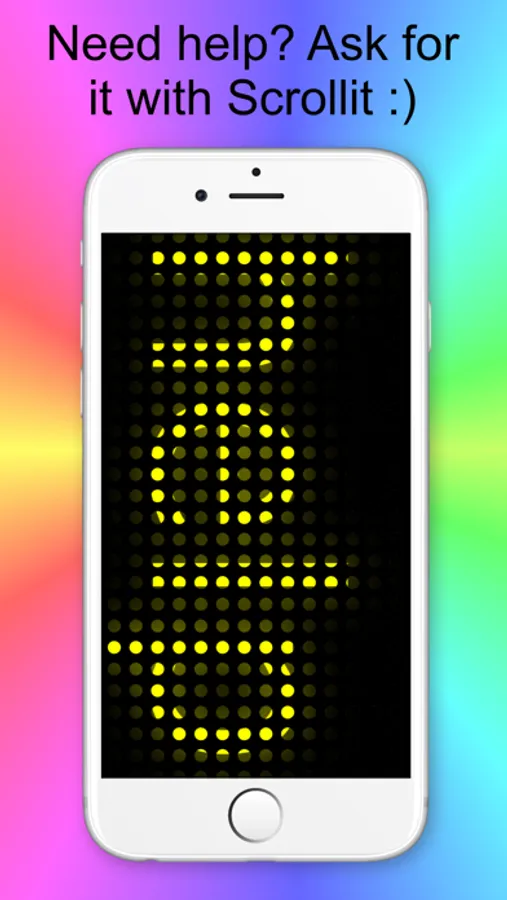
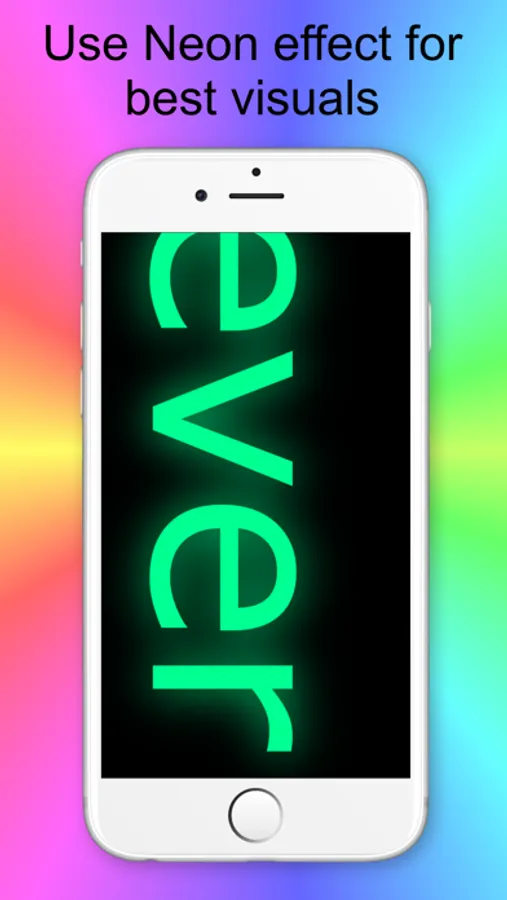
ScrollIt turns your iPhone or iPad into a bright LED scrolling message display. Instantly show large, animated text when people can’t hear you — at a club, concert, classroom, meeting, lecture, restaurant, or any noisy environment.
Just type your message, tap Display, and ScrollIt will scroll your text big and bold so everyone around you can see it clearly.
Make Your Message Stand Out
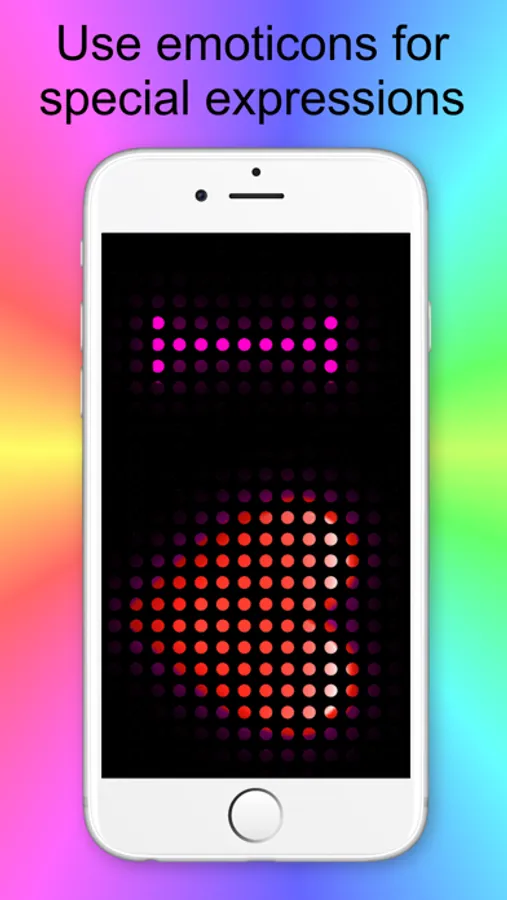
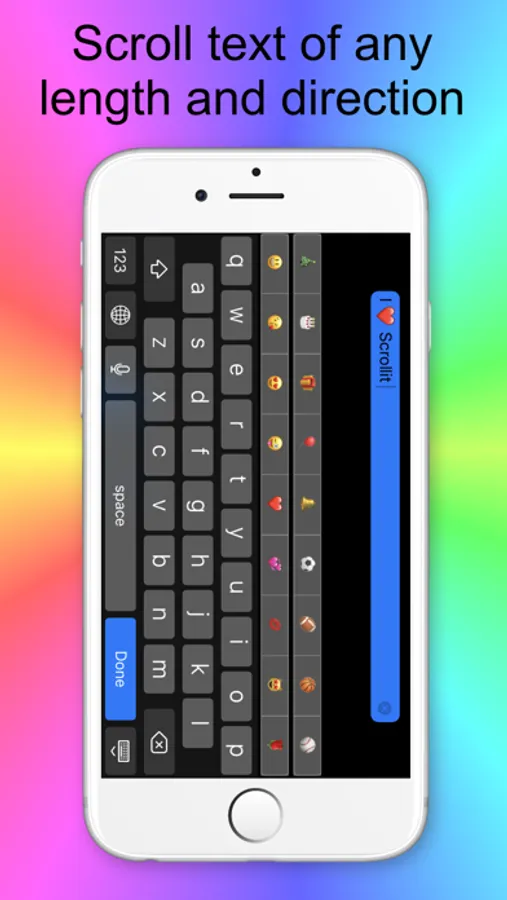
ScrollIt includes easy-to-type emoticons and emoji directly from the keyboard, making your scrolling text more expressive, fun, and eye-catching.
A quiet vibration lets you know when the message has finished scrolling
(short beep on iPad and iPod touch).
What Users Say
***** Great app
“Works well, easy to use interface. If you want an app for scrolling text, this is the one.”
*****Happy
“This app does everything I expected. My kids love it when I cheer for them.”
ScrollIt Features
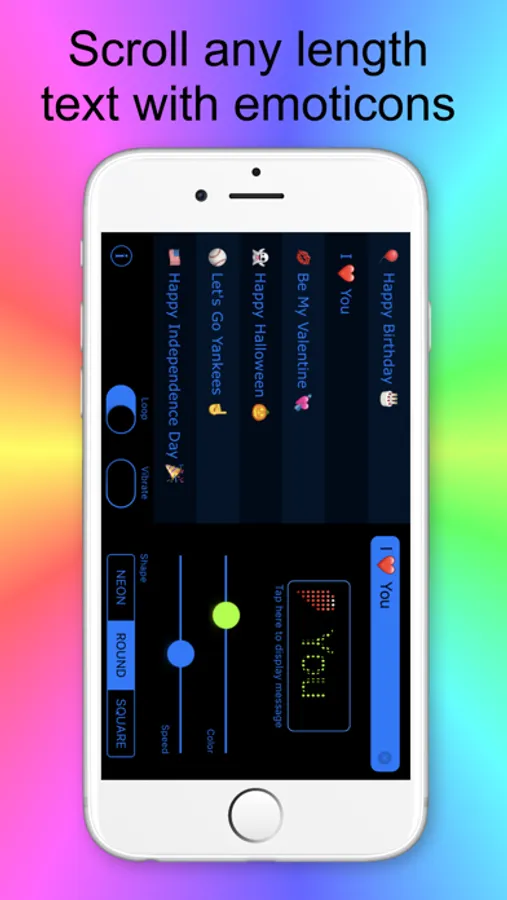
• Simple, powerful design — no confusing buttons
• LED scrolling text display with large, readable letters
• Unlimited message length
• Built-in emoticons and full emoji support
• Live preview to adjust color and scrolling speed
• Vibration or sound alert when scrolling ends
• Right-to-left text support (Arabic & Hebrew)
• Two LED styles: round and square
• Recently used messages with one-tap reuse
Use Hundreds of Emoji
Enable the Emoji keyboard on your device:
Settings → General → Keyboard → Keyboards → Add New Keyboard → Emoji
Then tap the globe icon in ScrollIt to switch keyboards.
Perfect For
• Concerts & sports events — cheer silently with a scrolling LED sign
• School & college — send visual messages across a classroom
• Bars, clubs & parties — communicate without shouting
• Office & meetings — send messages without interrupting
• When you can’t or don’t want to talk — illness, silence, or mood
• Just for fun — be creative, be noticed, be cool
Want More?
Try ScrollIt 2X, our advanced version with additional features and capabilities.
Support & Feedback
We’re constantly improving ScrollIt and value your feedback.
If you experience any issues or have suggestions, please contact us through our support page before leaving a review — we can respond and help you there.
Thank you for using ScrollIt
ScrollIt turns your iPhone or iPad into a bright LED scrolling message display. Instantly show large, animated text when people can’t hear you — at a club, concert, classroom, meeting, lecture, restaurant, or any noisy environment.
Just type your message, tap Display, and ScrollIt will scroll your text big and bold so everyone around you can see it clearly.
Make Your Message Stand Out
ScrollIt includes easy-to-type emoticons and emoji directly from the keyboard, making your scrolling text more expressive, fun, and eye-catching.
A quiet vibration lets you know when the message has finished scrolling
(short beep on iPad and iPod touch).
What Users Say
***** Great app
“Works well, easy to use interface. If you want an app for scrolling text, this is the one.”
*****Happy
“This app does everything I expected. My kids love it when I cheer for them.”
ScrollIt Features
• Simple, powerful design — no confusing buttons
• LED scrolling text display with large, readable letters
• Unlimited message length
• Built-in emoticons and full emoji support
• Live preview to adjust color and scrolling speed
• Vibration or sound alert when scrolling ends
• Right-to-left text support (Arabic & Hebrew)
• Two LED styles: round and square
• Recently used messages with one-tap reuse
Use Hundreds of Emoji
Enable the Emoji keyboard on your device:
Settings → General → Keyboard → Keyboards → Add New Keyboard → Emoji
Then tap the globe icon in ScrollIt to switch keyboards.
Perfect For
• Concerts & sports events — cheer silently with a scrolling LED sign
• School & college — send visual messages across a classroom
• Bars, clubs & parties — communicate without shouting
• Office & meetings — send messages without interrupting
• When you can’t or don’t want to talk — illness, silence, or mood
• Just for fun — be creative, be noticed, be cool
Want More?
Try ScrollIt 2X, our advanced version with additional features and capabilities.
Support & Feedback
We’re constantly improving ScrollIt and value your feedback.
If you experience any issues or have suggestions, please contact us through our support page before leaving a review — we can respond and help you there.
Thank you for using ScrollIt
Scrollit - Visual Messenger Screenshots
Tap to Rate:
Reviews for Scrollit - Visual Messenger
kora Esparza
Good app
I liked that
Hypermatt
Top value for basic need
This graciously free app offers exactly what I need without unnecessary and cumbersome bells and whistles, and without annoying adverts.