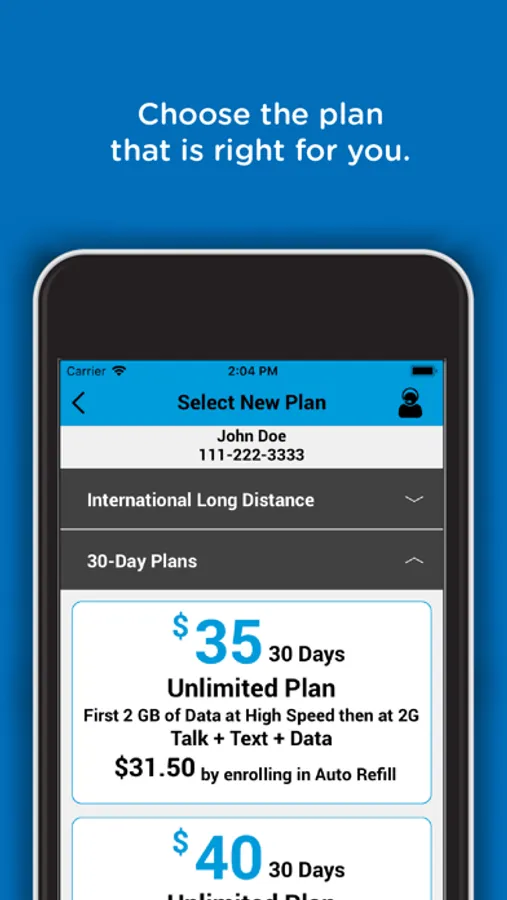
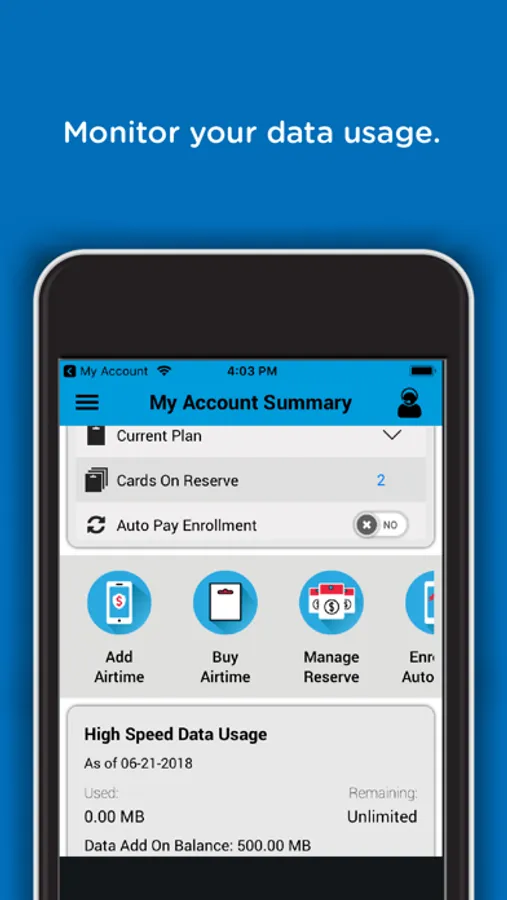
With this mobile account management app, you can monitor your data usage, redeem airtime PINs, and update your profile. Includes features for purchasing airtime, tracking usage, and managing account details.
AppRecs review analysis
AppRecs rating 4.3. Trustworthiness 76 out of 100. Review manipulation risk 25 out of 100. Based on a review sample analyzed.
★★★★☆
4.3
AppRecs Rating
Ratings breakdown
5 star
86%
4 star
10%
3 star
2%
2 star
1%
1 star
1%
What to know
✓
Low review manipulation risk
25% review manipulation risk
✓
Credible reviews
76% trustworthiness score from analyzed reviews
✓
High user satisfaction
86% of sampled ratings are 5 stars
About Net 10 My Account
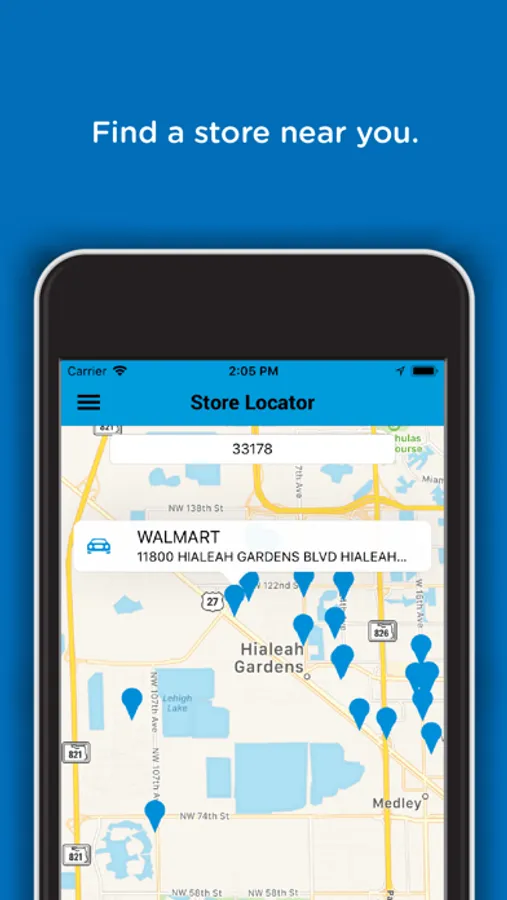
If you are a Net 10 customer, you can use this App to manage all aspects of your wireless service.
Here is how it works:
Download and open the app, then proceed to the End User License Agreement.
- If you agree to the End User License Agreement, you will have the option to log in if you already have a Net 10 Account, or use the app to create one!
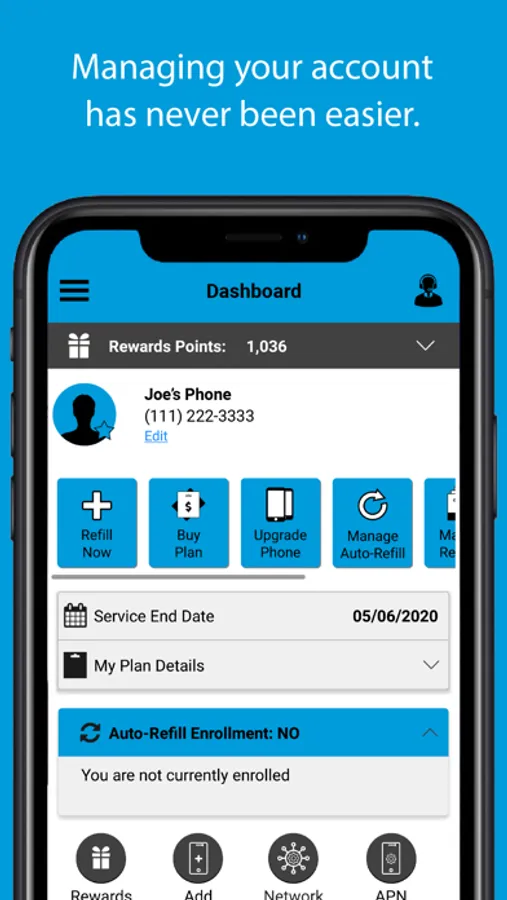
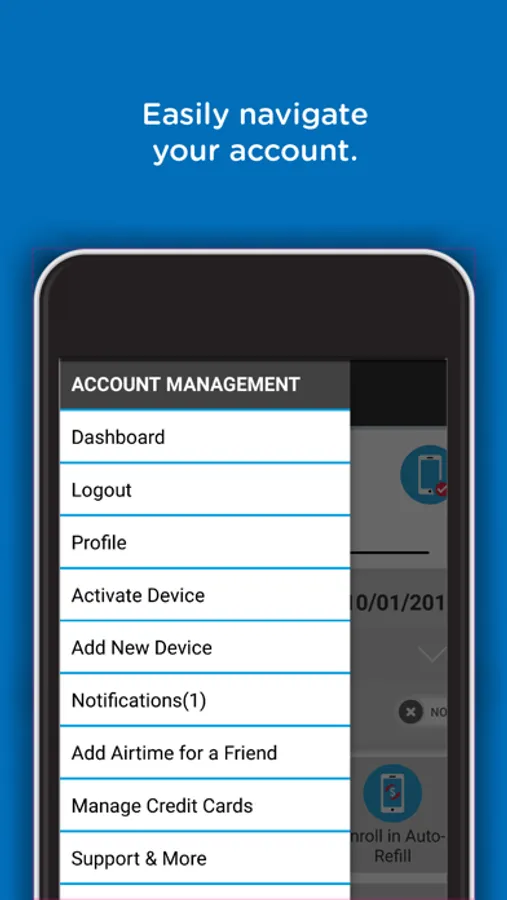
- Upon logging in, you will be able to track your Data Usage on your Home Screen, redeem Net 10 Airtime PINs, and purchase Net 10 airtime with a Credit Card.
You can also update your Net 10 Profile, among many others features!
Airtime PINs are located on the back of the Net10 Service Card or on your register receipt. To read the PIN on a Net 10 Service Card, locate the grey strip on the back of the card. Scratch off the gray strip to reveal the PIN.
Service Cards are sold at over 80,000 retail locations across the United States; visit https://www.net10.com/direct/retailers for more information.
Not a Net 10 customer? Switch now! Visit us at http://www.net10wireless.com for more information.
Net10 from TracFone, a Verizon Company.
Net 10 My Account Screenshots
Tap to Rate:
Reviews for Net 10 My Account
Alyssa607
Worse hone carrier around
I would leave 0 stars but the lowest it allows is 1 Apparently net10 does NOT allow customers of more than 10 speak to a supervisor I’m waiting for the corporate office to recieved the videos I sent and someone will be calling me with 24 hours NET10 Is a JOKE!
Mkoehn156486
What’s Happened?
This company used to be really good. The benefits, perks, and even the app was really easy to understand and use. Now, the app is glitchy (with no meaningful updates to patch actual problems) and the overall experience has just dramatically declined in the last 5-6 years.