
AppRecs review analysis
AppRecs rating 3.6. Trustworthiness 76 out of 100. Review manipulation risk 21 out of 100. Based on a review sample analyzed.
★★★☆☆
3.6
AppRecs Rating
Ratings breakdown
5 star
50%
4 star
13%
3 star
13%
2 star
0%
1 star
25%
What to know
✓
Low review manipulation risk
21% review manipulation risk
✓
Credible reviews
76% trustworthiness score from analyzed reviews
✓
Good user ratings
63% positive sampled reviews
About HappyKey
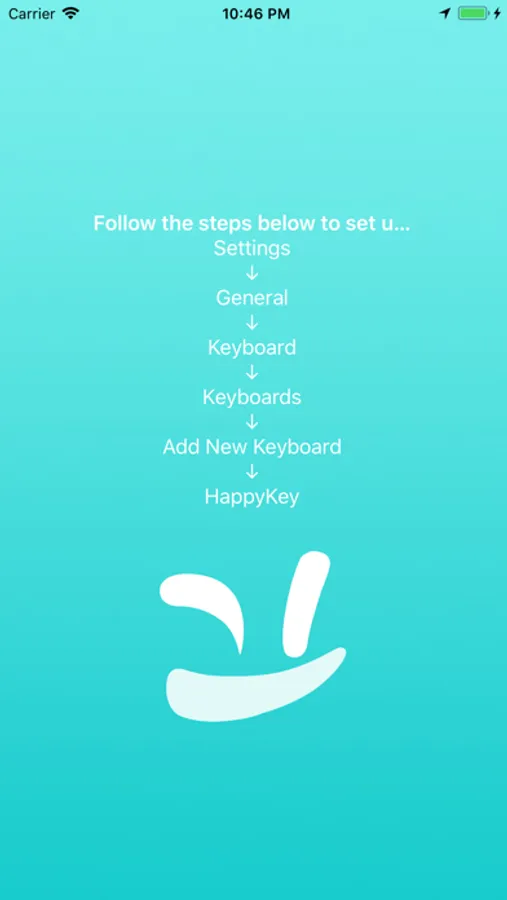
Install the app first, then to setup the keyboard go to Settings > General > Keyboard > Keyboards > Add New Keyboard > HappyKey
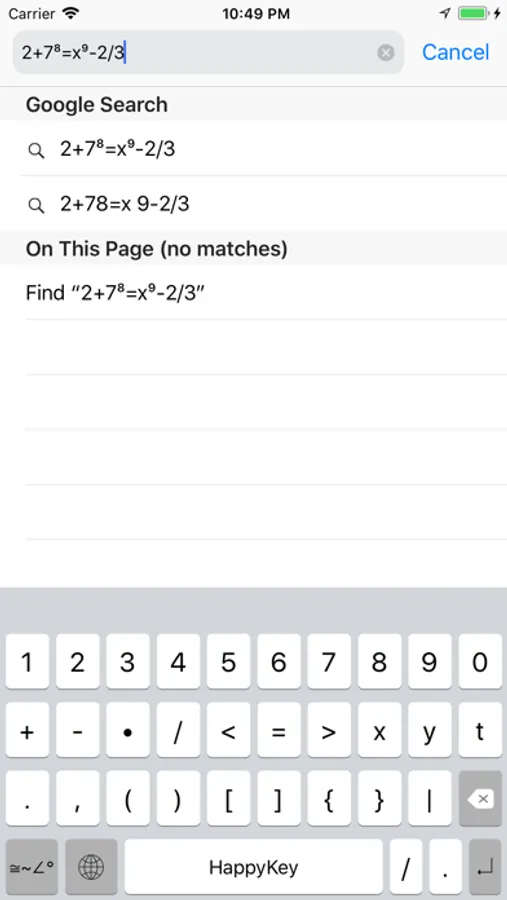
Note: This is not a calculator. This is an additional keyboard that makes it easier to type math notation.
Credit for the keyboard functionality and design goes to the open source Tasty Imitation Keyboard by Alexei Baboulevitch (GitHub user archagon).
HappyKey Screenshots
Tap to Rate:
Reviews for HappyKey
Evan42052
Free and Great
I was scouting the internet for hours looking for a free keyboard that uses math notation and couldn’t find any that weren’t a few dollars, a subscription service or upwards of $24!!! This app is free and works perfectly! I wish there were differentials and integral symbols but I digress this is an amazing keyboard that adds super- and subscript functionality FOR FREE! Along with a few nifty math terms! I love it!
checkmate3141
Can’t seem to do anything
When I launch the app, all I see is the teal blue screen with the smiley face on it. It won’t do anything. Otherwise, the app looks very helpful.