With this app, you can scan QR codes to discover AirServer devices on complex networks and add computers to the AirPlay list. Includes network scanning and device management features.
AppRecs review analysis
AppRecs rating 2.1. Trustworthiness 78 out of 100. Review manipulation risk 24 out of 100. Based on a review sample analyzed.
★★☆☆☆
2.1
AppRecs Rating
Ratings breakdown
5 star
19%
4 star
10%
3 star
5%
2 star
6%
1 star
60%
What to know
✓
Low review manipulation risk
24% review manipulation risk
⚠
Mixed user feedback
Average 2.2★ rating suggests room for improvement
⚠
High negative review ratio
65% of sampled ratings are 1–2 stars
About AirServer Connect
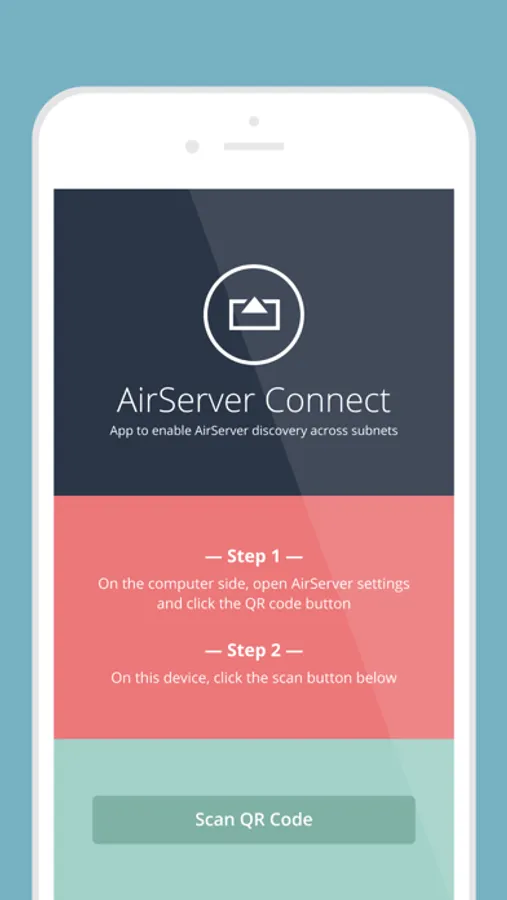
Connecting is simple:
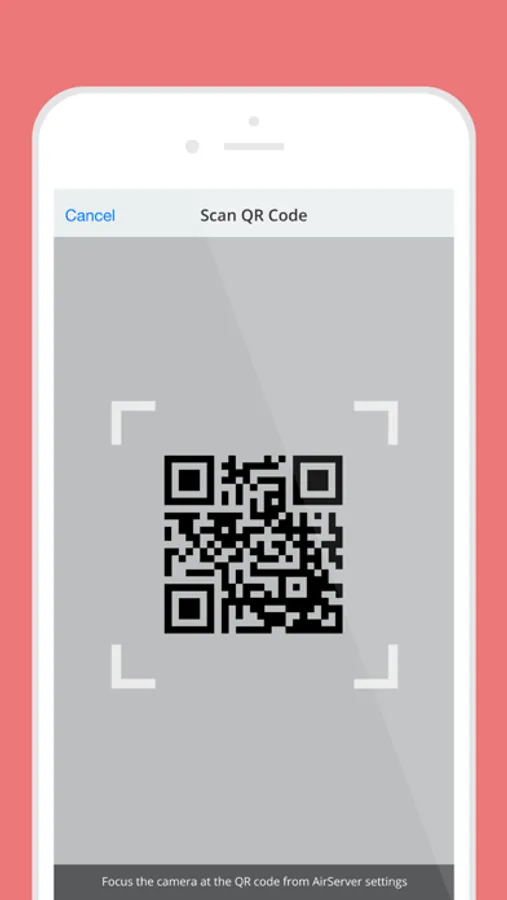
1. On the computer side, open AirServer* settings and click the QR code button.
2. On the iOS device side, open AirServer Connect and click the Scan button.
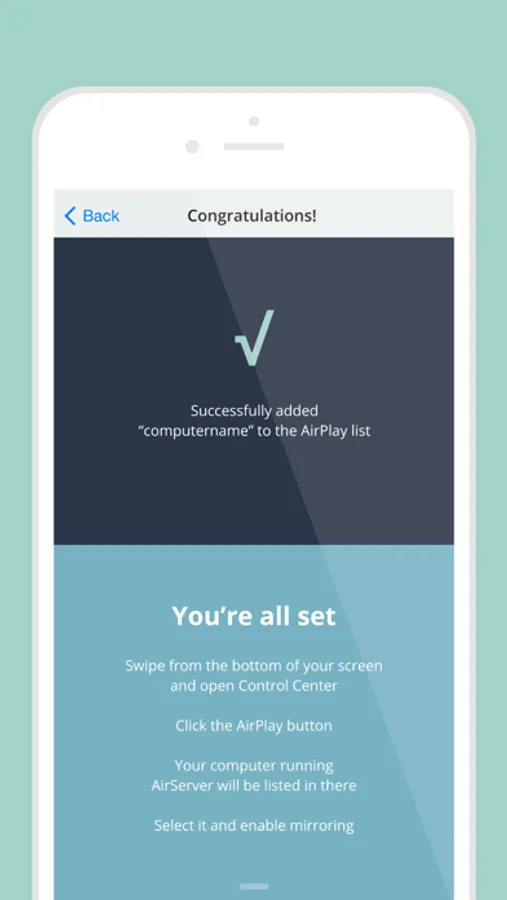
AirServer Connect will read the QR code and will automatically add your computer name to the AirPlay list in your iOS device.
To mirror your display to your computer running AirServer, simply tap on this new entry and enable mirroring.
*AirServer must be installed and running on your computer.
AirServer Connect Screenshots
Tap to Rate:
Reviews for AirServer Connect
MattG_EdisonNJ
Necessary and stable
Looks like this app is old… Well my AirServer app in Windows simply stopped registering as a mirror source in my iPad (iOS 26). This app works great… initial drawback is that every time your iPad goes to sleep, you have to re-barcode each time. I got around that by ditching auto sleep. But that knocks off a star although you get used to it pretty quickly. I hate being married to the front of the classroom so this is a no-brainer.
albertenix
Only audio working. No video
Seems like this app is outdated and broken since 2020.