
AppRecs review analysis
AppRecs rating 4.5. Trustworthiness 66 out of 100. Review manipulation risk 24 out of 100. Based on a review sample analyzed.
★★★★☆
4.5
AppRecs Rating
Ratings breakdown
5 star
100%
4 star
0%
3 star
0%
2 star
0%
1 star
0%
What to know
✓
Low review manipulation risk
24% review manipulation risk
✓
High user satisfaction
100% of sampled ratings are 5 stars
About RunScribe
To use this app you'll need:
• RunScribe footpods (available at www.runscribe.com)
• an iPhone 5 or later; iPad (Air, Mini, 3rd & 4th gen); or an iPod Touch (5th gen)
Once you've installed the RunScribe app, you can:
• Create your RunScribe account
• Update RunScribe footpods to the latest firmware
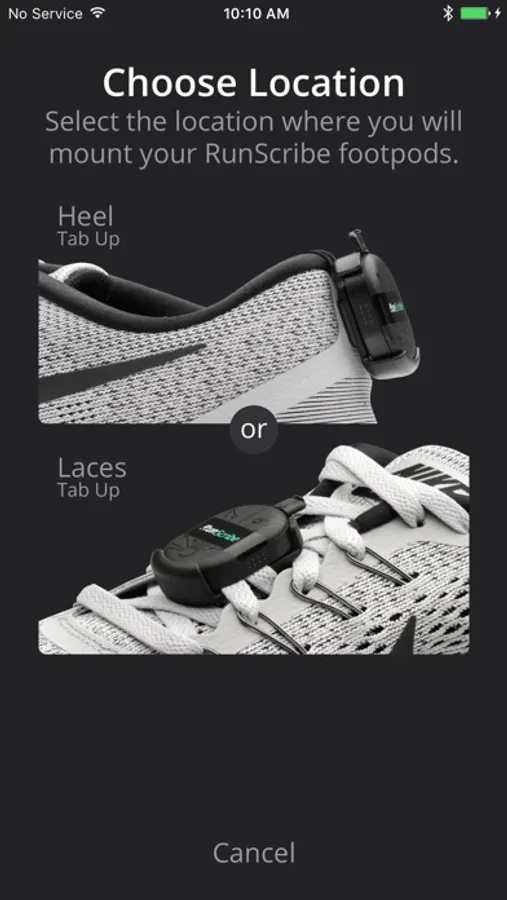
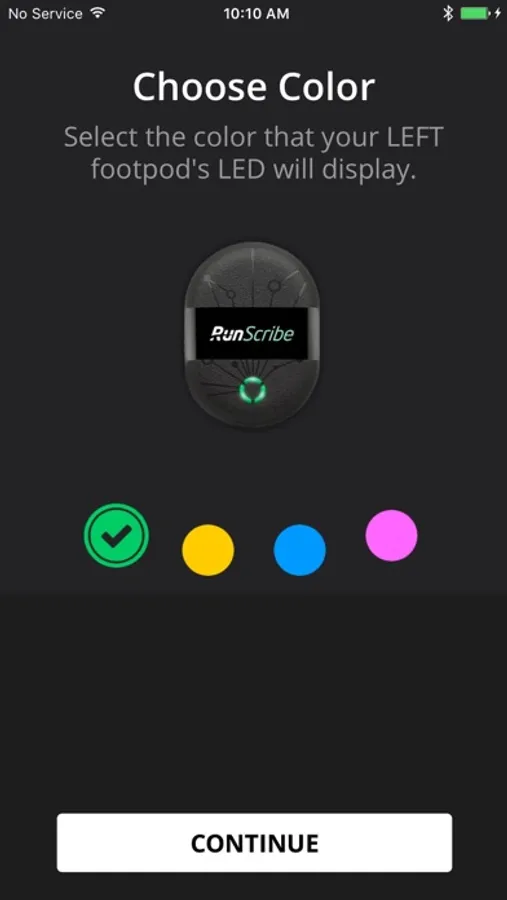
• Configure RunScribe for mount (heels or laces) and location (left or right shoe)
• Sync and upload your runs
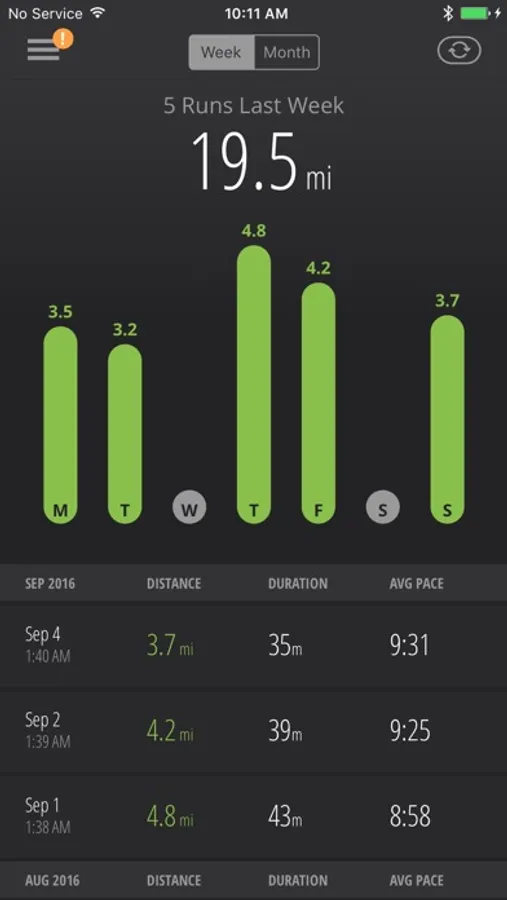
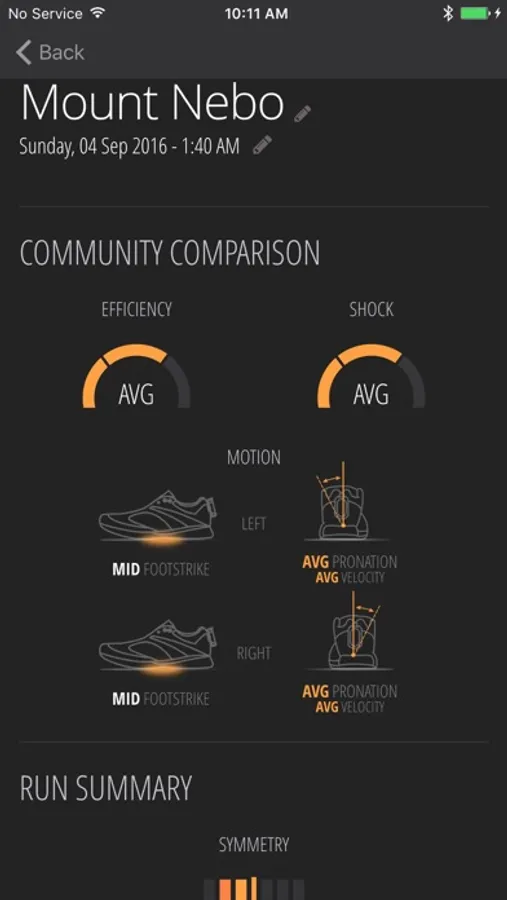
• View your RunScribe dashboard and run detail
• Create and edit your RunScribe profile
Once RunScribe footpods are configured, you just go for a run and upload your data using the RunScribe app when you're done. After the runs are synced, access the full set of kinematic metrics and analysis tools in your RunScribe dashboard (www.runscribe.com).
* * * * * *
If you have any issues with the app, contact us via our community forum, accessible through your RunScribe account, or send us an email at support@runscribe.com.
* * * * * *
RunScribe Screenshots
Tap to Rate:
Reviews for RunScribe
TRstar9
Nothing else comes close
There are a lot of foot pods around for running, but nothing collects, analyzes and displays data about your stride anywhere close to what the Runscribe pods do. The app (and complementary web site) are easy to use, intuitive, stable, powerful and visually stunning. The whole package of hardware and software are truly an engineering marvel and powerful tools for runners, coaches and physical therapists. I saw a picture of Eliud Kipchoge (current fastest marathon runner in the world) wearing a pair.
Triathlon 200
Fantastic product and app!
I am working on run technique during the triathlon off season. So motivating to see data fields that show the impact of my work! Today, I saw an improvement in flight time! Woohoo! I take screen shots of my data and send them to my coach in the evening!