AppRecs review analysis
AppRecs rating 1.8. Trustworthiness 77 out of 100. Review manipulation risk 25 out of 100. Based on a review sample analyzed.
★☆☆☆☆
1.8
AppRecs Rating
Ratings breakdown
5 star
15%
4 star
3%
3 star
10%
2 star
8%
1 star
64%
What to know
✓
Low review manipulation risk
25% review manipulation risk
✓
Credible reviews
77% trustworthiness score from analyzed reviews
⚠
Mixed user feedback
Average 2.0★ rating suggests room for improvement
About Wi Display Lite
***** SUPPORT EXTENDED DISPLAY MODE FOR WINDOWS PC *****
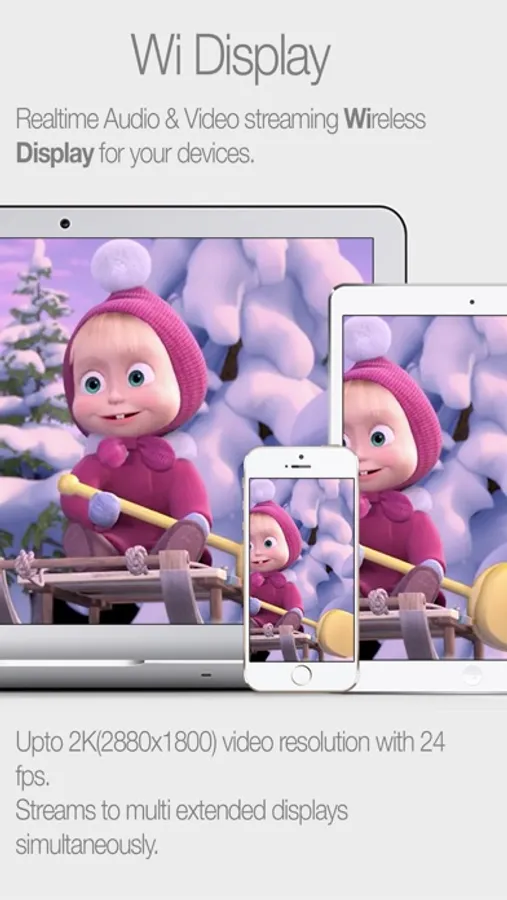
Wi Display turns your iPhone, iPod Touch or iPad into a wireless extended display for your Windows or Mac OSX computer. Wi Display not only supports streaming high quality video but also supports streaming audio to extended displays.
• Realtime Audio & Video streaming Wireless Display for your devices. Up to 2K(2880x1800) video resolution with 24 fps, supports Retina resolution.
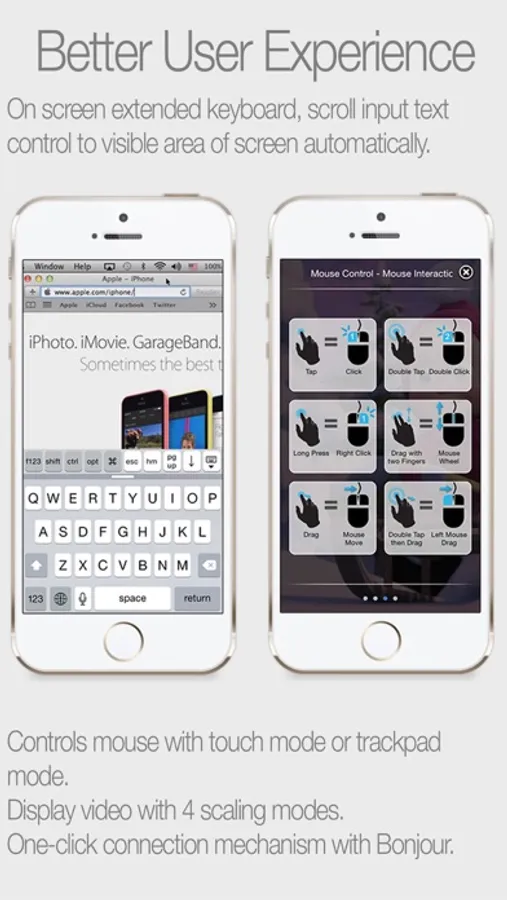
• Control your computer wirelessly via touch gestures from your iOS device. On screen extended keyboard, scroll input text control to visible area of screen automatically.
• Streams to multi extended displays simultaneously.
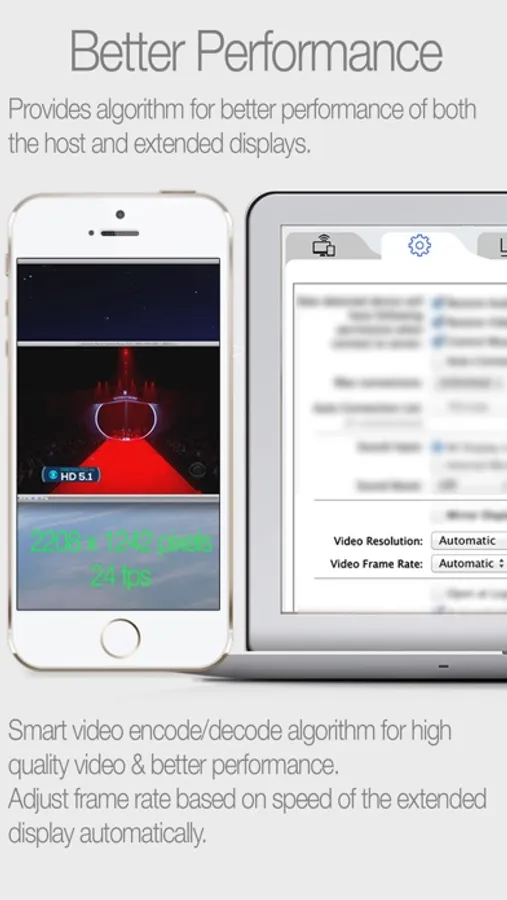
• Best performance of any app of its kind. Works well with iPad1 and above, iPhone4 and above.
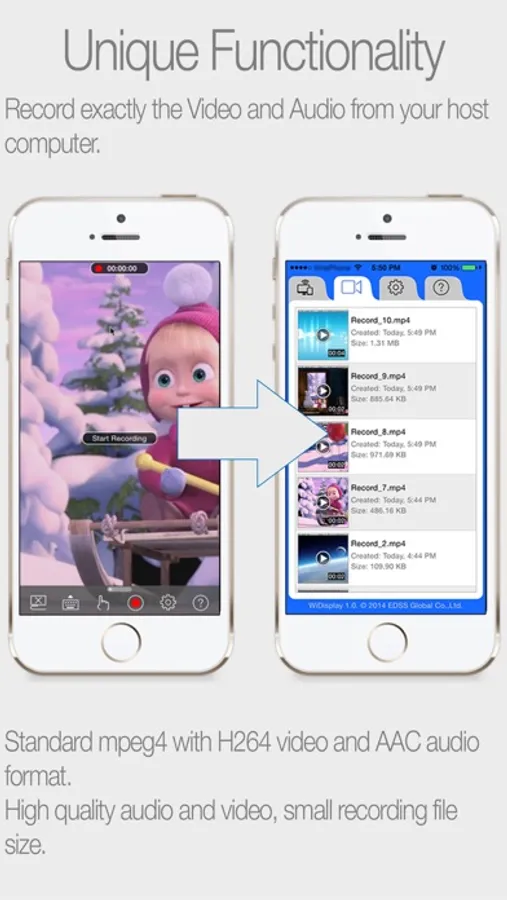
• Unique Functionality: Record exactly the Video and Audio from your host computer. Standard mpeg4 with H264 video and AAC audio format.
High quality audio and video, small recording file size.
• One-click connection mechanism with Bonjour technology.
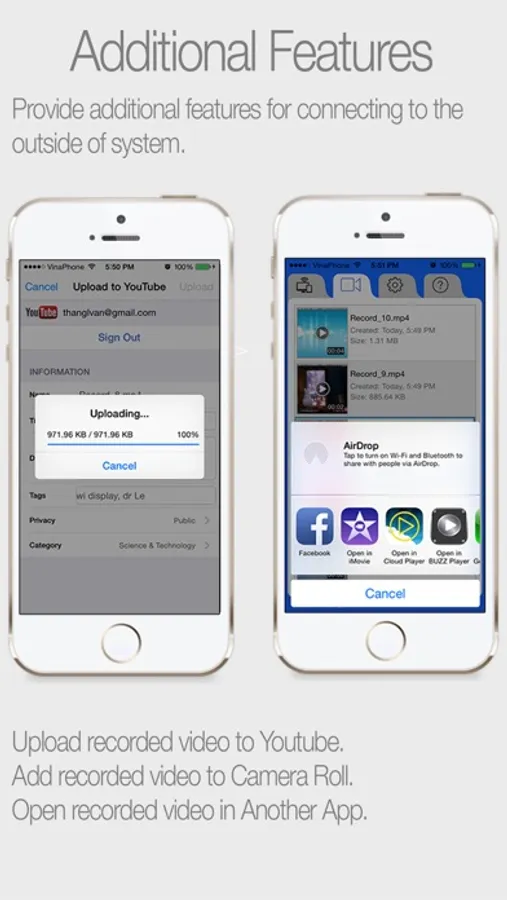
• Upload recorded video to Youtube directly.
System requirements:
• User needs to download the host (server) module in order for the app to work.
• Both computer and iOS device must be on the same Wi-Fi network.
• iOS device: iOS 5.1 and above.
• Mac OS X host: 10.7 and above.
• Windows host: Windows XP, Windows Vista, Windows 7 or 8 (32 or 64-bit).
Wi Display turns your iPhone, iPod Touch or iPad into a wireless extended display for your Windows or Mac OSX computer. Wi Display not only supports streaming high quality video but also supports streaming audio to extended displays.
• Realtime Audio & Video streaming Wireless Display for your devices. Up to 2K(2880x1800) video resolution with 24 fps, supports Retina resolution.
• Control your computer wirelessly via touch gestures from your iOS device. On screen extended keyboard, scroll input text control to visible area of screen automatically.
• Streams to multi extended displays simultaneously.
• Best performance of any app of its kind. Works well with iPad1 and above, iPhone4 and above.
• Unique Functionality: Record exactly the Video and Audio from your host computer. Standard mpeg4 with H264 video and AAC audio format.
High quality audio and video, small recording file size.
• One-click connection mechanism with Bonjour technology.
• Upload recorded video to Youtube directly.
System requirements:
• User needs to download the host (server) module in order for the app to work.
• Both computer and iOS device must be on the same Wi-Fi network.
• iOS device: iOS 5.1 and above.
• Mac OS X host: 10.7 and above.
• Windows host: Windows XP, Windows Vista, Windows 7 or 8 (32 or 64-bit).
Wi Display Lite Screenshots
Tap to Rate:
Reviews for Wi Display Lite
Wellllllllllllll,
I’m sure be nice if it worked…
Please update the software! It says that I have to when I download it.
ben trest
DONT INSTALL
This app made me restart my WHOLE pc. I should’ve know better knowing this app was free. Please don’t take the risk of having to restart your whole pc.