With this app, you can quickly create, delete, and view notes on your Apple Watch. Includes note import, dictation, offline access, and Siri integration.
AppRecs review analysis
AppRecs rating 3.7. Trustworthiness 74 out of 100. Review manipulation risk 26 out of 100. Based on a review sample analyzed.
★★★☆☆
3.7
AppRecs Rating
Ratings breakdown
5 star
60%
4 star
11%
3 star
5%
2 star
4%
1 star
20%
What to know
✓
Low review manipulation risk
26% review manipulation risk
✓
Credible reviews
74% trustworthiness score from analyzed reviews
✓
Good user ratings
70% positive sampled reviews
About Notes for Watch
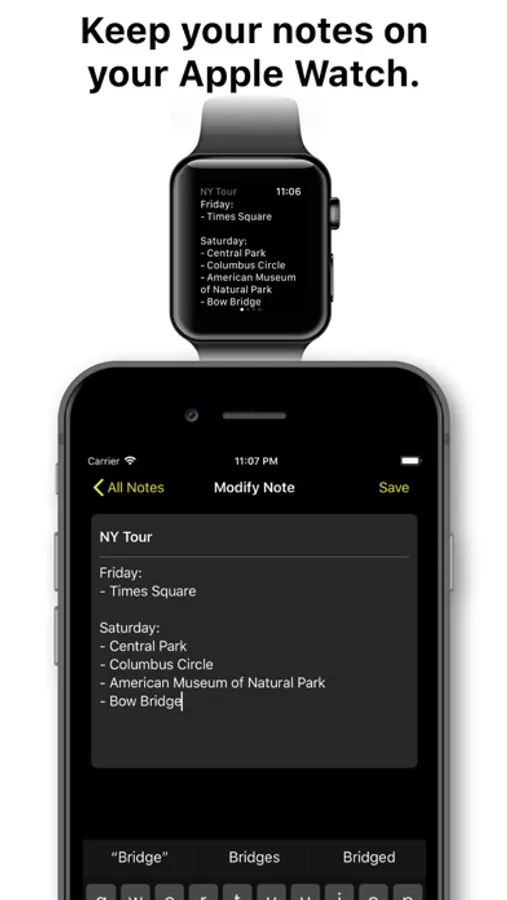
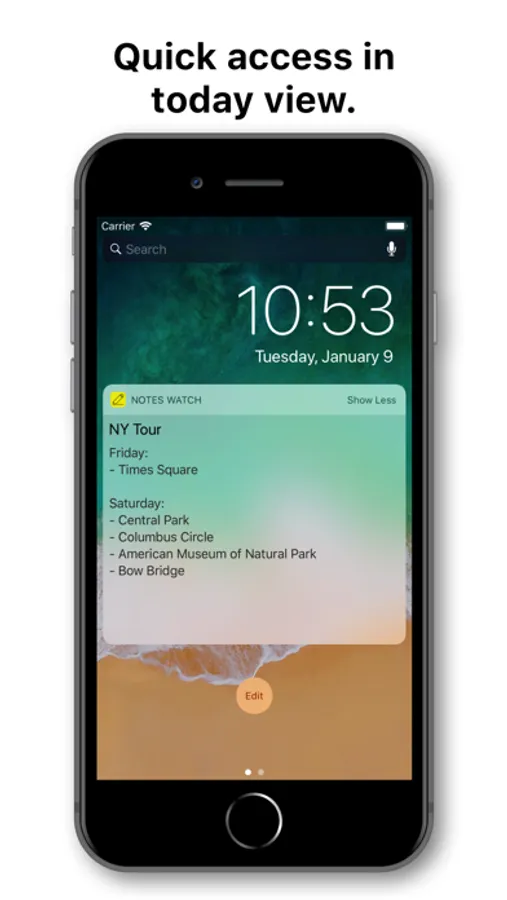
How many times did you have to take out your iPhone from your pocket only to check a simple note? This will never be a problem again with Notes for Watch.
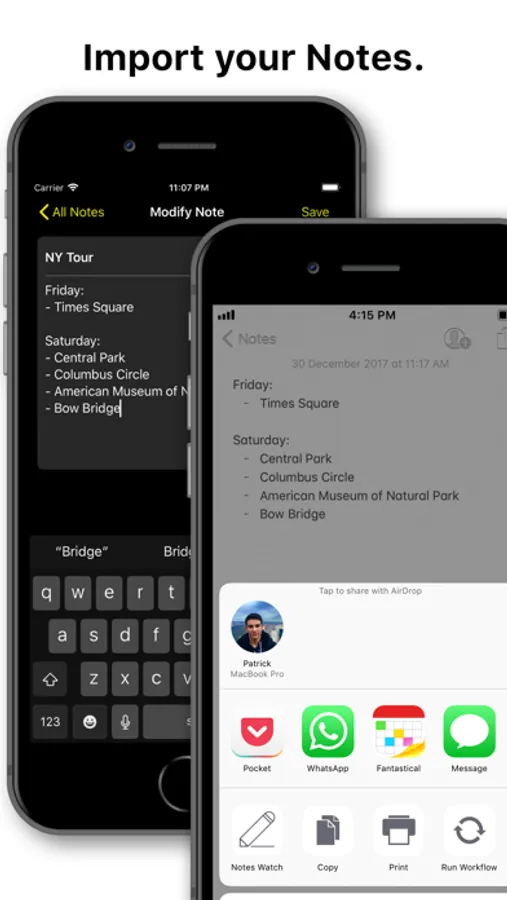
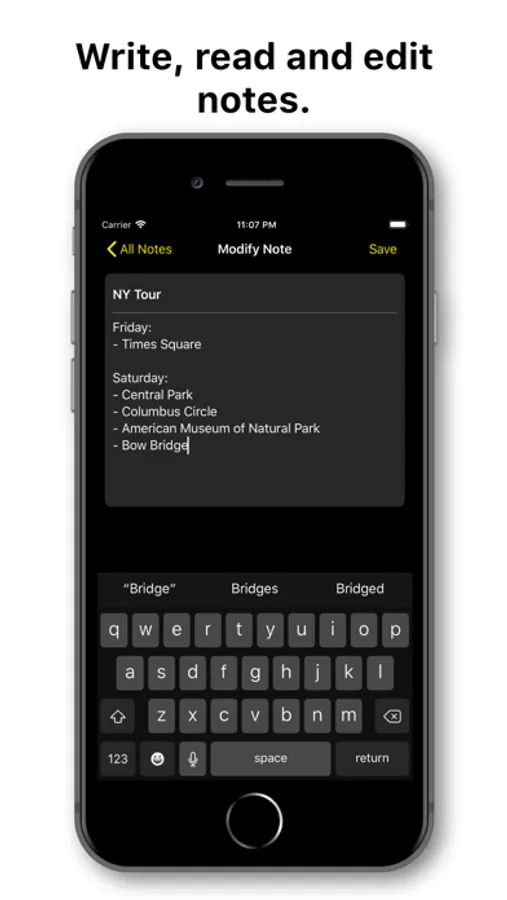
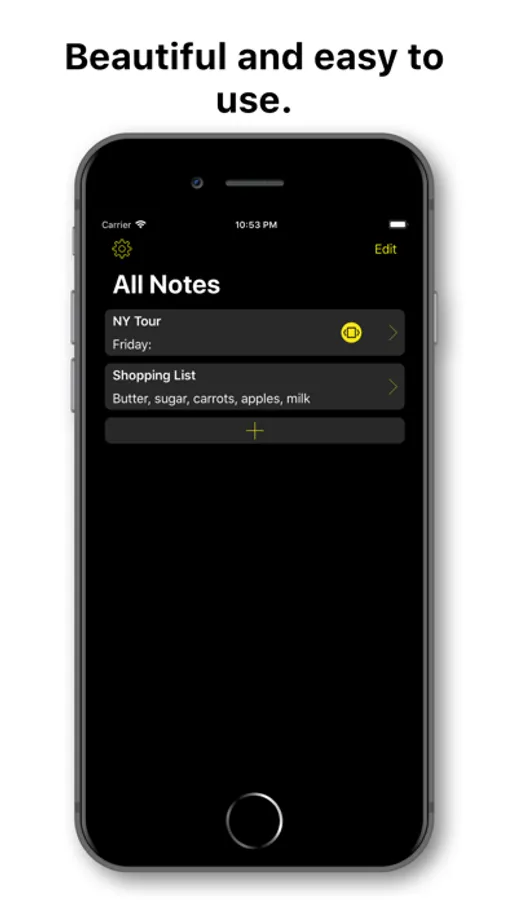
- Import notes from the official Notes app or just paste them in the app.
- Immediately transfer notes to your Apple Watch app. Read them even offline.
- Create and delete notes from your Apple Watch by dictating the content.
- No need to always come up with a note's title, it's optional so you can create notes as quickly as possible on the go.
- Uses your device default font size preference for an optimal reading experience.
- Ask Siri to show, create or append your NotesWatch notes.
- Localized in 8 languages.
- Supports iOS 11 and watchOS 4.
We're always listening to your feedback. Just get in touch with us from the settings section of the app and we'll get back to you as soon as possible!
- Import notes from the official Notes app or just paste them in the app.
- Immediately transfer notes to your Apple Watch app. Read them even offline.
- Create and delete notes from your Apple Watch by dictating the content.
- No need to always come up with a note's title, it's optional so you can create notes as quickly as possible on the go.
- Uses your device default font size preference for an optimal reading experience.
- Ask Siri to show, create or append your NotesWatch notes.
- Localized in 8 languages.
- Supports iOS 11 and watchOS 4.
We're always listening to your feedback. Just get in touch with us from the settings section of the app and we'll get back to you as soon as possible!
Notes for Watch Screenshots
Tap to Rate:
Reviews for Notes for Watch
MOEBIE N
Notes
Very cool feature just wish it was easier to connect to iwatch
Maxieson
Entries not showing on apple watch
Notes are not updating. I have 10 entries but only the first one shows on apple watch