AppRecs review analysis
AppRecs rating 4.5. Trustworthiness 0 out of 100. Review manipulation risk 0 out of 100. Based on a review sample analyzed.
★★★★☆
4.5
AppRecs Rating
Ratings breakdown
5 star
0%
4 star
33%
3 star
0%
2 star
0%
1 star
67%
About Design Materials
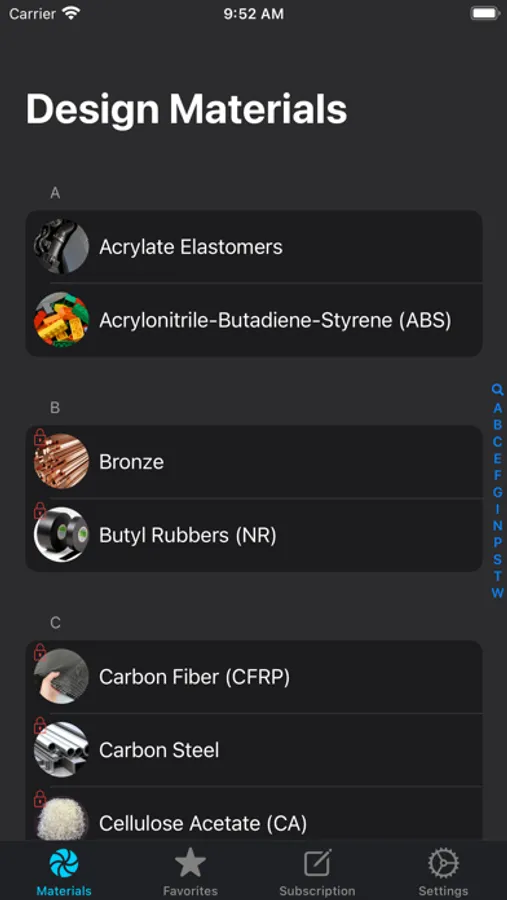
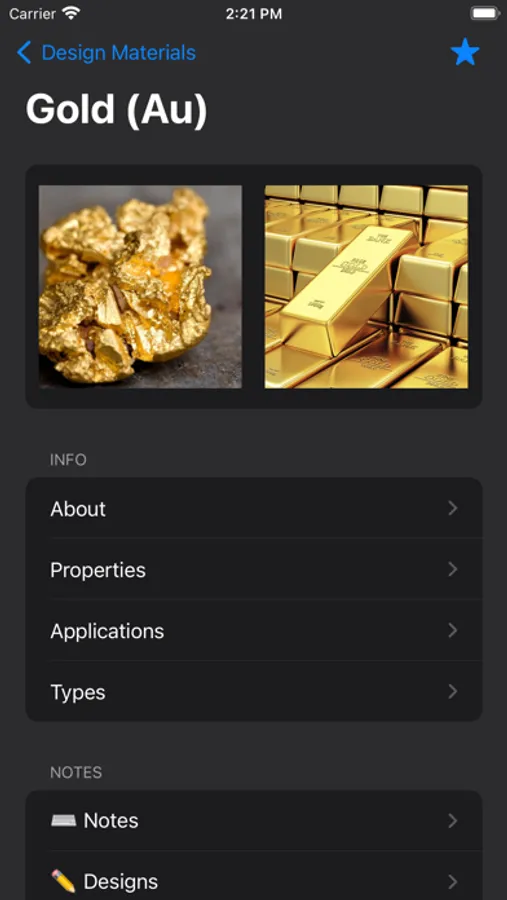
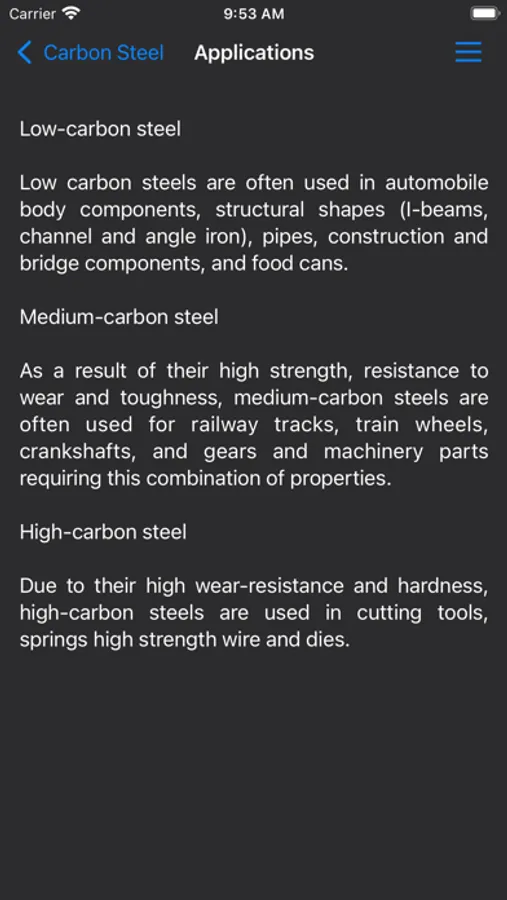
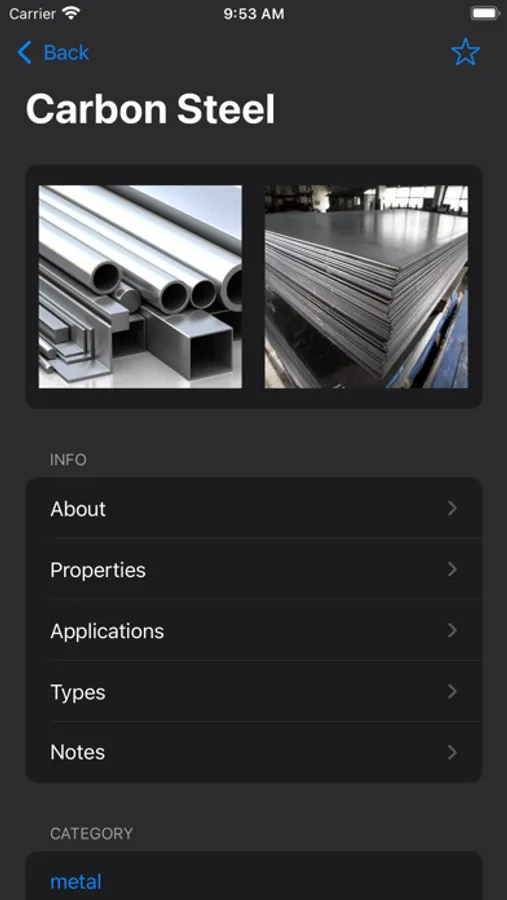
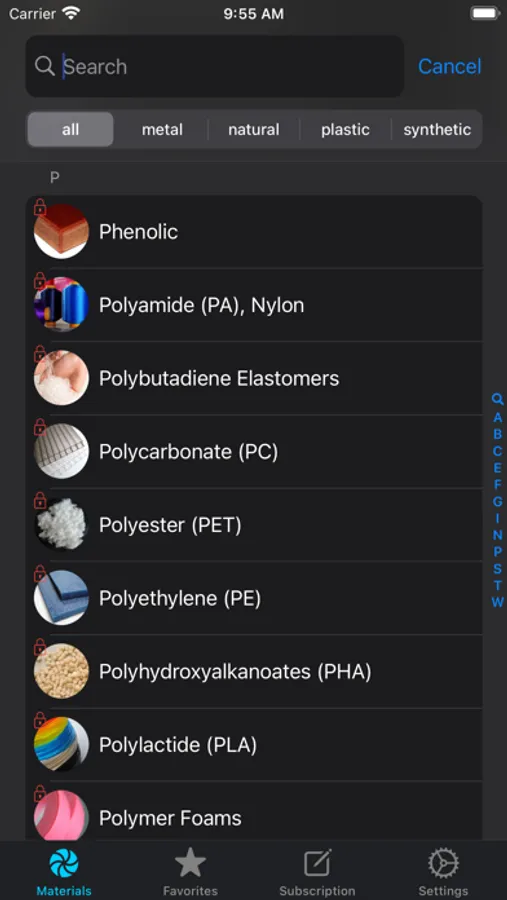
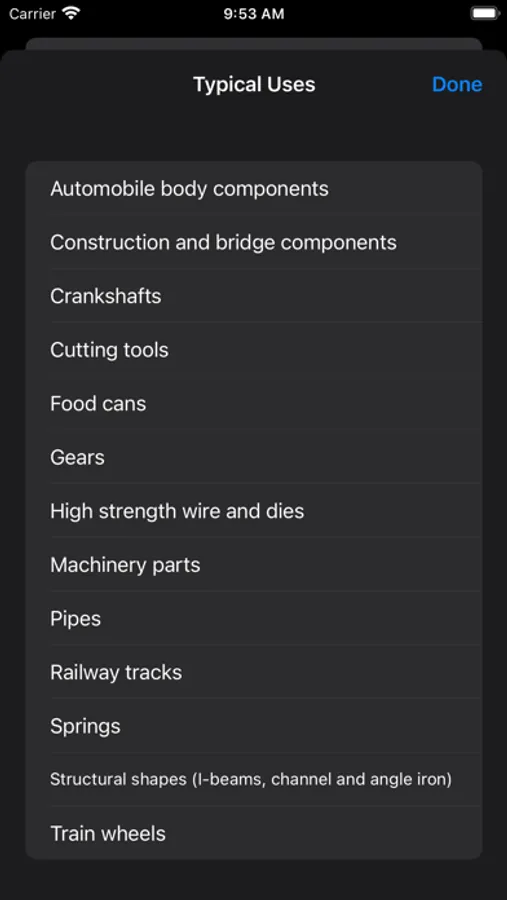
The guide contains material categories such as polymers, metals, naturals and more. All of these include synthetic, organic, bio-degradable, plastic, and much more subcategories. Each material contains information such as: About, Properties, Tags, Applications, Types and Photos.
Other features includes:
• Material Packs (subscribers)
• 3D-model viewer/import/export
• Object Capture: Scan Objects
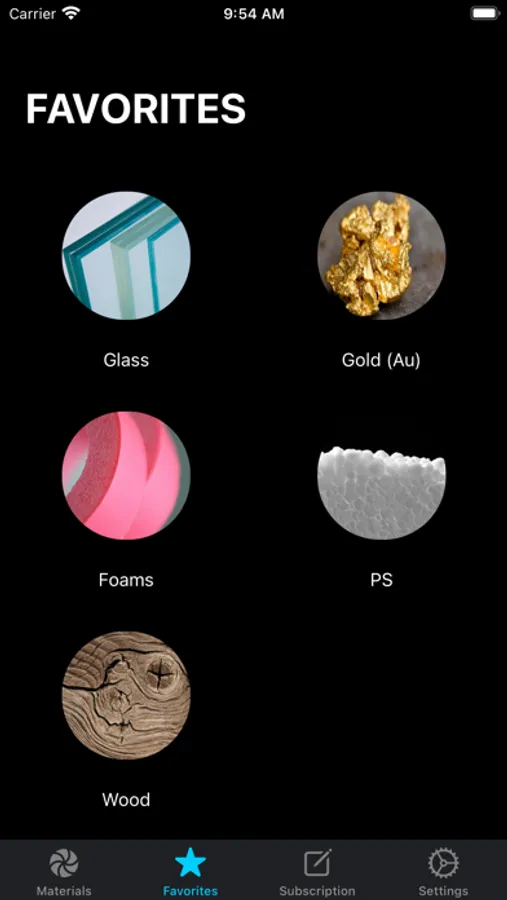
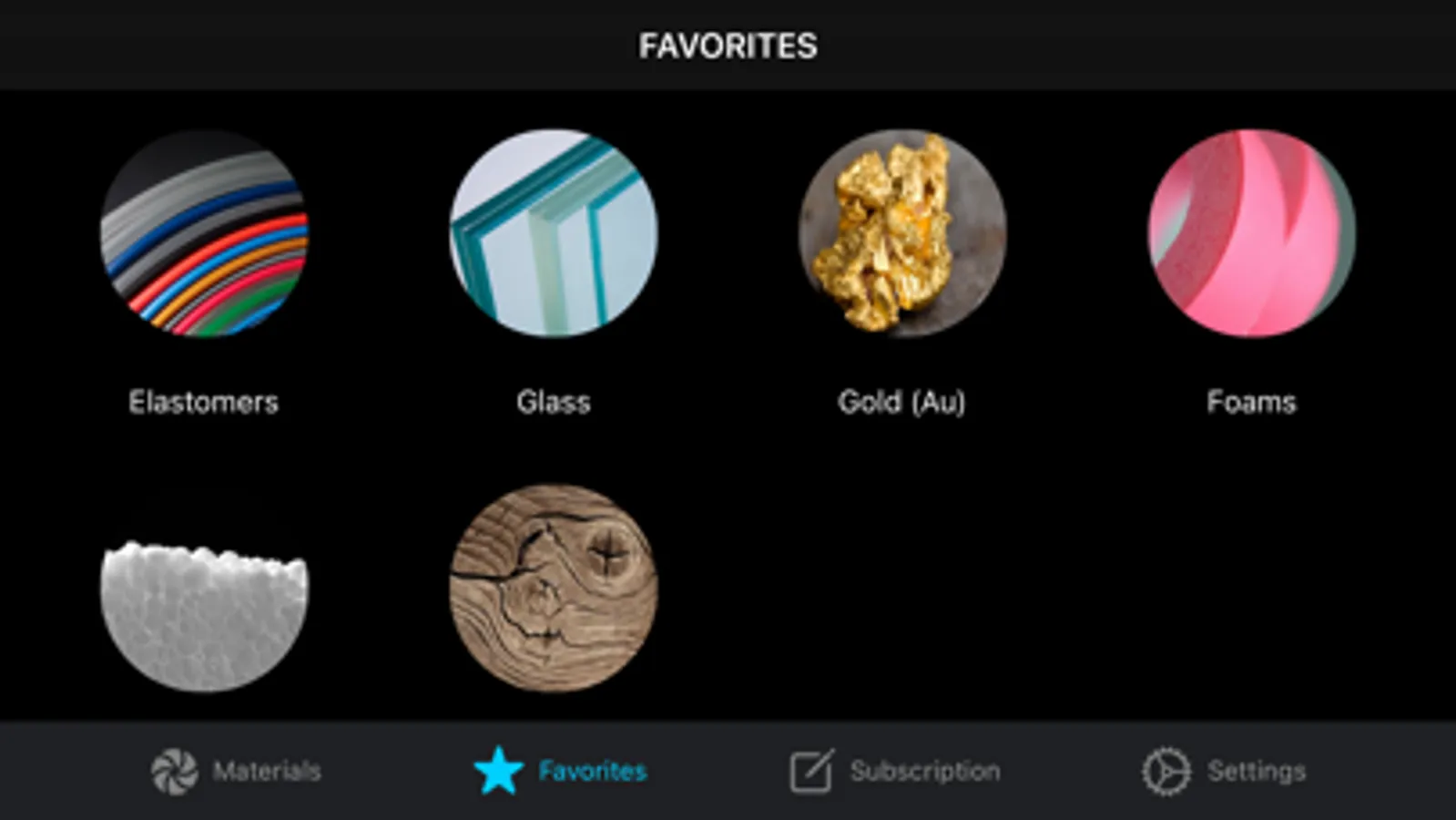
• Favorites section
• Offline reference (no Internet needed)
• Long list of properties per material
• Save Notes per material/resin/filament
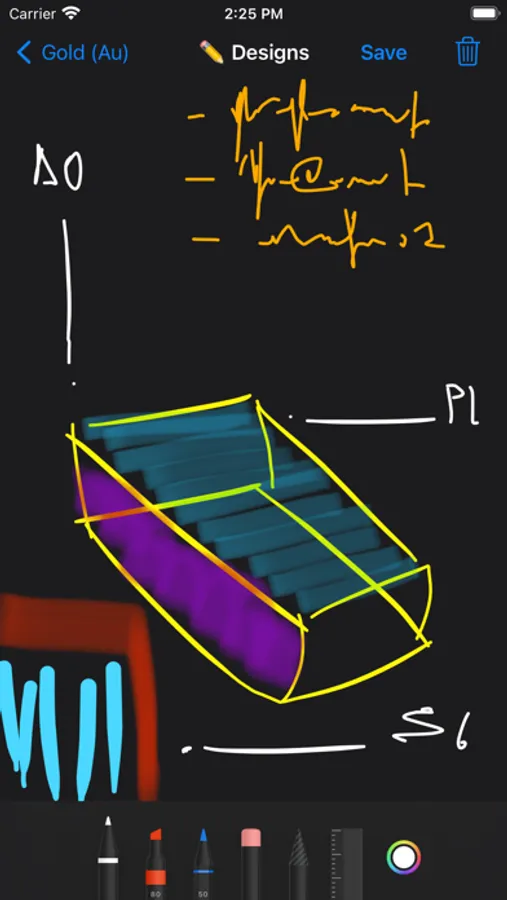
• Create Designs using Apple Pencil
• Support for all iPhone screen sizes
• Dark Mode
• iPadOS support
• MacOS support
• Continuous Updates with New Content
• UNIVERSAL PURCHASE - One Payment for all Devices
New Pro version auto-renew subscriptions:
- 1 year (Gold) | 3 month (Silver) | 1 month (Bronze) subscriptions*
- Access to all material database
ABOUT SUBSCRIPTIONS
• Payment will be charged to iTunes Account at confirmation of purchase.
• Subscription automatically renews unless auto-renew is turned off at least 24-hours before the end of the current period.
• Account will be charged for renewal within 24-hours prior to the end of the current period, and identify the cost of the renewal.
• Subscriptions may be managed by the user and auto-renewal may be turned off by going to the user's Account Settings after purchase.
• Any unused portion of a free trial period, if offered, will be forfeited when the user purchases a subscription to that publication, where applicable.
• Terms of use (EULA):
https://www.termsfeed.com/live/faff17b4-8765-4690-b57e-9aabde3d2950
Design Materials Screenshots
Tap to Rate:
Reviews for Design Materials
ZimmeritMaker
Question,
It’s really good and helps me a lot but how do you design the materials? I went to the material and clicked design then I readied my pencil and then clicked the screen to draw my material and It didn’t work, so that’s why I’m asking how to design materials?
MrCeeZy
Why?
Why make an app and put it on the App Store if your customers have to pay just to try it? And on top of that it’s not cheap, it’s easier just to Google what you’re looking for. That’s where they got the information from. Don’t waste your time, money, and storage on your device for this. Worthless, bait and switch application that advertises itself as a “free app” then when you tap on the first thing an ad-wall pops up wanting money. I give it a negative 16 stars.