AppRecs review analysis
AppRecs rating 4.4. Trustworthiness 67 out of 100. Review manipulation risk 28 out of 100. Based on a review sample analyzed.
★★★★☆
4.4
AppRecs Rating
Ratings breakdown
5 star
89%
4 star
6%
3 star
6%
2 star
0%
1 star
0%
What to know
✓
Low review manipulation risk
28% review manipulation risk
✓
High user satisfaction
89% of sampled ratings are 5 stars
About Timeframe - Time Tracking
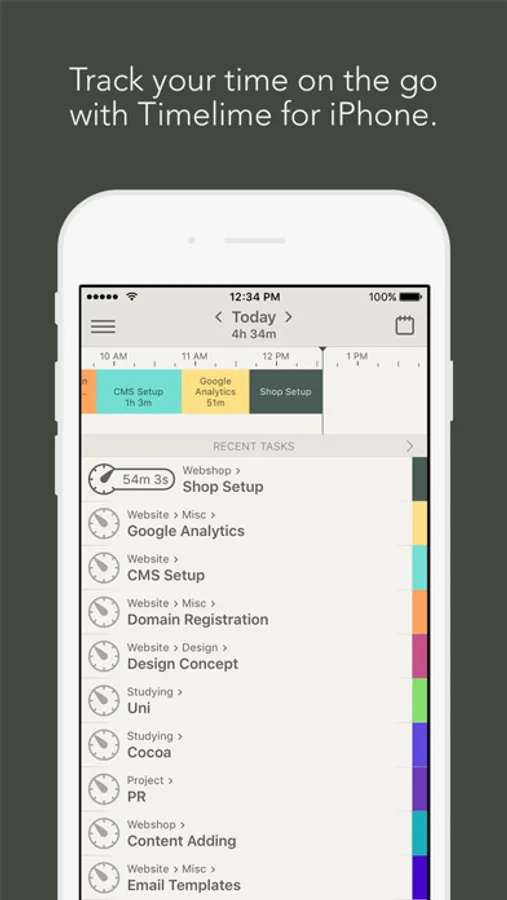
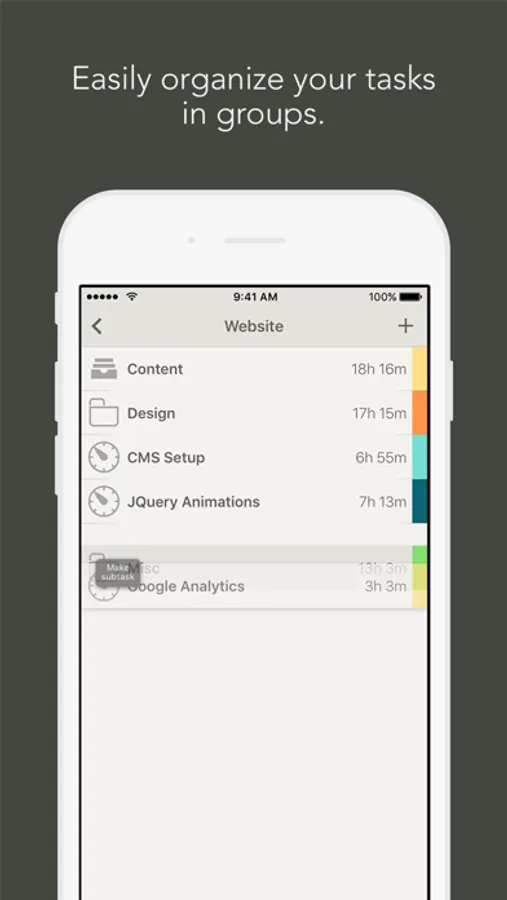
Timelime is the perfect assistant for:
◦ Freelancers and independent contractors who have to track their time spent on projects
◦ Students who want to spend more time studying by monitoring their daily/weekly/monthly workload
◦ Individuals who are interested in how they spend their work time
◦ People who wish to reduce the amount of time not being productive
If you have any questions or suggestions to improve the app, please email us at feedback@timeframeapp.com or start a discussion at community.timeframeapp.com. We’d love to hear from you!
Timeframe - Time Tracking Screenshots
Tap to Rate:
Reviews for Timeframe - Time Tracking
Carbonicator
Great app, amazing customer support
Alright, here’s the deal: I’m one of those who tend to only write reviews if something is REALLY bad or something is REALLY good. This one is the latter! The time tracking app is awesome. It does everything I need it to do and has more features than I expected. I was satisfied even before I reached out to the developer with a question. Turns out I use several different calendar apps on my Mac and I realized that Apple and Google’s calendar protocols didn’t align (Gregorian vs ISO-8601). I needed to switch my apple calendar to ISO-8601 (this is mostly for numbering weeks in the year, which I use for invoicing and project planning), and when I did so, Timelime automatically sent me a notification explaining that Timelime didn’t support the ISO-8601 calendar and not all features would be active until the Apple calendar settings returned to Gregorian. I brought this to the attention of the developer a month ago. They responded quickly explaining they weren’t aware of the differences and would look into it. I could tell there was genuine interest in my request already. A month later, the developer sends me a follow up message to tell me that they’ve implemented support for the ISO-8601 calendar!! I was already please with the app but I am very impressed with the genuinely good service! They listened, they researched, they implemented an update and they even followed up to let me know the news. I am impressed!! Thanks for taking the time to keep this app and system relevant, and for listening to your customers. You are an example for other platforms!
3 Device Syncer
Anybody out there?
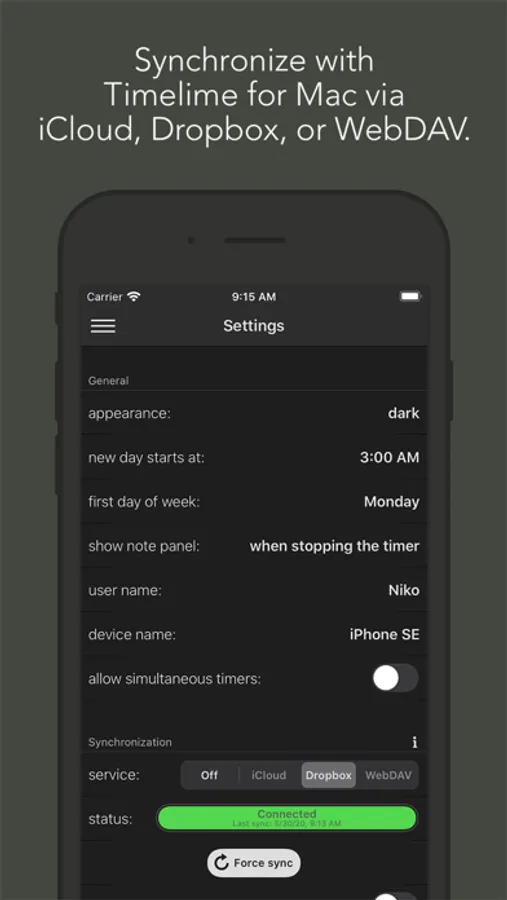
This is a fantastic time tracking app as long as you have an abundance of time to wait for it to sync before using it on another device. Sometimes it’s as fast as you would expect, others I take a screenshot after I give up waiting so I can fix the times.