
Mach Drive - Cloud File Manager
Mach Software Design
4.3 ★
6 ratings
Free
AppRecs review analysis
AppRecs rating 4.3. Trustworthiness 65 out of 100. Review manipulation risk 20 out of 100. Based on a review sample analyzed.
★★★★☆
4.3
AppRecs Rating
Ratings breakdown
5 star
83%
4 star
0%
3 star
0%
2 star
0%
1 star
17%
What to know
✓
Low review manipulation risk
20% review manipulation risk
✓
High user satisfaction
83% of sampled ratings are 4+ stars (4.3★ average)
About Mach Drive - Cloud File Manager
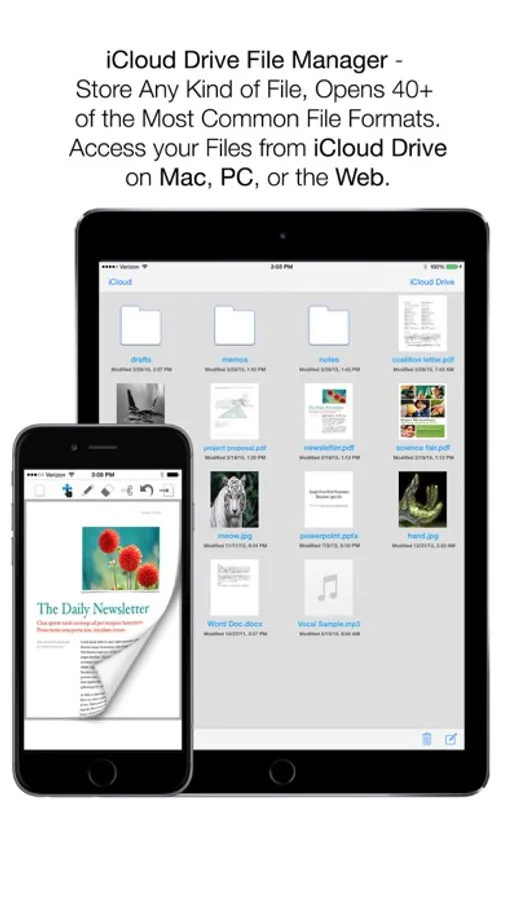
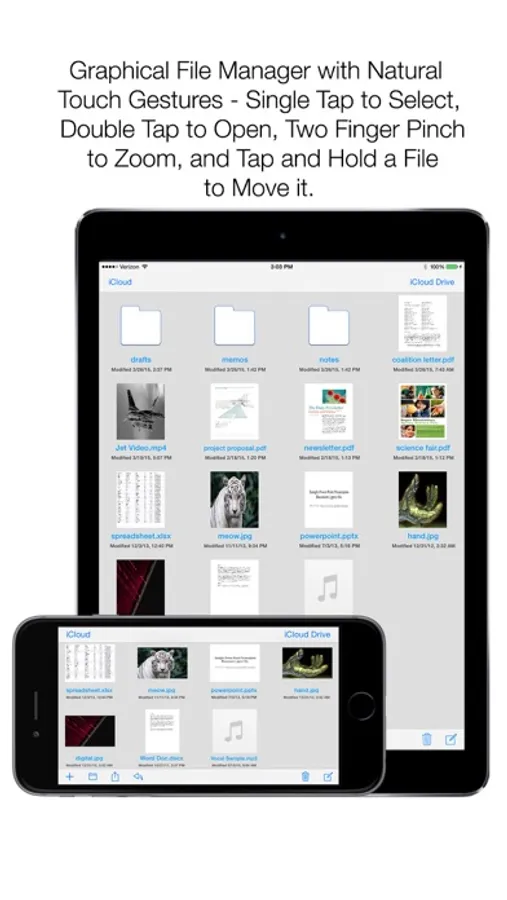
Mach Drive is the iCloud Drive-Based File Manager that you’ve been waiting for! Simply manage your files from your iPhone, iPad, Mac, PC*, or the Web; and your files will stay in sync no matter where you go. Mach Drive allows you to drag in any file of any type; and knows how to open over 40 file formats, including Office formats, Image formats, Plain Text and Code formats, Audio formats, and even many Video formats! Mach Drive features an innovative Graphical File Manager that allows you to use natural gestures to organize your files: Single Tap to Select a File, Double-Tap to Open a File, Two Finger “Pinch” to Zoom, and Tap and Hold to Drag Files onto Folders. With Mach Drive being the first serious iCloud Drive-based app for iOS, other Cloud services are a thing of the past.
Ridiculously Advanced Features!
- iCloud Drive-based file manager keeps your files in sync across iPhone, iPad, Mac, Windows*, and can also be accessed from the Web via iCloud.com; drag in any file!
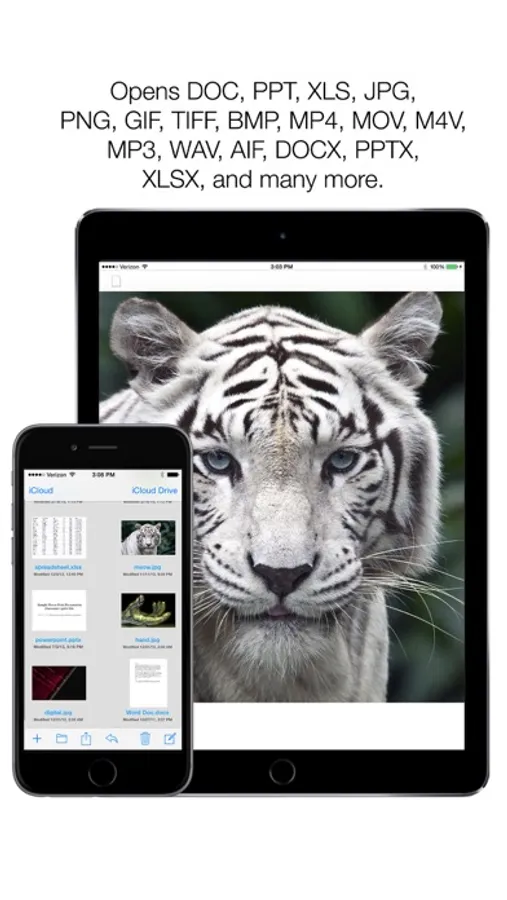
- Opens over 40 formats, with nearly 20 of those formats being editable; those 40 formats include: .JPG, .PNG, .BMP, .TIFF, .GIF, .SVG, M4A, .MP3, .AIF, .WAV, .AU, .DOC, .DOCX, .XLS, .XLSX, .PPT, .PPTX, .MOV, .AVI, .M4V, .MP4, .TXT, .RTF, .RTFD, .PDF, .C, .HTML, .JS, .PHP, .PY, .RB, .PL, .JAVA, .M, .CPP, .MM, and .H
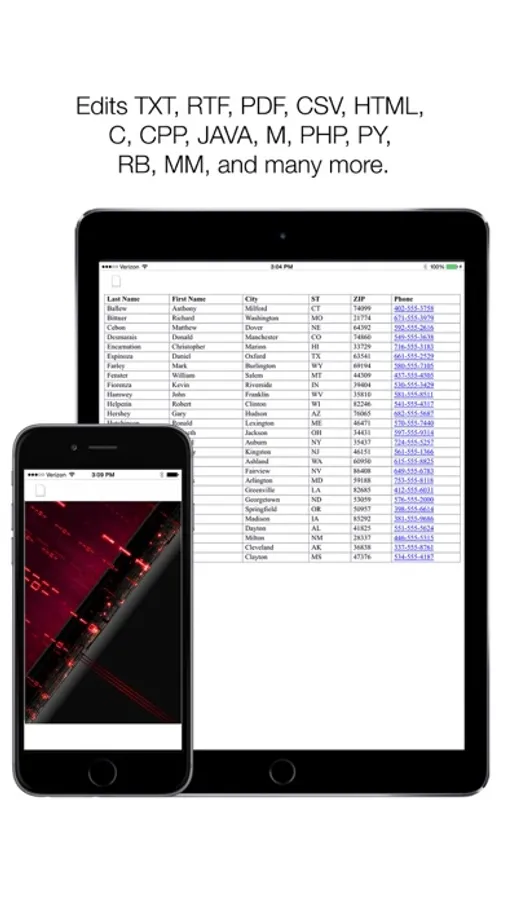
- Nearly 20 formats are Editable; those formats include: .TXT, .RTF, .RTFD, .PDF, .C, .HTML, .JS, .PHP, .PY, .RB, .PL, .JAVA, .M, .CPP, .MM, and .H
- Innovative Graphical File Manager with Natural Touch Gestures: Single Tap to Select a File, Double-Tap to Open a File, Two Finger “Pinch” to Zoom the File Manager, and Tap and Hold to Drag Files onto Folders
- Powerful PDF Editor included; featuring a super easy to use interface as well as photorealistic page swipe animations (swipe the vertical edge of a PDF page to go to the previous or next page)
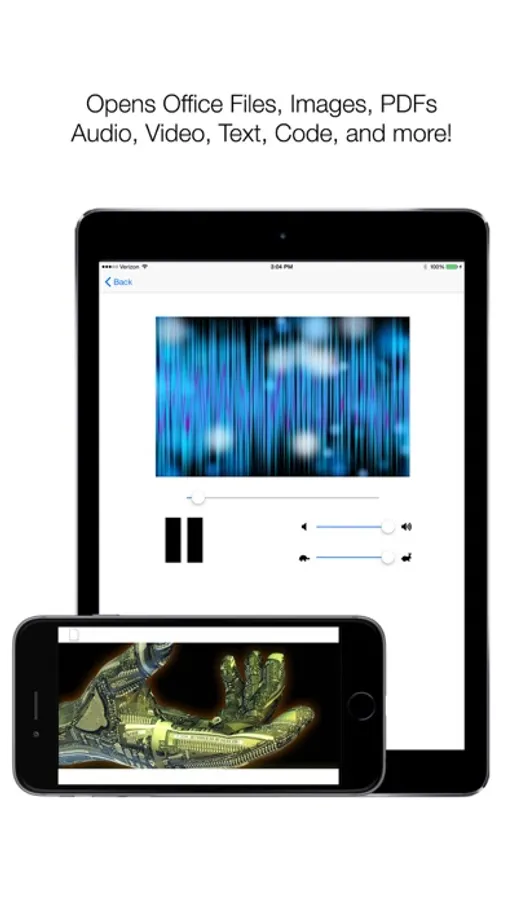
- Innovative 3D Graphical Audio “Spectrum” Visualizer that reacts to Audio (MP3, WAV, M4A, AIF, AU)
Works Offline as well
- Incredibly Advanced, yet super easy to use!
*iCloud Drive for Windows requires iCloud Drive Install, iCloud Drive for OS X requires OS X 10.10 or later
Ridiculously Advanced Features!
- iCloud Drive-based file manager keeps your files in sync across iPhone, iPad, Mac, Windows*, and can also be accessed from the Web via iCloud.com; drag in any file!
- Opens over 40 formats, with nearly 20 of those formats being editable; those 40 formats include: .JPG, .PNG, .BMP, .TIFF, .GIF, .SVG, M4A, .MP3, .AIF, .WAV, .AU, .DOC, .DOCX, .XLS, .XLSX, .PPT, .PPTX, .MOV, .AVI, .M4V, .MP4, .TXT, .RTF, .RTFD, .PDF, .C, .HTML, .JS, .PHP, .PY, .RB, .PL, .JAVA, .M, .CPP, .MM, and .H
- Nearly 20 formats are Editable; those formats include: .TXT, .RTF, .RTFD, .PDF, .C, .HTML, .JS, .PHP, .PY, .RB, .PL, .JAVA, .M, .CPP, .MM, and .H
- Innovative Graphical File Manager with Natural Touch Gestures: Single Tap to Select a File, Double-Tap to Open a File, Two Finger “Pinch” to Zoom the File Manager, and Tap and Hold to Drag Files onto Folders
- Powerful PDF Editor included; featuring a super easy to use interface as well as photorealistic page swipe animations (swipe the vertical edge of a PDF page to go to the previous or next page)
- Innovative 3D Graphical Audio “Spectrum” Visualizer that reacts to Audio (MP3, WAV, M4A, AIF, AU)
Works Offline as well
- Incredibly Advanced, yet super easy to use!
*iCloud Drive for Windows requires iCloud Drive Install, iCloud Drive for OS X requires OS X 10.10 or later
Mach Drive - Cloud File Manager Screenshots
Tap to Rate:
Reviews for Mach Drive - Cloud File Manager
keitheric
Access iCloud Drive directly!
Haven't used it in practice too often to test reliability but it's the only app I've ever seen that can access iCloud Drive directly and open over 40 formats. We'll see about privacy and reliability but this a great move