With this password generator app, you can create secure, random passphrases using the Diceware algorithm, customize security settings, and save generated passwords. Includes options to capitalize words, add numbers, or special characters for website security.
AppRecs review analysis
AppRecs rating 4.5. Trustworthiness 62 out of 100. Review manipulation risk 30 out of 100. Based on a review sample analyzed.
★★★★☆
4.5
AppRecs Rating
Ratings breakdown
5 star
94%
4 star
6%
3 star
0%
2 star
0%
1 star
0%
What to know
✓
Low review manipulation risk
30% review manipulation risk
✓
High user satisfaction
94% of sampled ratings are 5 stars
✓
Authentic reviews
No red flags detected
About DiceGen
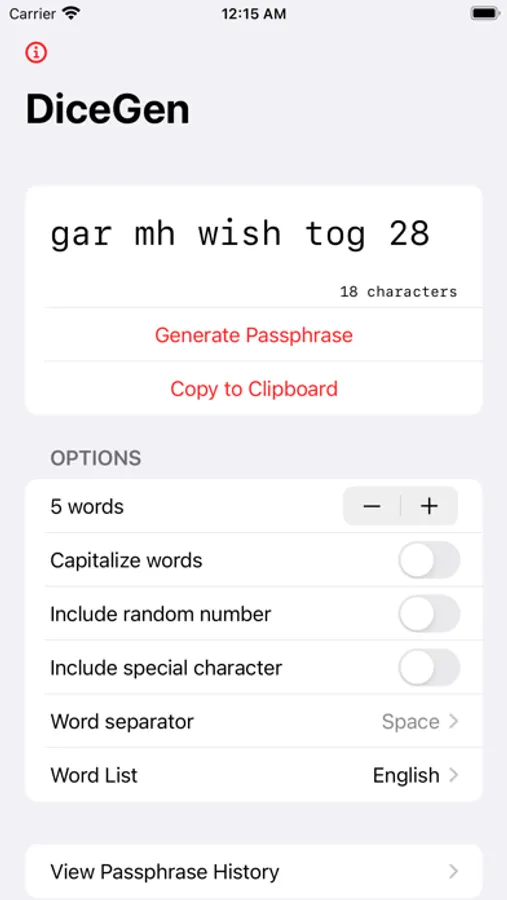
Easily generate secure, random pass phrases that even the NSA (probably) won't be able to crack, using the Diceware algorithm!
The Diceware algorithm consists of rolling a 6-sided die 5 times per word in your passphrase (e.g. for a 7-word pass phrase, roll the die 5 * 7 = 35 times). Each set of 5 rolls is grouped into a 5-digit number, which is then looked up in a list of words. This allows for truly random pass phrases.
Features
- Generates passphrases with customizable security settings
- Copy passphrase to clipboard. Saved passphrases are automatically saved to the passphrase history.
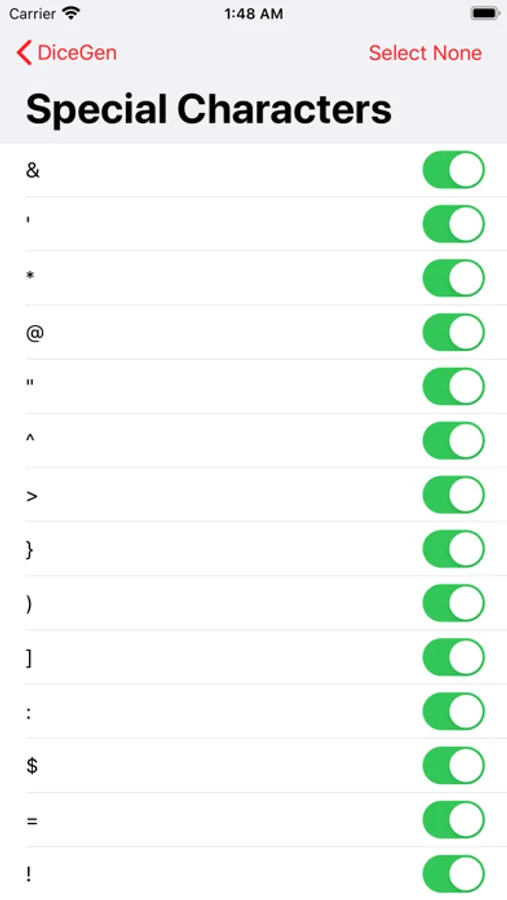
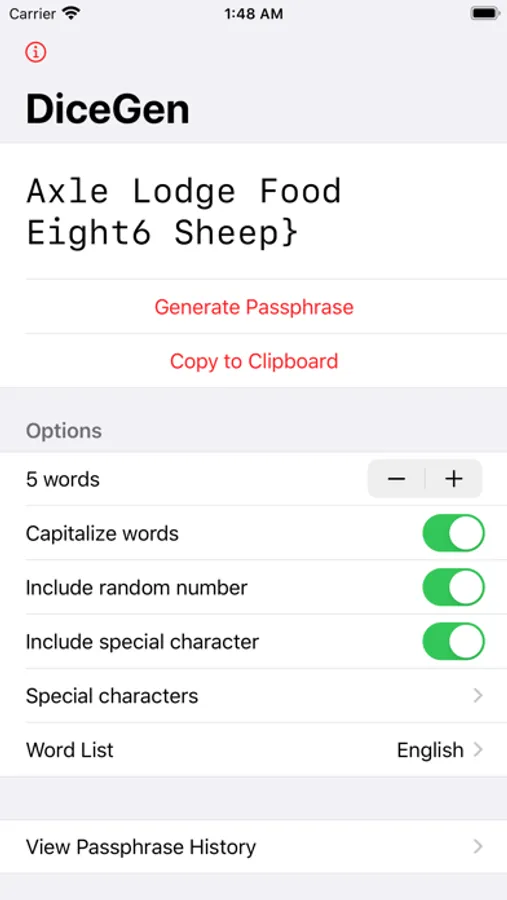
- Create passphrases that satisfy website security requirements by capitalizing words or adding a random number or special character
- Capitalize words
DiceGen is completely free, with no in-app purchase required to use all features!
Disclaimer: The algorithm actually calls for use of a physical die, but this app uses a random number generator function. These functions are not truly random, but are a great convenience over rolling a die a bunch of times!
The Diceware algorithm consists of rolling a 6-sided die 5 times per word in your passphrase (e.g. for a 7-word pass phrase, roll the die 5 * 7 = 35 times). Each set of 5 rolls is grouped into a 5-digit number, which is then looked up in a list of words. This allows for truly random pass phrases.
Features
- Generates passphrases with customizable security settings
- Copy passphrase to clipboard. Saved passphrases are automatically saved to the passphrase history.
- Create passphrases that satisfy website security requirements by capitalizing words or adding a random number or special character
- Capitalize words
DiceGen is completely free, with no in-app purchase required to use all features!
Disclaimer: The algorithm actually calls for use of a physical die, but this app uses a random number generator function. These functions are not truly random, but are a great convenience over rolling a die a bunch of times!
DiceGen Screenshots
Tap to Rate:
Reviews for DiceGen
Derpindave85
Great tool, pairs well with bitwarden
Great little tool, use it almost daily, pairs great with bitwarden.
Key305
Finally, the passphrase app I was looking for!
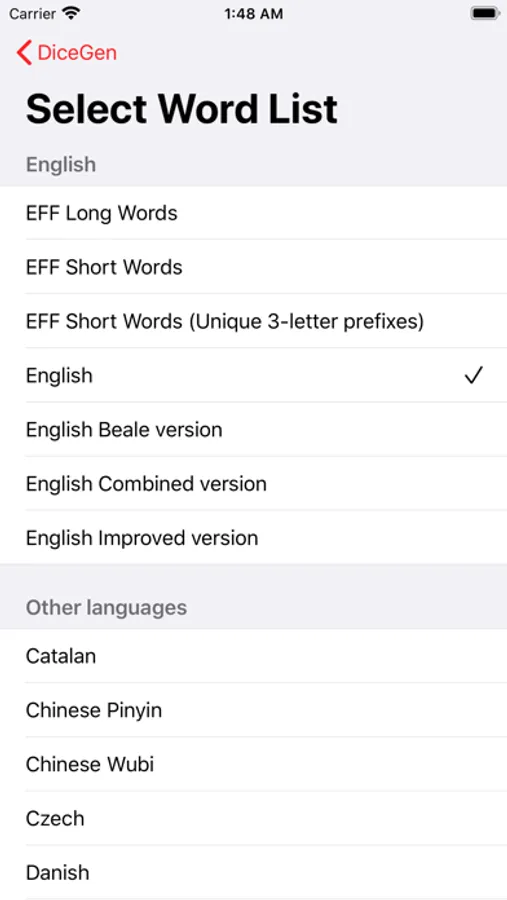
Nice job Dev! Thanks for providing alternative dictionary options and a word counter. Good job on details. A password strength checker would be welcomed addition.