AppRecs review analysis
AppRecs rating 1.0. Trustworthiness 83 out of 100. Review manipulation risk 25 out of 100. Based on a review sample analyzed.
★☆☆☆☆
1.0
AppRecs Rating
Ratings breakdown
5 star
0%
4 star
33%
3 star
0%
2 star
0%
1 star
67%
What to know
✓
Low review manipulation risk
25% review manipulation risk
✓
Credible reviews
83% trustworthiness score from analyzed reviews
⚠
Mixed user feedback
Average 1.0★ rating suggests room for improvement
About Archery Recorder
[ Feature ]
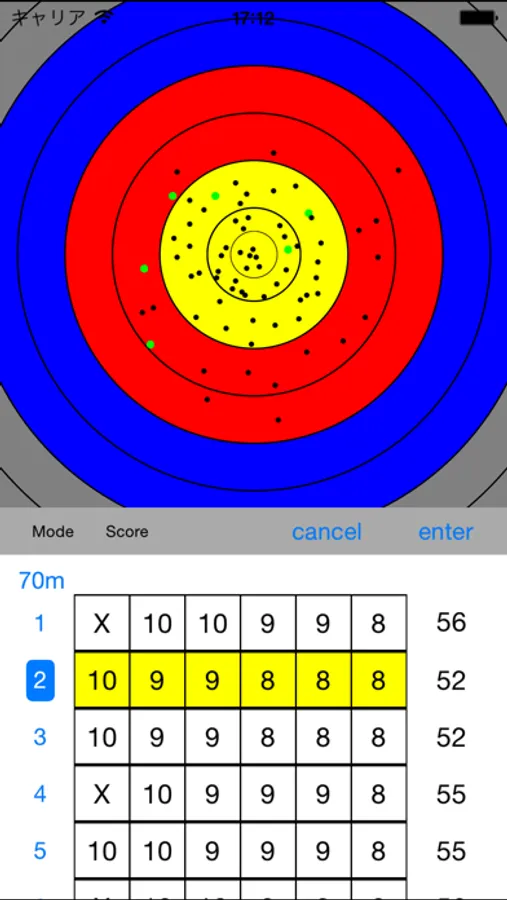
* Arrow hit marks can be recorded!
* You can record the score by tapping the target.
* Analyze arrow distribution (Full version feature)
* Export analyzed data to csv file (Full version feature)
* Display center mark of arrows (Full version feature)
* OR match, OR(Team) match support (Full version feature, Recurve only)
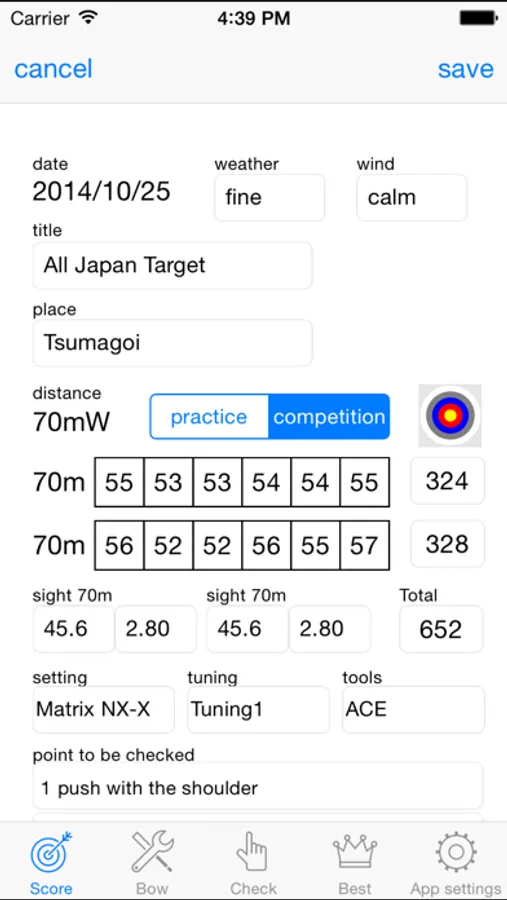
* Points of the shooting form can be recorded with your score.
* Bow settings and bow tuning can be recorded.
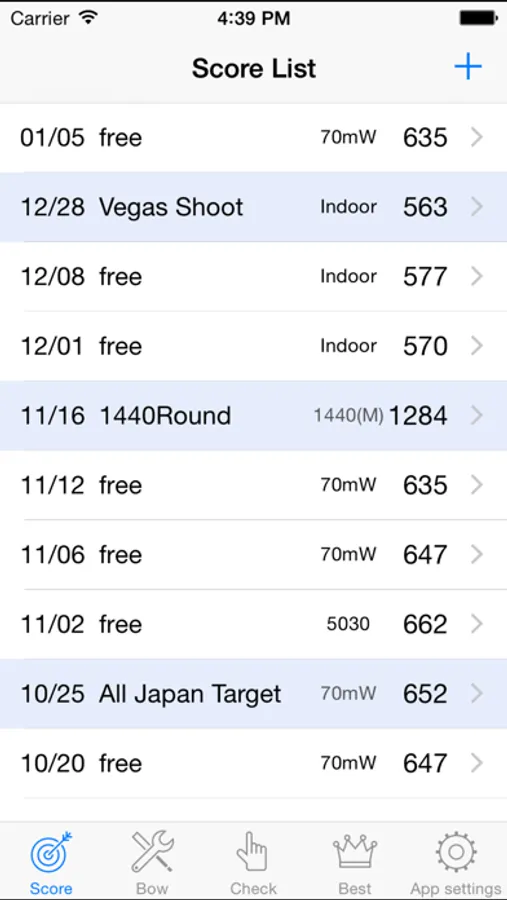
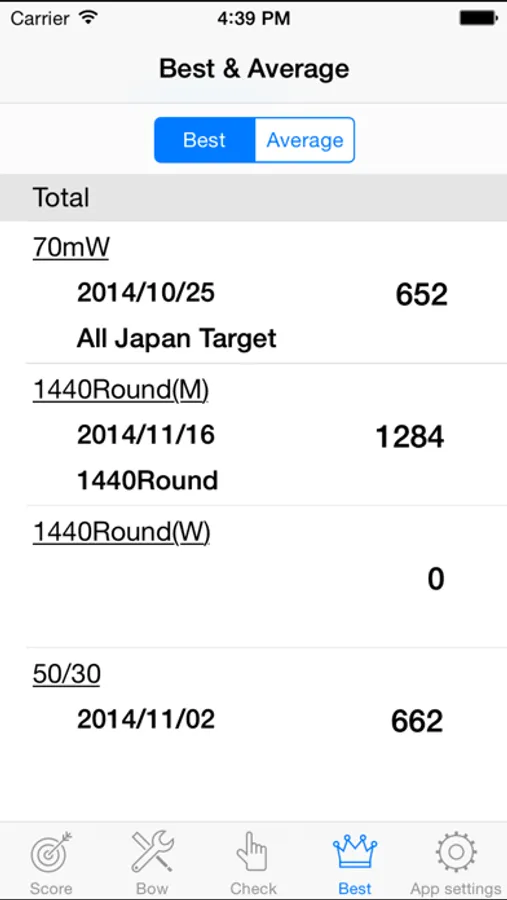
* The best and the average, automatic computation.
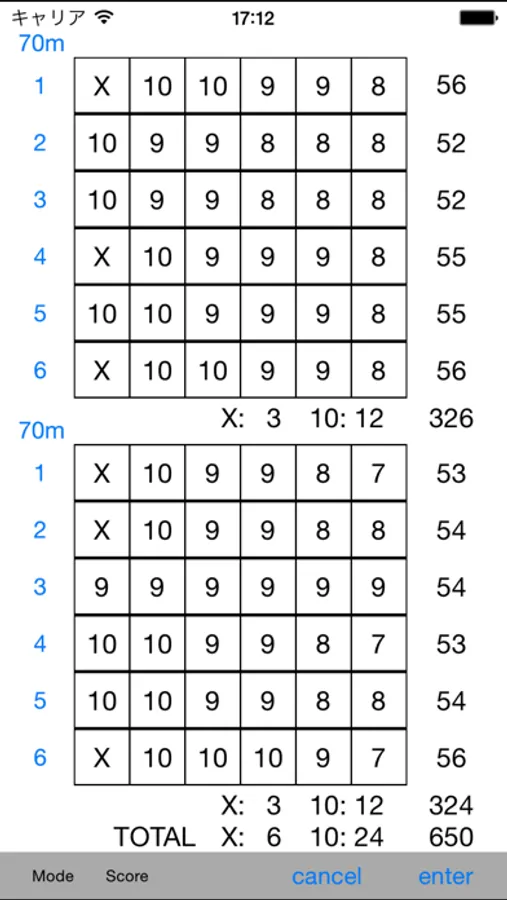
* The number of X and the number of 10, automatic computation.
* You can put the priority on the points of shooting form to and manage the points.
* Remove all ads banner (paid function)
The biggest feature of ArcheryRecorder is, it is possible to record arrow hit marks by tapping the target.
After all score are recorded, specific End, Round's arrows can be highlighted, and you can do an analysis of the shooting to confirm the transition of the grouping.
When you can not tap the target, you can put your score by score button.
You can improve your shooting form continually because you can put the priority on the points of shooting form to be checked and manage the points.
You can also confirm the points of form simultaneously with a record in the past.
So it's also most suitable to re-recognize a points of form.
Archery Recorder Screenshots
Tap to Rate:
Reviews for Archery Recorder
Rich Silver
Display is broken
After doing a recent update and even buying the full version, the options are no longer viewable, making it very difficult to make selections when trying to take scores. This was not an issue with the previous version.
lebaeb
Not easy to figure out
There is not a help section to tell you how to use this app. I cannot figure out how to set my distances at 10 and 15 m instead of the presets the app already has. Also, cannot figure out how to save scores or plot errors on the target. No guidance or direction and is definitely not user-friendly. I deleted the app. Plotting scores on paper copies of the targets will be easier.