In this app, clinicians can use their smartphones as wireless microphones for Dragon Medical One and record ambient audio for DAX. Includes secure connection setup, editing tools, and subscription management features.
AppRecs review analysis
AppRecs rating 2.6. Trustworthiness 71 out of 100. Review manipulation risk 22 out of 100. Based on a review sample analyzed.
★★☆☆☆
2.6
AppRecs Rating
Ratings breakdown
5 star
23%
4 star
14%
3 star
12%
2 star
14%
1 star
38%
What to know
⚠
Pricing complaints
Many low ratings mention paywalls or pricing
⚠
Mixed user feedback
Average 2.7★ rating suggests room for improvement
⚠
High negative review ratio
52% of sampled ratings are 1–2 stars
About PowerMic Mobile
One app, two powerful capabilities.
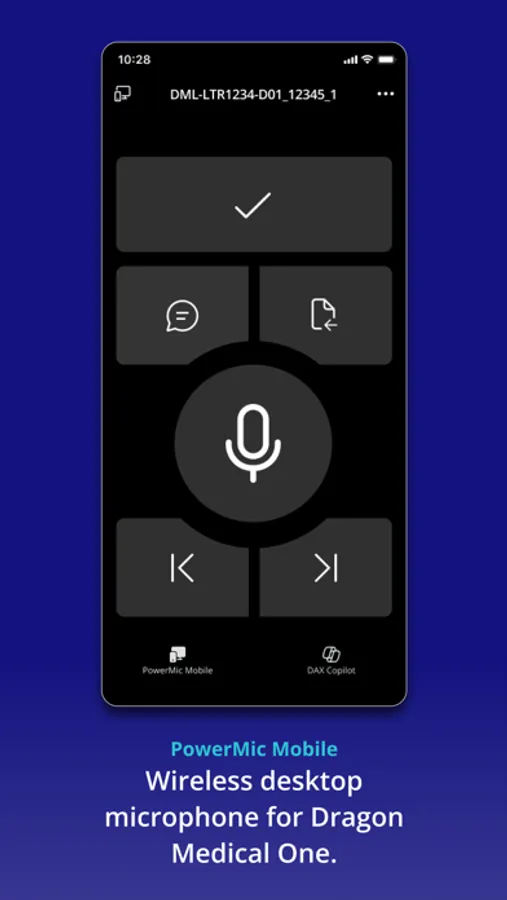
* PowerMic Mobile turns your smartphone into a secure wireless microphone for use with Dragon Medical One. It gives clinicians the freedom to roam and complete clinical documentation using a smartphone as a wireless microphone at the desktop.
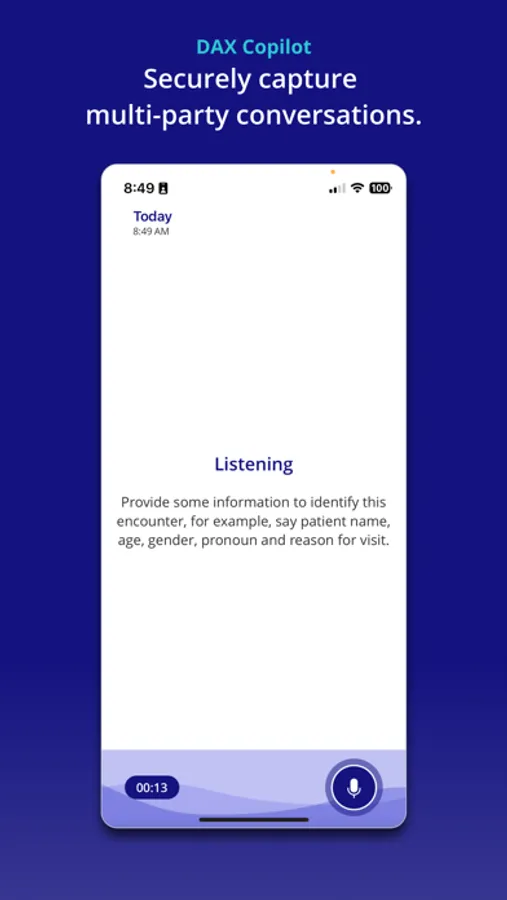
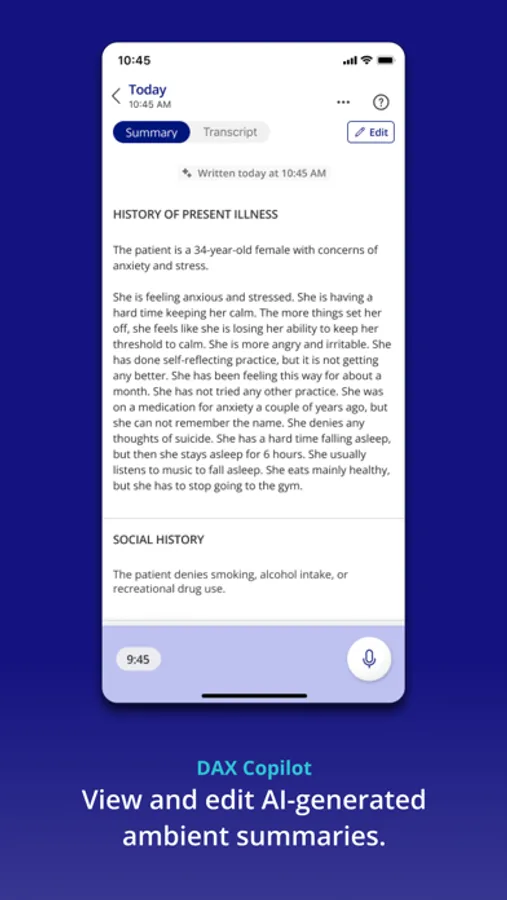
* DAX Copilot uses conversational, ambient, and generative AI to automatically write clinical documentation from clinician-patient conversations. More than just faster notes, the new DAX offers AI-enhanced copilot experiences that go beyond automated clinical documentation.
* Unlock the full app experience.
Access to features within this app are available with a corresponding paid subscription to PowerMic Mobile, Dragon Medical One, and/or DAX Copilot
REQUIREMENTS:
* iPhone/iPod/iPad (with iOS 15+), Windows 10 PC or greater.
* Internet access through a cellular service provider or Wifi (recommended).
* Paid license subscription for PowerMic Mobile, Dragon Medical One, and/or DAX Copilot. Please contact your system administrator.
PowerMic Mobile Screenshots

Tap to Rate:
Reviews for PowerMic Mobile
NitNicked in LA
frustrated with it more and more
I used to love this app, but now it has become my enemy. It requires me to tie up two devices and to continually remove my hands from the keyboard to use my phone controls for dictation, and my hands on the keyboard and mouse or touchpad to really work with the document and edit things. and because my work phone on which the software is installed has a one minute lockout, I spend way too much time entering logins and password passwords and various biometric identities and not enough time actually dictating or typing. I am much happier with the high-quality microphone that I can attach to my computer, aim in my direction, and that does not tie up anything else and allows me to use my phone for music while I am dictating and I'm a lot faster when I can keep my hands on the keyboard and not going back-and-forth to the phone. I wouldn't mind if nuance were not simultaneously deprecating support for external microphones and power mics.
MichaelRudyRudolph
Voice recognition
The app seems to work well. I haven’t had issues with crashes as others have. However, the voice recognition has gotten really bad. Whether I use the app or the handheld remote, it never gets the first few words of the sentence right. It has a lot of trouble with small words and dictates words I don’t say. Dictation software isn’t particularly useful if the fidelity is so low. Creates a lot of extra work just to make it intelligible.