AppRecs review analysis
AppRecs rating 1.6. Trustworthiness 75 out of 100. Review manipulation risk 19 out of 100. Based on a review sample analyzed.
★☆☆☆☆
1.6
AppRecs Rating
Ratings breakdown
5 star
0%
4 star
0%
3 star
29%
2 star
14%
1 star
57%
What to know
✓
Low review manipulation risk
19% review manipulation risk
✓
Credible reviews
75% trustworthiness score from analyzed reviews
⚠
Mixed user feedback
Average 1.7★ rating suggests room for improvement
About XL Keyboard
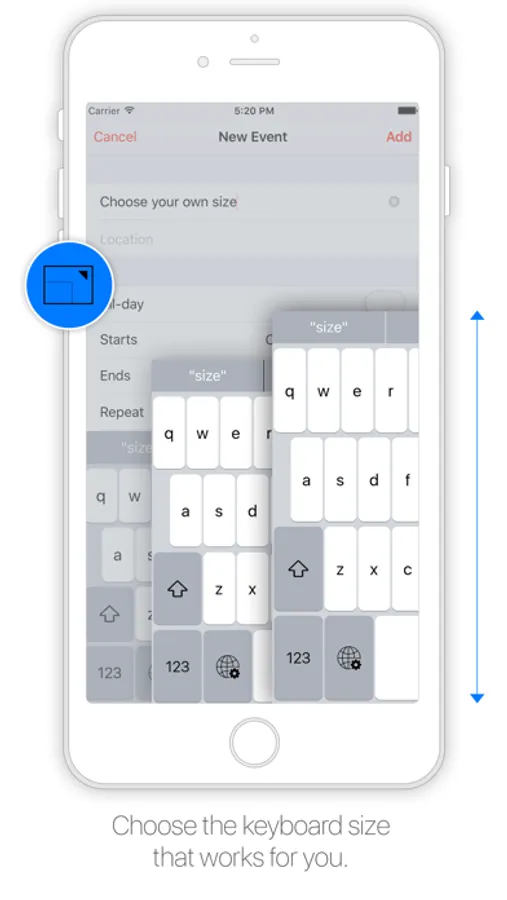
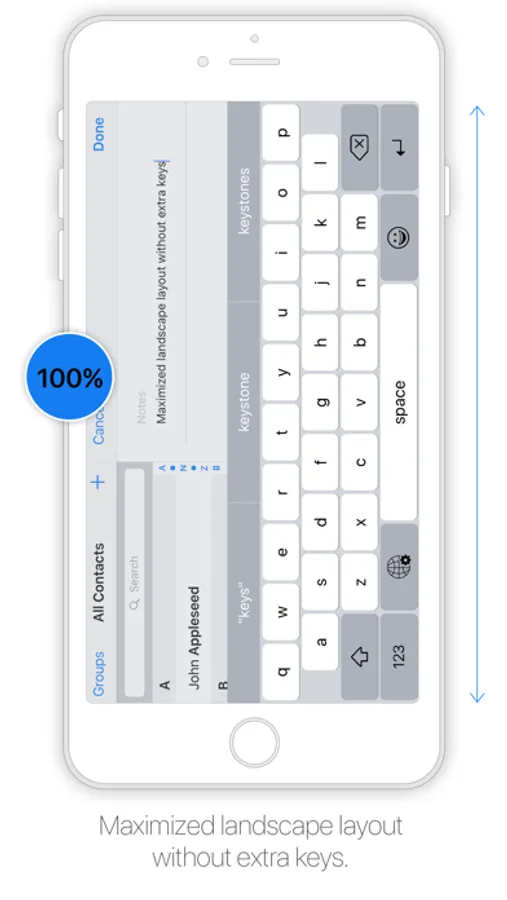
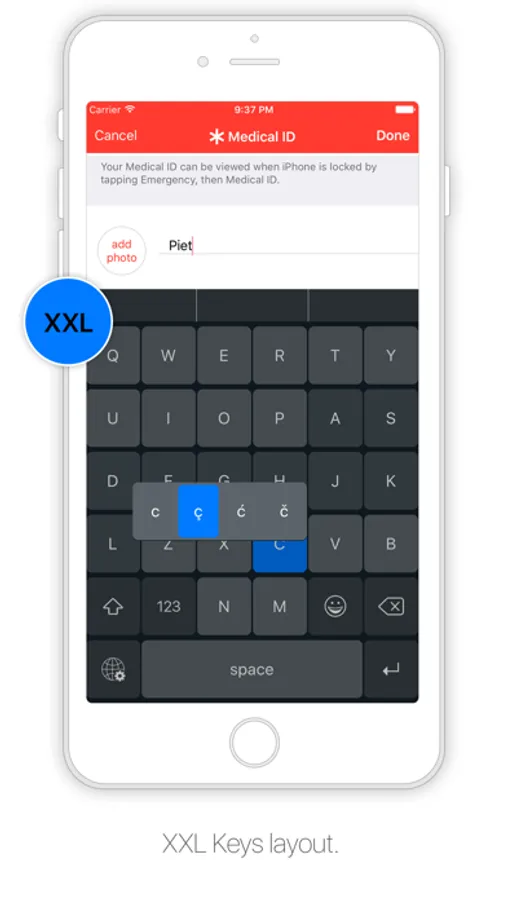
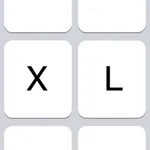
Designed to resemble the standard keyboard with extra large keys. Change the size of the keyboard, select any existing system language for spelling suggestions and autocorrect and choose the keyboard layout you like.
Features:
- Change layout: Maximized or default
- Change size
- Select emoji skin tone
- Check spelling
- Autocorrect
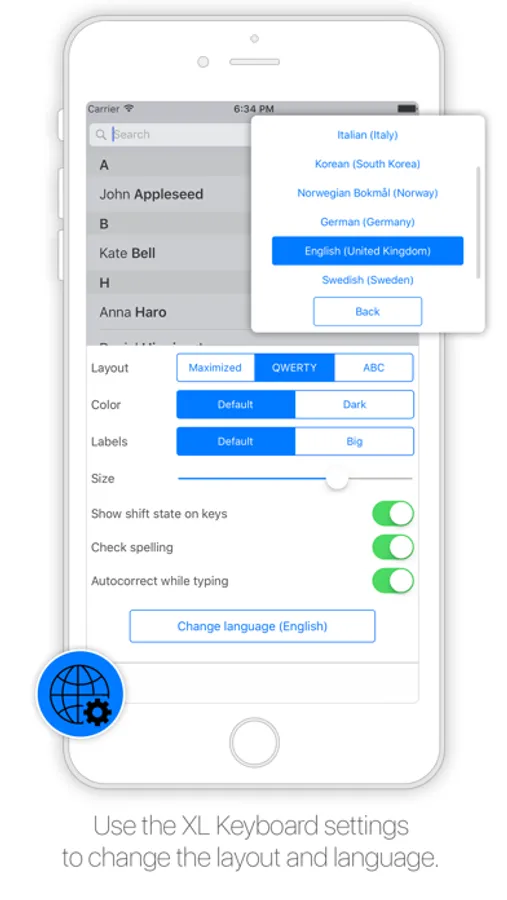
- Select language (choose from all installed system languages)
- Enable/disable shift state on keys
- Enable/disable click sound
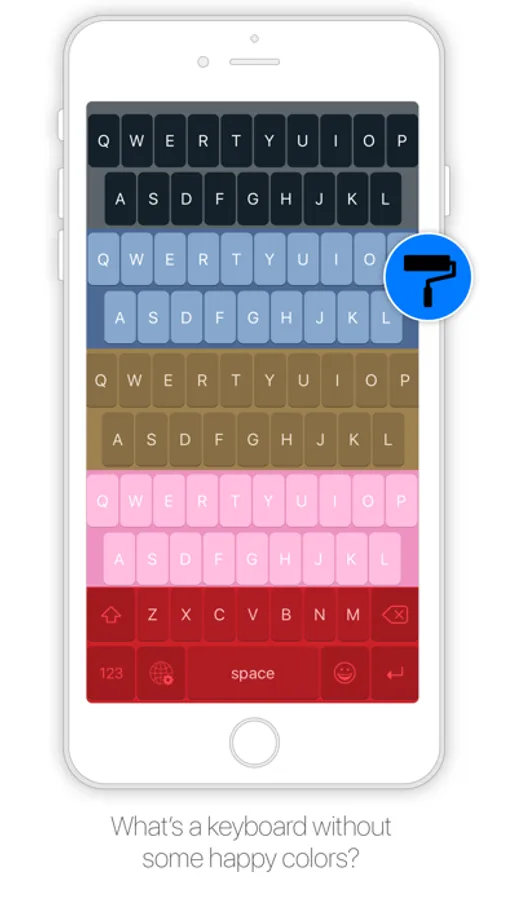
- Change color
- Thumb keyboard left/right (iPhone 6/iPhone 6 Plus)
- QWERTY, AZERTY, QWERTZ, Turkish-Q, Turkish-F, or ABC
- Supports Scandinavian, Turkish and Polish keyboard layout
Tips:
- Swipe to place thumb keyboard left/right (iPhone 6/iPhone 6 Plus)
- Swipe up/down to change size of keyboard
- Click to add word to dictionary to prevent autocorrect
- To access XL Keyboard settings: tap and hold globe button
- To access special characters: tap and hold a key
- Tap and hold spacebar to switch to previously used languages
To install go to:
Settings > General > Keyboard > Keyboards > Add New Keyboard
The application does not in anyway collect information while using the keyboard.
Please note that dictation input is not possible.
Features:
- Change layout: Maximized or default
- Change size
- Select emoji skin tone
- Check spelling
- Autocorrect
- Select language (choose from all installed system languages)
- Enable/disable shift state on keys
- Enable/disable click sound
- Change color
- Thumb keyboard left/right (iPhone 6/iPhone 6 Plus)
- QWERTY, AZERTY, QWERTZ, Turkish-Q, Turkish-F, or ABC
- Supports Scandinavian, Turkish and Polish keyboard layout
Tips:
- Swipe to place thumb keyboard left/right (iPhone 6/iPhone 6 Plus)
- Swipe up/down to change size of keyboard
- Click to add word to dictionary to prevent autocorrect
- To access XL Keyboard settings: tap and hold globe button
- To access special characters: tap and hold a key
- Tap and hold spacebar to switch to previously used languages
To install go to:
Settings > General > Keyboard > Keyboards > Add New Keyboard
The application does not in anyway collect information while using the keyboard.
Please note that dictation input is not possible.