
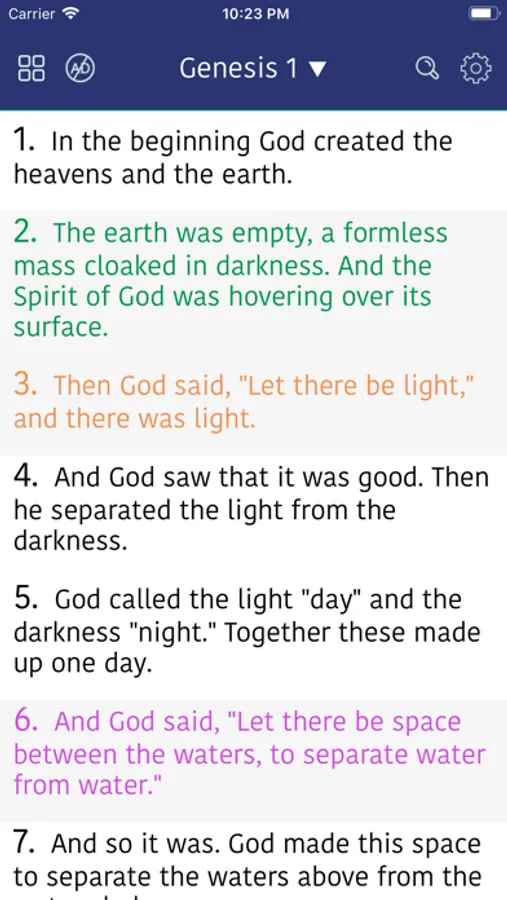
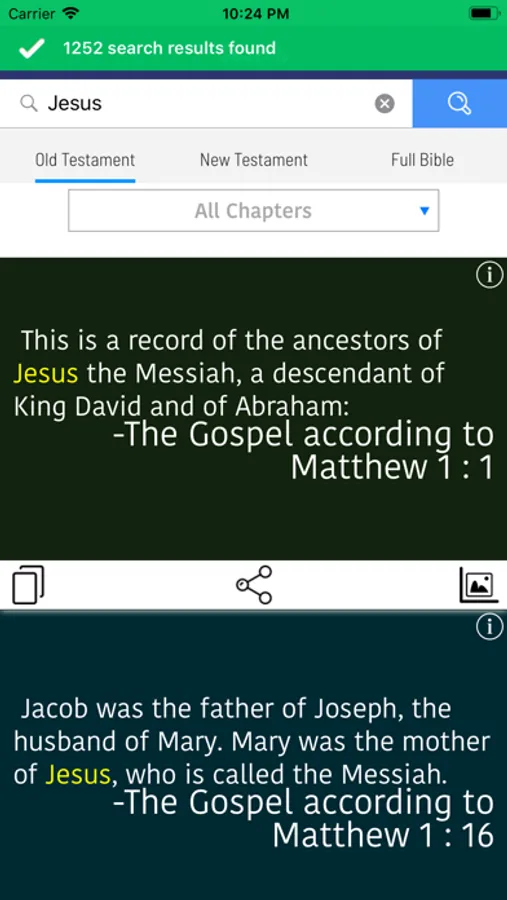
With this Bible app, you can read and study the New American Standard Bible, access footnotes, and view textual explanations. Includes detailed annotations, search functionalities, and bookmarking features.
AppRecs review analysis
AppRecs rating 4.2. Trustworthiness 75 out of 100. Review manipulation risk 21 out of 100. Based on a review sample analyzed.
★★★★☆
4.2
AppRecs Rating
Ratings breakdown
5 star
83%
4 star
9%
3 star
3%
2 star
2%
1 star
3%
What to know
✓
Low review manipulation risk
21% review manipulation risk
✓
Credible reviews
75% trustworthiness score from analyzed reviews
⚠
Ad complaints
Many low ratings mention excessive ads
About New American Standard Bible
First published in 1971, the NASB has undergone major updates in 1995 and 2020, improving accuracy, enhancing readability, and modernizing language while preserving faithfulness to the original texts.
The NASB Bible is especially valued by serious Bible students, pastors, and scholars for its detailed footnotes and textual explanations, making it a powerful tool for deep Bible study. For anyone seeking a precise, faithful, and study-focused translation, the NASB remains a top choice.
New American Standard Bible Screenshots
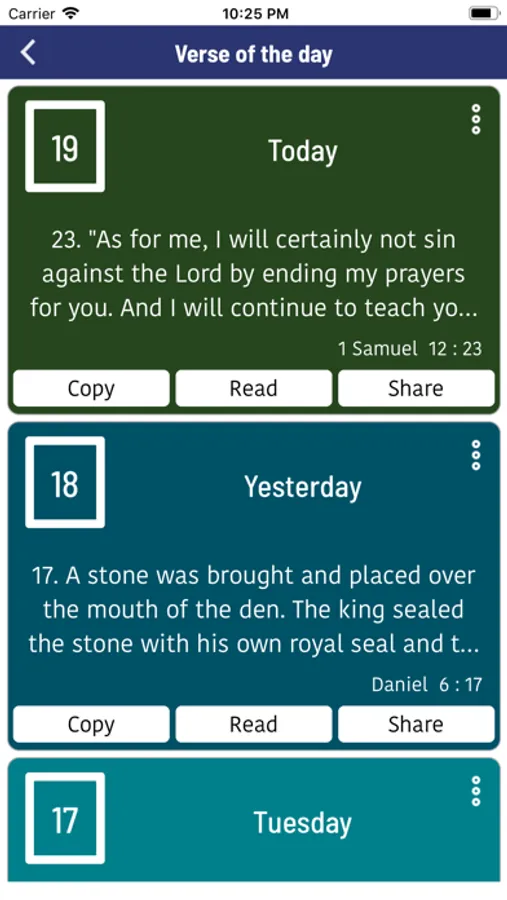
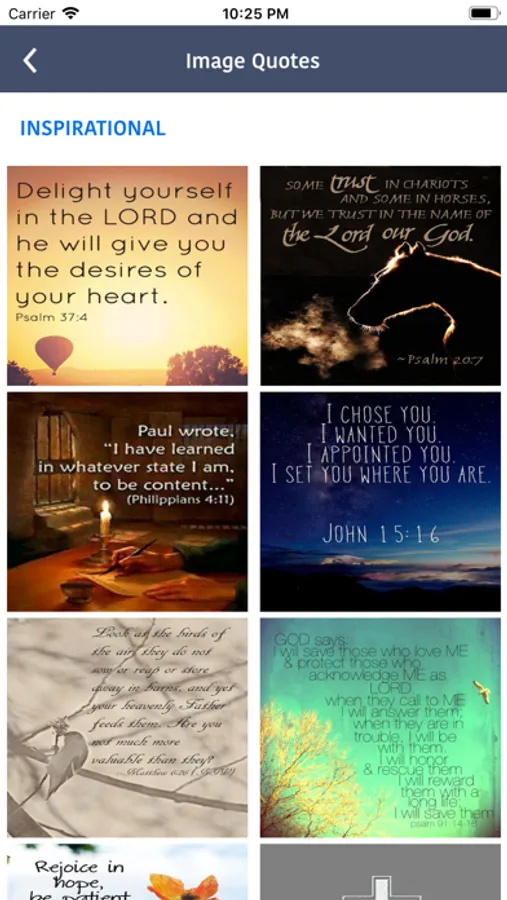
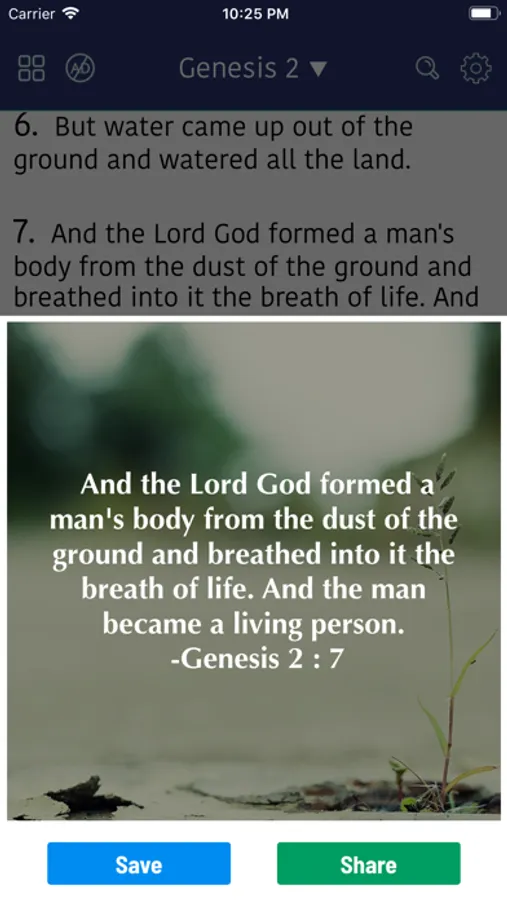
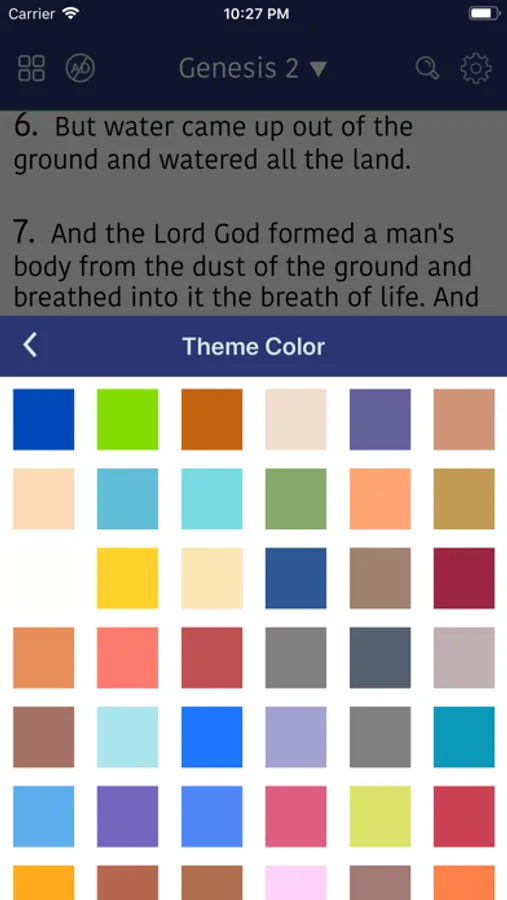
Tap to Rate:
Reviews for New American Standard Bible
OklahomaStonerChick
And add every minute
How do you expect people to actually read the Bible on your app when every minute, and I’m talking every single minute, and ad pops up and starts talking over the Bible &/or covers up the verses of the Bible that I’m trying to read? It makes me not want to use your app. I have games with ads on them, but they’re about every five minutes so they allow you time to actually use the app before you get bombarded with ads and I’ve got ADD so when ads keep coming on, I close off the app. Most of the time I forget to open it back up or I get annoyed with it and just get rid of it. The narrator barely got two verses out and an ad popped up and then another minute later another ad popped up and then another minute later another ad popped up. You get my drift?
TualatinWeb
No support for Landscape
I couldn’t believe that this app only supports Portrait mode and not Landscape mode, but why?