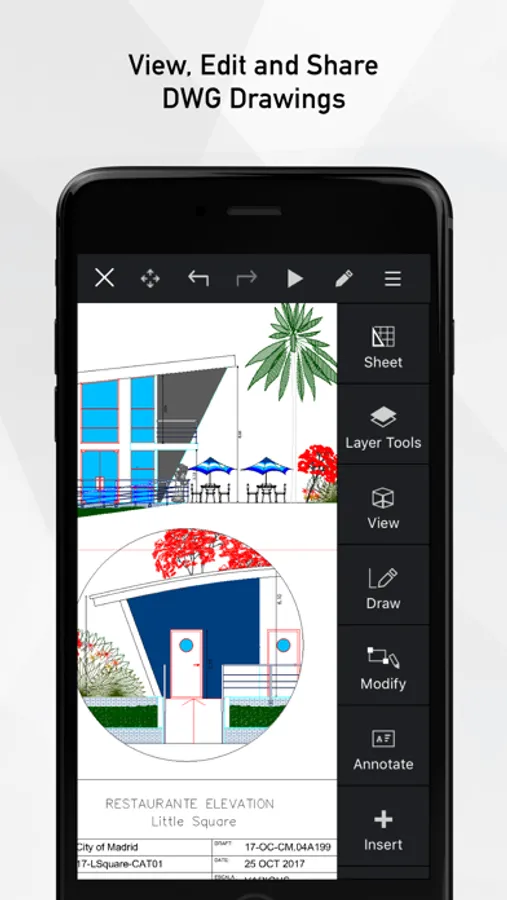
In this CAD app, users can view, annotate, and edit DWG drawings on mobile devices. Includes file synchronization options, basic annotation tools, and support for 2D and 3D drawings.
AppRecs review analysis
AppRecs rating 4.4. Trustworthiness 65 out of 100. Review manipulation risk 21 out of 100. Based on a review sample analyzed.
★★★★☆
4.4
AppRecs Rating
Ratings breakdown
5 star
86%
4 star
7%
3 star
3%
2 star
1%
1 star
3%
What to know
✓
Low review manipulation risk
21% review manipulation risk
✓
High user satisfaction
86% of sampled ratings are 5 stars
✓
Authentic reviews
No red flags detected
About ARES Touch: DWG Viewer & CAD
Full CAD software to share, annotate, create and modify DWG drawings on the go.
### ABOUT ARES TOUCH ###
ARES Touch is a full CAD solution for professionals. It is the ideal companion to read, create, annotate or modify DWG drawings on your iPhone or iPad. Non-subscribers get access to viewing, sharing and dimensioning tools for FREE while subscribers get hundreds of additional tools to create or modify drawings.
TRY THE FULL EXPERIENCE FOR FREE: If you subscribe via In-App purchase you can cancel within 14 days and will not be charged.
### FREE FEATURES ###
=== The following features can be used for free: ===
- FREEDOM: Unlimited number of mobile devices for the same user
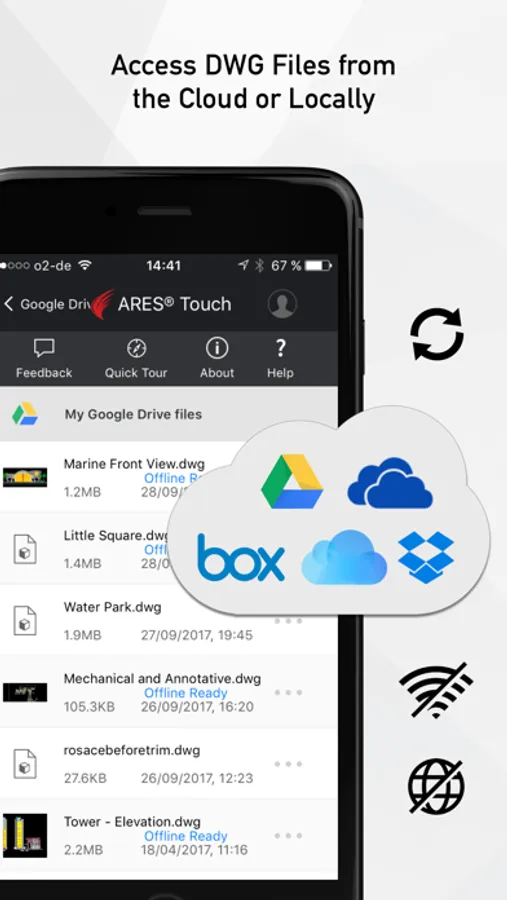
- CONTROL: Files can be synchronized with Dropbox, Box, iCloud or Google Drive, OR saved locally on the device.
- POWER: No size limitation to read, save or share 2D and 3D drawings in DWG
- UNIVERSAL: Save in DWG or export to JPEG
- Model space and layouts: switch as required
- Layers palette + advanced layer tools
- High precision tools: Selection, Snap, Loupe, Tracking, Coordinates Input (Polar/Cartesian, Relative/Absolute)
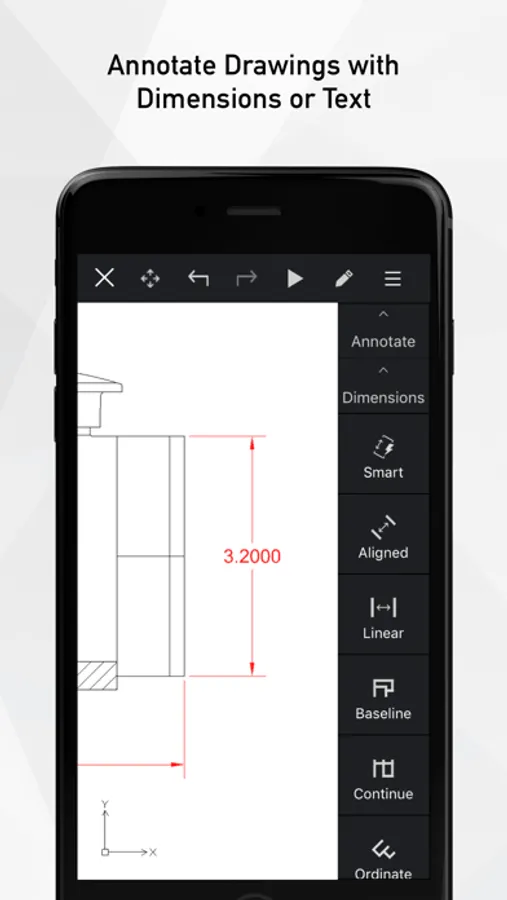
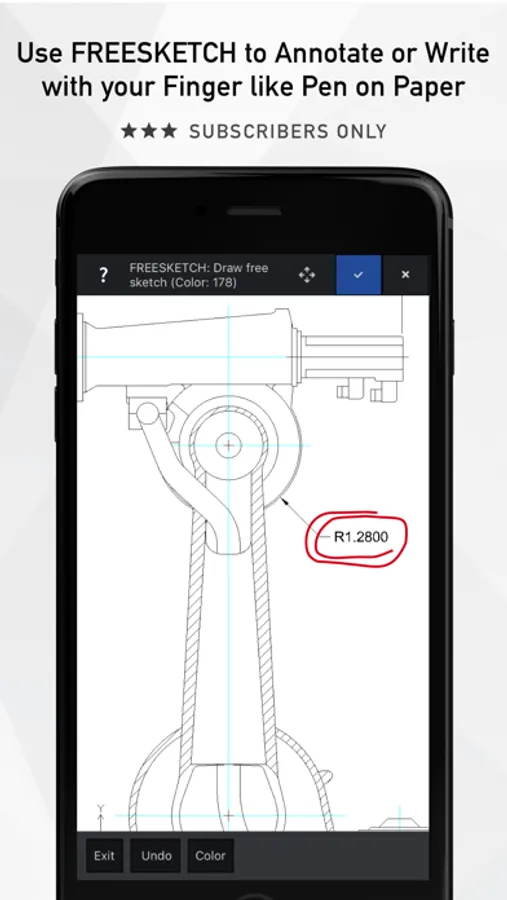
- Simple annotation: Add text, dimensions, leaders, tolerances, revision clouds
ARES Touch is available in English, Japanese and German. More languages are coming.
### PREMIUM FEATURES ###
=== Hundreds of additional features are available for subscribers: ===
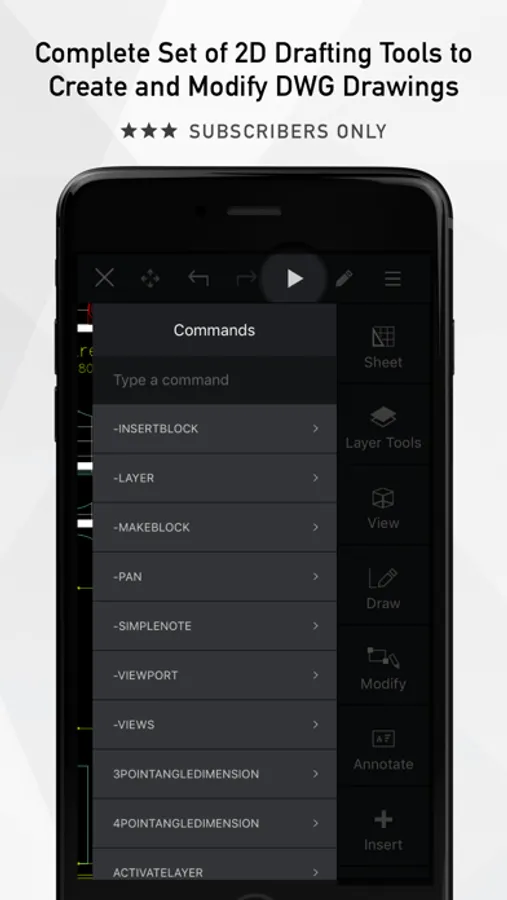
- Drawing features: lines, polylines, circles, arcs, ellipses, splines, points, hatches…
- Editing features: Split, weld, trim, extend, align, offset, fillet, chamfer…
- Quick Modify: combine copy, move, rotate and scale actions with the same selection
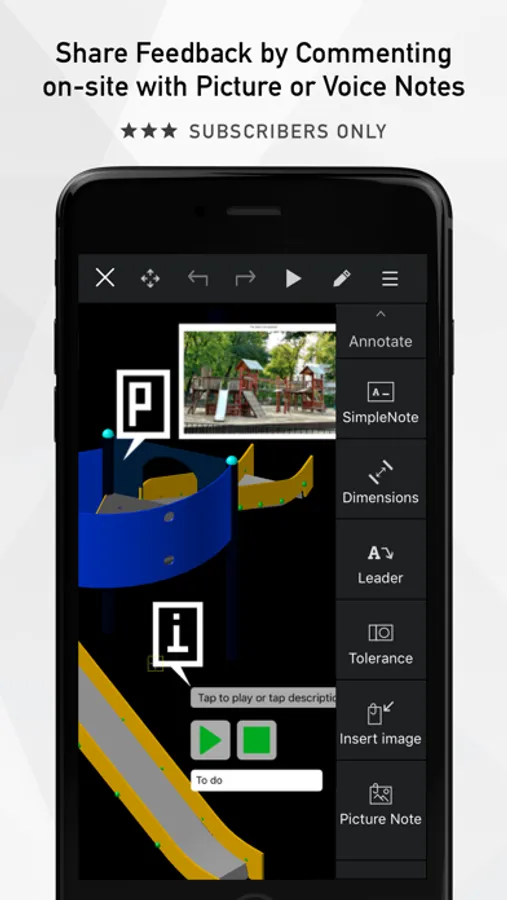
- Picture Note: Annotate drawings with pictures and comments
- Voice Note: Insert a comment by recording your voice
- Blocks: insertion and creation
### THE ARES TOUCH SUBSCRIPTION ###
=== Get the full experience of ARES Touch ===
The features of the Free Simple Mode are great for viewing and simple annotation but you will need a valid subscription to access the premium features listed above.
To get the Premium features of ARES Touch, we invite you to buy a monthly renewable subscription from iTunes via In-App purchase, directly inside ARES Touch. If you purchased another Graebert software such as ARES Commander, and your subscription includes ARES Touch, you can simply use the same Graebert Account credentials (the one you use for other Graebert products) to log in inside ARES Touch, and this will unlock the Premium features for you.
If you subscribe via iTunes:
Payment will be charged to your iTunes Account at confirmation of purchase. Subscription automatically renews on a monthly basis unless auto-renew is turned off at least 24 hours before the end of the current period. The account will be charged for renewal within 24 hours prior to the end of the current period at the rate of the offered plan. Auto-renewal subscriptions can be managed straightforwardly via the Account Settings on the device after purchase.
Customer portal: https://customer-portal.graebert.com/
Privacy Policy: https://www.graebert.com/company/privacypolicy
Terms of Use: https://www.graebert.com/arestouch/termsofuse
### ARES TOUCH FOR DEVELOPERS ###
=== First of its kind CAD platform for mobile apps ===
The C++ and Lisp API of ARES Touch offers an easy way for developers willing to reuse code initially created for the desktop. Developers willing to market a vertical application powered by ARES Touch can contact Graebert to discuss an OEM version.
### ABOUT ARES TOUCH ###
ARES Touch is a full CAD solution for professionals. It is the ideal companion to read, create, annotate or modify DWG drawings on your iPhone or iPad. Non-subscribers get access to viewing, sharing and dimensioning tools for FREE while subscribers get hundreds of additional tools to create or modify drawings.
TRY THE FULL EXPERIENCE FOR FREE: If you subscribe via In-App purchase you can cancel within 14 days and will not be charged.
### FREE FEATURES ###
=== The following features can be used for free: ===
- FREEDOM: Unlimited number of mobile devices for the same user
- CONTROL: Files can be synchronized with Dropbox, Box, iCloud or Google Drive, OR saved locally on the device.
- POWER: No size limitation to read, save or share 2D and 3D drawings in DWG
- UNIVERSAL: Save in DWG or export to JPEG
- Model space and layouts: switch as required
- Layers palette + advanced layer tools
- High precision tools: Selection, Snap, Loupe, Tracking, Coordinates Input (Polar/Cartesian, Relative/Absolute)
- Simple annotation: Add text, dimensions, leaders, tolerances, revision clouds
ARES Touch is available in English, Japanese and German. More languages are coming.
### PREMIUM FEATURES ###
=== Hundreds of additional features are available for subscribers: ===
- Drawing features: lines, polylines, circles, arcs, ellipses, splines, points, hatches…
- Editing features: Split, weld, trim, extend, align, offset, fillet, chamfer…
- Quick Modify: combine copy, move, rotate and scale actions with the same selection
- Picture Note: Annotate drawings with pictures and comments
- Voice Note: Insert a comment by recording your voice
- Blocks: insertion and creation
### THE ARES TOUCH SUBSCRIPTION ###
=== Get the full experience of ARES Touch ===
The features of the Free Simple Mode are great for viewing and simple annotation but you will need a valid subscription to access the premium features listed above.
To get the Premium features of ARES Touch, we invite you to buy a monthly renewable subscription from iTunes via In-App purchase, directly inside ARES Touch. If you purchased another Graebert software such as ARES Commander, and your subscription includes ARES Touch, you can simply use the same Graebert Account credentials (the one you use for other Graebert products) to log in inside ARES Touch, and this will unlock the Premium features for you.
If you subscribe via iTunes:
Payment will be charged to your iTunes Account at confirmation of purchase. Subscription automatically renews on a monthly basis unless auto-renew is turned off at least 24 hours before the end of the current period. The account will be charged for renewal within 24 hours prior to the end of the current period at the rate of the offered plan. Auto-renewal subscriptions can be managed straightforwardly via the Account Settings on the device after purchase.
Customer portal: https://customer-portal.graebert.com/
Privacy Policy: https://www.graebert.com/company/privacypolicy
Terms of Use: https://www.graebert.com/arestouch/termsofuse
### ARES TOUCH FOR DEVELOPERS ###
=== First of its kind CAD platform for mobile apps ===
The C++ and Lisp API of ARES Touch offers an easy way for developers willing to reuse code initially created for the desktop. Developers willing to market a vertical application powered by ARES Touch can contact Graebert to discuss an OEM version.
ARES Touch: DWG Viewer & CAD Screenshots
Tap to Rate:
Reviews for ARES Touch: DWG Viewer & CAD
Osama_Omari
Can’t open any local files
Can’t open any files on my phone and only gave this message Information Cannot open the specified drawing file. Verify that the file exists.
twaltmon
No customer support
Have contacted them multiple times. The ap features are locked even though I’ve paid the subscription. Good luck with this ap.