In this document signing app, you can insert signatures, add annotations, and export PDFs. Includes signature scanning, smart detection of sign pages, and cloud export options.
AppRecs review analysis
AppRecs rating 4.6. Trustworthiness 72 out of 100. Review manipulation risk 28 out of 100. Based on a review sample analyzed.
★★★★☆
4.6
AppRecs Rating
Ratings breakdown
5 star
92%
4 star
5%
3 star
2%
2 star
0%
1 star
1%
What to know
✓
Low review manipulation risk
28% review manipulation risk
✓
Credible reviews
72% trustworthiness score from analyzed reviews
⚠
Low-content positive reviews
Many 5-star reviews use very limited vocabulary
About Genius Sign: PDF doc signature
“Genius Sign shaved off about 30 min of my daily routine.” – Jane D., realtor
“I wish I had known about this app before” – Mike C., business owner.
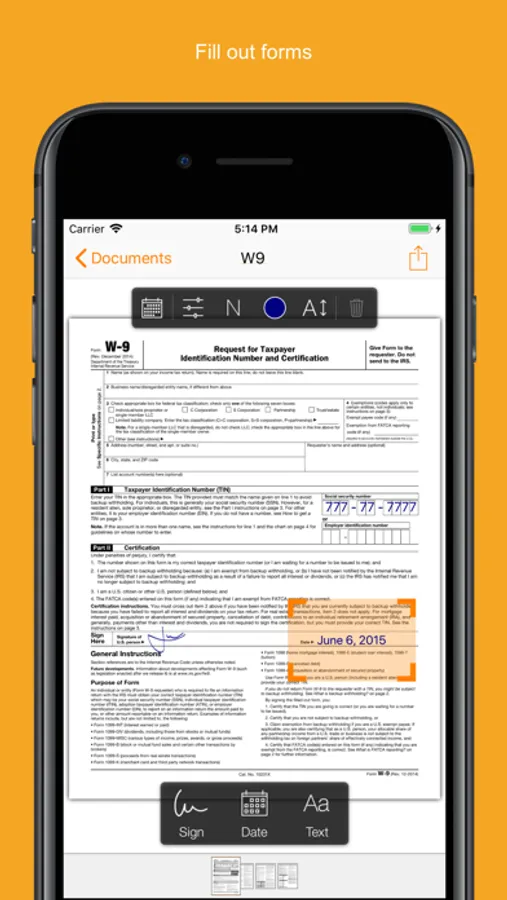
Have you ever had to print a contract you received by email, to be able to sign it and scan it before sending it back? Well, Genius Sign is now going to save you a lot of time, trouble, and paper.
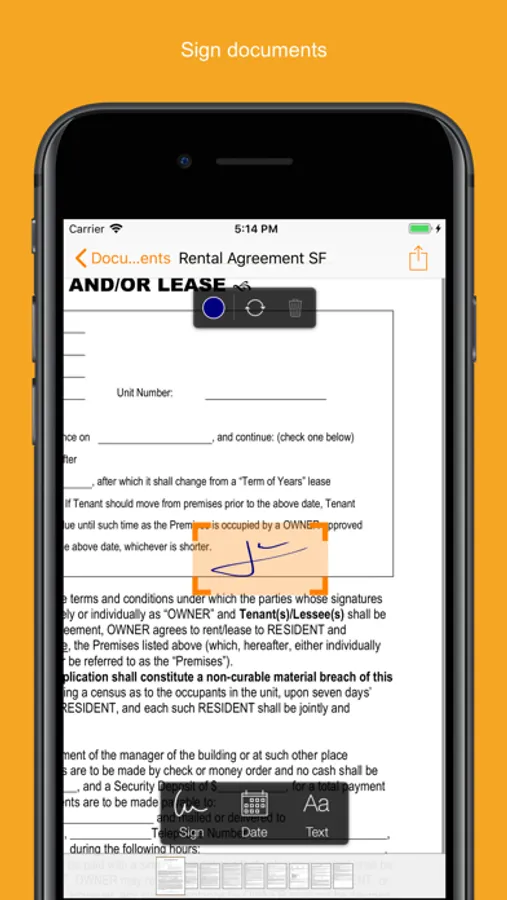
With Genius Sign, import any document, insert your signature, some text, the date, and export it wherever you need to.
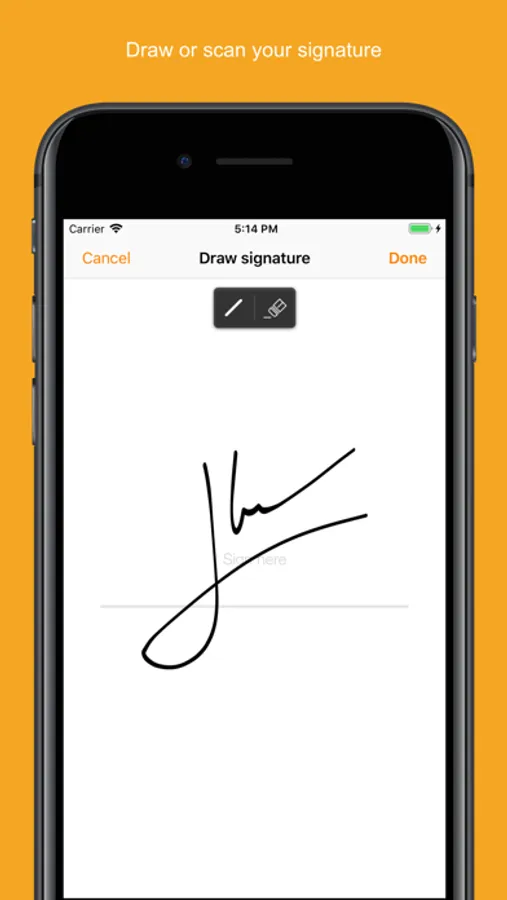
To sign, draw your signature on the screen with your finger. You can also scan your actual handwritten signature with our award-winning scanning technology for a realistic rendering.
Genius Sign features two smart technologies that save you tons of time:
“Sign Here” magically detects the pages you need to sign, avoiding you to browse through the entire document.
“Auto Repeat” enables you to repeat your initials on all the pages.
Genius Sign is free to use and has no limit on the number of documents or signatures that you can manage. Should you be interested in the premium features, you can decide to upgrade to Genius Sign+.
FEATURES:
- Create and save new signatures, either by drawing or scanning them.
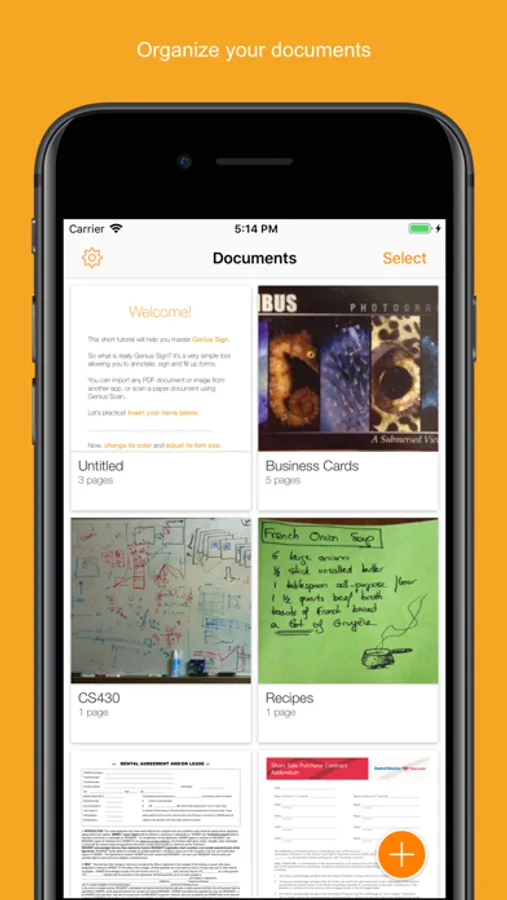
- Import PDF, Word or image documents.
- Insert text and date, change their format, color, style or size.
- Precisely position your annotations.
- Quickly locate the signature fields with our Sign Here feature.
- Import documents from Genius Scan, your Photos library or any cloud service.
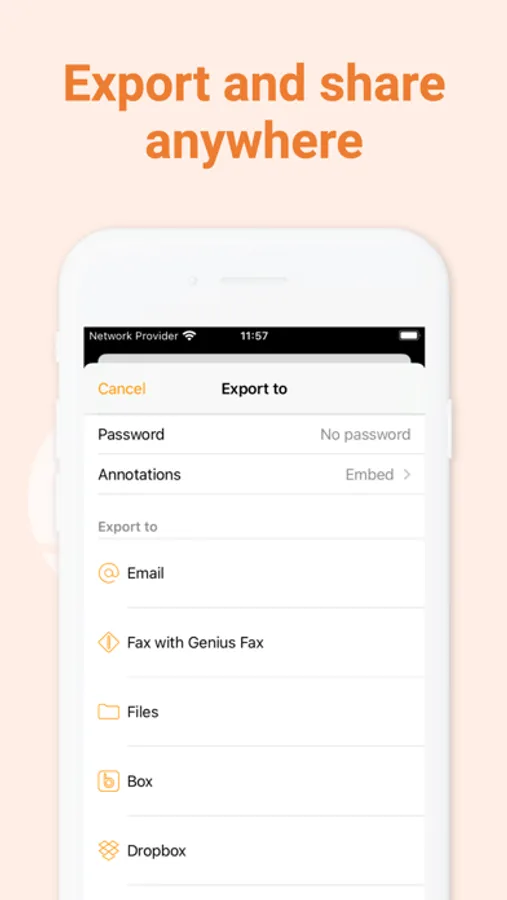
- Export your documents by email or to other apps.
PREMIUM FEATURES:
+ Have guests sign documents without keeping their signature in the app.
+ Flatten annotations so that no one can modify them.
+ Repeat your initials on every page of a document.
+ Export to your favorite cloud service (Box, Dropbox, Evernote, FTP, Google Drive, OneDrive, OneNote, SugarSync, WebDAV).
+ Print documents with AirPrint.
+ Duplicate documents with or without their annotations, to reuse them as templates.
+ Password-protect and encrypt your PDF files.
+ Protect Genius Sign with Face ID, Touch ID, or with a passcode.
We read and reply to every support email that we receive, and we are looking forward to your feedback. Contact us at any time at support@geniussign.com.
Terms of use: https://www.apple.com/legal/internet-services/itunes/dev/stdeula/
Genius Sign: PDF doc signature Screenshots
Tap to Rate:
Reviews for Genius Sign: PDF doc signature
plaintiger
I love the Genius apps
Well, Genius Sign and Genius Scan are...wait for it: genius. And I'm sure Genius Fax is too; I just hope I'm never going to have to send a fax anywhere again. But Genius Sign and Genius Scan make me wish the Genius team designed every iOS app. These apps are powerful, intuitive, and stable, which is, sadly, a very rare combination anymore. I'm subscribing to Genius Sign, even though I very rarely have use for it, just because I want to support the developers and, when I do have use for the app, it's priceless. I'd like to subscribe to Genius Scan, which I use more frequently, but it's quite a bit pricier, and unfortunately I can't really afford that right now. I wish I could pay Genius Scan's subscription price and get full access to all of the Genius apps for that. But as it is, my subscription to Genius Scan will have to wait. If you can afford it though, and have use for an outstanding scanning app and an outstanding app for signing documents on your phone, I'm sure you cannot do better than Genius Scan and Genius Sign. In my opinion these two apps leave nothing to be desired. ♥️
Nicholsbear
Reliable and easy
Relied on this app for years for work, home and miscellaneous scans that can be uploaded instantly when crunched on time. This app never let me dow.