
AppRecs review analysis
AppRecs rating 2.8. Trustworthiness 79 out of 100. Review manipulation risk 23 out of 100. Based on a review sample analyzed.
★★☆☆☆
2.8
AppRecs Rating
Ratings breakdown
5 star
32%
4 star
7%
3 star
11%
2 star
18%
1 star
32%
What to know
✓
Low review manipulation risk
23% review manipulation risk
✓
Credible reviews
79% trustworthiness score from analyzed reviews
⚠
Mixed user feedback
Average 2.9★ rating suggests room for improvement
About Boom Remote
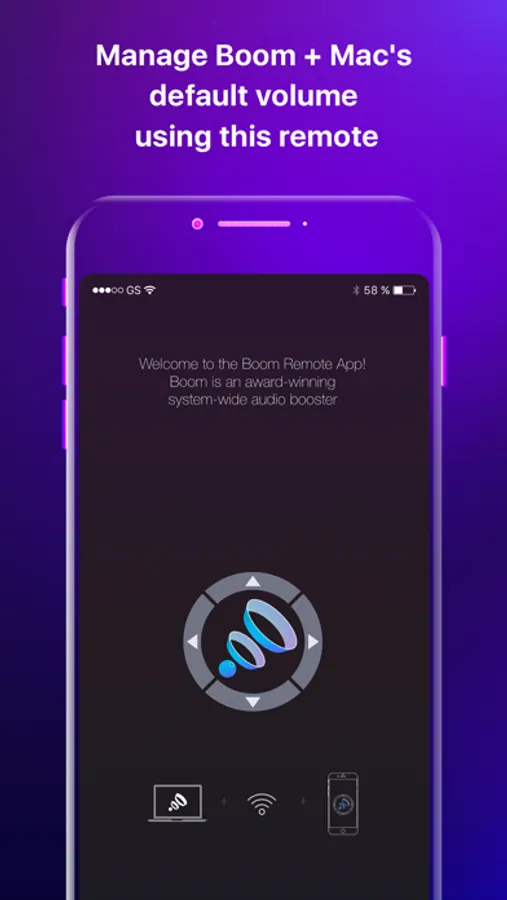
This remote gives you the convenience of being able to wirelessly change the volume, toggle equalizers and effects as well as control playback on other Mac media apps from anywhere in your home. The best part is that you only need to have Boom 3D installed on your Mac for you to enjoy these features from the comfort of your seat.
The Boom Remote can:
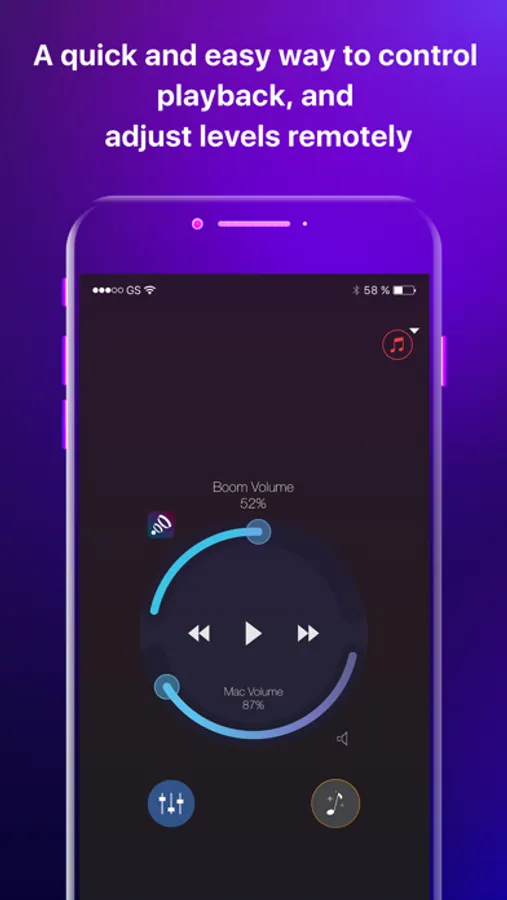
• Control Boom's volume as well as your Mac's default volume
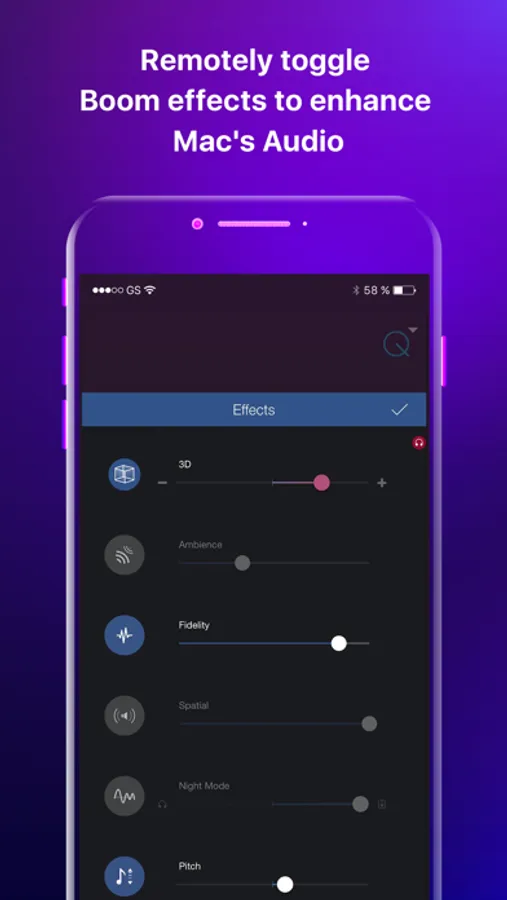
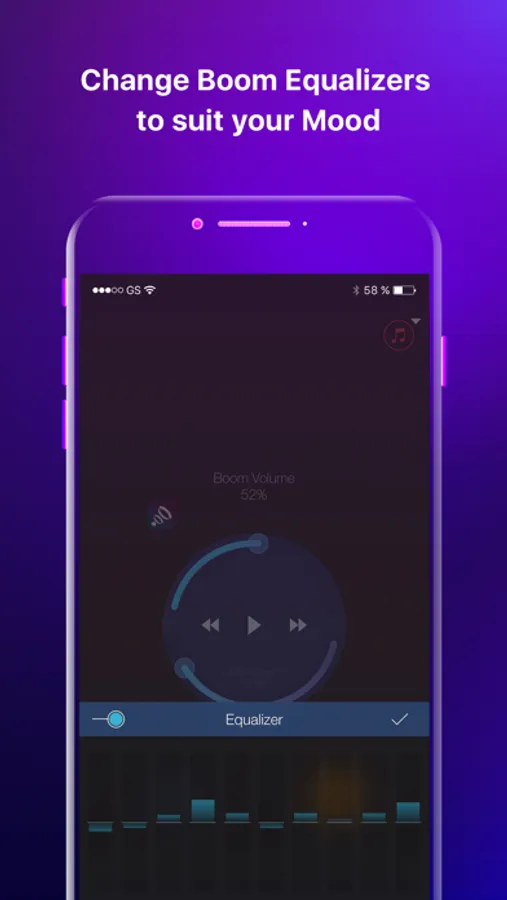
• Change Boom's Equalizers and Effects
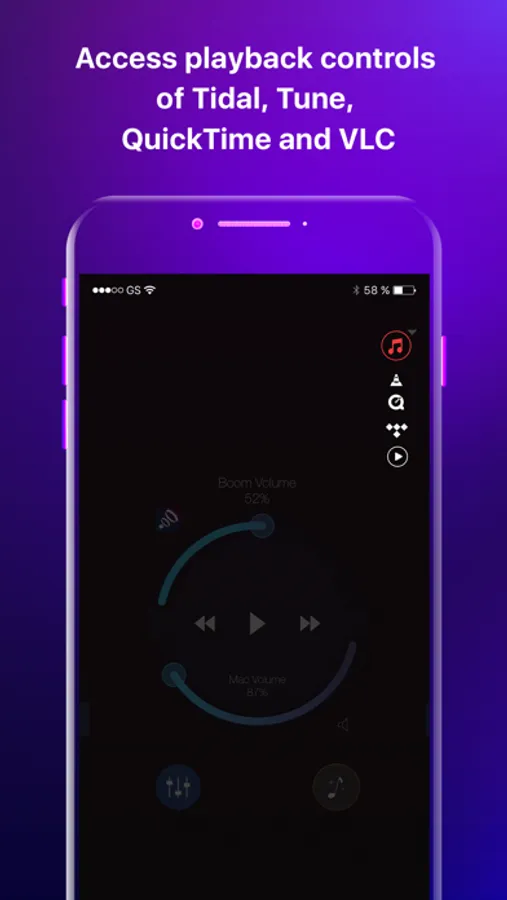
• Access playback controls of Spotify, VLC, QuickTime and iTunes on your Mac
This app is perfect for when you’re away from your Mac and watching a movie, playing and changing tracks and just about any other situation where you simply want to wirelessly control your favorite Boom features.
Note: Boom Remote runs only when paired with Boom 2 (v1.2.1) and later and Boom 3D (V1.1) and later on the Mac.
*** Boom 3D is an audio app for Mac (10.10.3 and later) that enhances any audio to make it sound much more optimized. With an intelligent algorithm, Boom 3D personalizes audio to perfectly fit the type of Mac in use; be it the MacBook Pro, MacBook Air, iMac etc. Please search for Boom 3D on the Mac App Store for more details ***
Boom Remote Screenshots
Tap to Rate:
Reviews for Boom Remote
jplonghorn
Works perfectly iPhone to MacBook Air M2
Works perfectly in October 2023! I have an iPhone 14 Pro Max and a MacBook Air M2. It’s controlling both the MacBook volume and the Boom 3D volume (separate controls). I can change the Equalizer settings, adjust Effects (like 3D and Fidelity) and separately control volume for apps like Spotify if playing. I love that it has a mute button! It’s working fine in the background. Not sure yet if it will use memory and/or battery when not near the MacBook or its turned off. May have to manually quit the app, will see. Great app, just what I needed!
thefthc
Connection Issue
I don’t know what’s happening but I can’t seem to connect my phone to my Mac so I can’t even enjoy the features in this app… c’mon guys what’s going on?