
AppRecs review analysis
AppRecs rating 4.5. Trustworthiness 65 out of 100. Review manipulation risk 22 out of 100. Based on a review sample analyzed.
★★★★☆
4.5
AppRecs Rating
Ratings breakdown
5 star
100%
4 star
0%
3 star
0%
2 star
0%
1 star
0%
What to know
✓
Low review manipulation risk
22% review manipulation risk
✓
High user satisfaction
100% of sampled ratings are 5 stars
About V-Note iPhone Edition
Collaborate on models of human behavior and best practices. Converge in your thinking and definitions around your videos.
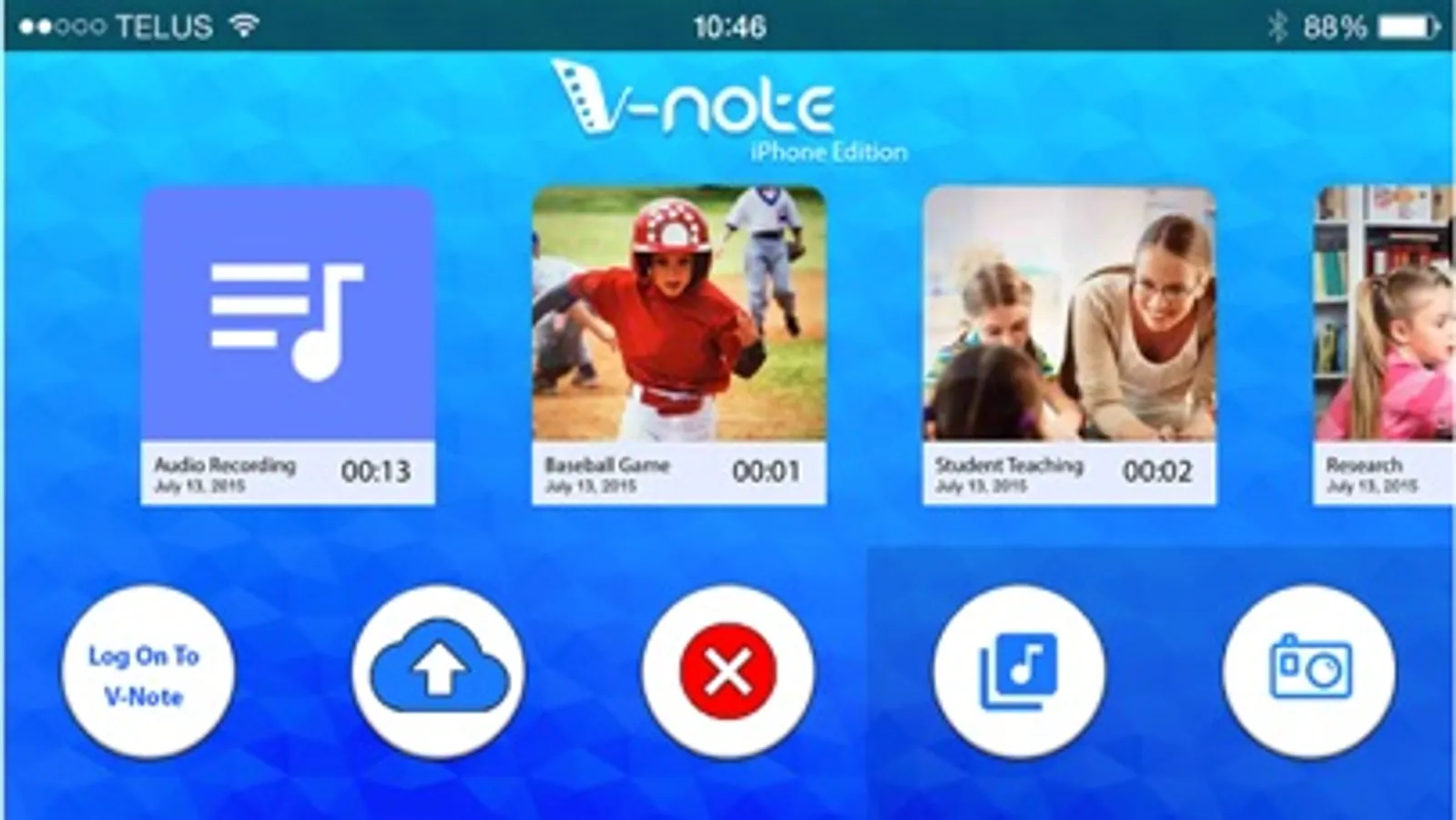
V-Note iPhone Edition is designed to work with V-Note computer-based and iPad applications. It lets you analyze your videos and collaborate with others easily.
V-Note is flexible and powerful. It is used world-wide at hundreds of universities and by private companies and sports teams. Uses include: sports videos, teaching videos, human subjects research, consumer research, legal depositions, audio recordings of meetings and much more.
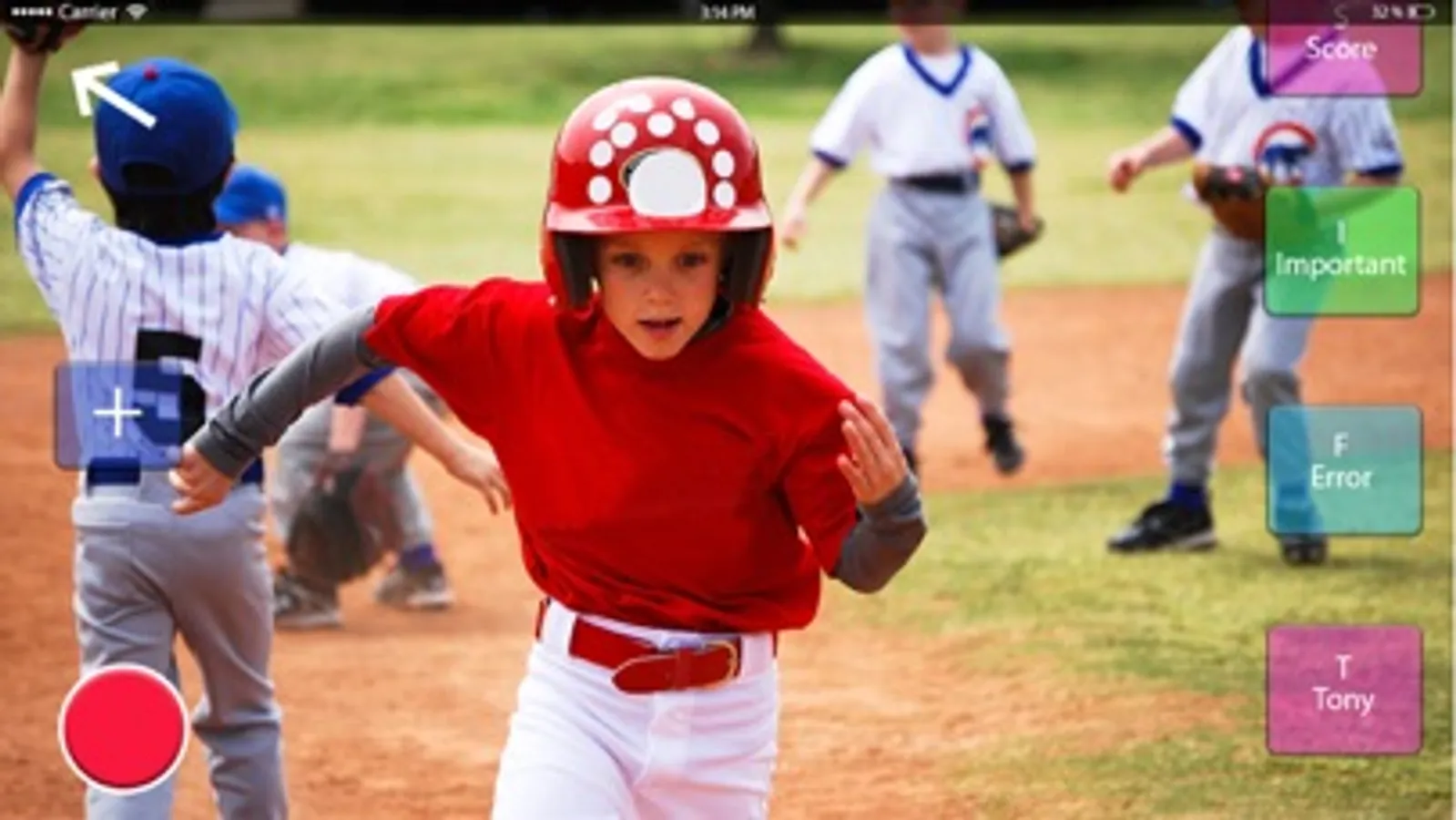
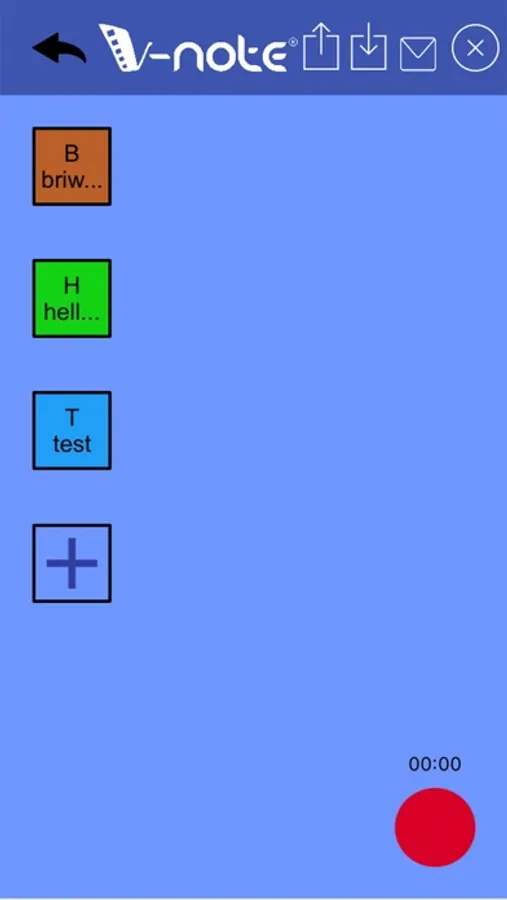
Using V-Note iPhone Edition, you can make buttons for every speaker, player, or for every time a question is asked. When your event happens while recording, simply press the button.
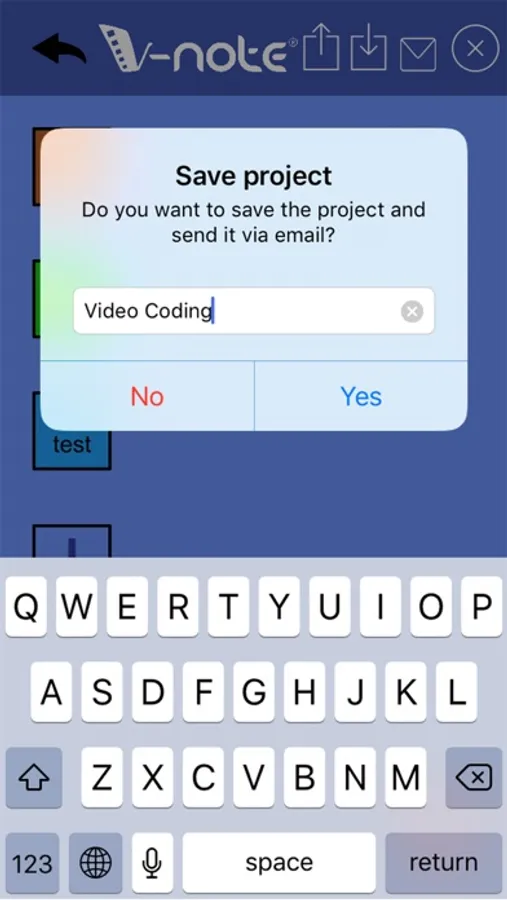
Then share with other V-Note apps where you can run statistics, transcribe, analyze category and coder overlap, and much more.
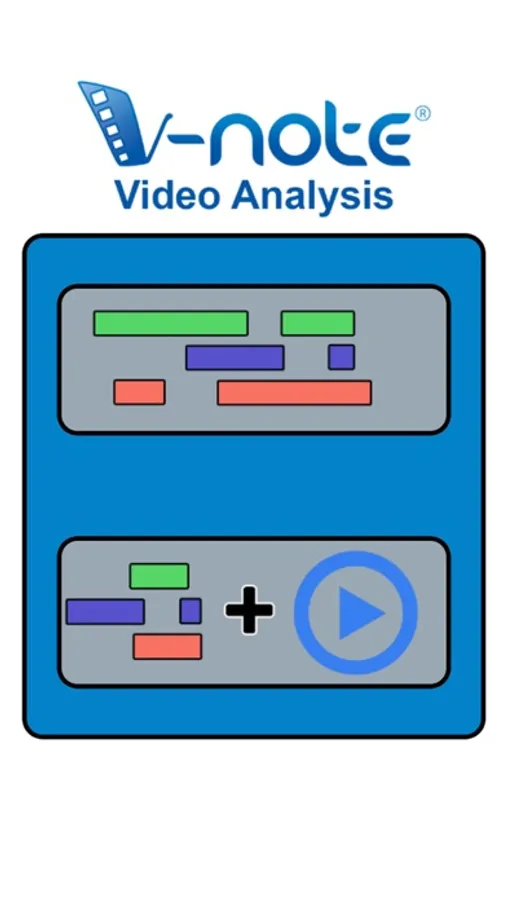
You can quickly and easily identify segments (speakers, players, questions, important points, etc), watch them, rearrange them, export them, export raw data for analysis. You can even share your videos and notes with others using V-Note.
V-Note iPhone Edition is designed to work with V-Note computer-based and iPad applications. It lets you analyze your videos and collaborate with others easily.
V-Note is flexible and powerful. It is used world-wide at hundreds of universities and by private companies and sports teams. Uses include: sports videos, teaching videos, human subjects research, consumer research, legal depositions, audio recordings of meetings and much more.
Using V-Note iPhone Edition, you can make buttons for every speaker, player, or for every time a question is asked. When your event happens while recording, simply press the button.
Then share with other V-Note apps where you can run statistics, transcribe, analyze category and coder overlap, and much more.
You can quickly and easily identify segments (speakers, players, questions, important points, etc), watch them, rearrange them, export them, export raw data for analysis. You can even share your videos and notes with others using V-Note.
V-Note iPhone Edition Screenshots

Tap to Rate:
Reviews for V-Note iPhone Edition
Brandonyony
What I've been waiting for!
It needs the computer app to really be useful, but with that it really is. Let's me mark the parts of videos where my son is playing and all the scores. Makes it really easy to find things to review.