AppRecs review analysis
AppRecs rating 4.1. Trustworthiness 79 out of 100. Review manipulation risk 21 out of 100. Based on a review sample analyzed.
★★★★☆
4.1
AppRecs Rating
Ratings breakdown
5 star
69%
4 star
0%
3 star
8%
2 star
15%
1 star
8%
What to know
✓
Low review manipulation risk
21% review manipulation risk
✓
Credible reviews
79% trustworthiness score from analyzed reviews
✓
Good user ratings
69% positive sampled reviews
About Watch Notes - One, two, three!
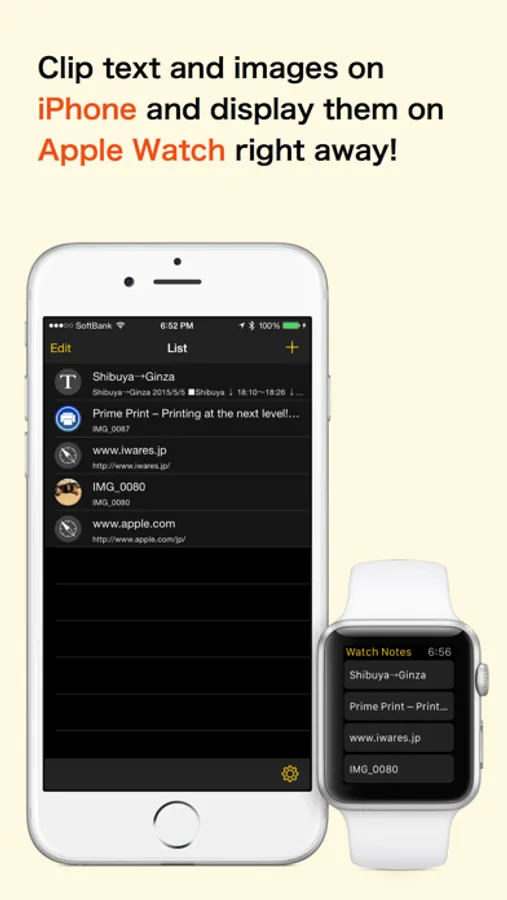
No need to look for your iPhone in your pocket or bag. You can just check it on your wrist.
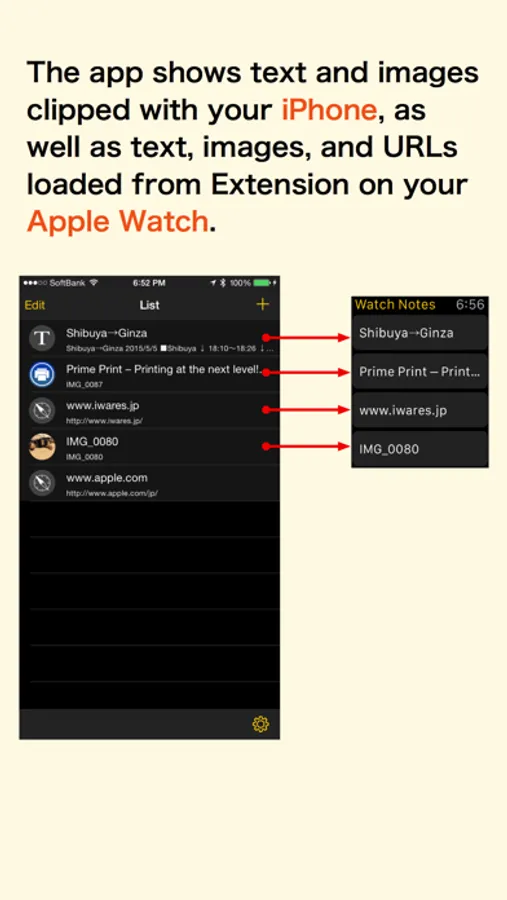
The app shows text and images clipped with your iPhone, as well as text, images, and URLs loaded from Extension on your Apple Watch.
◎ Usage
- Train route search and timetable
- Notes that you need to check urgently
- Shopping list
- ToDos
- Flashcards
- Notes that you shouldn't forget
- Favorite photo
- Website URLs that you'd like to recommend to someone
◎ Features
- Data is stored on your iPhone. Apple Watch has a simple control focused on viewing.
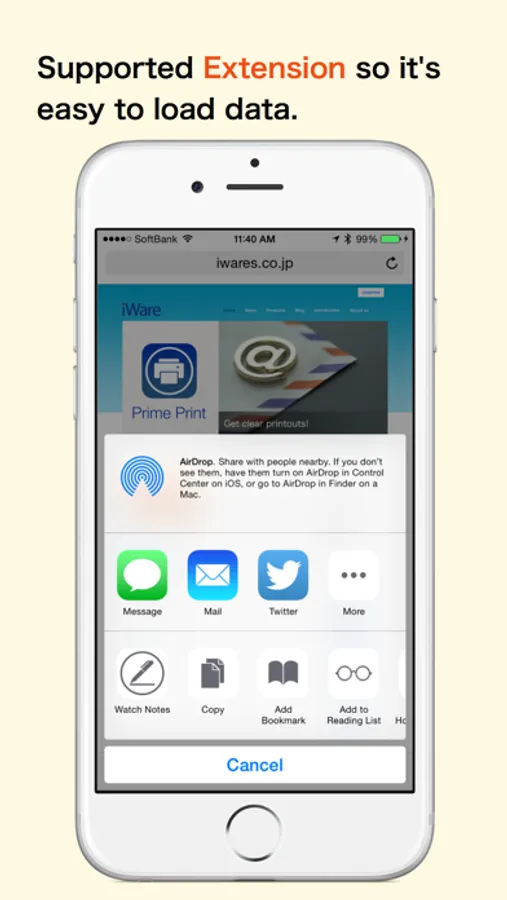
- Supported Extension so it's easy to load data.
Of course you are able to copy and paste.
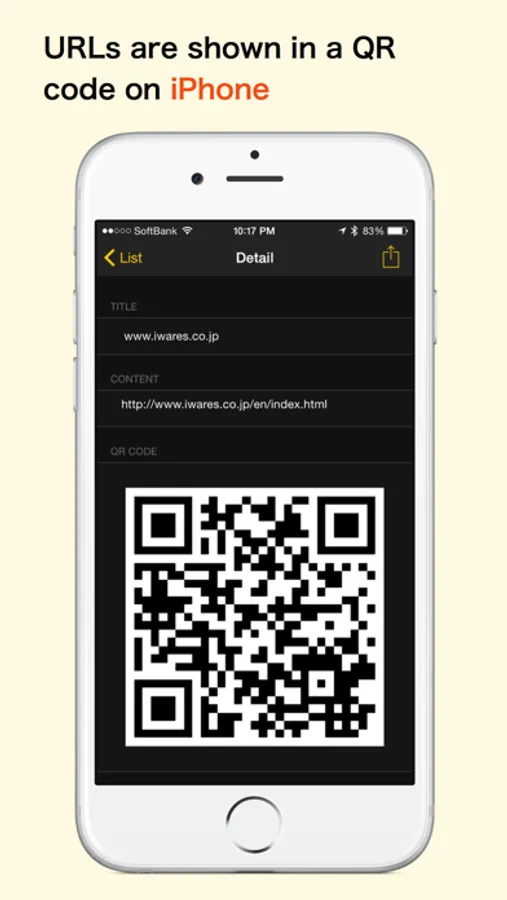
- URLs are shown in a QR code on Apple Watch. Use the barcode scanning app on the iPhone to scan the code to open the website.
◎ Integrated with other apps!
By using a new Action Extension for iOS 8, the app can show the loaded data on Apple Watch.
•Images
•Safari
•iTunes... and so on
◎ Notes
The app can save and show up to 3 entries on Apple Watch.
However, you can get an unlimited number of entries through in-app purchases.
Watch Notes - One, two, three! Screenshots

Tap to Rate:
Reviews for Watch Notes - One, two, three!
Mousepot
Doesn’t sync with iPad?
I would’ve rated it higher If I could get it to sync with my iPad, I sent a request to support but never heard back. But, I do like the convenience of having my information on my watch and being able to input it that it will sync with my phone, when in my home I would like it to be able to do the same with my iPad.
Ted in Chicago
Does not work
The design looks nice, but the notes cannot be sent to the Apple watch. Save your money, I deleted the free version as it is useless.