Robotics - Smart Machines
Franckh-Kosmos Verlags-GmbH & Co. KG
2.3 ★
228 ratings
Free
In this robotics control app, you can connect via Bluetooth, control motors, and program movements. Includes remote control, programming tools, and sensor feedback visualization.
AppRecs review analysis
AppRecs rating 2.2. Trustworthiness 73 out of 100. Review manipulation risk 26 out of 100. Based on a review sample analyzed.
★★☆☆☆
2.2
AppRecs Rating
Ratings breakdown
5 star
25%
4 star
4%
3 star
8%
2 star
8%
1 star
55%
What to know
✓
Low review manipulation risk
26% review manipulation risk
⚠
Mixed user feedback
Average 2.3★ rating suggests room for improvement
⚠
High negative review ratio
64% of sampled ratings are 1–2 stars
About Robotics - Smart Machines
For use with the engineering kits “Robotics: Smart Machines”, “Robotics: Smart Machines - Rovers & Vehicles Edition”, and “Robotics: Smart Machines - Tracks & Treads Edition” by Thames & Kosmos.
This app is the “brain” of the robotic models you build with the Robotics: Smart Machines kits. The app uses the feedback from the models’ ultrasonic sensor together with programmed commands to control the models.
App Features
• Connect to your models via Bluetooth connection.
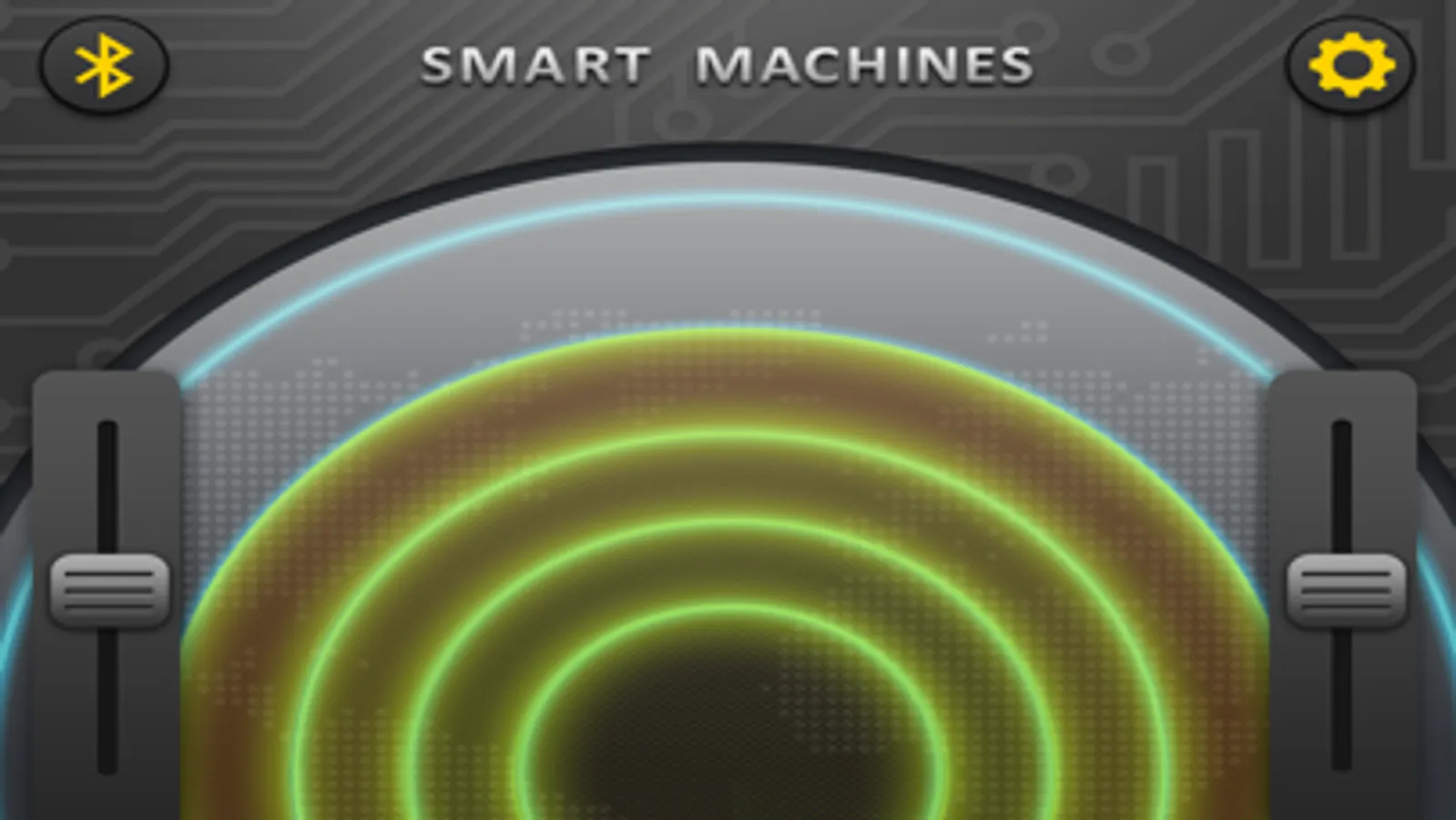
• Remote-control mode lets you directly control the models’ two motors forward and backward.
• Remote-control mode gives you a visual display of the object distance readings from the ultrasound sensor.
• Programming mode lets you script and save programs.
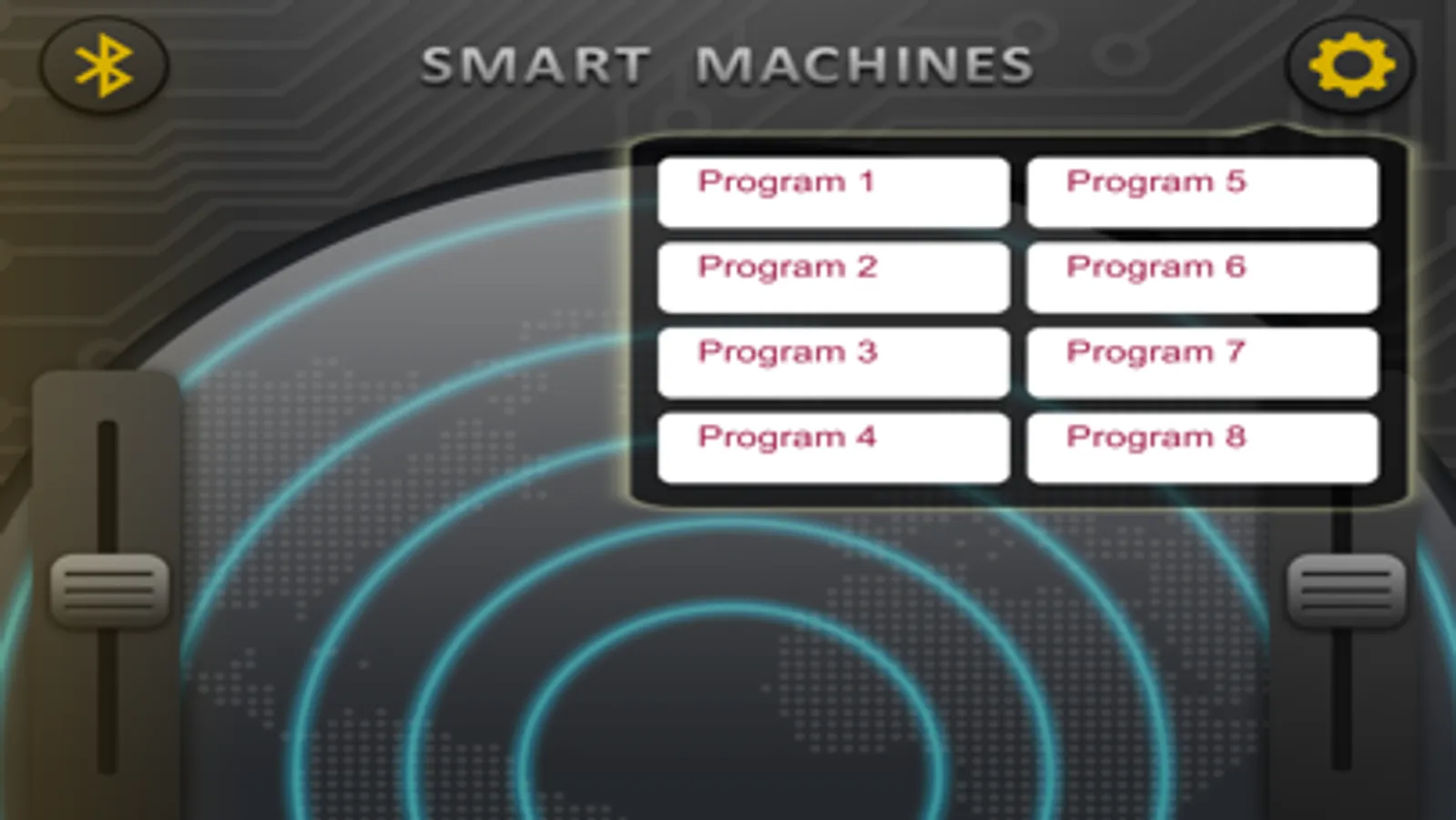
• Seven programs (Programs 1-7) are preloaded to work specifically with seven of the robot models in the “Robotics: Smart Machines” kit. Eight programs (Programs 9-16) are preloaded to work specifically with eight of the robot models in the “Robotics: Smart Machines - Rovers & Vehicles Edition” kit. Eight programs (Programs 17-24) are preloaded to work specifically with eight of the robot models in the “Robotics: Smart Machines - Tracks & Treads Edition” kit.
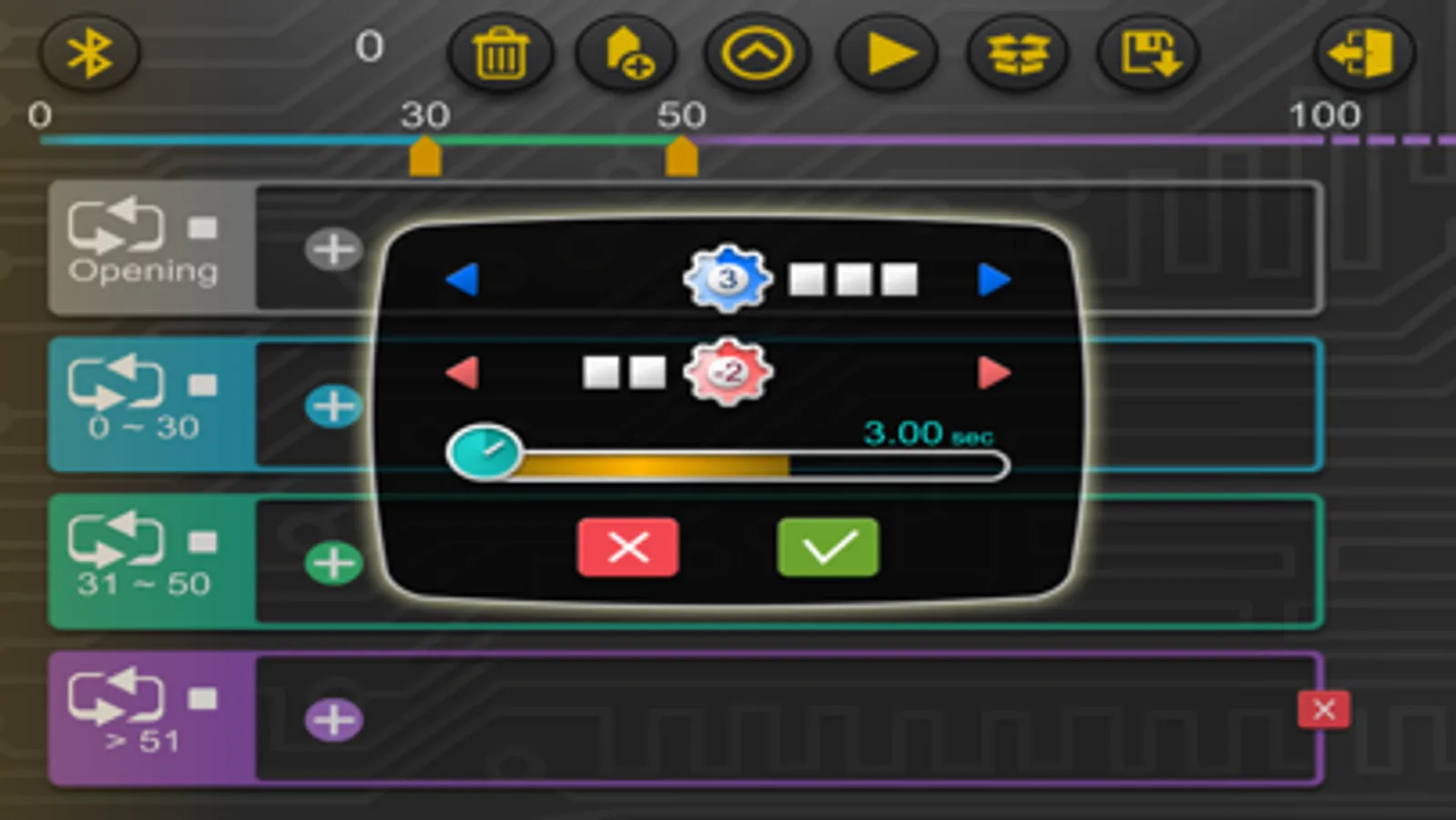
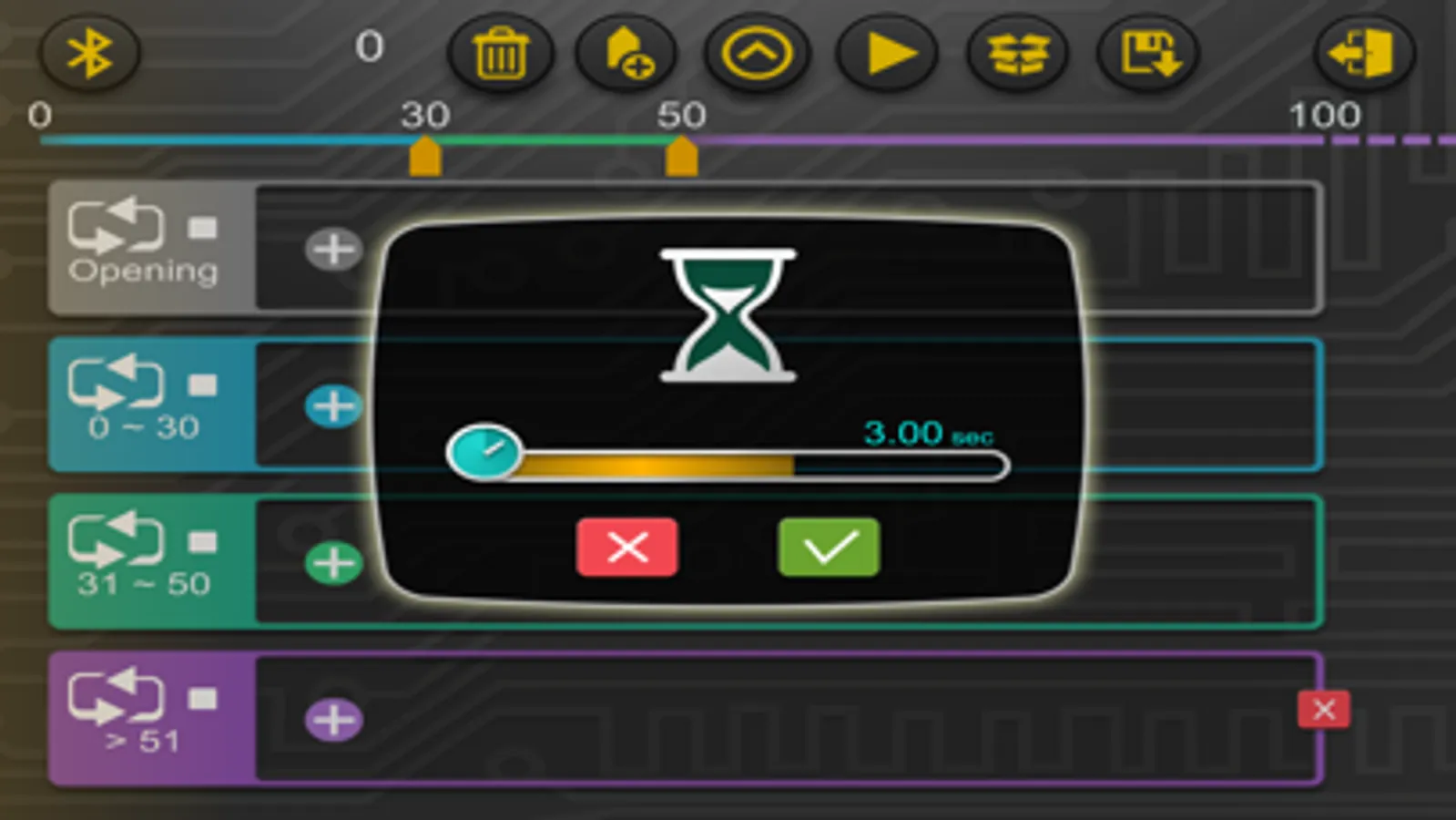
• A simple, visual programming language lets you program motors, sounds, and pauses.
• Different program segments can be set to run upon first run and then when the ultrasound sensor detects objects at different distances from the model.
• Use the 60-page or 64-page, step-by-step illustrated manual included in either kit to learn how to use all of the programming features.
*****
Suggestions, feature requests, or questions?
We look forward to your feedback!
Mail to: support@thamesandkosmos.com
Updates and news on www.thamesandkosmos.com
*****
This app is the “brain” of the robotic models you build with the Robotics: Smart Machines kits. The app uses the feedback from the models’ ultrasonic sensor together with programmed commands to control the models.
App Features
• Connect to your models via Bluetooth connection.
• Remote-control mode lets you directly control the models’ two motors forward and backward.
• Remote-control mode gives you a visual display of the object distance readings from the ultrasound sensor.
• Programming mode lets you script and save programs.
• Seven programs (Programs 1-7) are preloaded to work specifically with seven of the robot models in the “Robotics: Smart Machines” kit. Eight programs (Programs 9-16) are preloaded to work specifically with eight of the robot models in the “Robotics: Smart Machines - Rovers & Vehicles Edition” kit. Eight programs (Programs 17-24) are preloaded to work specifically with eight of the robot models in the “Robotics: Smart Machines - Tracks & Treads Edition” kit.
• A simple, visual programming language lets you program motors, sounds, and pauses.
• Different program segments can be set to run upon first run and then when the ultrasound sensor detects objects at different distances from the model.
• Use the 60-page or 64-page, step-by-step illustrated manual included in either kit to learn how to use all of the programming features.
*****
Suggestions, feature requests, or questions?
We look forward to your feedback!
Mail to: support@thamesandkosmos.com
Updates and news on www.thamesandkosmos.com
*****
Robotics - Smart Machines Screenshots

Tap to Rate:
Reviews for Robotics - Smart Machines
Akshu116
App crashes
App crashes as soon as we try to connect to bluetooth on iOS 17 and iPhone 13.
This is a very good podcast
App quits when touching circular Bluetooth button in app
The app is buggy. Cannot connect Bluetooth. Useless