In this photo and video editing app, you can adjust exposure times after capturing to create long exposure effects and blend imagery. Includes options for motion blur and light trails, with features for importing videos and exporting as photos or videos.
AppRecs review analysis
AppRecs rating 2.5. Trustworthiness 77 out of 100. Review manipulation risk 21 out of 100. Based on a review sample analyzed.
★★☆☆☆
2.5
AppRecs Rating
Ratings breakdown
5 star
35%
4 star
5%
3 star
3%
2 star
10%
1 star
46%
What to know
⚠
Pricing complaints
Many low ratings mention paywalls or pricing
⚠
Mixed user feedback
Average 2.7★ rating suggests room for improvement
⚠
High negative review ratio
56% of sampled ratings are 1–2 stars
About Blendeo
The hardest part of creating amazing long exposures is out of the control of even the best photographers. You can use a tripod or stabilization, frame the scene just right, but when do you start and stop the capture? With Blendeo you don’t need to get lucky; you take control.
No need for ND filters, calculating shutter time, aperture, or ISO. Simply capture for up to 5 minutes or import a video and edit the perfect long exposure with Blendeo.
"I can quickly create a Sunrise photo with smooth water thanks to Blendeo. No need for waiting 5 minutes with a $500 filter on my lens." — Jason Teale
HOW TO BLENDEO
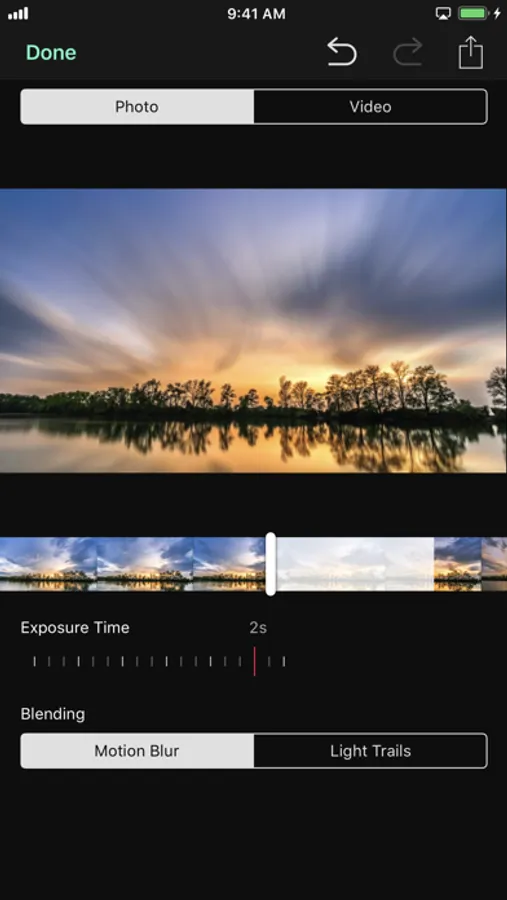
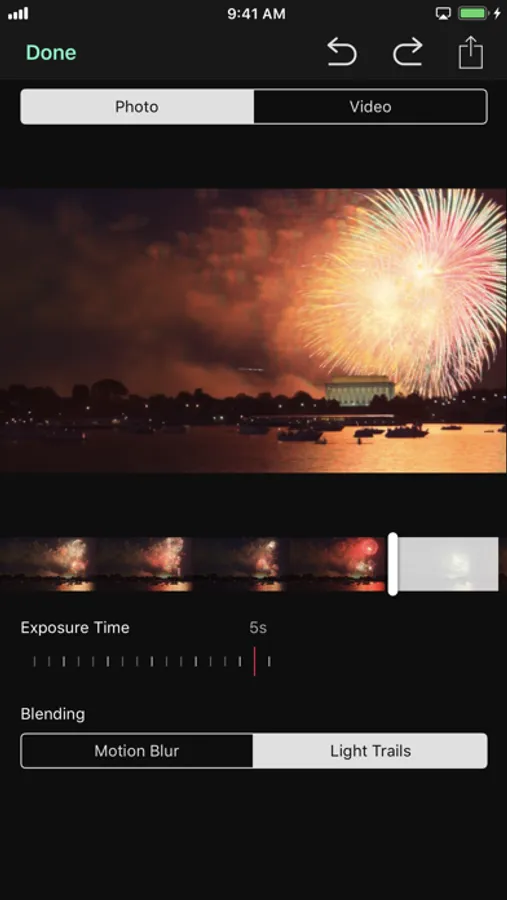
・ Capture in-app or import a video to create a document
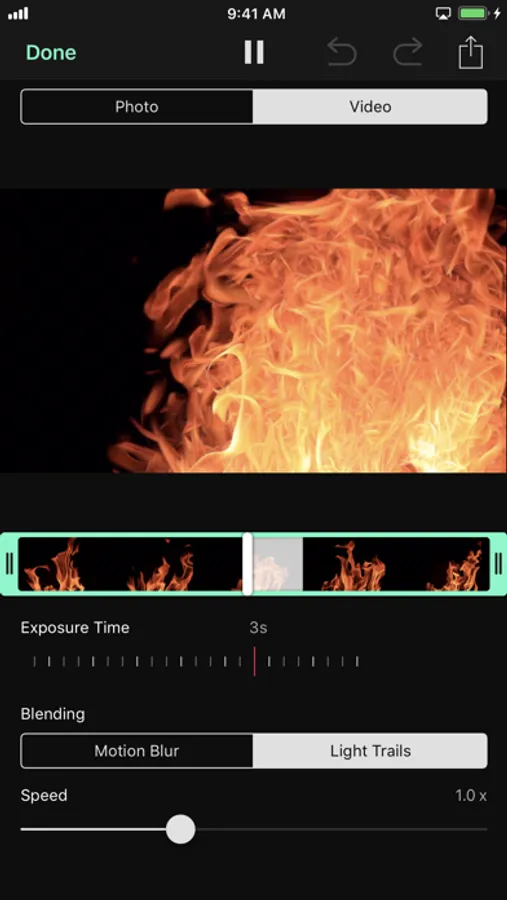
・ Choose the image type: Photo or Video
・ Choose the blending mode: Motion Blur or Light Trails
・ Turn the Exposure Time dial
・ Scrub the timeline to get the best looking blend
・ Export and share as a photo, Live Photo, or video
・ Send to Cinemagraph Pro for iOS to create a long exposure cinemagraph
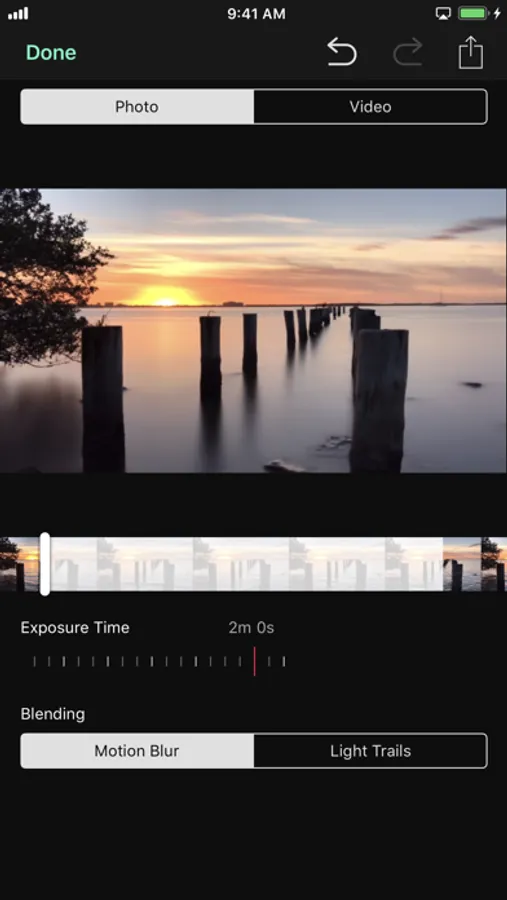
BLENDEO PHOTO
・ Adjust the start frame by moving the indicator on the timeline
・ Set the exposure time by turning the dial
・ Exposure time can be from 1/30 second to the duration of the capture time (maximum 5 minutes) for photo
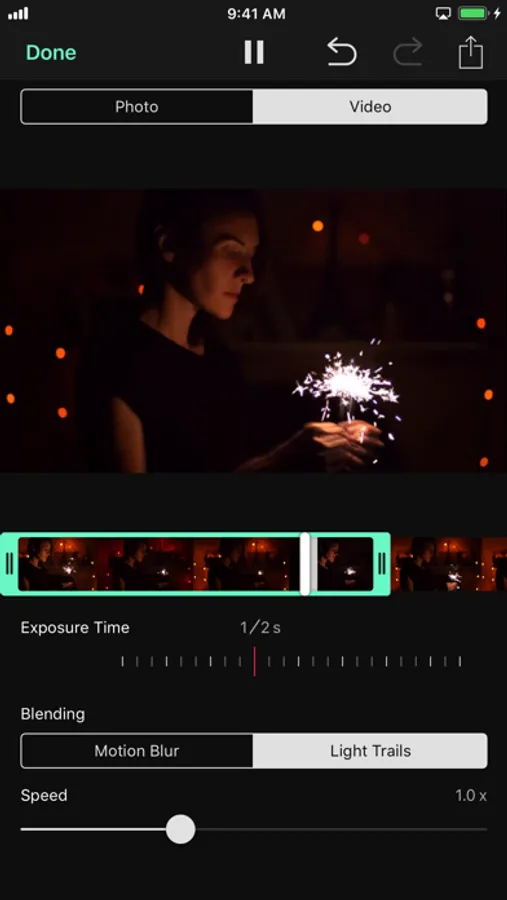
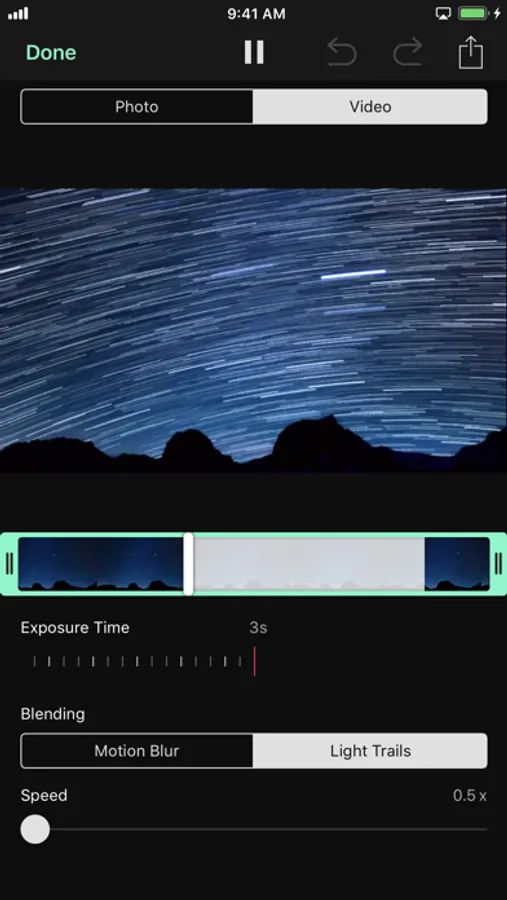
BLENDEO VIDEO
・ Adjust the start and end frames by moving the trimmer on the timeline
・ Set the exposure time by turning the dial
・ Exposure time can be from 1/30 second to half of the duration of the capture time (maximum 5 minutes) for video
・ Set the playback speed
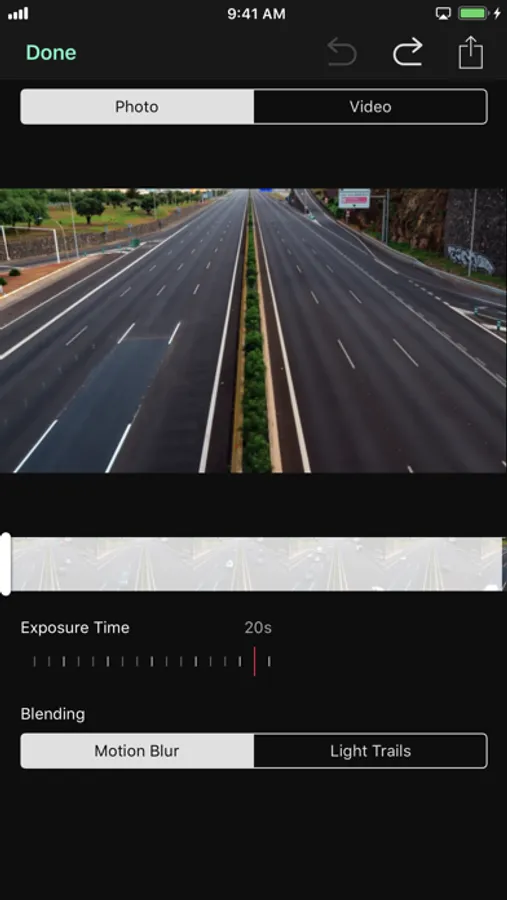
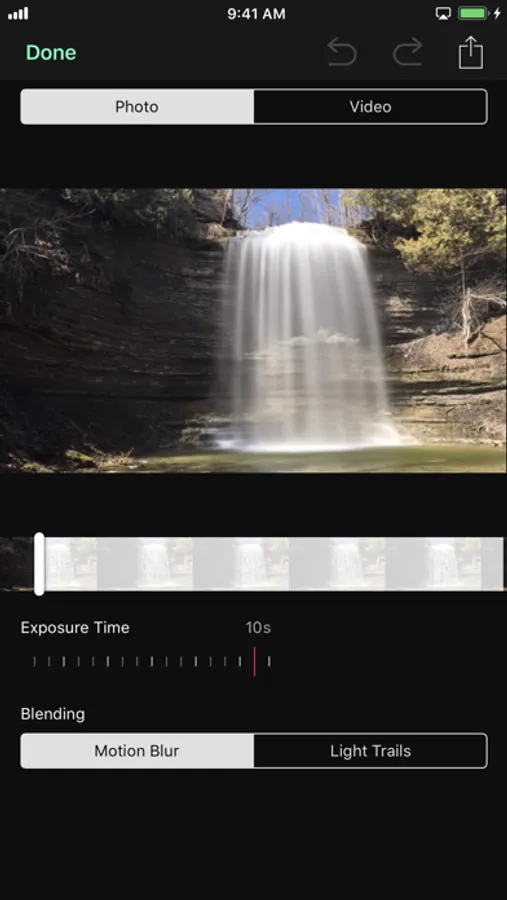
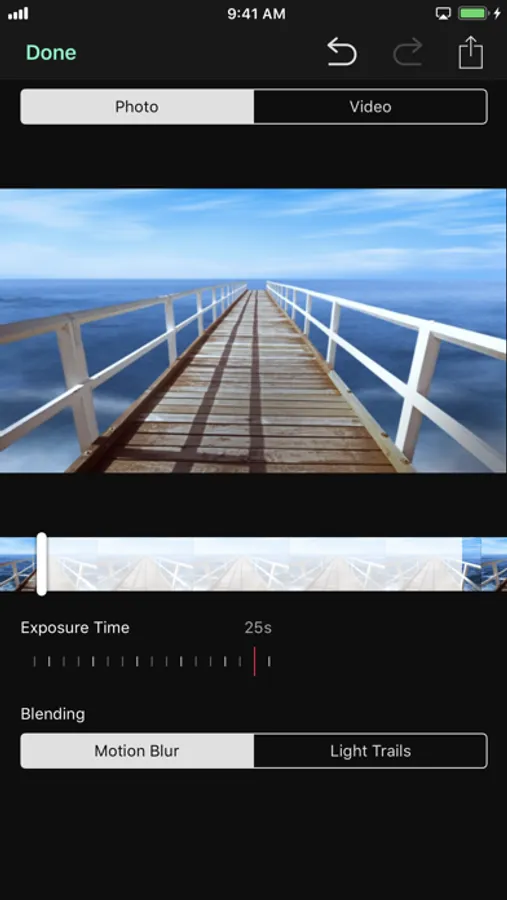
MOTION BLUR BLENDING
Great daytime effects as photos or videos:
・ Soften moving water and clouds
・ Make a car look like it was speeding by
・ Ghostly shadows of people walking
・ Make transient objects like people and cars disappear in a busy place with a long exposure time of minutes
LIGHT TRAILS BLENDING
Great nighttime effects as photos or videos:
・ Star trails through the sky
・ Streaks of light from moving planes, trains, and automobiles
・ Amusement park rides
・ Sparklers and fireworks
MADE FOR iOS
Blendeo is powered by the amazingly fast hardware in iPhone and iPad, along with the specially-tuned software frameworks Metal, Vision, Core Image, Core ML, and AVFoundation. Combined with Flixel’s near decade of experience creating professional digital imagery tools, Blendeo pushes the limits of what can be created on iOS to a new level.
FLIXEL PLANS
Payment will be charged to your iTunes Account at confirmation of purchase. Subscription automatically renews at the purchase price unless auto-renew is turned off at least 24-hours before the end of the current period. Subscriptions may be managed and auto-renewal may be turned off by going to the Account Settings after purchase. Subscriptions are one month or year in length. For Terms of Service see https://flixel.com/terms/
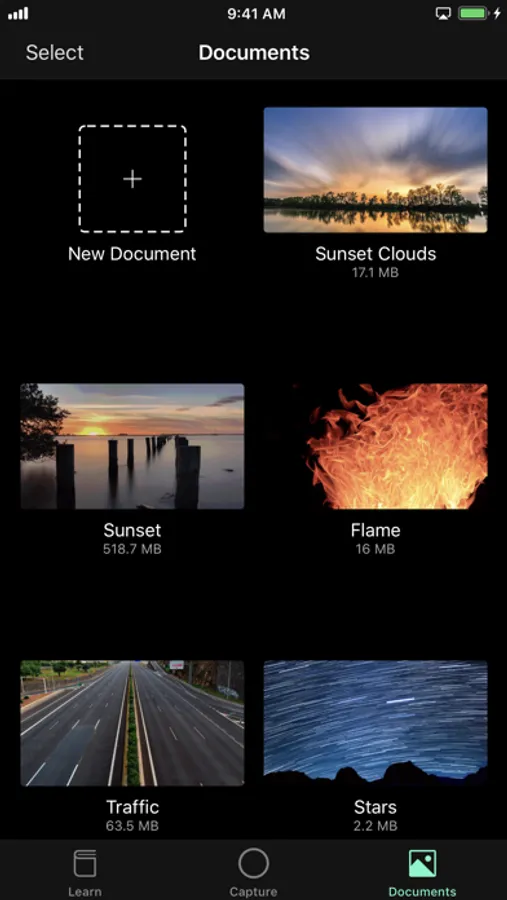
Blendeo Screenshots
Tap to Rate:
Reviews for Blendeo
Fuse76
Lag!!!!!
I am using the iPhone 15 pro which has the best processor ever in an iPhone and yet still it takes forever to load or process anything over a minute. Plus you have to pay. But the images do turn out good. Also every single time I want to download a photo I created in the app the app crashes and closes itself the first time so I have to go through the download process twice for each photo. :(
Sherap6
An Excellent Application for the quick work
I used this application extensively this summer (Especially last two months May, June, and July of 2023). Results were absolutely mind blowing. I am from Alaska and still trying to explore this vast space of the land. Hoping to use this application more often in the future. These are some features that I want to humbly request from you hardworking fellas: 1. High resolution exporting features (At least 12 MP or 48 MP). 6 MP and 1 MP of exporting options are not that much fun. 2. Zooming-in and zooming-out options are too limited. I need this feature to be more flexible (0.2x, 0.3x, 0.4x, 0.5x, 1x, 2x, 3x, 4x, 5x, and more). Again, please consider high resolution exporting option. (Because of this too fixated feature that I had to sacrifice some of the great opportunities while using this application) 3. Please keep working on this application. AI features are prevalent at this time. Make sure to check it out. 4. More of aspect ratio options are needed. Please do no limit the power of this application. My device: iPhone 14 Pro Max (latest iOS) and iPad Pro 12.9” (3rd Generation, 2018) Note: I regularly update my review/rating for this application. And thank you for sharing all these excellent applications and updating them recently. With Kindest Regards-BR