
Password Manager+ Cloud Backup
Jolly Good Life
3.9 ★
48 ratings
500+
downloads
$6.49
In this password manager app, you can store, generate, and securely encrypt passwords with biometric authentication. Includes cloud synchronization with Google Drive, Dropbox, and OneDrive along with offline backup options.
AppRecs review analysis
AppRecs rating 3.9. Trustworthiness 64 out of 100. Review manipulation risk 33 out of 100. Based on a review sample analyzed.
★★★☆☆
3.9
AppRecs Rating
Ratings breakdown
5 star
63%
4 star
11%
3 star
4%
2 star
4%
1 star
17%
What to know
✓
Good user ratings
74% positive sampled reviews
About Password Manager+ Cloud Backup
Supports up to latest Android 12
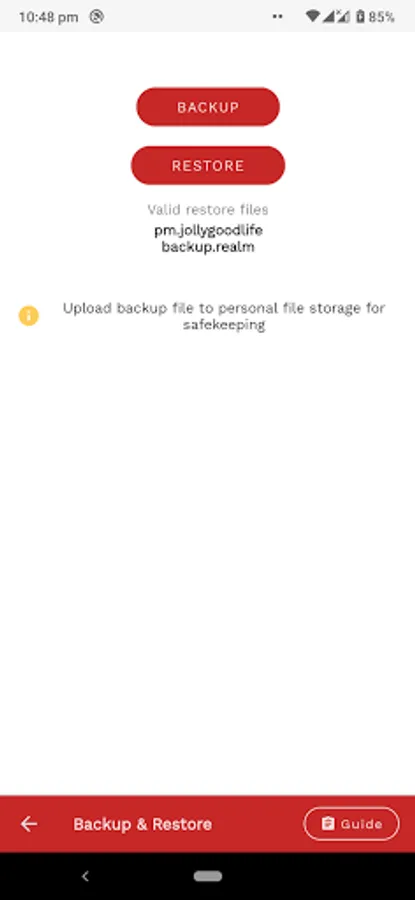
Backup & Restore Guide
https://jollygoodlife.web.app/r/guide
Simple & Lightweight Password Manager.
One-tap backup! No complicated steps!
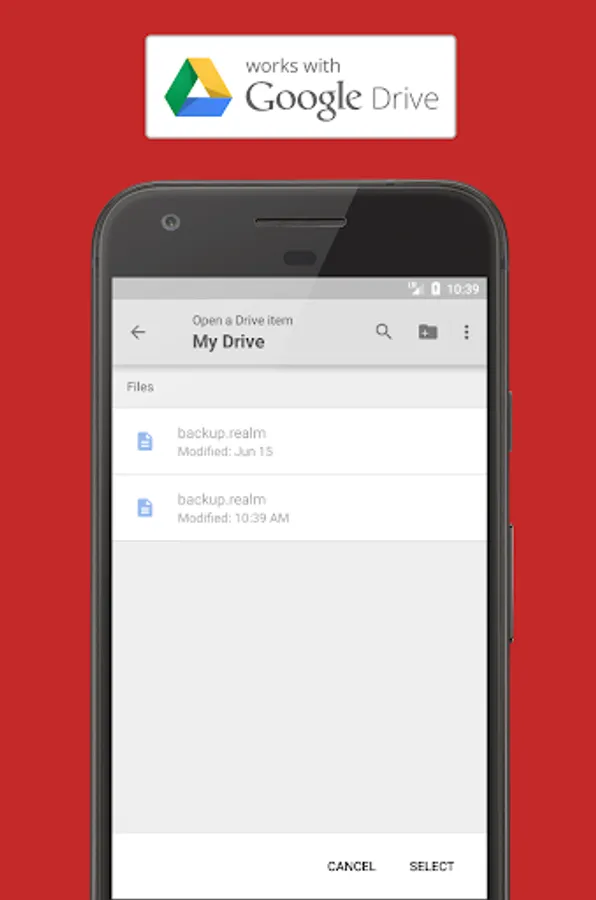
Sync with Google Drive, Dropbox & Microsoft OneDrive
Professional-grade encryption.
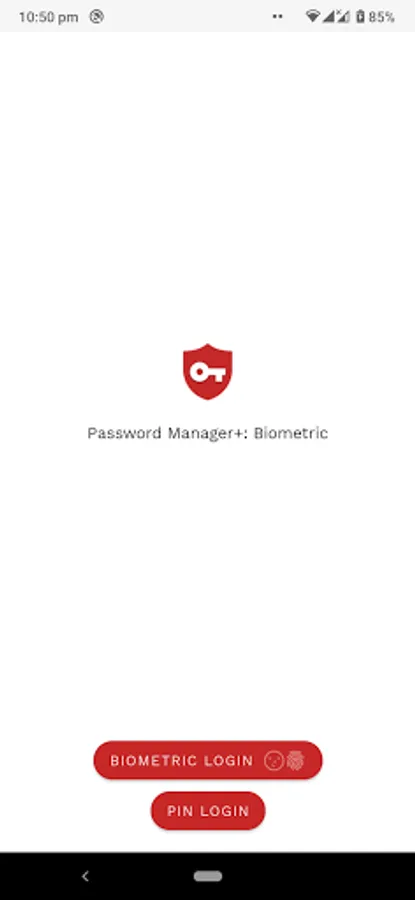
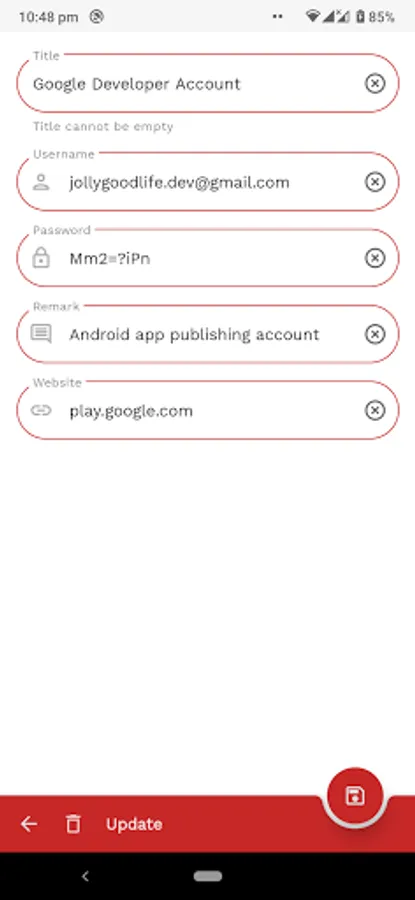
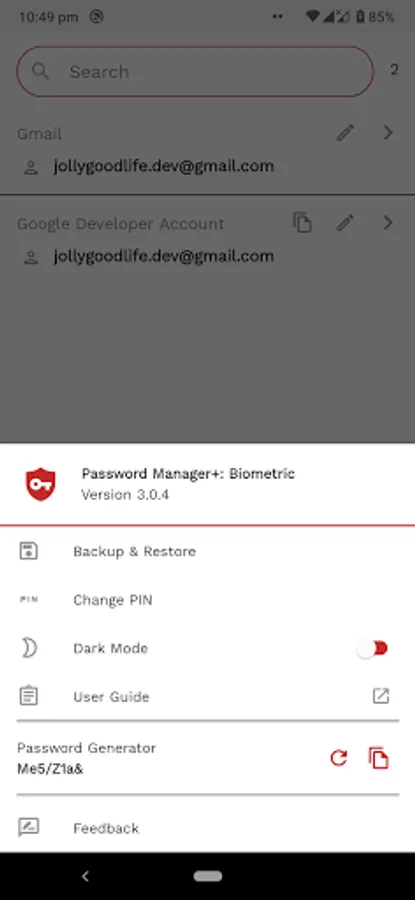
PIN and Fingerprint authentication.
Password generator.
Offline & Secured
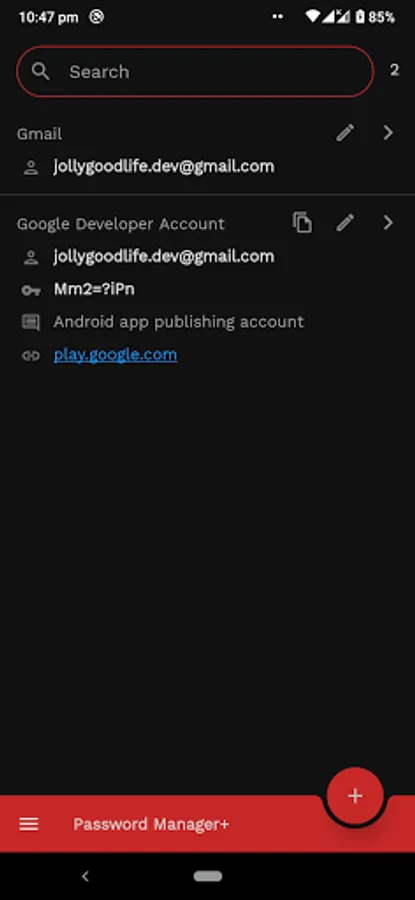
Google Material Design.
12 languages supported.
Small download size.
Features
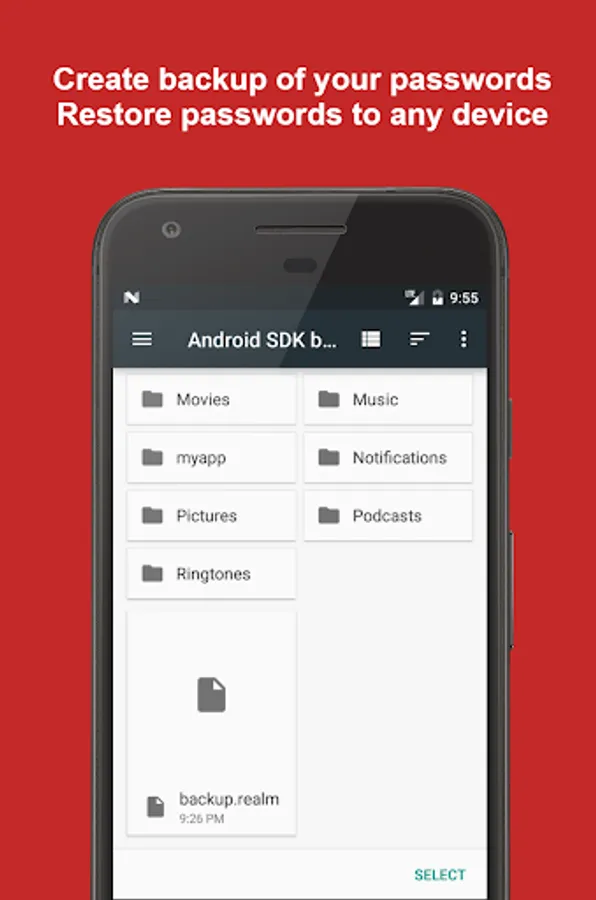
- Backup from and restore to any device.
- Sync with your own Google Drive account.
- Direct backup to Dropbox & Microsoft OneDrive * NEW! *
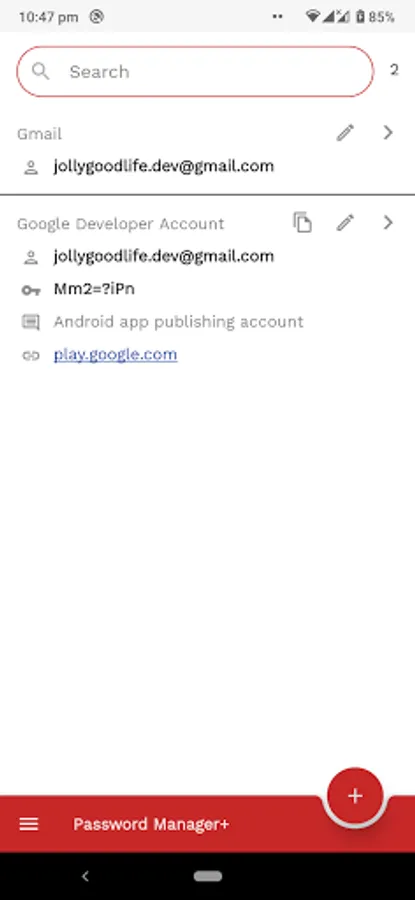
- Search passwords * NEW! *
- Offline Backup & Restore * NEW! *
- Strong password generator * NEW! *
- Scramble PIN Entry * NEW! *
- Brute-force PIN login prevention. 60 seconds block after 3 failed attempts.* NEW! *
- AES-256 + SHA2 encryption.
- Local storage. Only stored on device & backup. No servers.
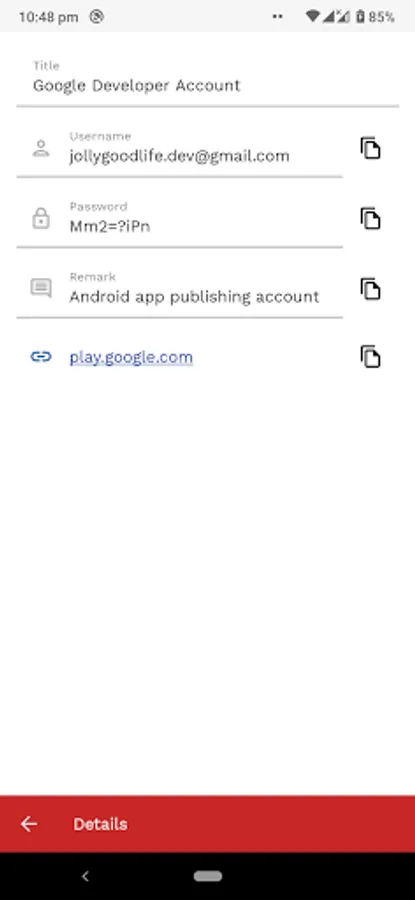
- Track Creation Date and Last Updated Date.
- Fingerprint access. No setup. Use the fingerprint you been using.
- Easy to use.
Supports 12 languages
English
German
French
Spanish
Russian
Dutch
Italian
Czech
Portuguese
Japanese
Traditional & Simplified Chinese
If your language is not supported, let us know via email and we will include your language on the next release.
Fingerprint Support
Samsung Galaxy S5 is not currently supported due to device is using Samsung's own Fingerprint API instead of Google's Fingerprint API.
Permissions Used
File & Storage - save & restore backup file
Network Access - access Google Drive from within the app
Note
- As we are constantly improving the app, there may be chances that something may break on updates. It is recommended to have a backup of your passwords elsewhere.
If you find this product defective or not working as stated, please email to us the problems you encounter and we will fix it as soon as possible.
Backup & Restore Guide
https://jollygoodlife.web.app/r/guide
Simple & Lightweight Password Manager.
One-tap backup! No complicated steps!
Sync with Google Drive, Dropbox & Microsoft OneDrive
Professional-grade encryption.
PIN and Fingerprint authentication.
Password generator.
Offline & Secured
Google Material Design.
12 languages supported.
Small download size.
Features
- Backup from and restore to any device.
- Sync with your own Google Drive account.
- Direct backup to Dropbox & Microsoft OneDrive * NEW! *
- Search passwords * NEW! *
- Offline Backup & Restore * NEW! *
- Strong password generator * NEW! *
- Scramble PIN Entry * NEW! *
- Brute-force PIN login prevention. 60 seconds block after 3 failed attempts.* NEW! *
- AES-256 + SHA2 encryption.
- Local storage. Only stored on device & backup. No servers.
- Track Creation Date and Last Updated Date.
- Fingerprint access. No setup. Use the fingerprint you been using.
- Easy to use.
Supports 12 languages
English
German
French
Spanish
Russian
Dutch
Italian
Czech
Portuguese
Japanese
Traditional & Simplified Chinese
If your language is not supported, let us know via email and we will include your language on the next release.
Fingerprint Support
Samsung Galaxy S5 is not currently supported due to device is using Samsung's own Fingerprint API instead of Google's Fingerprint API.
Permissions Used
File & Storage - save & restore backup file
Network Access - access Google Drive from within the app
Note
- As we are constantly improving the app, there may be chances that something may break on updates. It is recommended to have a backup of your passwords elsewhere.
If you find this product defective or not working as stated, please email to us the problems you encounter and we will fix it as soon as possible.
Password Manager+ Cloud Backup Screenshots
Tap to Rate:
Reviews for Password Manager+ Cloud Backup
Hoang Anh Tuan
1/5/2025
I bought it but Can not restore from Backup file. Restore and ... Only support restoring backup file from Google Drive
Melvin Narciso
3/2/2023
I switched phone backed up my password and when I tried to migrate to my new phone it did not work been tring to solve this.