In this design collaboration app, users can view, share, and markup 3D CAD models on the go. Includes support for over 100 file formats, project tracking, and offline data storage.
AppRecs review analysis
AppRecs rating 1.4. Trustworthiness 78 out of 100. Review manipulation risk 21 out of 100. Based on a review sample analyzed.
★☆☆☆☆
1.4
AppRecs Rating
Ratings breakdown
5 star
7%
4 star
3%
3 star
3%
2 star
4%
1 star
83%
What to know
✓
Low review manipulation risk
21% review manipulation risk
⚠
Mixed user feedback
Average 1.5★ rating suggests room for improvement
⚠
High negative review ratio
87% of sampled ratings are 1–2 stars
About Autodesk Fusion
The free app works in conjunction with its companion cloud-based desktop product, Autodesk Fusion™, a 3D CAD, CAM, and CAE tool for product design and development.
FEATURES
View
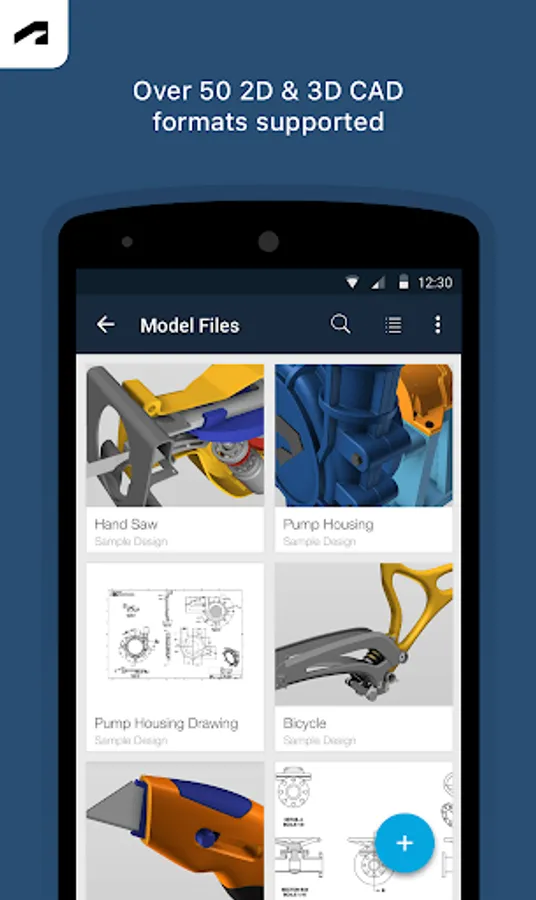
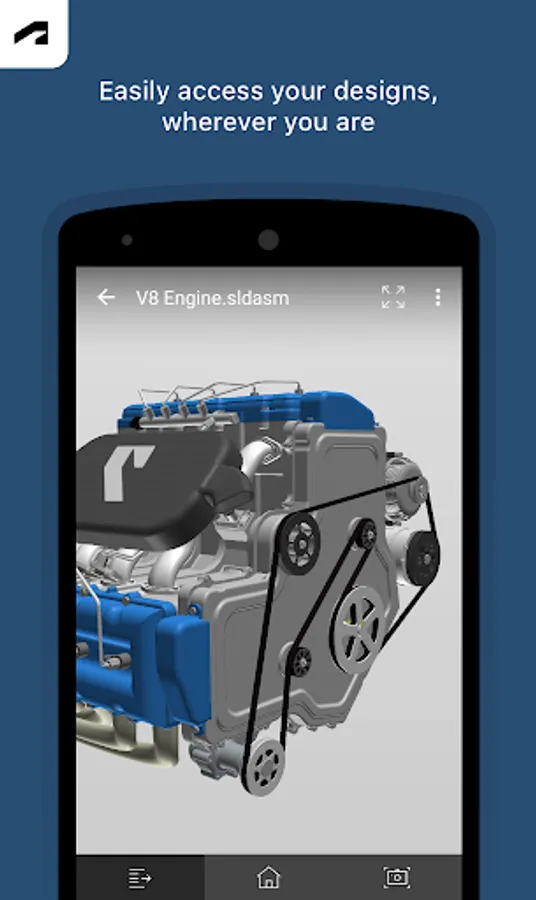
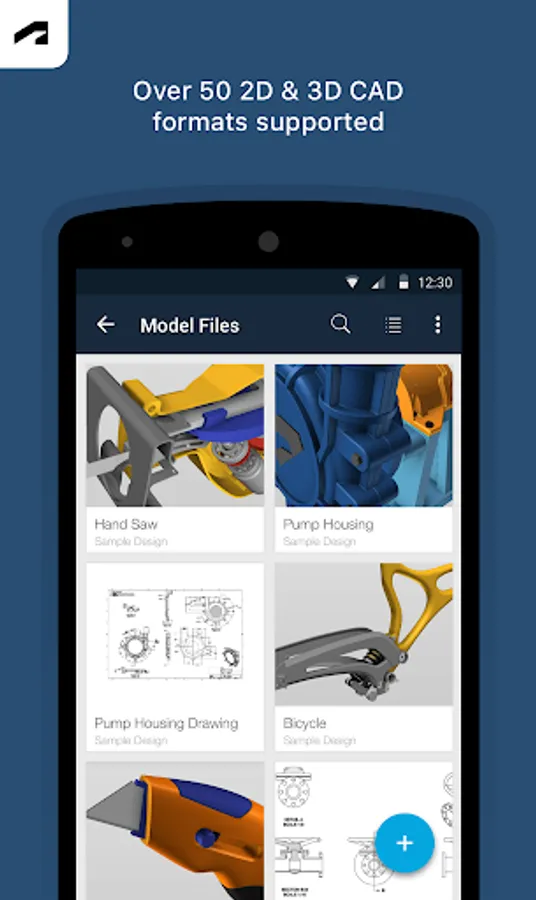
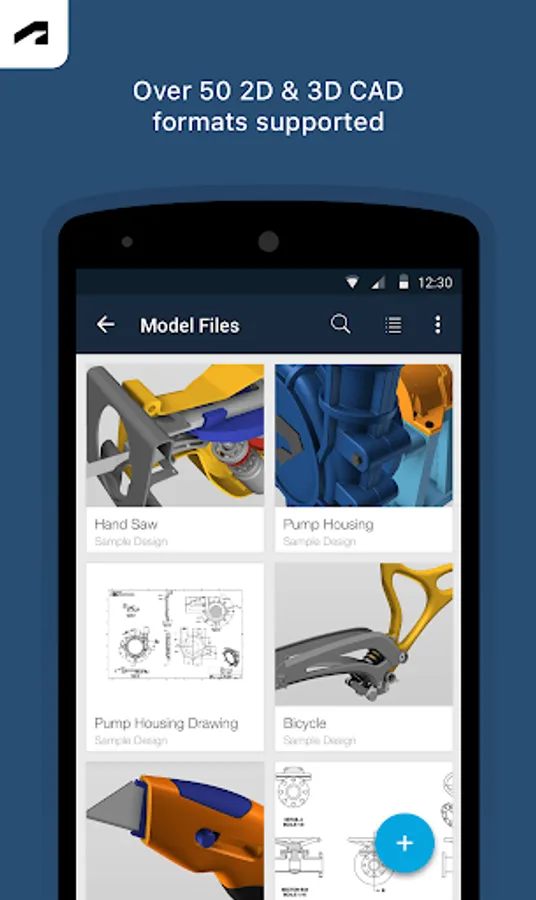
• Upload and view more than 100 data formats including SLDPRT, SAT, IGES, STEP, STL, OBJ, DWG, F3D, SMT, and DFX
• View and track project activities and updates
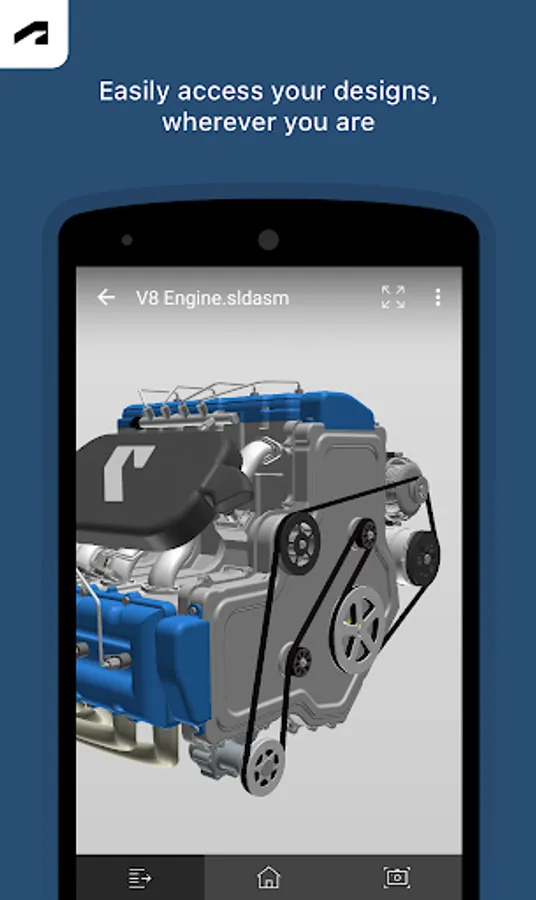
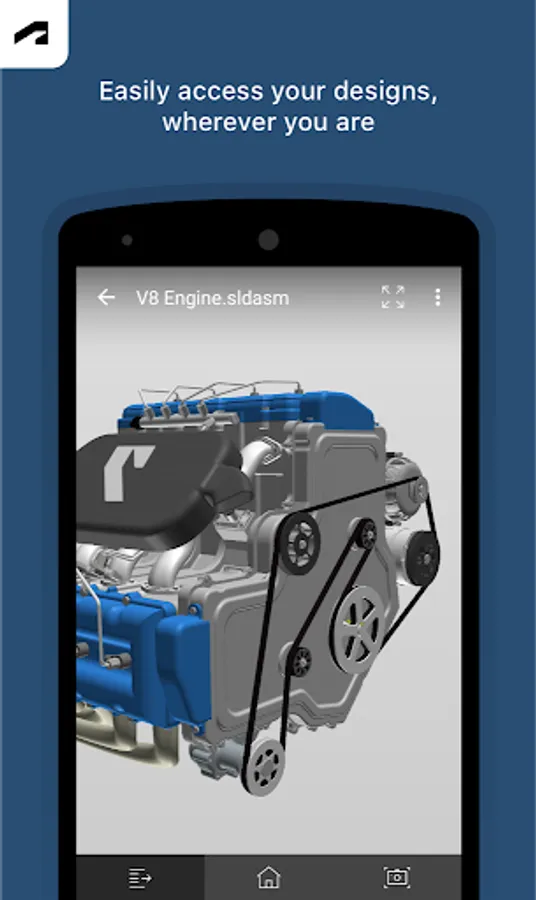
• Review large and small 3D designs and assemblies
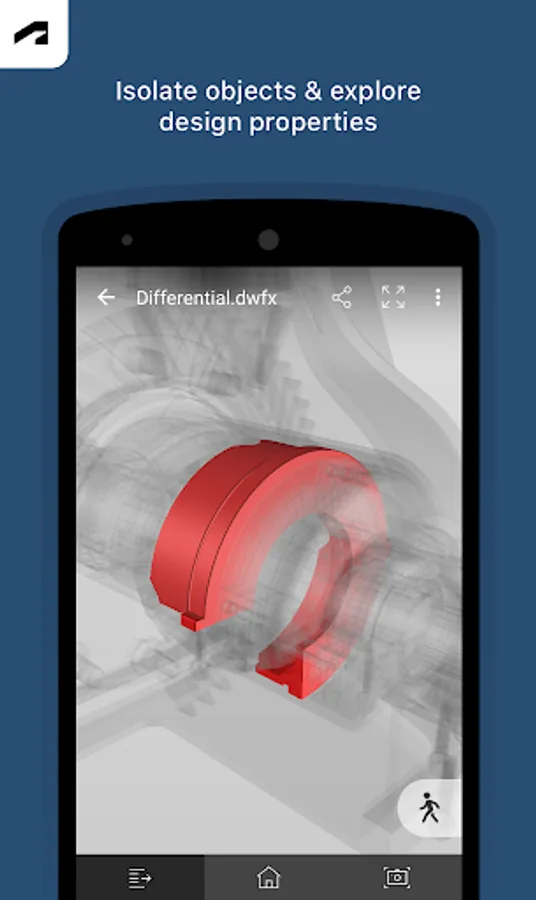
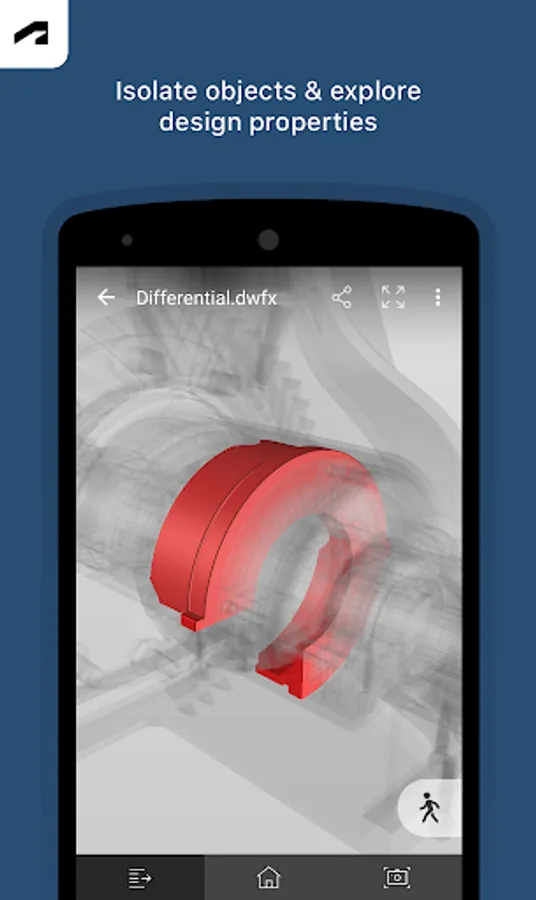
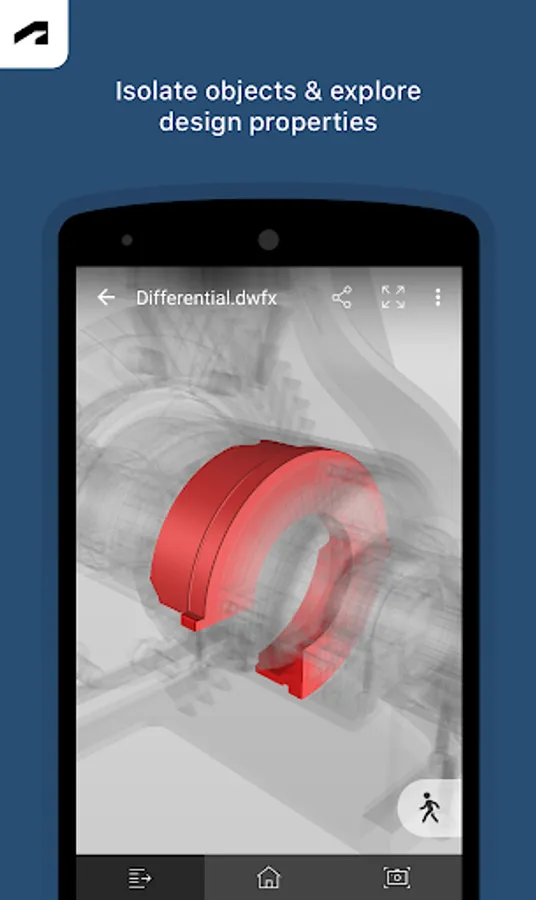
• Access design properties and complete parts lists
• Isolate and hide components in the model for easy viewing
• Navigate by touch with zoom, pan, and rotate
Share
• Share with stakeholders inside and outside your company
• Share screenshots of the design with markups directly from the app
We respect your privacy, and would like permissions to access the following capabilities and information:
+ Accounts: Using the Android Account Manager helps us manage your Autodesk account easily, and allow other Autodesk applications to connect, using your Autodesk account.
+ Storage: Store offline data if needed, so you can view your data anywhere, anytime.
+ Photos: Access files or data stored on your device to view, share and markup.
SUPPORT: https://knowledge.autodesk.com/contact-support
Privacy policy: https://www.autodesk.com/company/legal-notices-trademarks/privacy-statement
Optional Access
+ Storage (such as Photos/Media/Files): Access files or data stored on your device to view, share and markup, so you can view your data anywhere, anytime
+ Camera: Take pictures such as drawings with app
Fusion will still function even if a user does not give permissions to access these functions.
Autodesk Fusion Screenshots
Tap to Rate:
Reviews for Autodesk Fusion
Stivan Solakov
12/30/2025
It's one problem after another with this app, now I'm getting "Response not found" when opening my projects.
Randy Mickelson
12/26/2025
Every time I close it, it signs me out! And when I press stay signed in, this doesn't change anything. I also wish it was easier to move the camera around, like if you could drag the little box in the corner around that shows your perspective, like on the computer. The nice thing is that I can easily find and view all of my files. Makes it nice for showing it to friends and family. Update. The new verification code every sign in is horrible!