Autodesk Construction Cloud
Autodesk Inc.
3.2 ★
5K ratings
1,000,000+
downloads
Free
+ in-app
In this app, users can manage construction project documentation, track issues, and coordinate schedules. Includes tools for issue tracking, schedule visualization, and document management.
AppRecs review analysis
AppRecs rating 3.1. Trustworthiness 82 out of 100. Review manipulation risk 18 out of 100. Based on a review sample analyzed.
★★★☆☆
3.1
AppRecs Rating
Ratings breakdown
5 star
48%
4 star
6%
3 star
4%
2 star
4%
1 star
38%
What to know
✓
Low review manipulation risk
18% review manipulation risk
✓
Credible reviews
82% trustworthiness score from analyzed reviews
⚠
High negative review ratio
42% of sampled ratings are 1–2 stars
About Autodesk Construction Cloud
Construction teams leverage Autodesk Construction Cloud’s simple automation, smart connections between tools, and comprehensive workflows to deliver quality construction projects on time and under budget.
The Autodesk Construction Cloud mobile app brings Autodesk Build, Autodesk BIM Collaborate, Autodesk Docs, Revit, Navisworks, PlanGrid and AutoCAD to the field with construction and document management, collaboration tools, and project data available from anywhere.
Autodesk Construction Cloud is made for the project team, like…
• the superintendent managing quality on site
• the project manager tracking progress in real-time
• the BIM team identifying issues ahead of installation
• the architect on a site walk
• and the owner leveraging construction data and as-builts to improve daily operations
Here’s how we do it.
CONSTRUCTION COLLABORATION
+ Issues
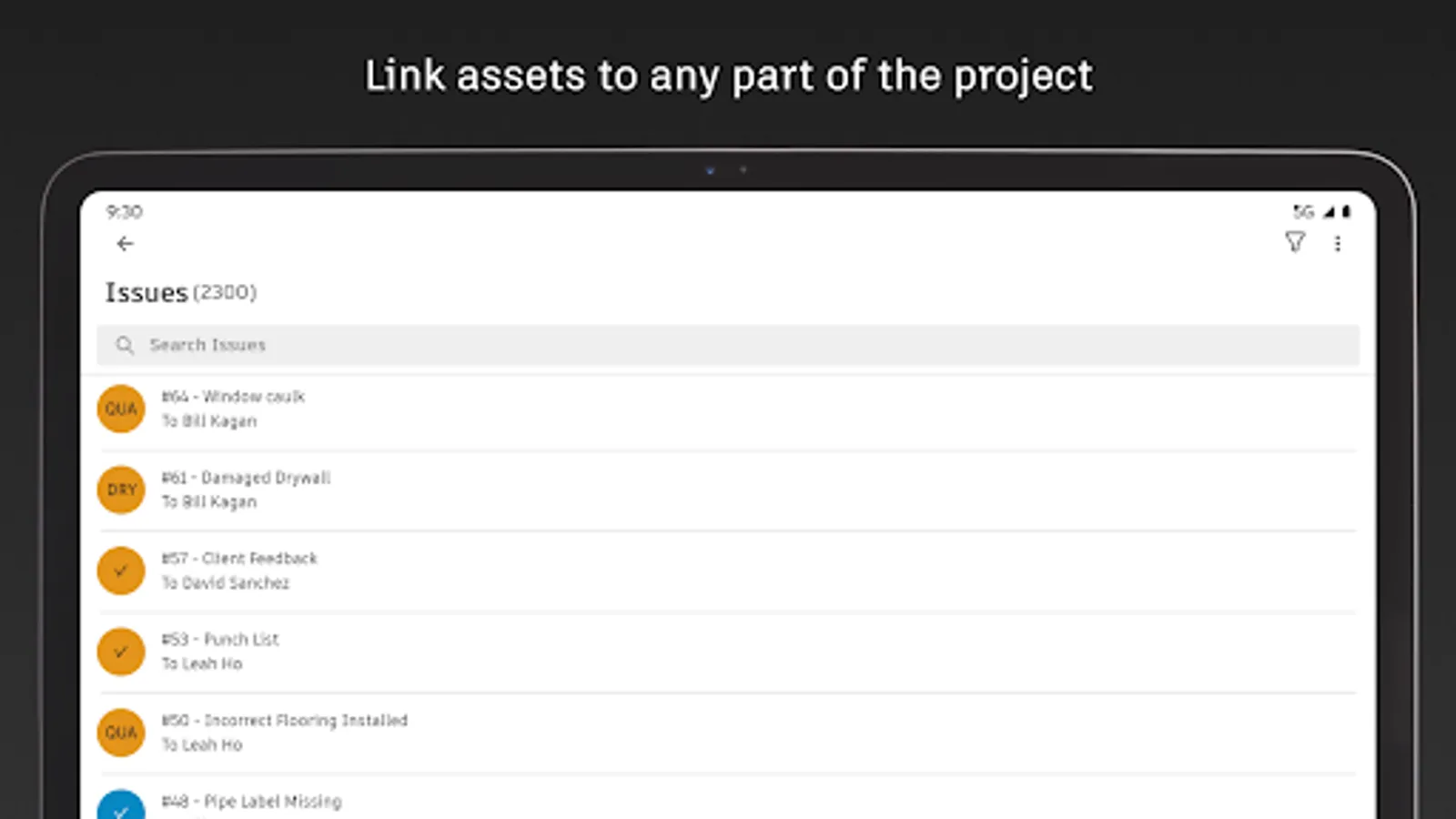
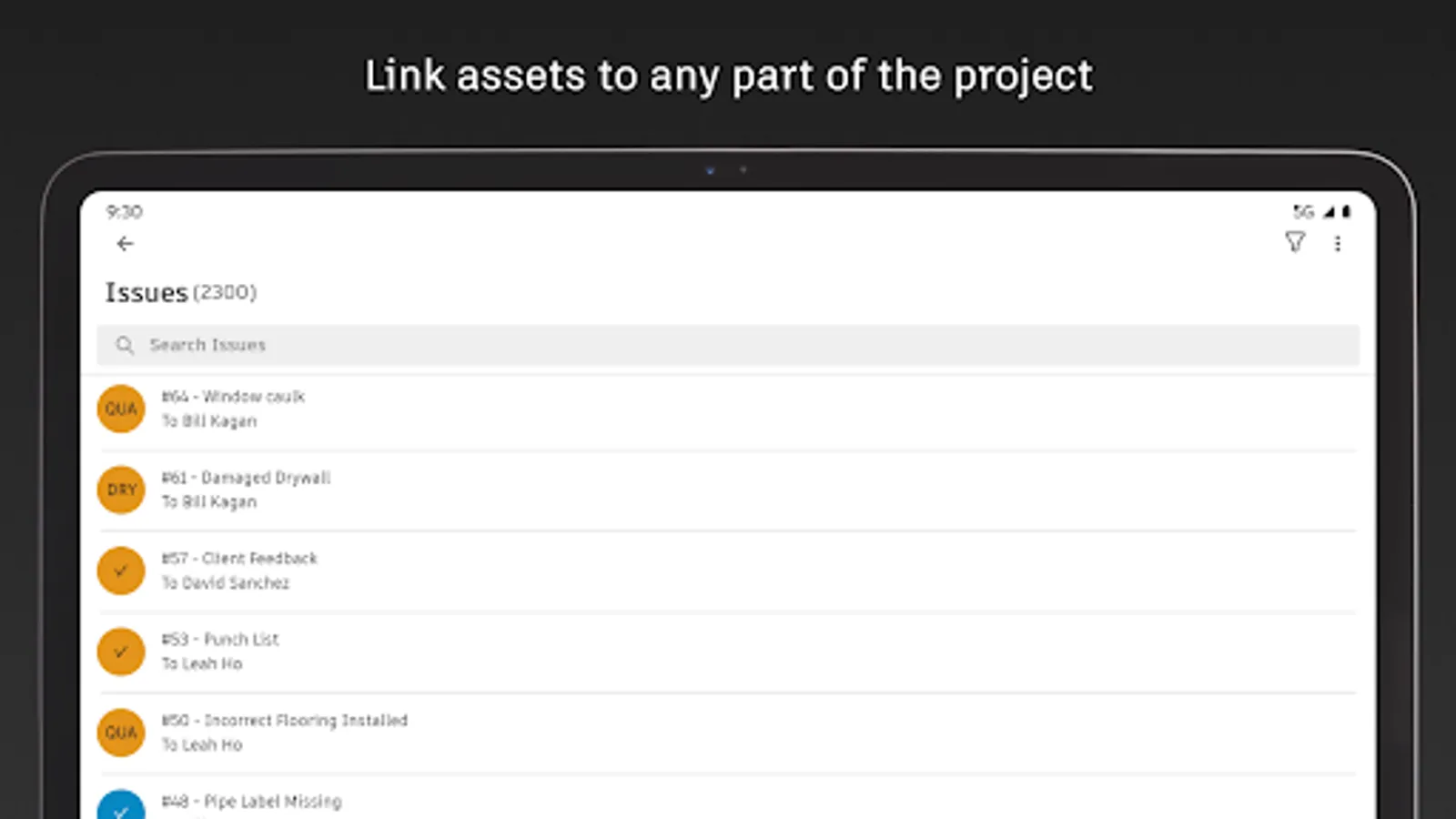
Track issues, from design to handover, all in one place. Resolve issues faster by adding due dates, responsible parties, and easily reference photos, associated files, and RFIs.
+ Schedule
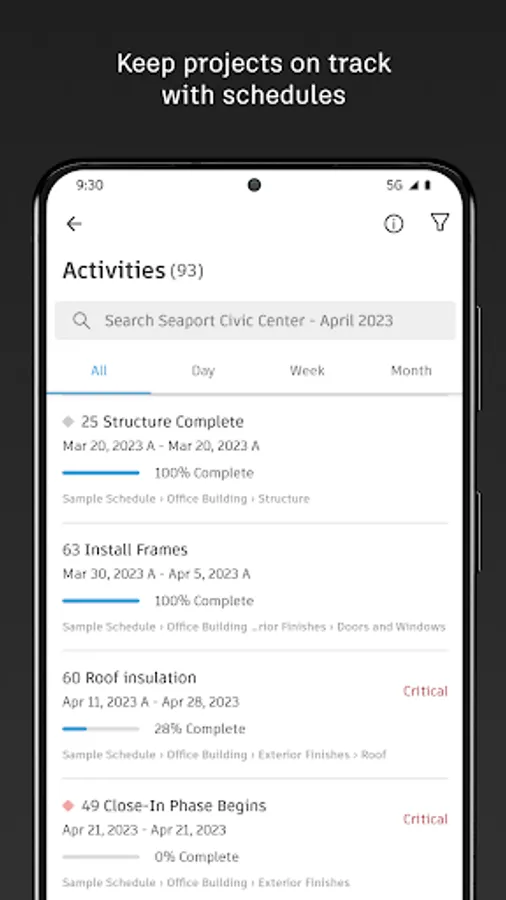
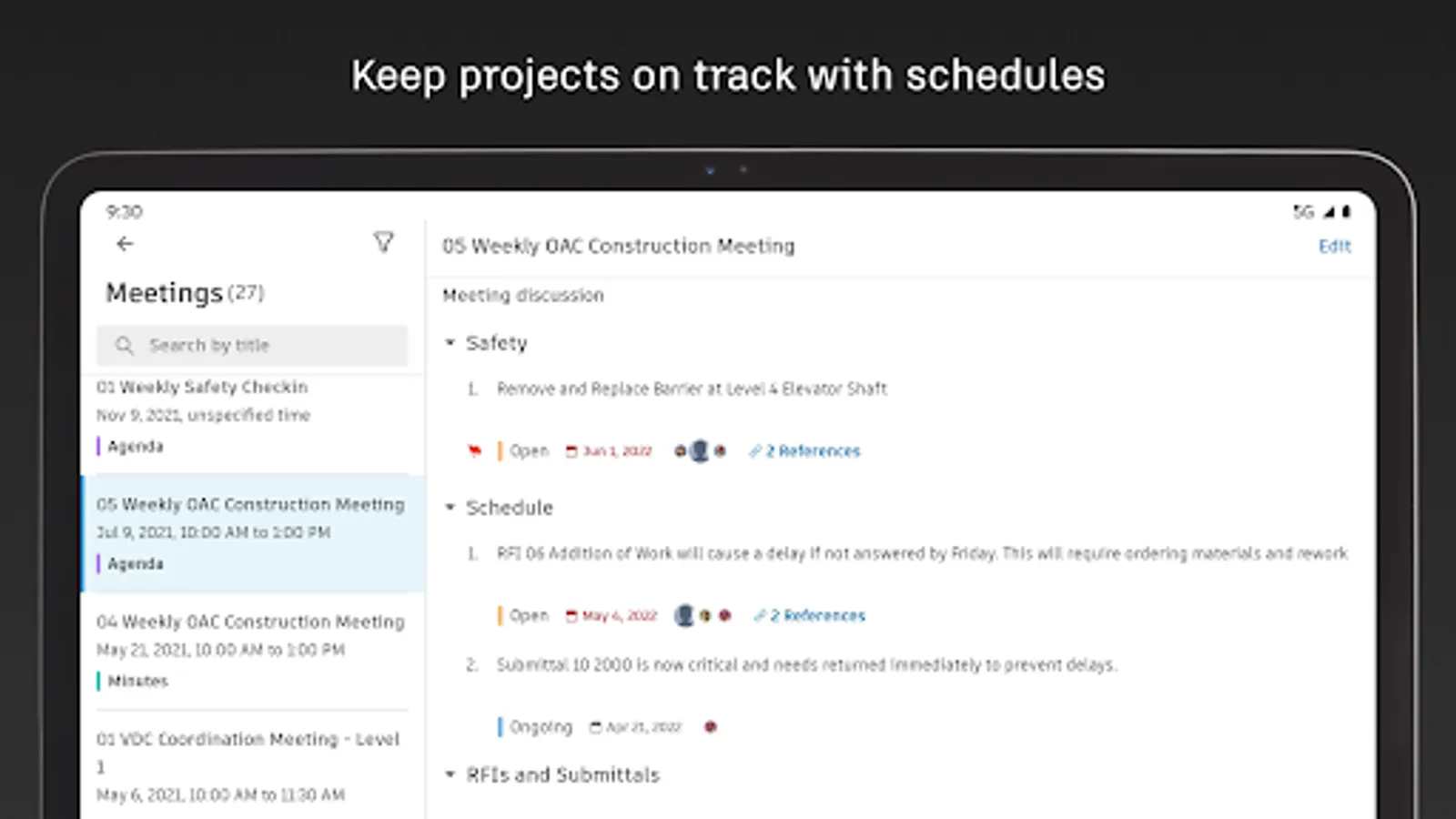
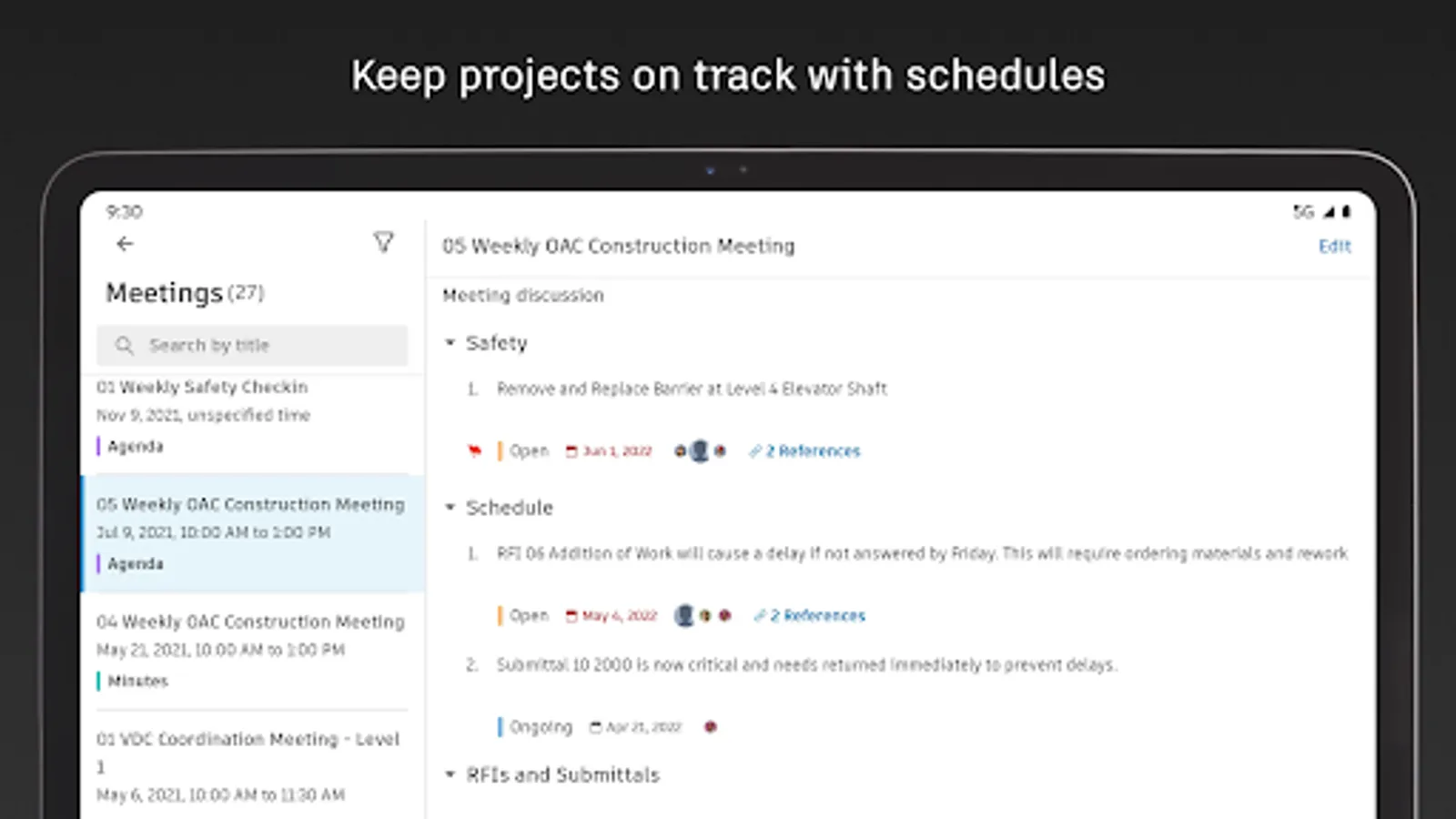
Keep projects on track with a centralized schedule. View the schedule by different timespans or filter by critical items, review dependencies, and assess schedule suggestions.
+ Forms
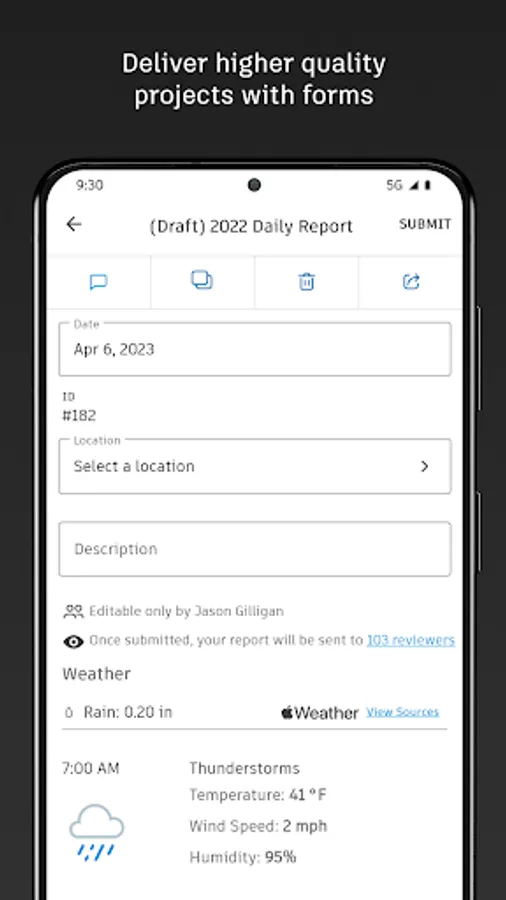
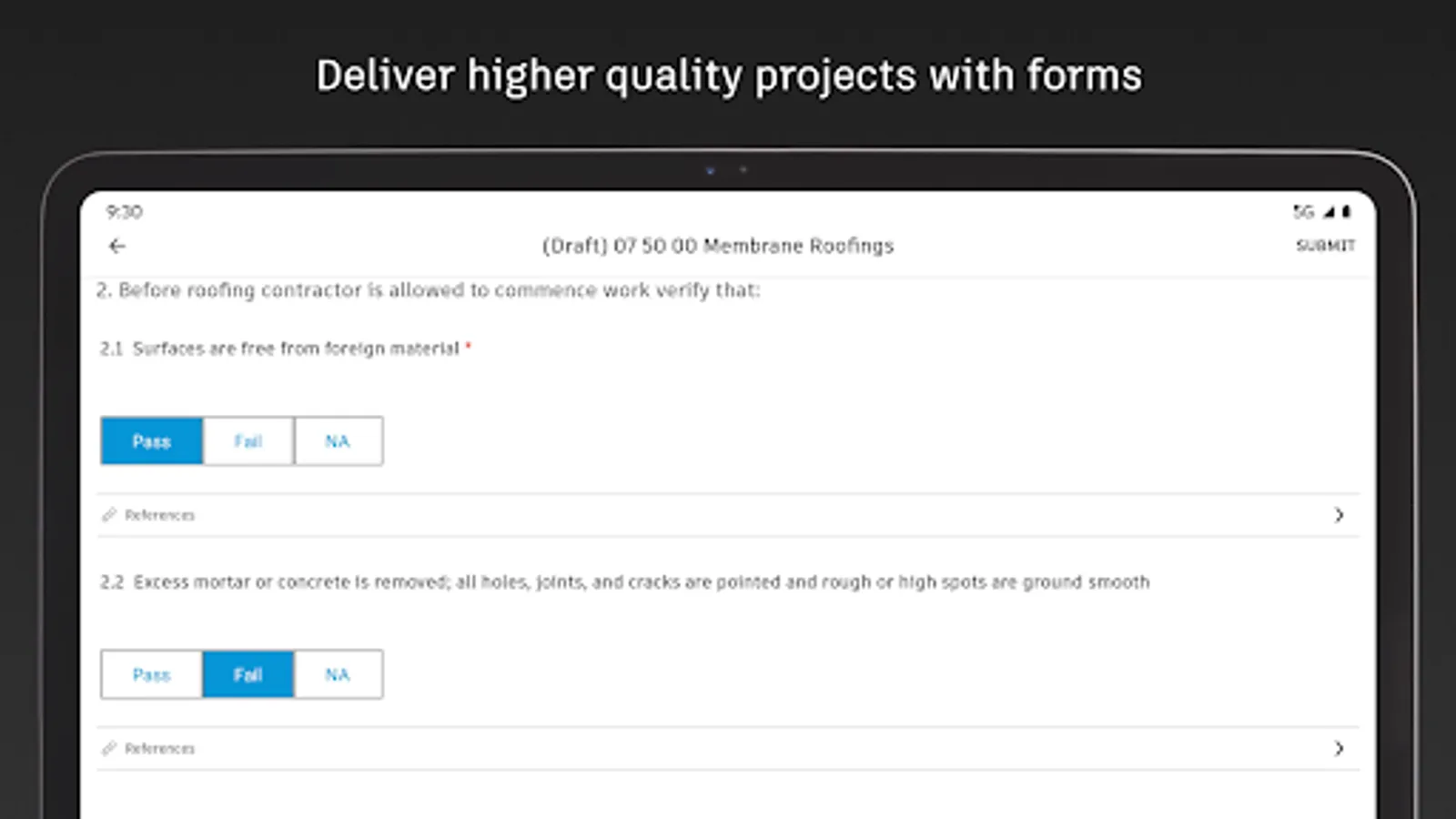
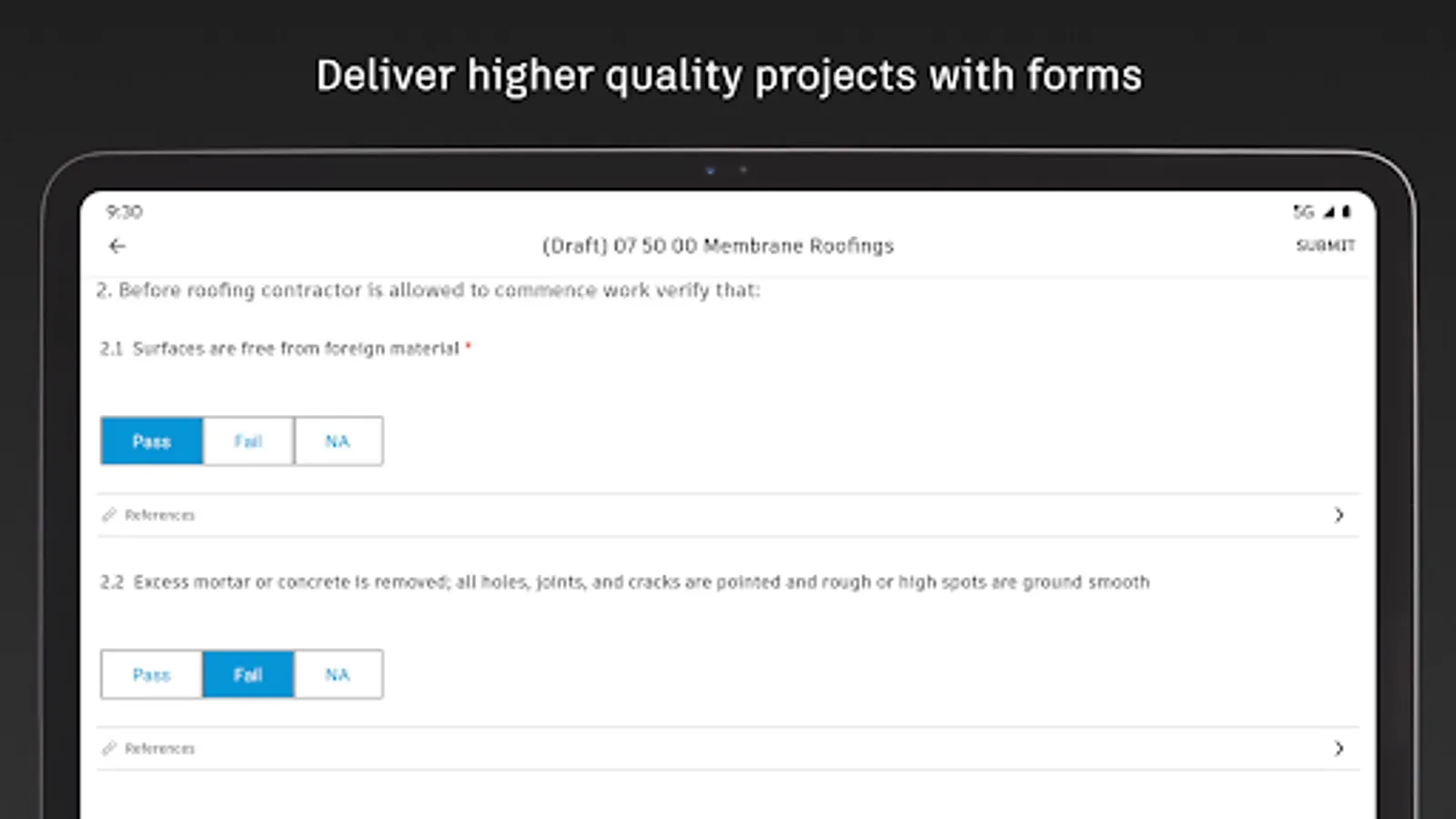
Gather critical information with forms that adapt to project requirements. Build a comprehensive safety program or track daily checklists.
+ Assets
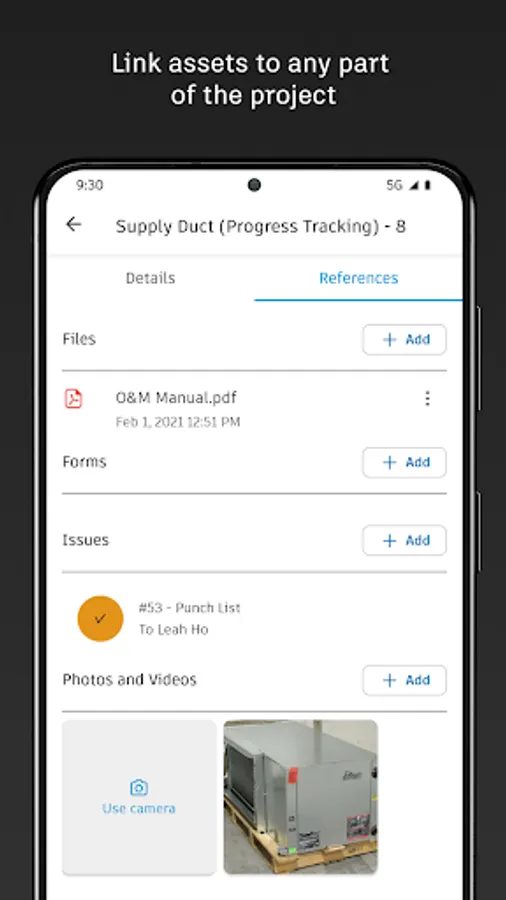
Easily manage the lifecycle of project assets from design through commissioning and handover. Assets are tracked, stored, and connected to other workflows.
+ Meeting Minutes
Stay ahead of the next meeting by creating meetings and agendas. Link references like issues, models, RFIs or photos. Check on outstanding items and follow up, all from the field.
FILE MANAGEMENT
+ Sheets and Drawings
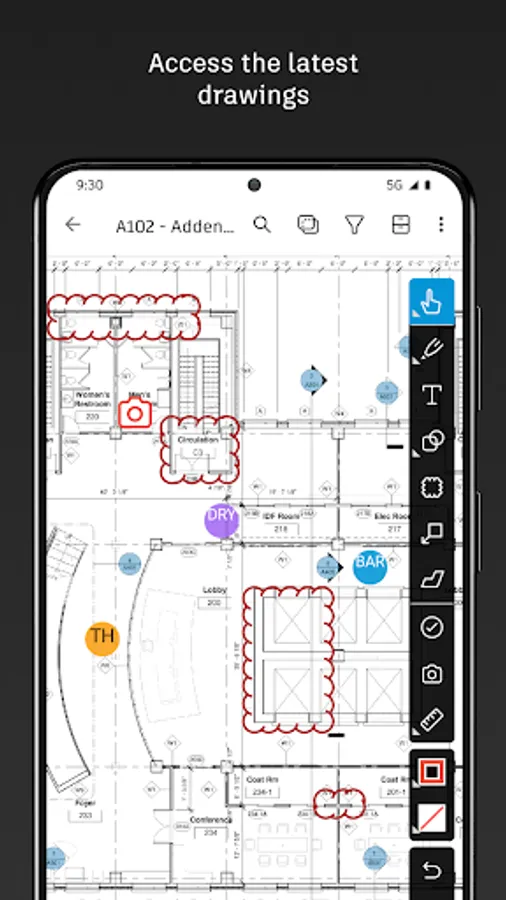
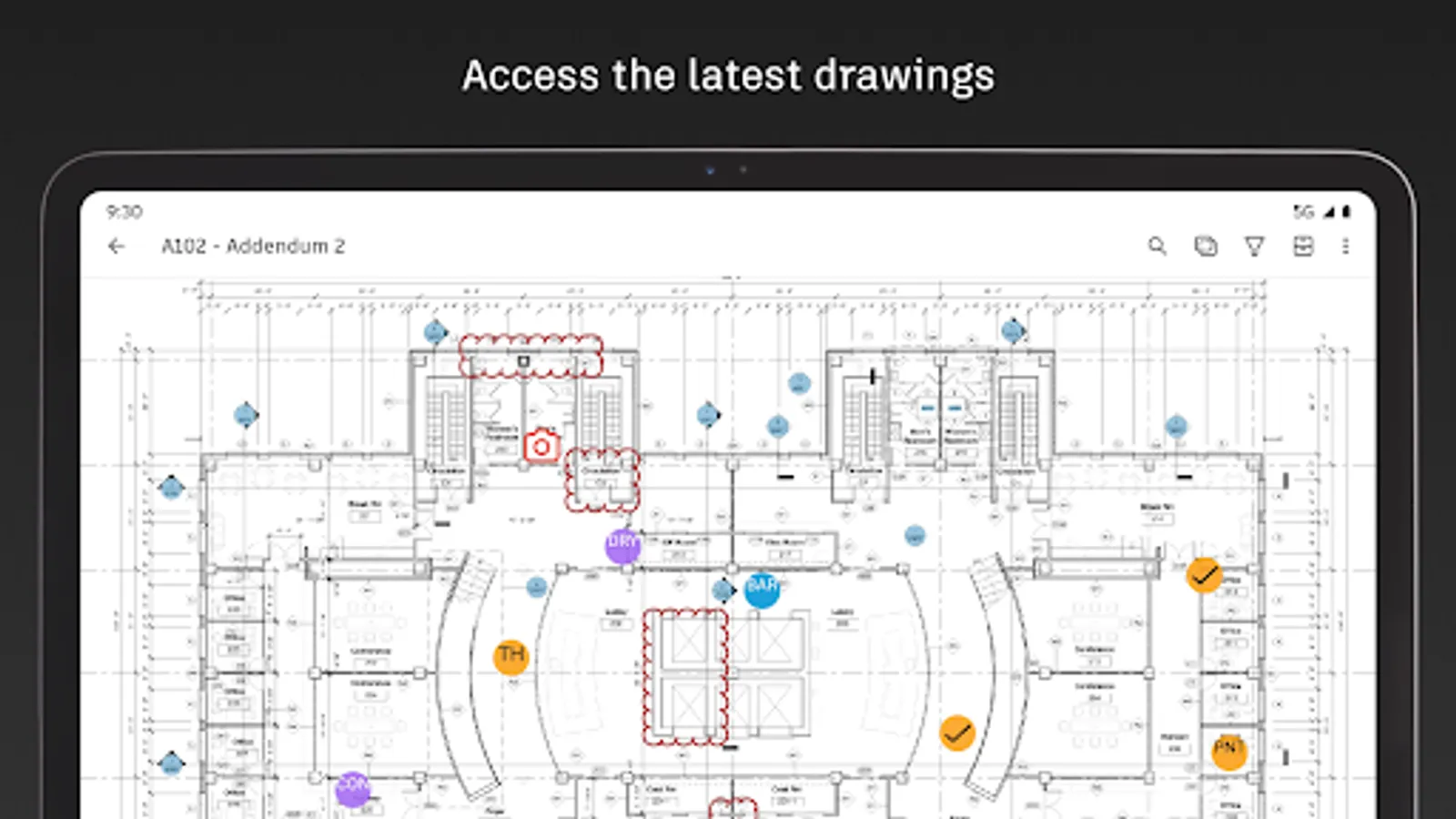
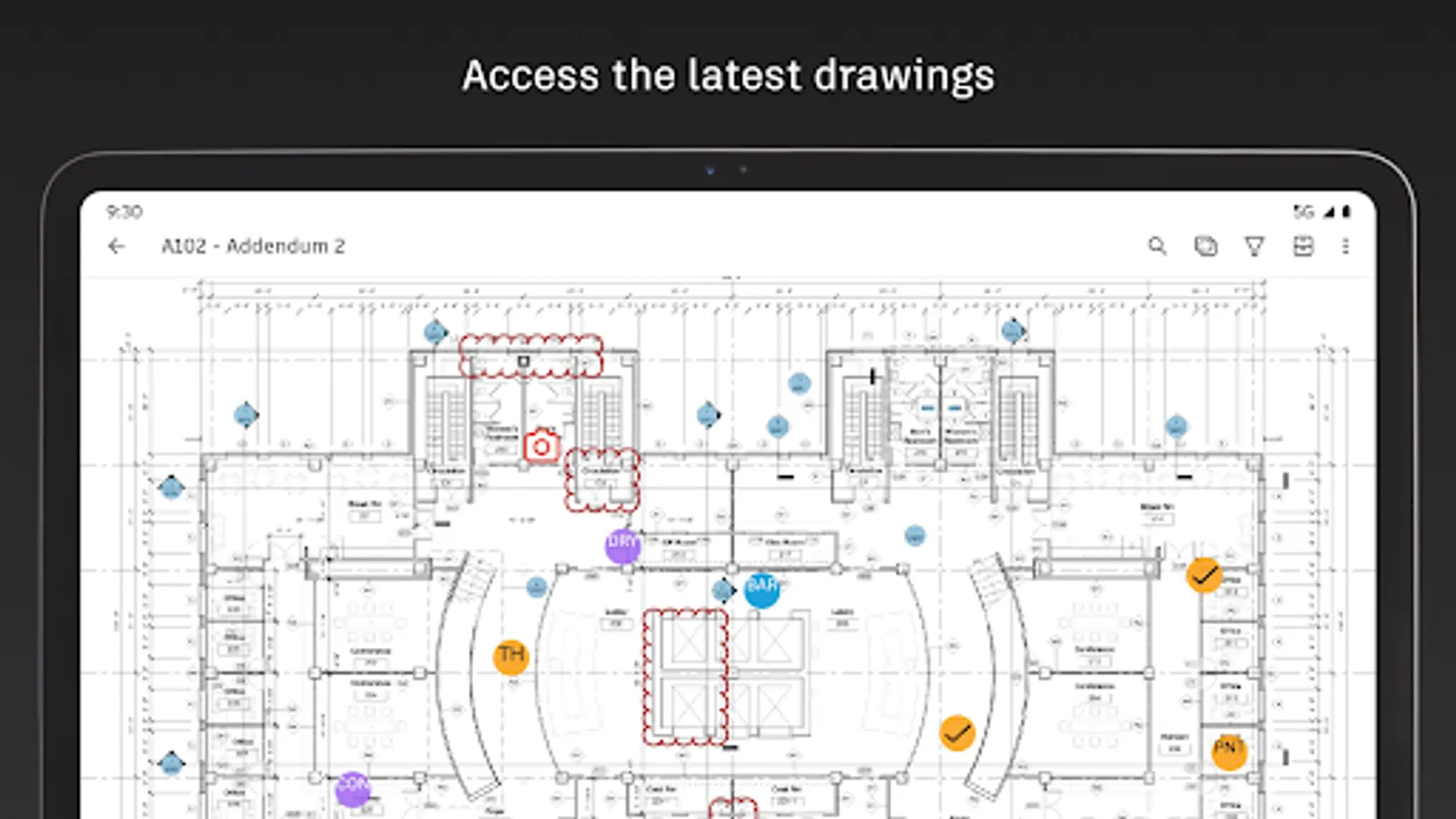
Quickly access the latest drawings and shared plans with quick downloads and dynamic search. Compare, share, and markup sheets directly from the field to take the guesswork out of installation.
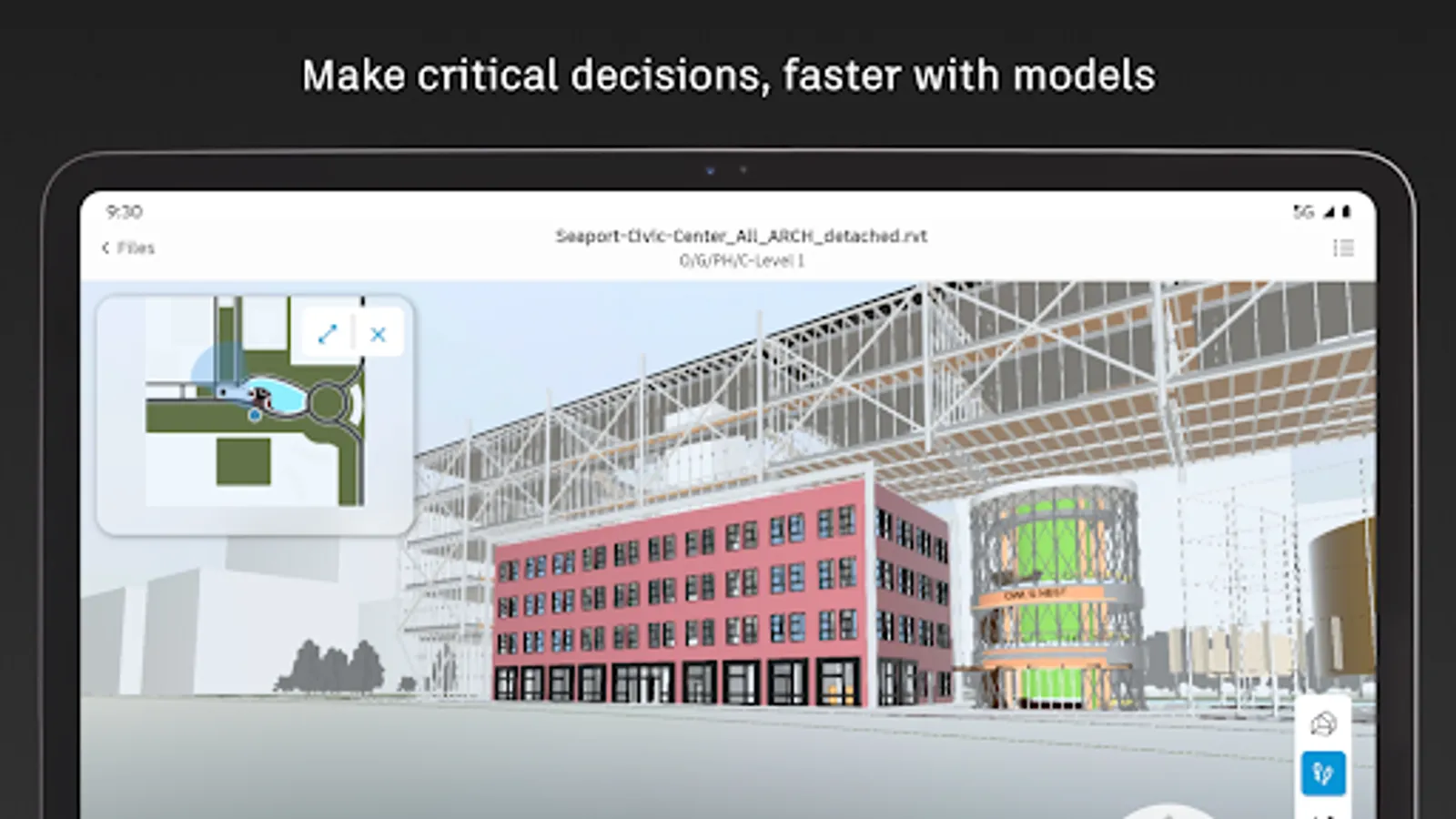
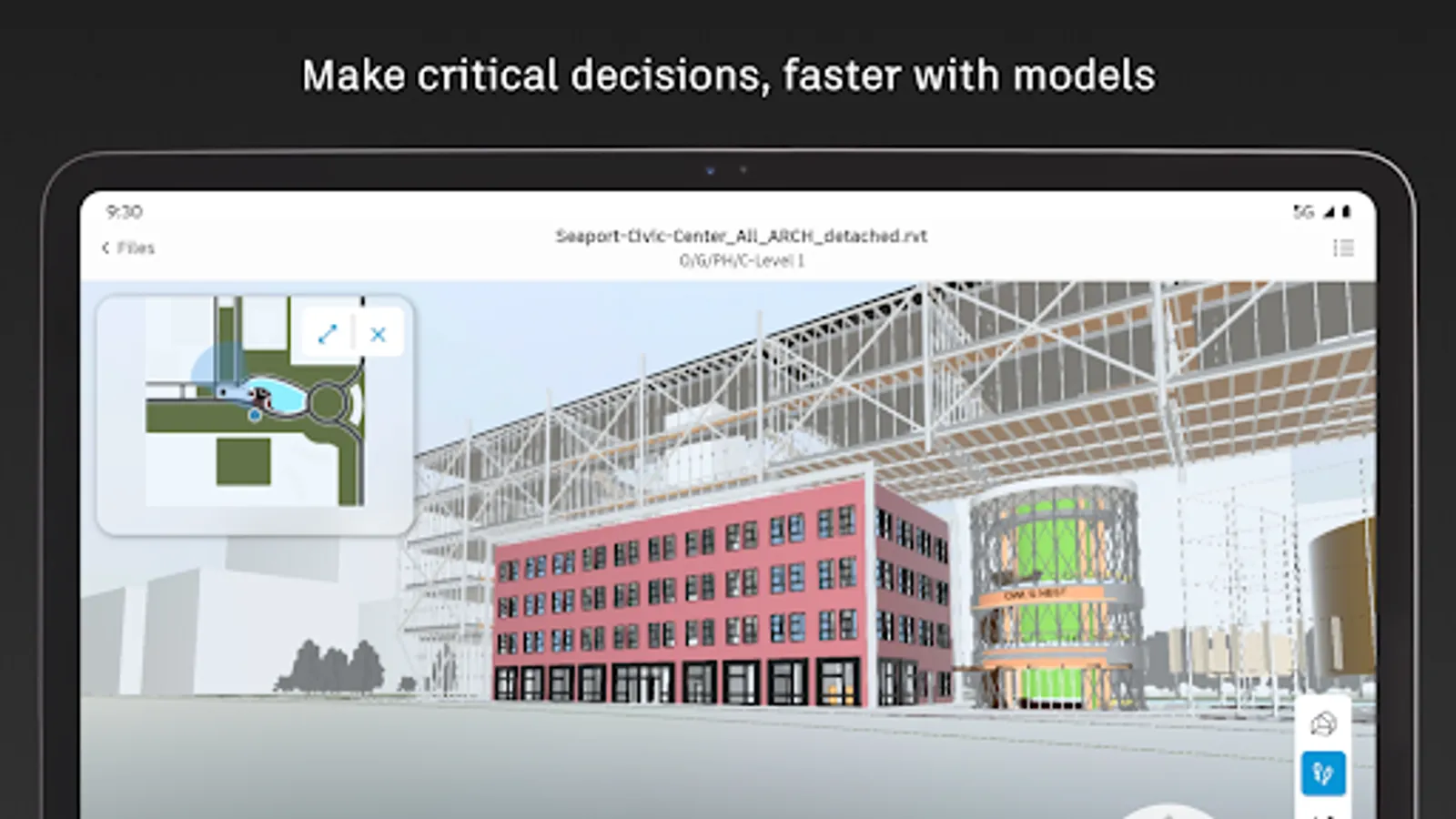
+ Models
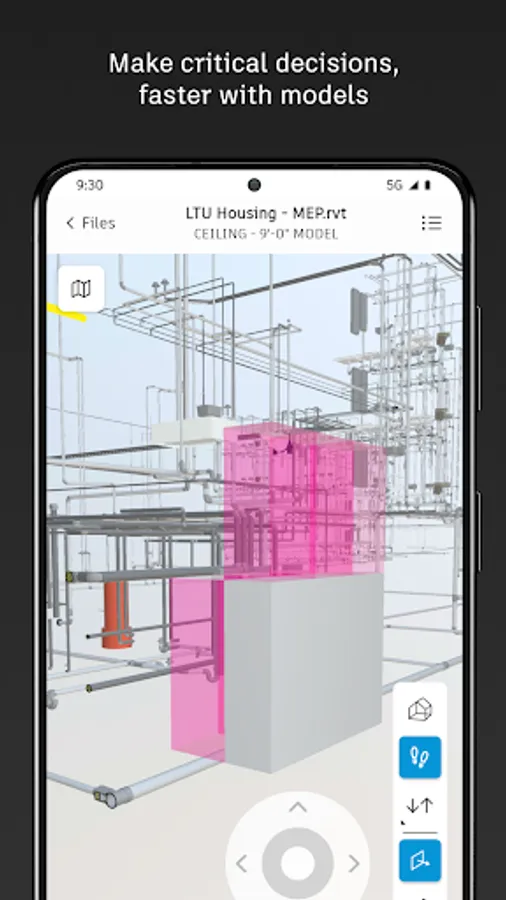
Make critical decisions faster with access to 3D models in the field. View installation details and effortlessly navigate single or multi-trade models to build with confidence. Supports Revit and AutoCAD file types and many more including RVT, DWG, NWC, IFC, NWD.
QUALITY CONTROL
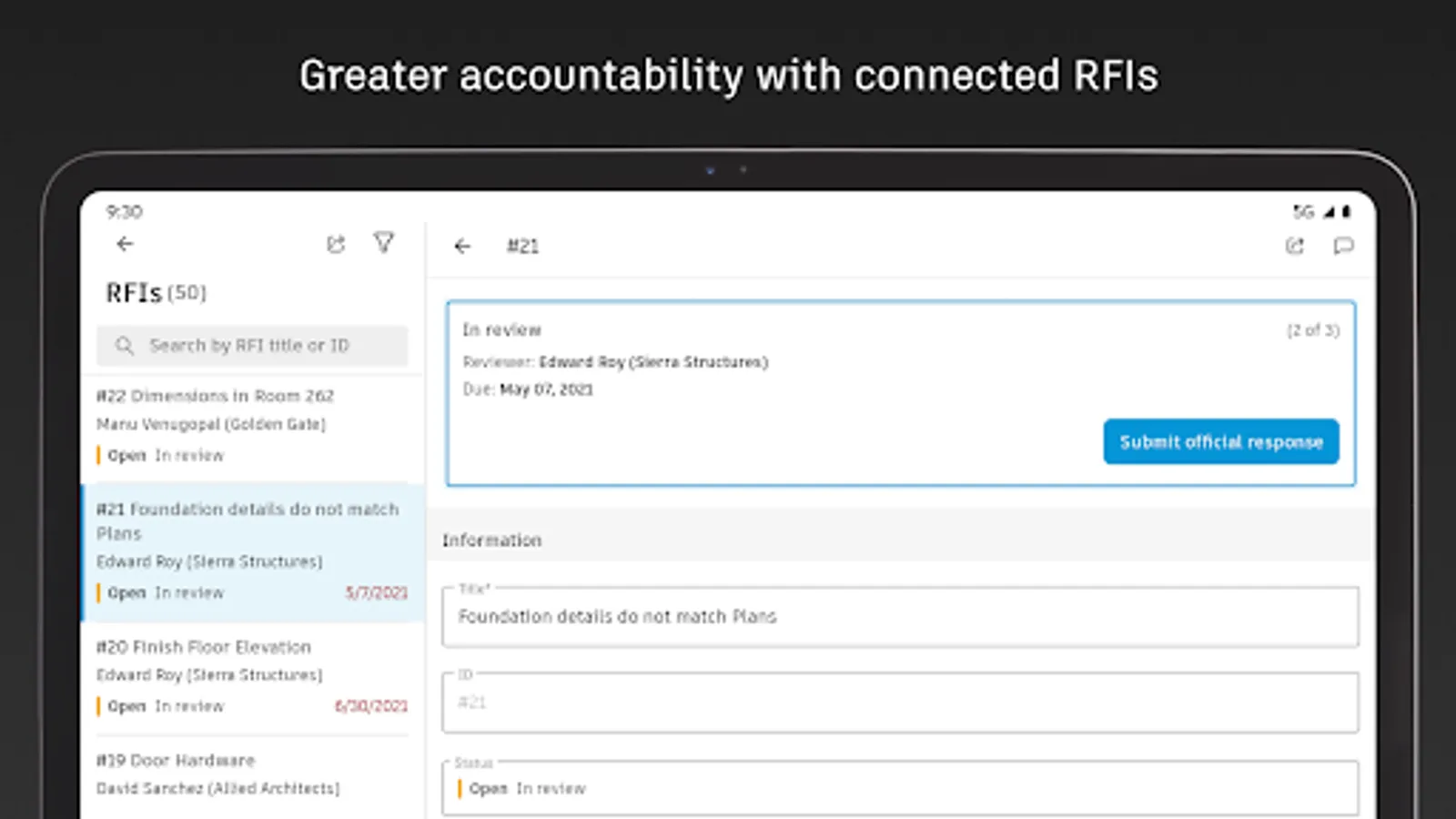
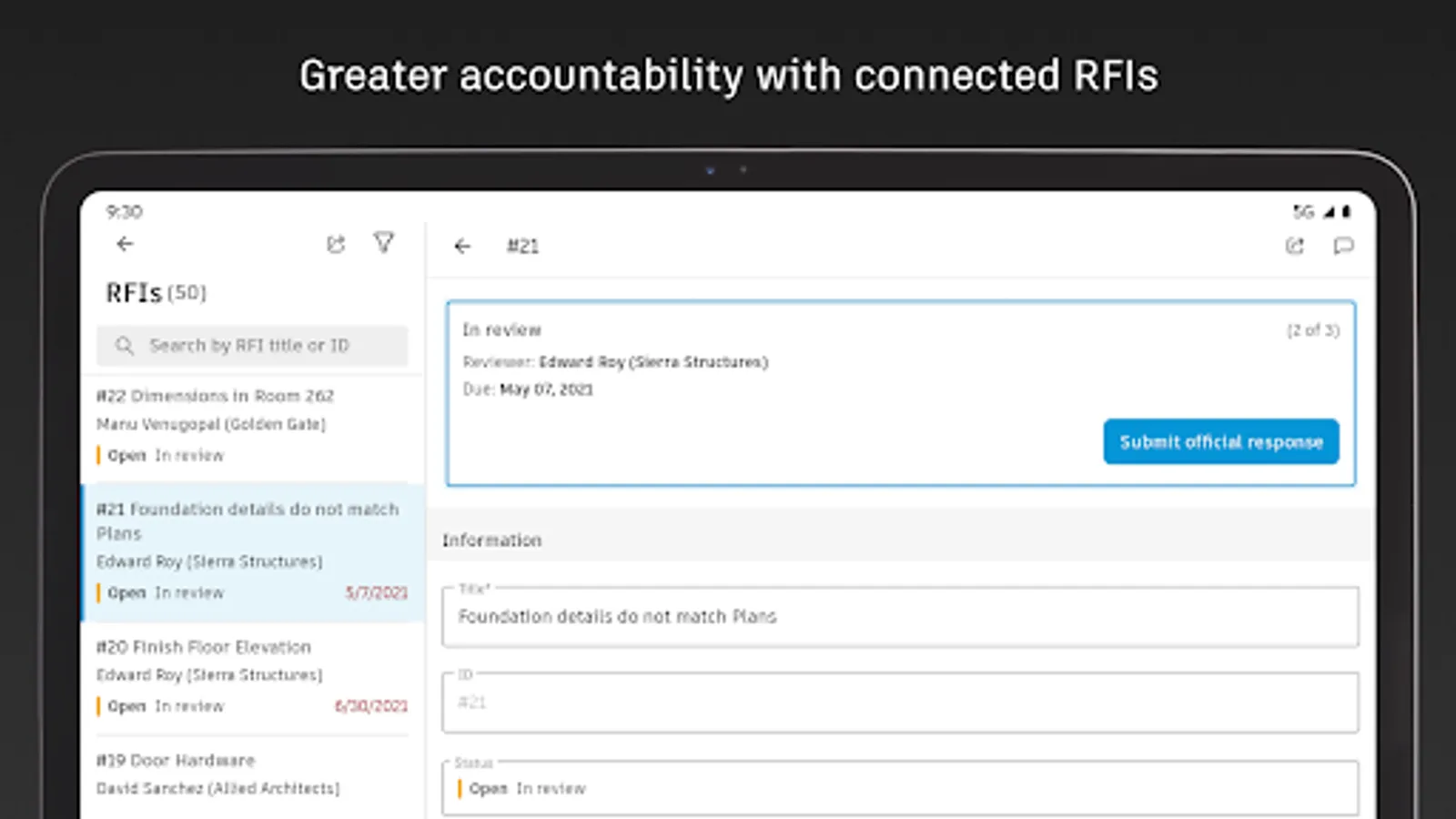
+ RFIs
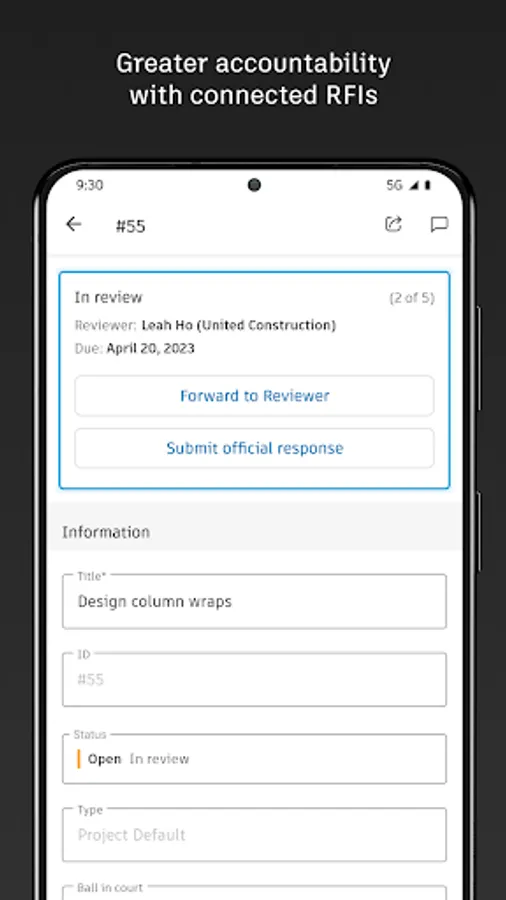
Reduce the risk of data loss with seamless RFI management. Connect RFIs across the project lifecycle to cut down on duplicate work.
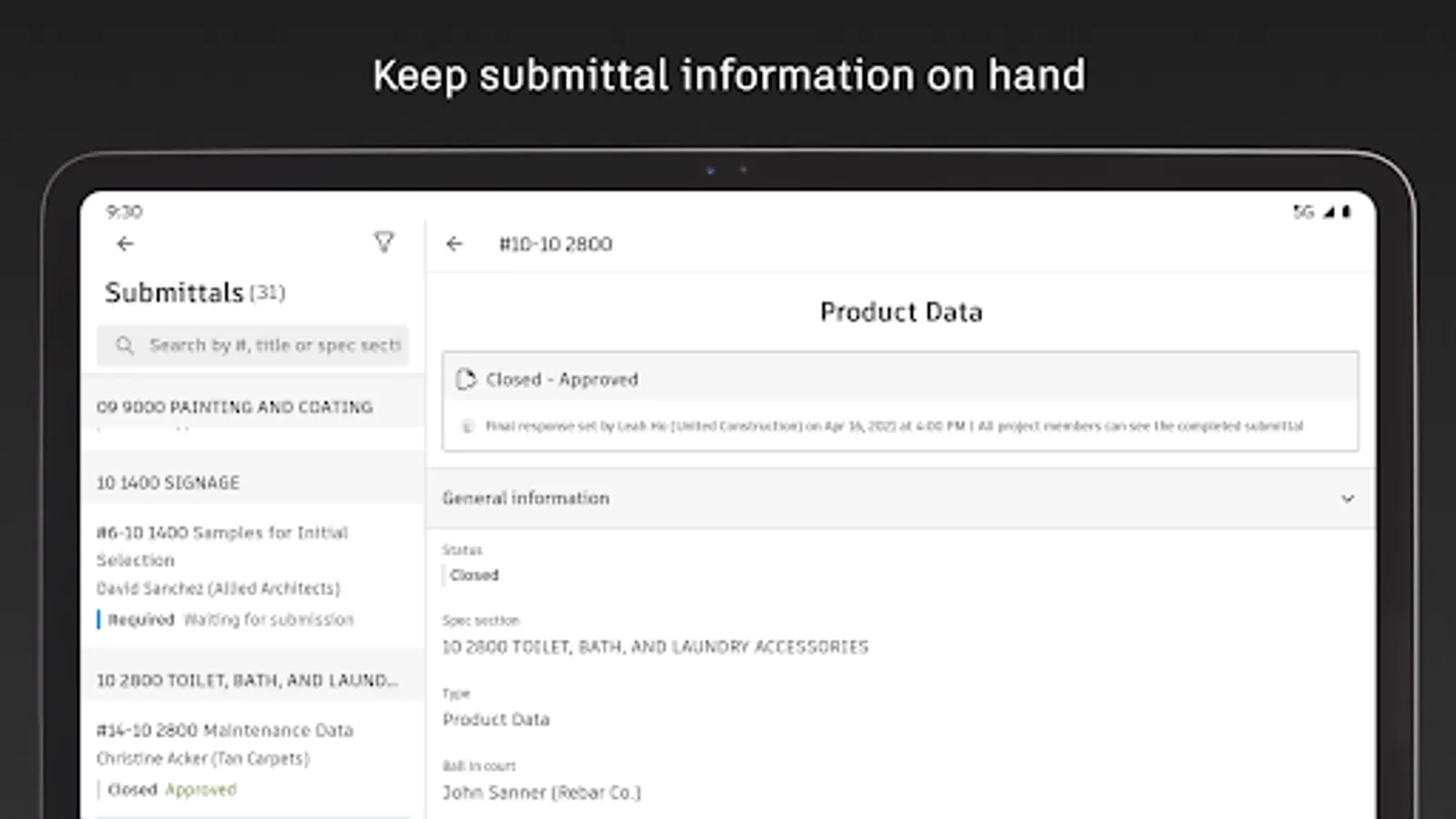
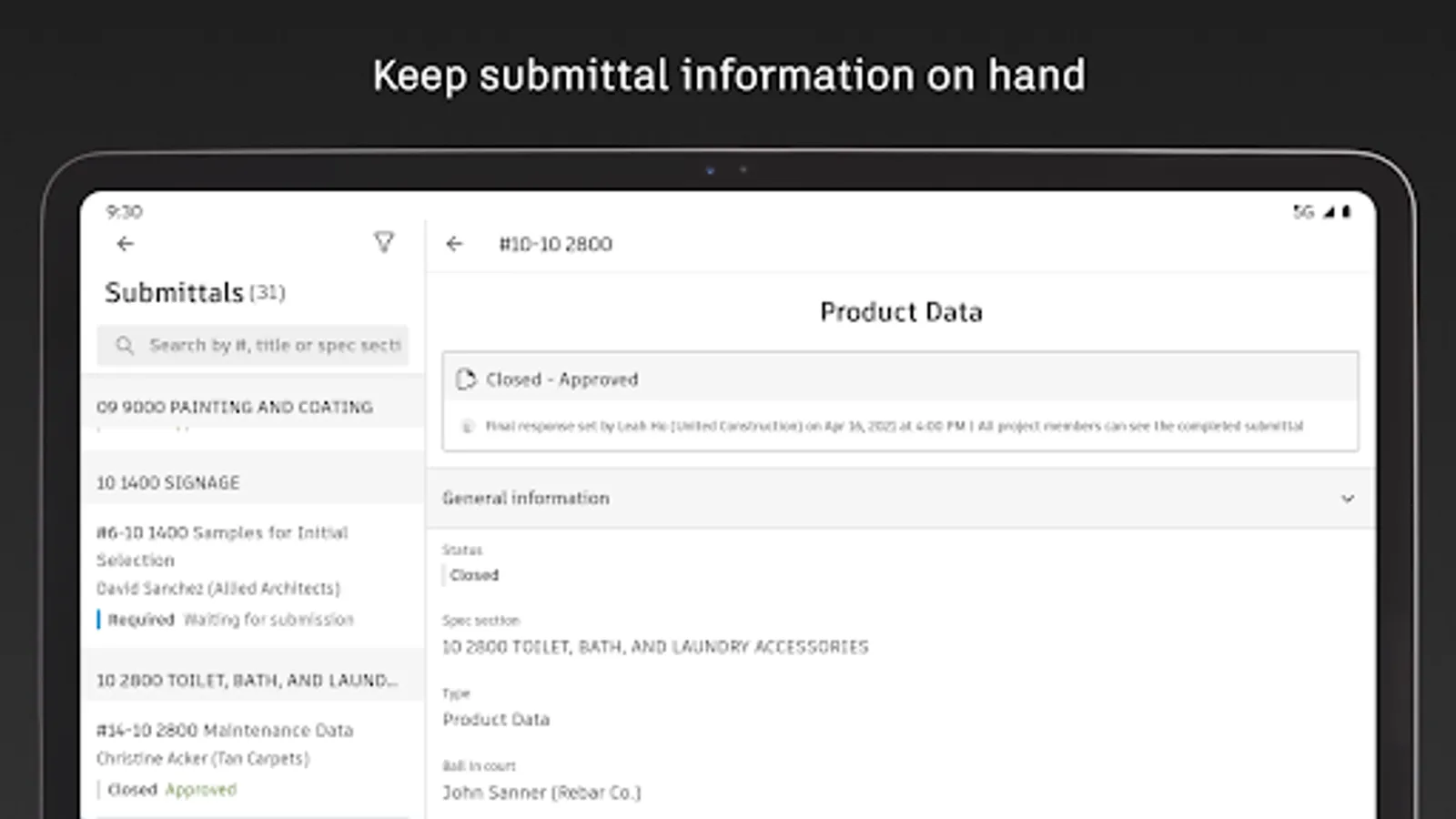
+ Submittals
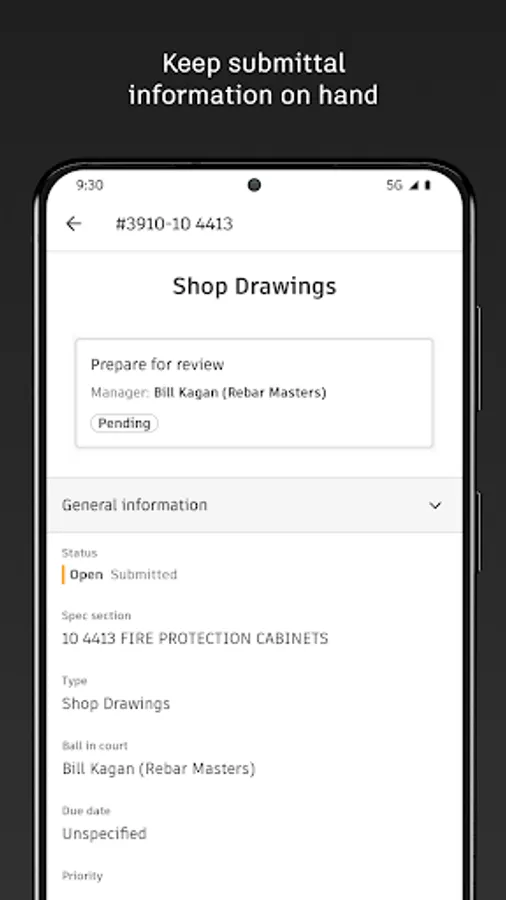
Keep all relevant submittal information on hand. With search, quickly find the necessary submittal to view progress and next steps.
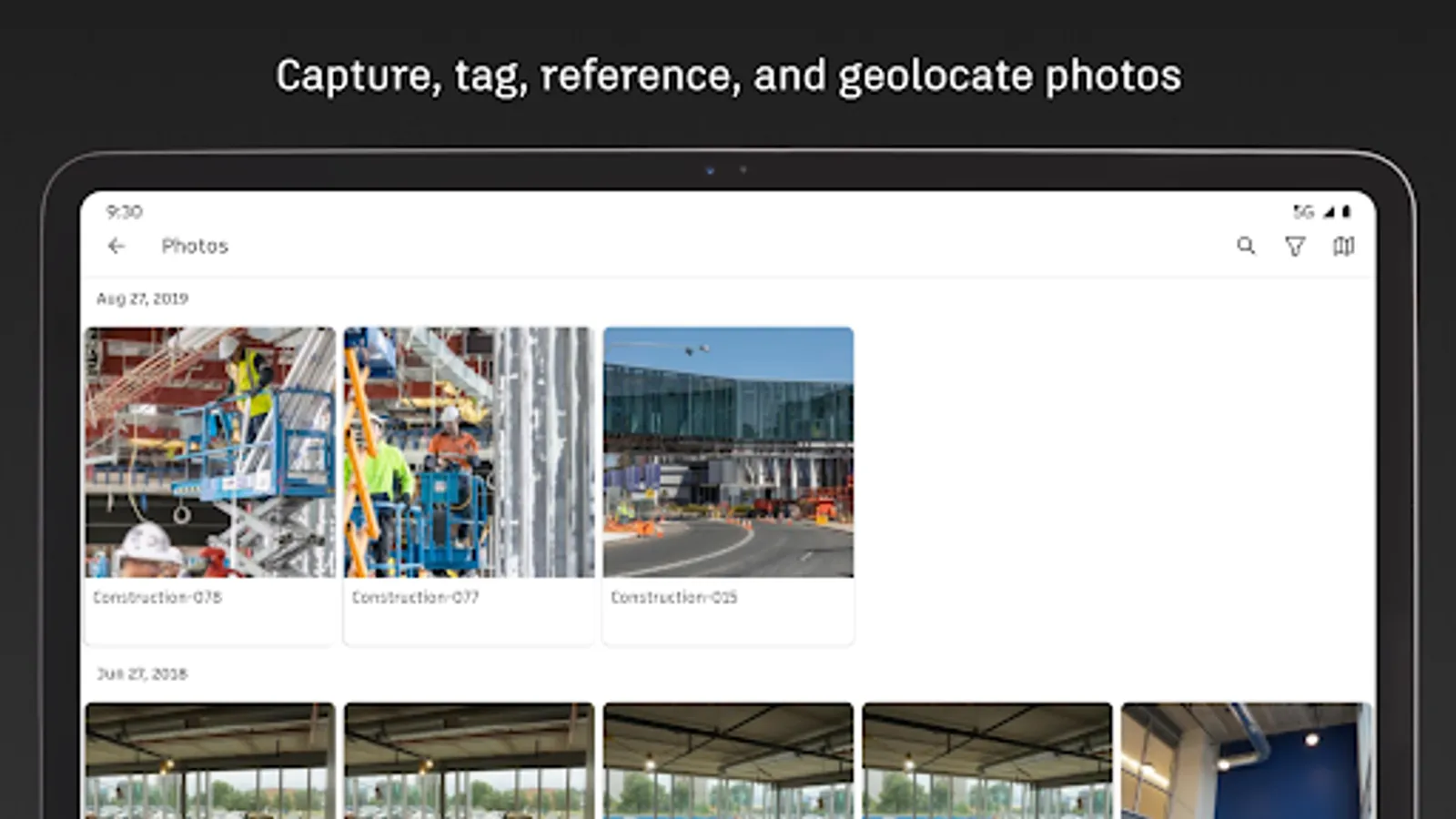
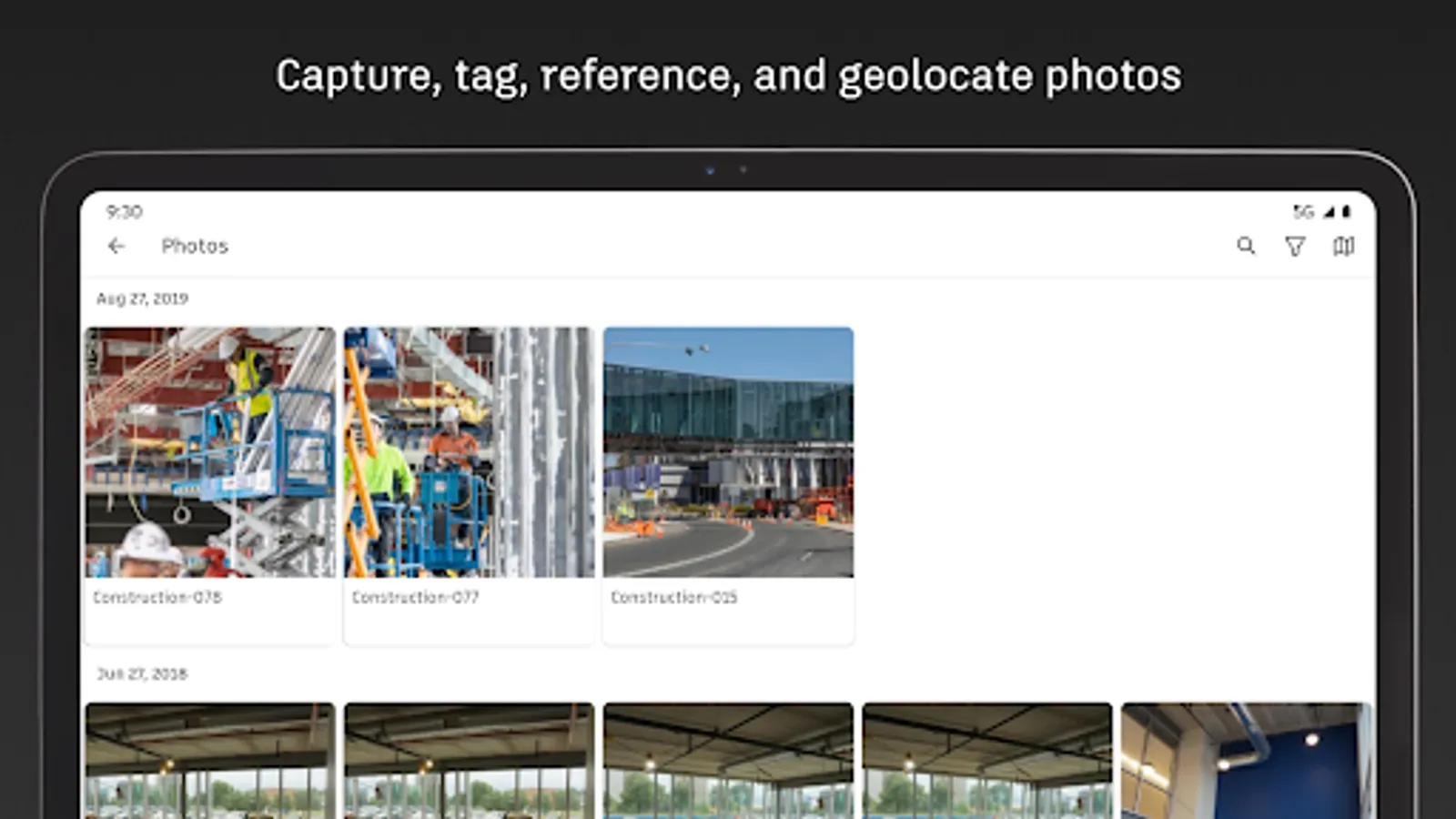
+ Photos
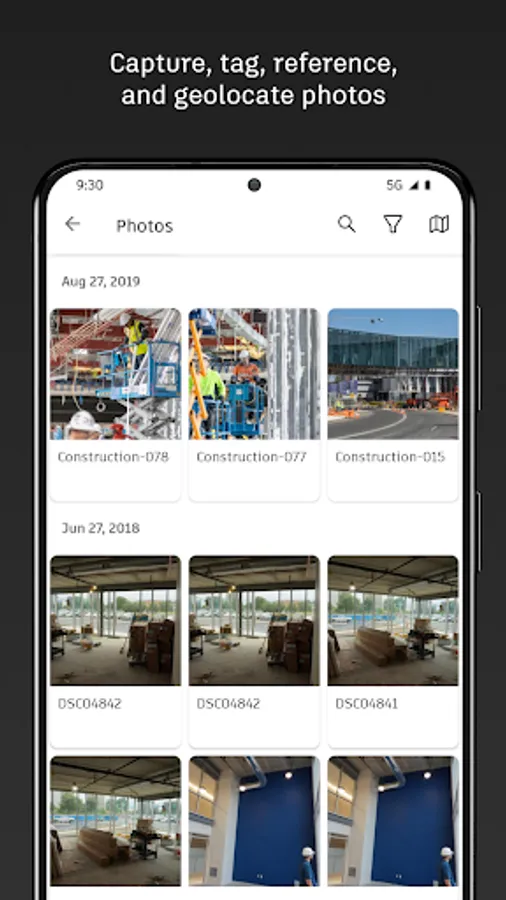
Use photos to track progress and add references to issues, RFIs, schedule activities, and more. With autotags and filters, quickly find the photo you need.
See what our customers say:
“The ability to access 3D models from the field eliminates confusion and allows us to come to a real-time resolution for any issues onsite. This capability reduces risk and provides cost and time savings while ensuring we deliver high-quality projects to our clients.”
Briana Mitchell, Project Manager, Boldt Company
“We have about 460 field employees and for them to access documents in real-time directly on their iPhone or their iPad is priceless.”
Ken Mabe, Director of Field Operations, Eckardt Group
“I’m excited about being able to effortlessly tag a snippet from a drawing onto an RFI and immediately assign responsibilities and track how the project team interacts with a particular issue or RFI. The ability to track an issue’s progression in real-time helps us manage any roadblocks immediately.”
Amy Kozlowski, Project Manager, Herrero Builders
Autodesk Construction Cloud Screenshots
Tap to Rate:
Reviews for Autodesk Construction Cloud
Ismail Ibrahim
12/15/2025
Very terrible, until now can't log in using the eu data center
Jacob Bieganowski
12/11/2025
Not user friendly and so so slow!!! If you're wanting something good just get PROCORE! not optimized for phone or tablet use. finding what you want is a hassle, down loading drawings is even more of a hassle. Nothing fits to the screen, there's like a sheet document style layout that just over laps and covers useful info like a drawing name. everything is just clutter. Also it crashes so much, even on flagship android devices from Samsung.