Autodesk Vault Mobile
Autodesk Inc.
3.1 ★
69 ratings
10,000+
downloads
Free
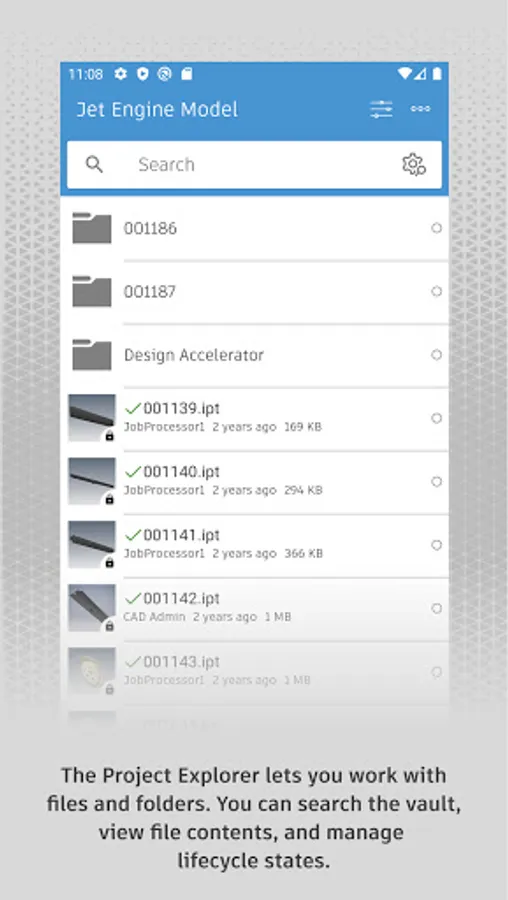
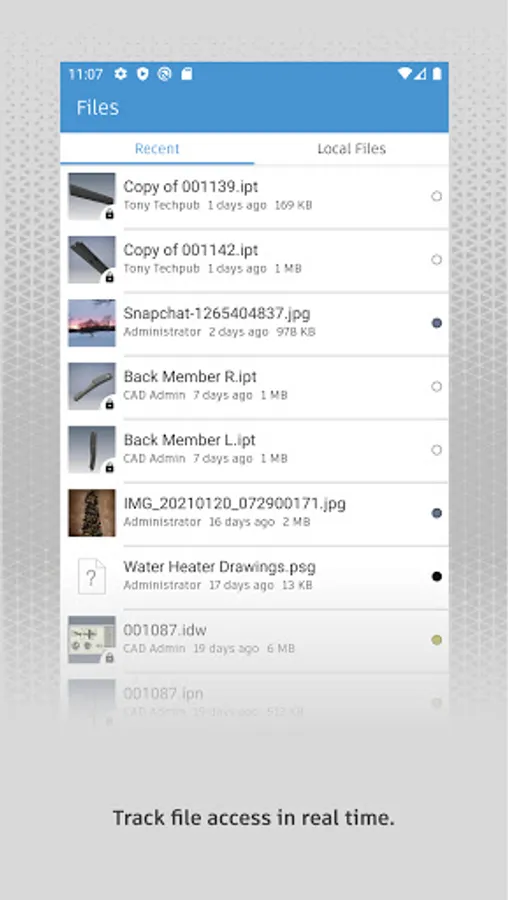
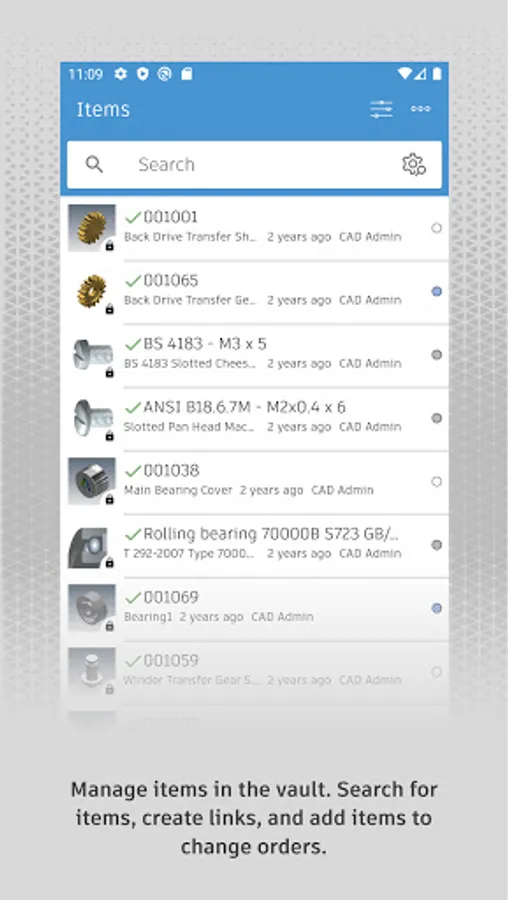
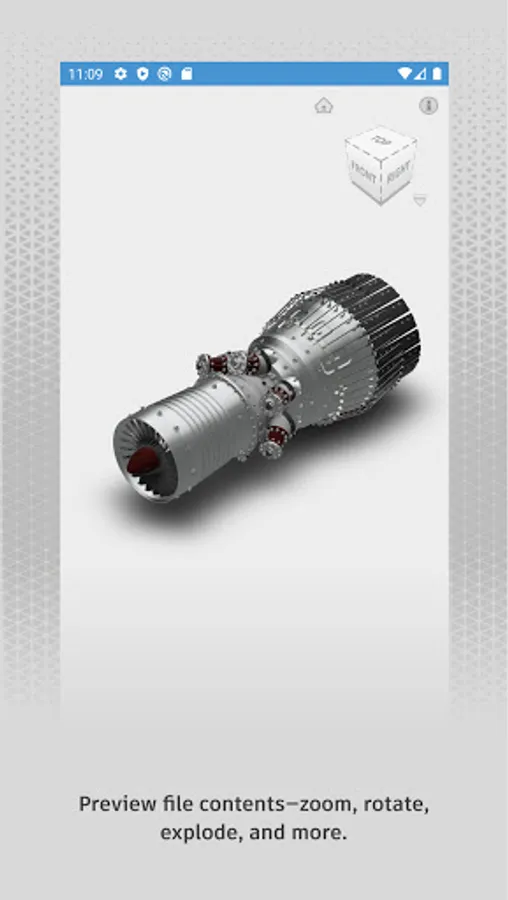
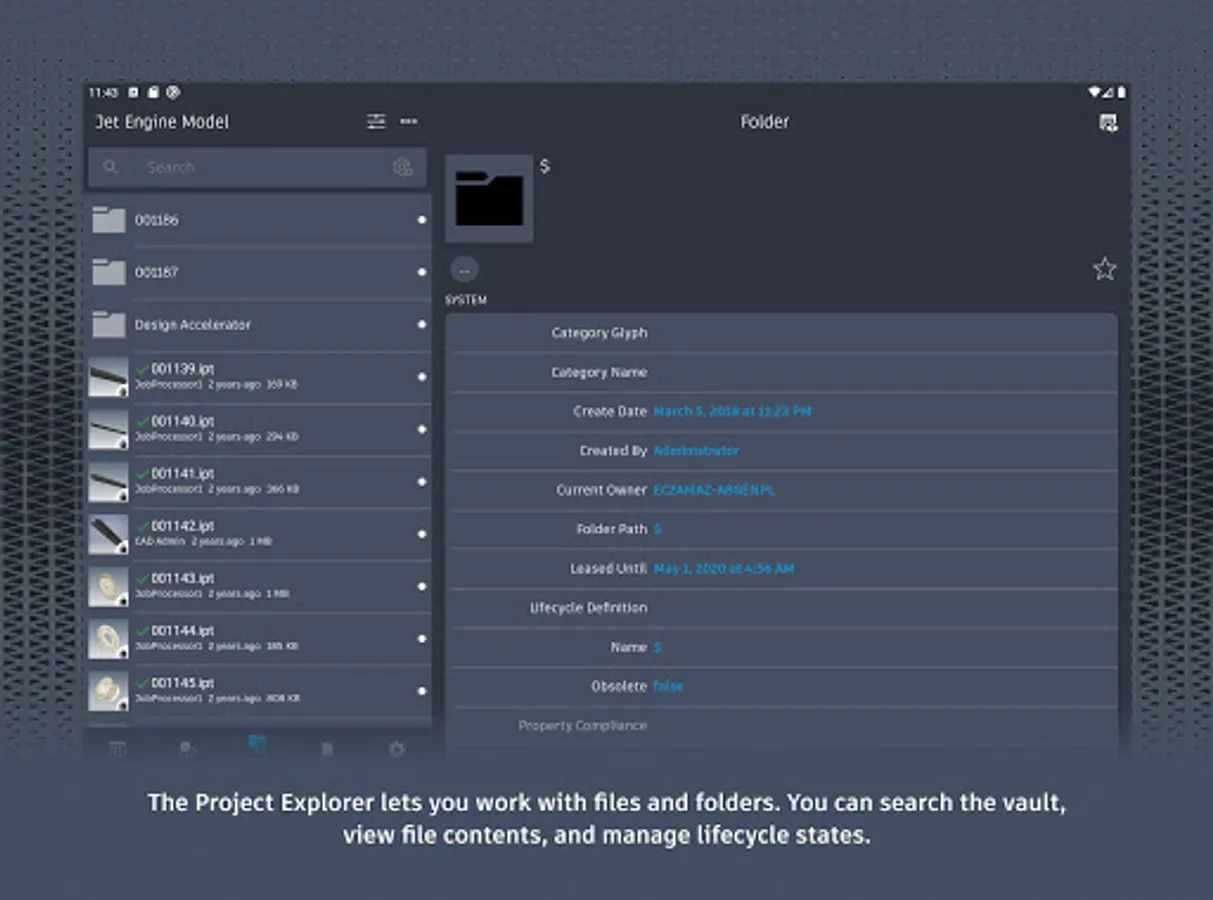
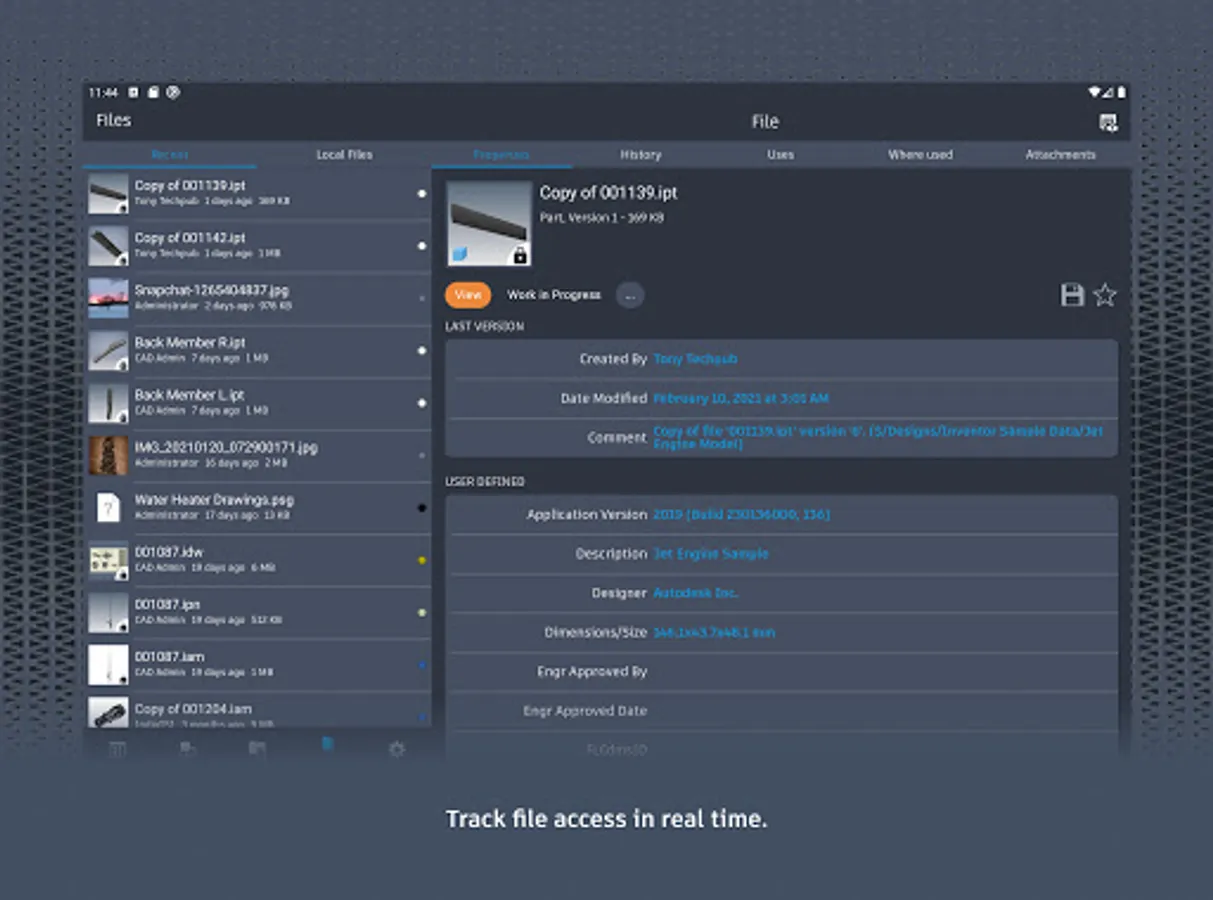
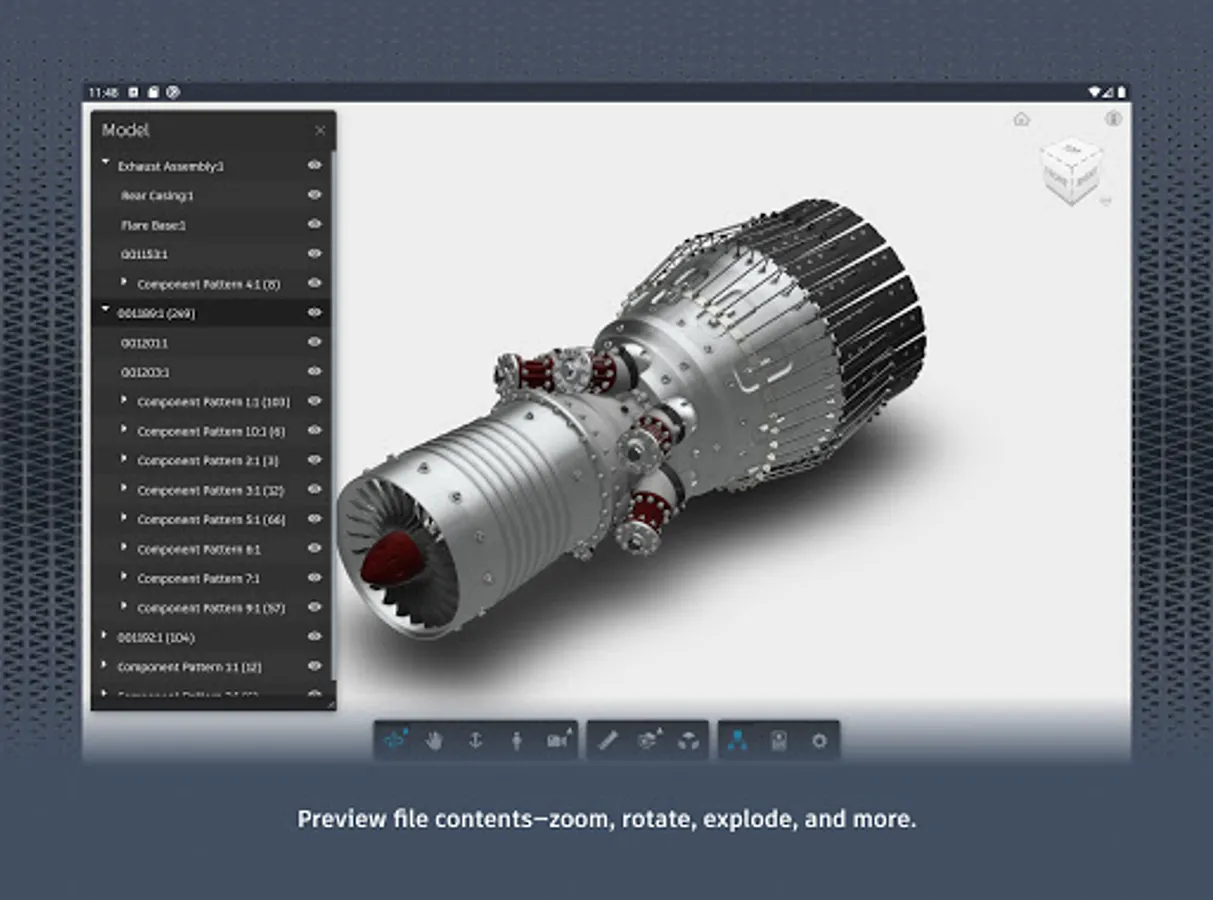
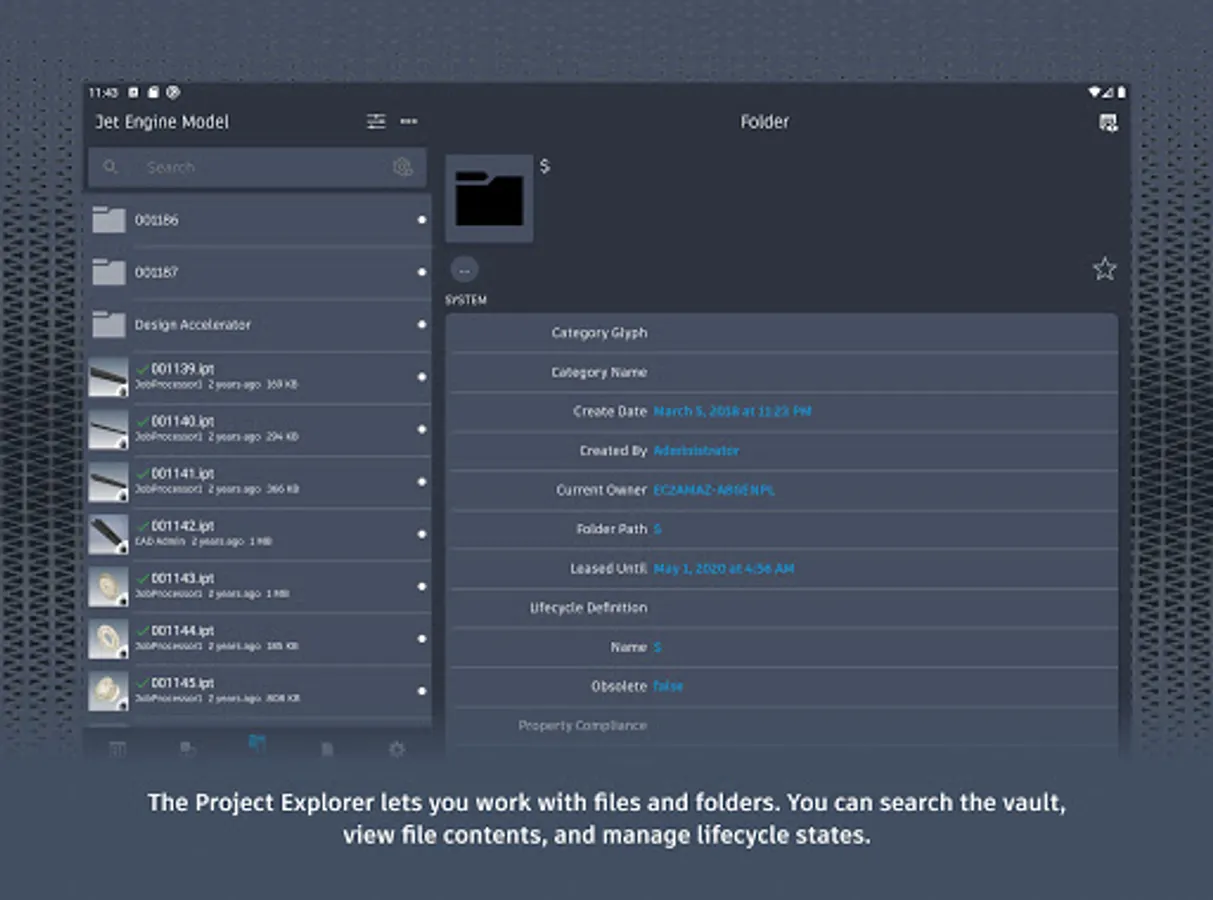
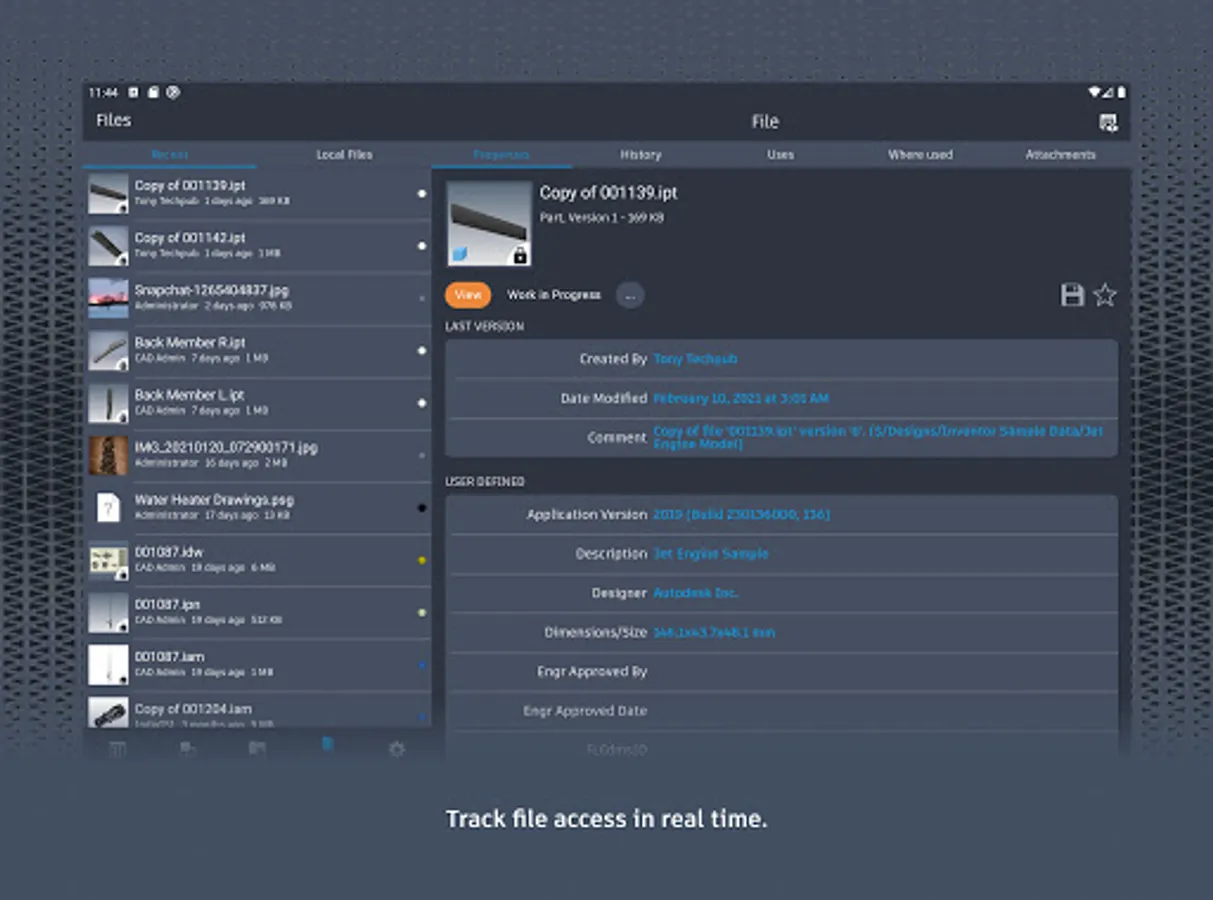
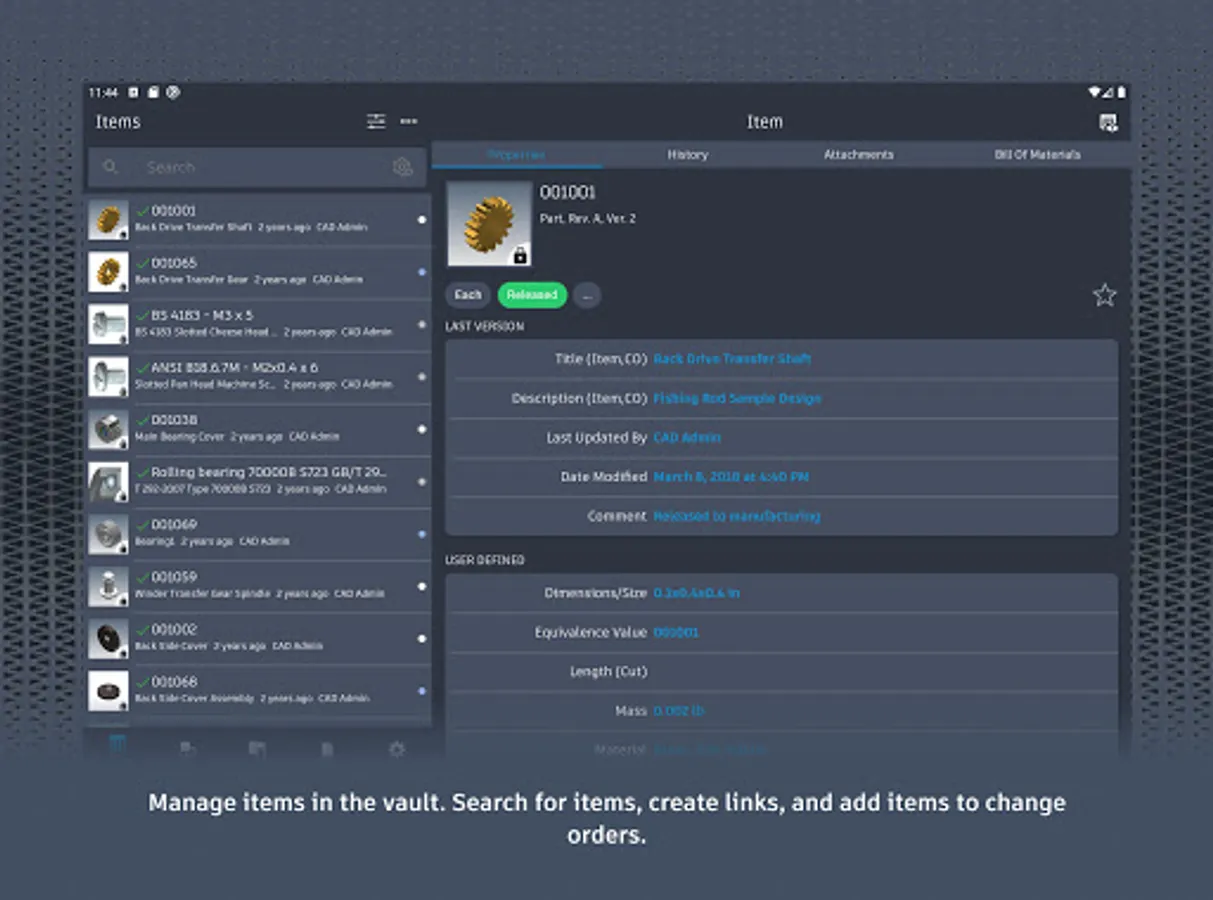
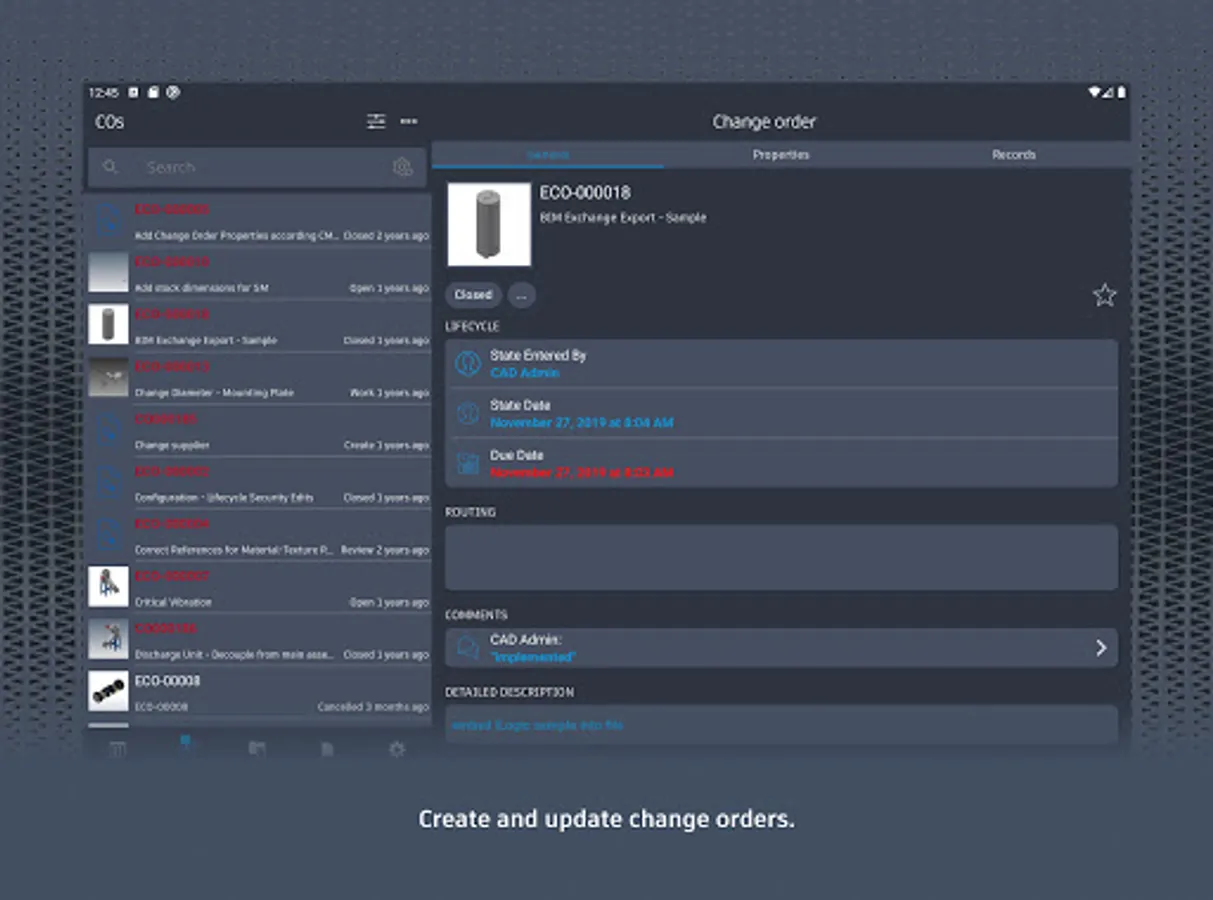
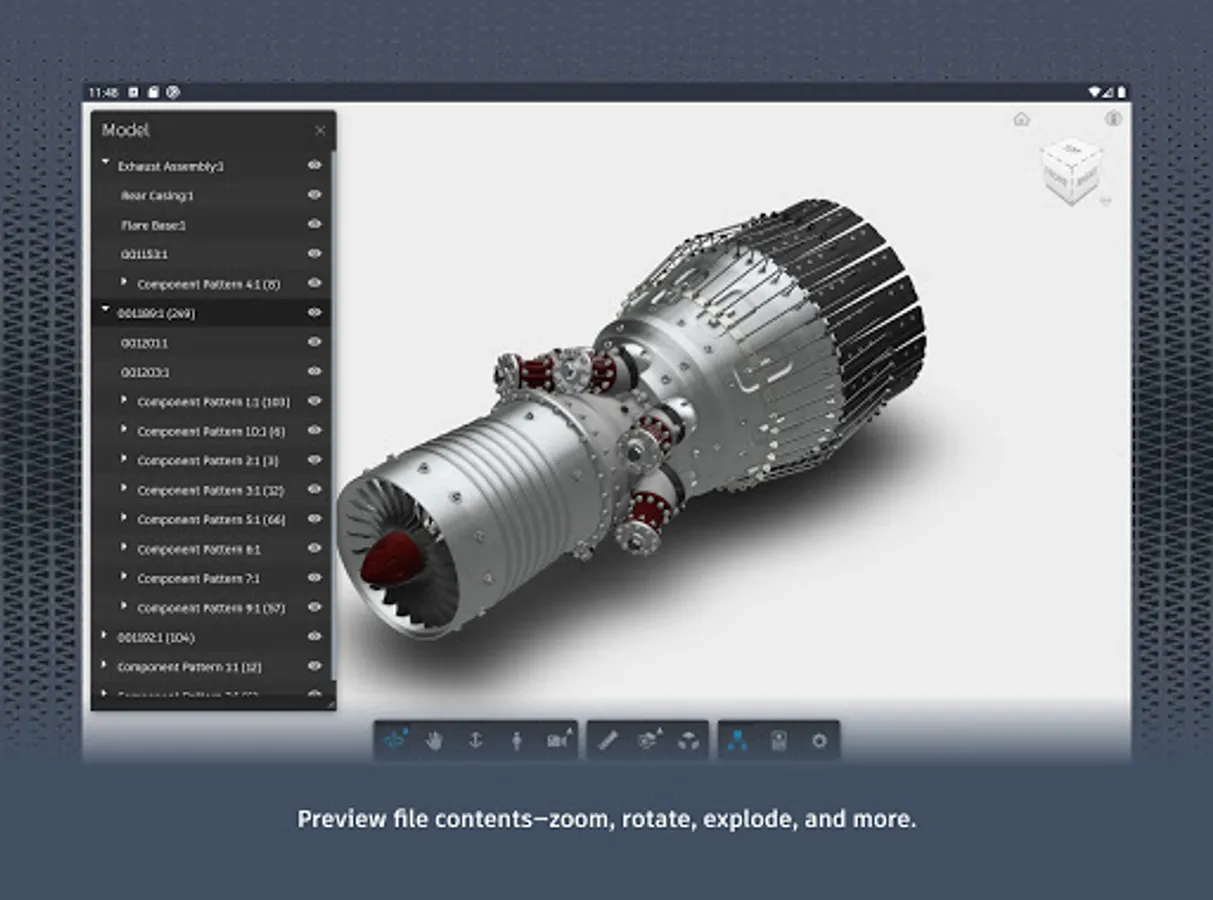
With this data management app, you can view 2D and 3D designs, check files in and out, and approve documents. Includes support for over 100 file formats, search functions, and collaboration tools.
AppRecs review analysis
AppRecs rating 3.1. Trustworthiness 82 out of 100. Review manipulation risk 20 out of 100. Based on a review sample analyzed.
★★★☆☆
3.1
AppRecs Rating
Ratings breakdown
5 star
42%
4 star
8%
3 star
8%
2 star
0%
1 star
42%
What to know
✓
Low review manipulation risk
20% review manipulation risk
✓
Credible reviews
82% trustworthiness score from analyzed reviews
⚠
High negative review ratio
42% of sampled ratings are 1–2 stars
About Autodesk Vault Mobile
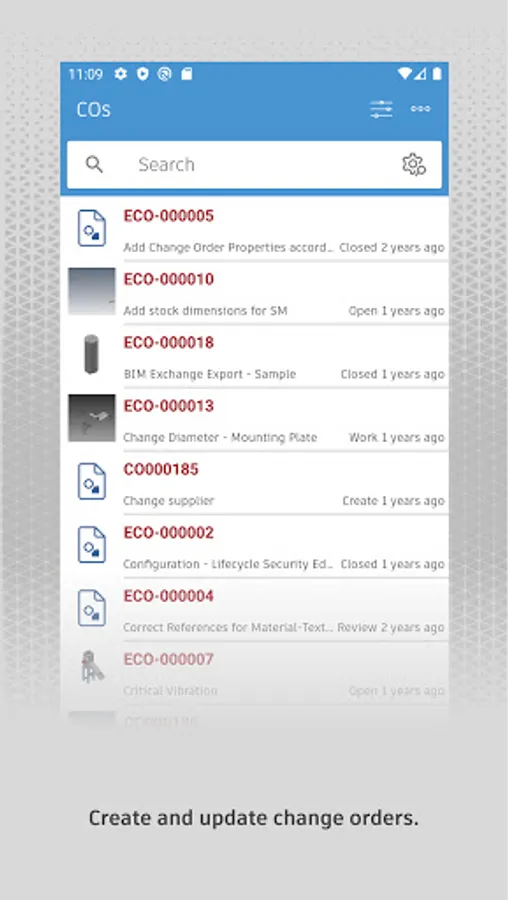
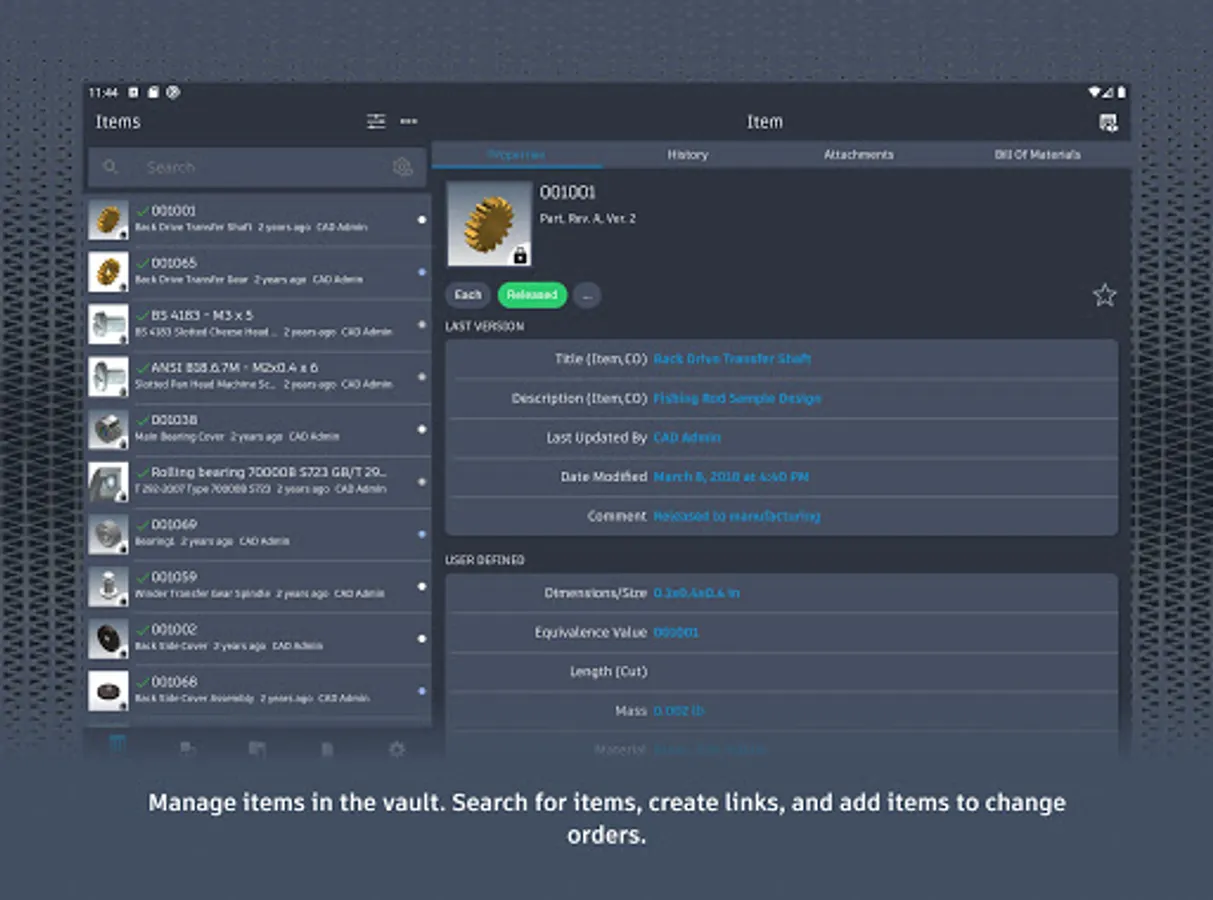
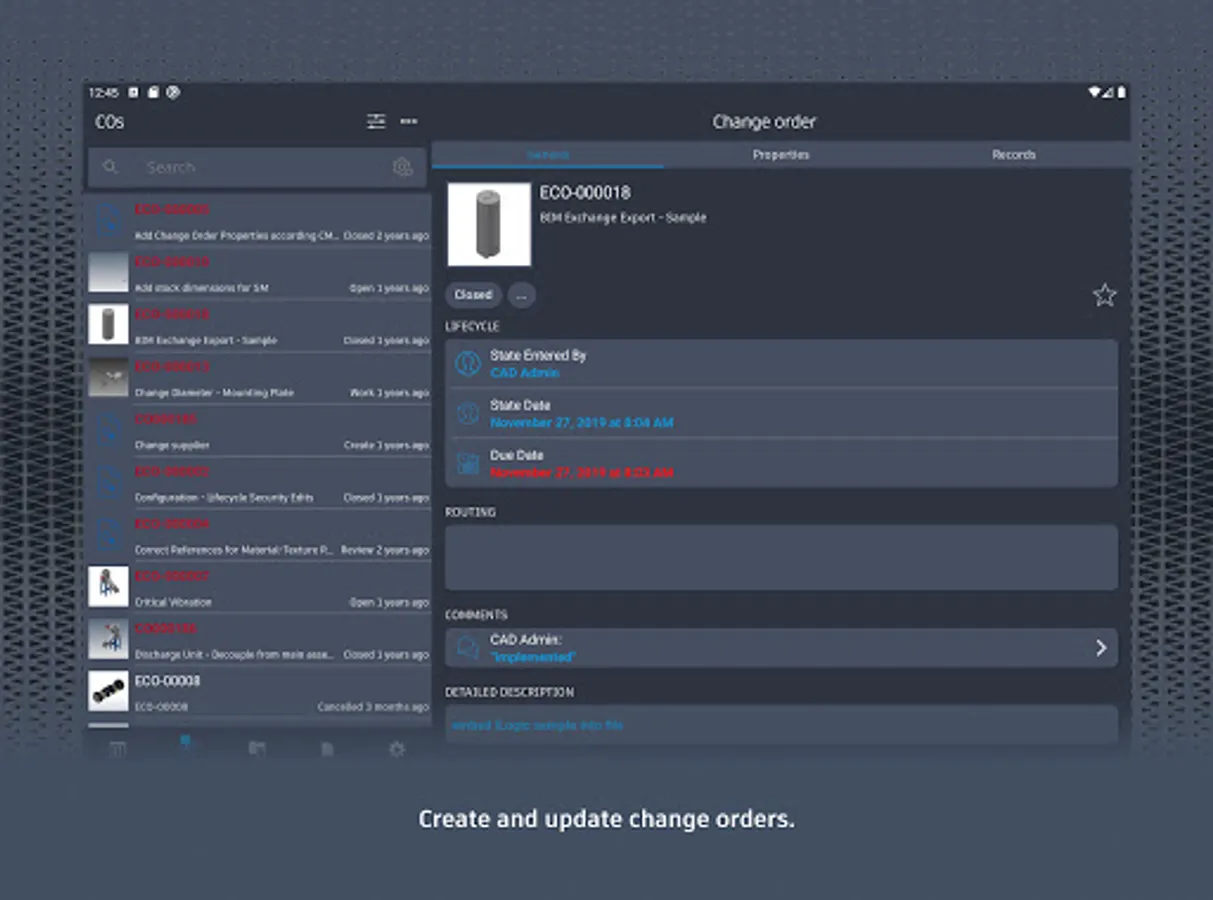
Autodesk® Vault for Android allows you to work with your design and engineering data on your mobile device. You can use the Vault mobile app to view 2D and 3D designs, check non-CAD files in and out, approve and sign documents, create and participate in change orders, perform QR, barcode, simple and extended data searches, and more. Supporting over 100 file formats, the Vault mobile app makes it easy to stay up to date on your projects and collaborate with others anytime, anywhere.
The mobile app works in conjunction with its companion desktop product, Autodesk® Vault product data management software.
To use the Vault mobile app for Android, you will need to sign in with your Vault account information.
The mobile app works in conjunction with its companion desktop product, Autodesk® Vault product data management software.
To use the Vault mobile app for Android, you will need to sign in with your Vault account information.
Autodesk Vault Mobile Screenshots
Tap to Rate:
Reviews for Autodesk Vault Mobile
William Brooks
9/30/2025
sign in button leads to the connection settings and the create account button never loads.
Monte Goodner (MCG)
6/10/2024
Great, except I can't check in... PLEASE IMPLEMENT A CHECK IN FEATURE..