Vector Converter
OnlineConverting
2.8 ★
1K ratings
100,000+
downloads
Free
+ in-app
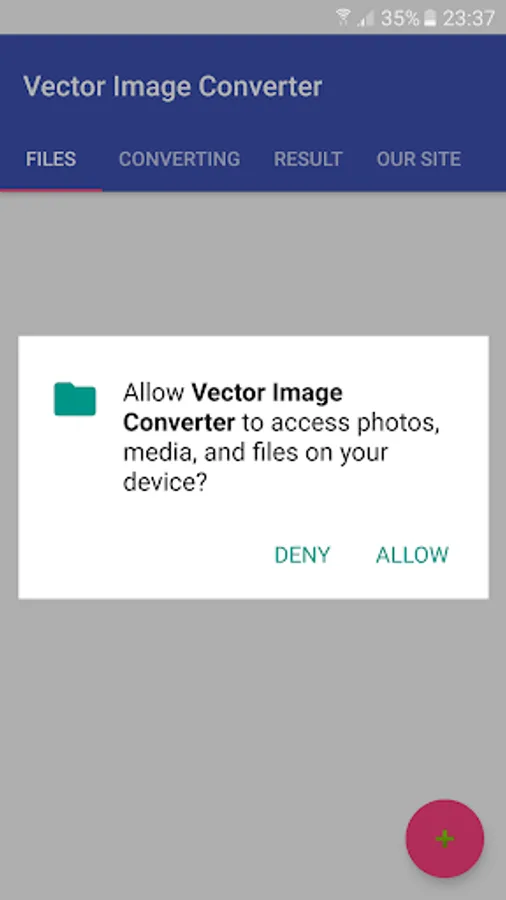
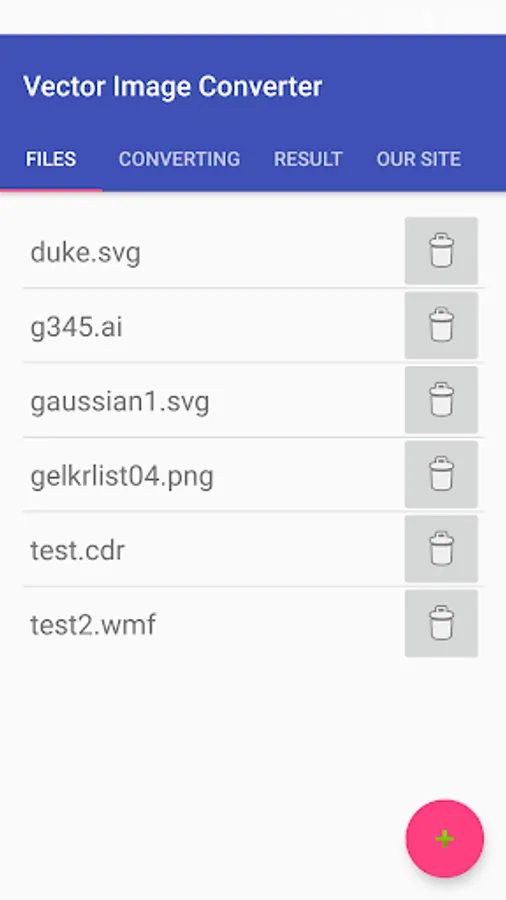
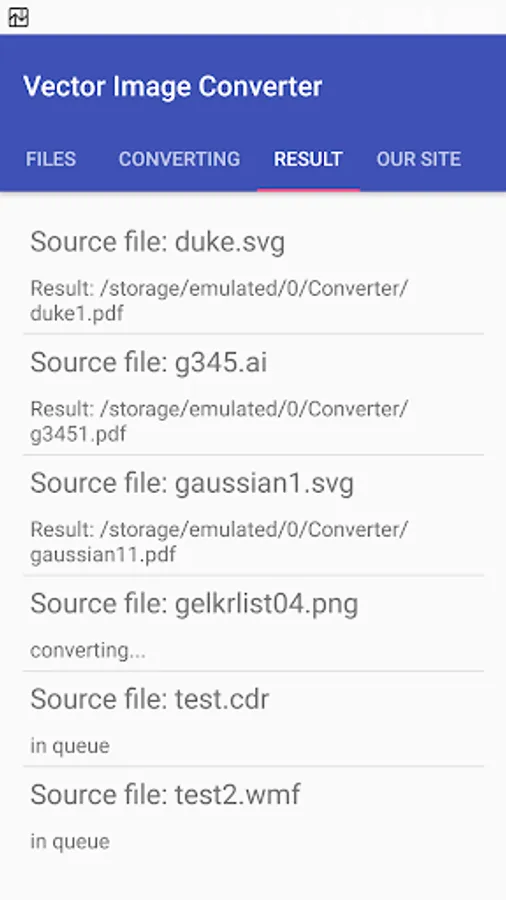
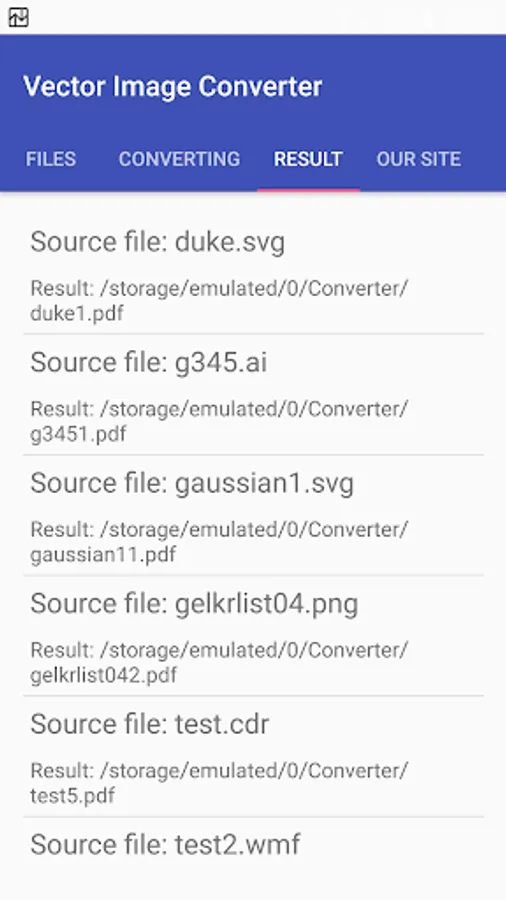
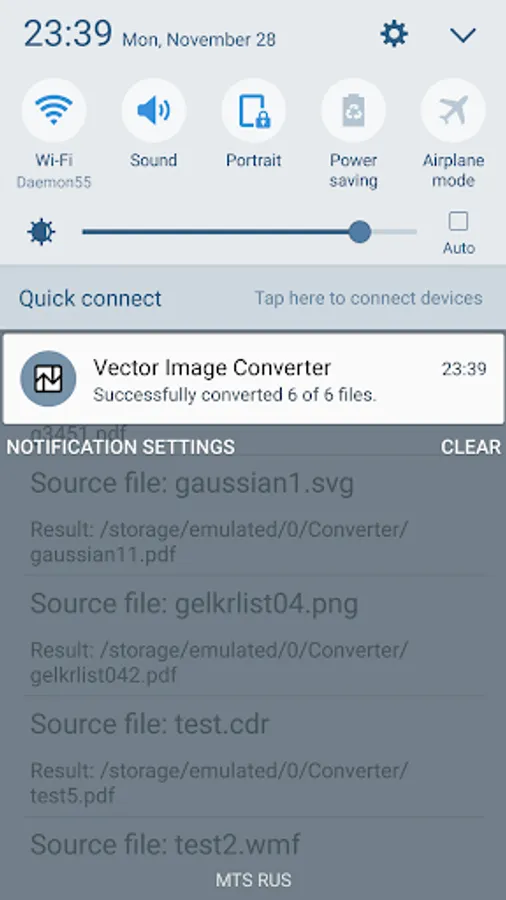
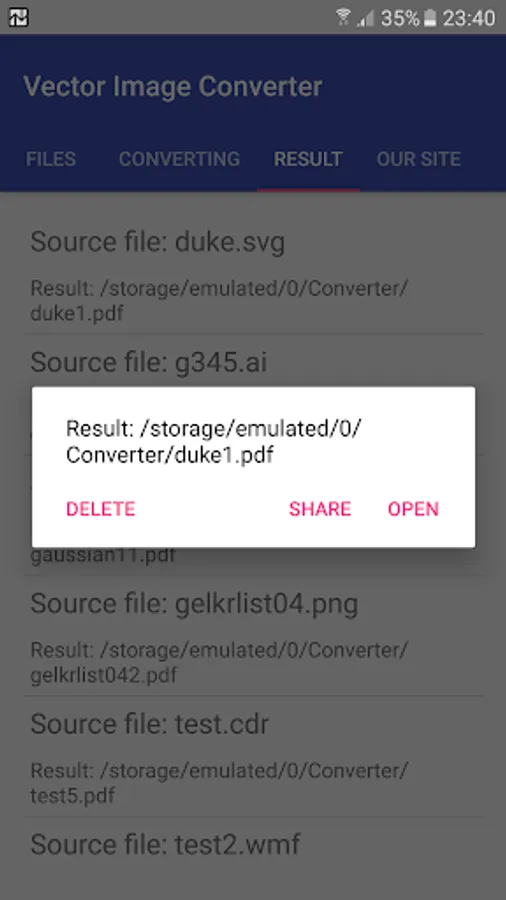
With this file converter, you can transform vector and raster images into different formats and create scalable images from raster files. Includes support for AI, SVG, PDF, PostScript, and image tracing features.
AppRecs review analysis
AppRecs rating 2.6. Trustworthiness 80 out of 100. Review manipulation risk 26 out of 100. Based on a review sample analyzed.
★★☆☆☆
2.6
AppRecs Rating
Ratings breakdown
5 star
30%
4 star
13%
3 star
6%
2 star
5%
1 star
46%
What to know
⚠
Ad complaints
Many low ratings mention excessive ads
⚠
Mixed user feedback
Average 2.8★ rating suggests room for improvement
⚠
High negative review ratio
51% of sampled ratings are 1–2 stars
About Vector Converter
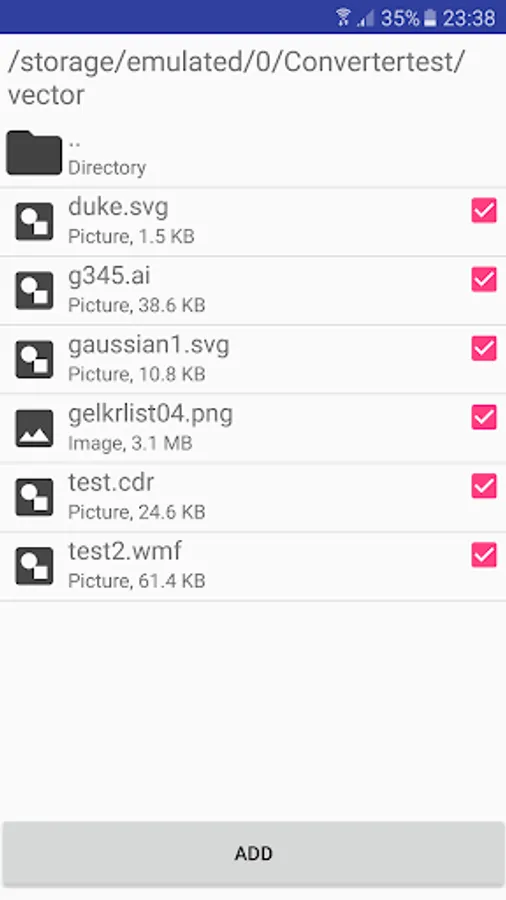
You can convert files various vector (Adobe Illustrator up to 9 ver. (AI postscript based), SVG, CGM, WMF, DXF, etc) and convert raster (JPG, GIF, PNG, BMP, etc) image formats.
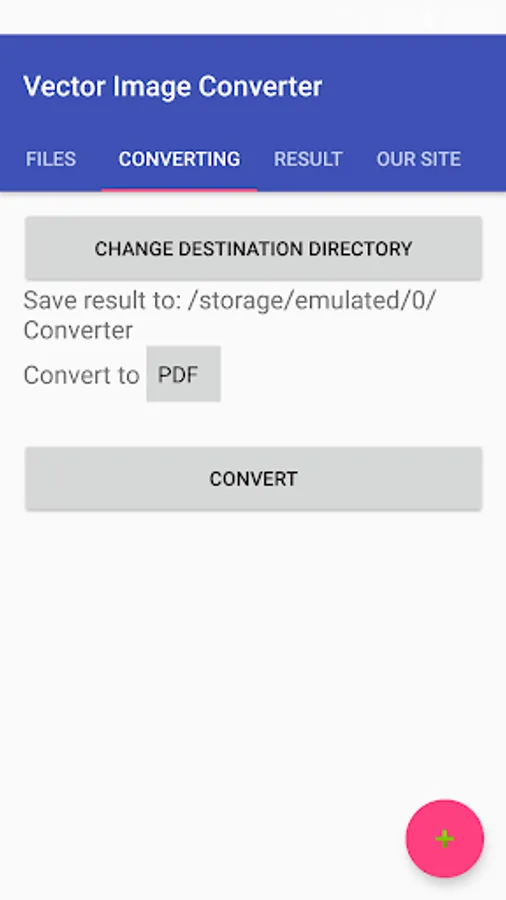
Convert to AI, SVG, CGM, WMF, SK, SK1, PDF, PS, PLT.
Vector converter for raster images is a tool for tracing a bitmap, which means, transforming a bitmap into a smooth, scalable image. A typical use is to create vector files from scanned data, such as company or university logos, handwritten notes, etc. The resulting image is not "jaggy" like a bitmap, but smooth. It can then be rendered at any resolution. For convert raster image to PDF - use my other app Free Image Converter
Convert to AI, SVG, CGM, WMF, SK, SK1, PDF, PS, PLT.
Vector converter for raster images is a tool for tracing a bitmap, which means, transforming a bitmap into a smooth, scalable image. A typical use is to create vector files from scanned data, such as company or university logos, handwritten notes, etc. The resulting image is not "jaggy" like a bitmap, but smooth. It can then be rendered at any resolution. For convert raster image to PDF - use my other app Free Image Converter